
AIHug
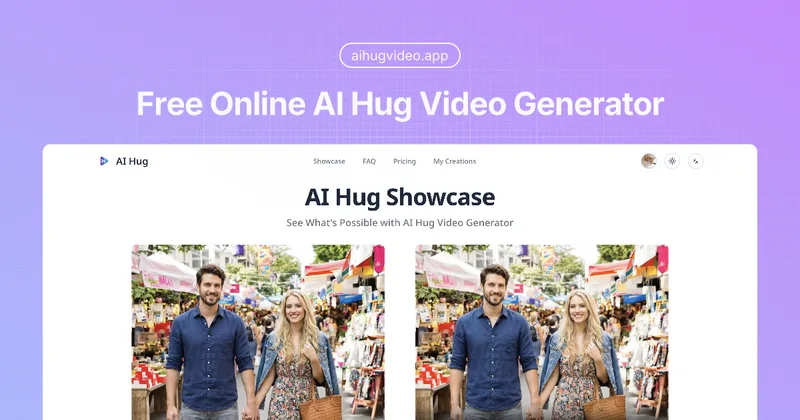
AI Hug turns photos into animated hugging videos with customizable styles and batch generation. It is aimed at personal users and professionals who want to create hug videos, including for commercial use on paid plans.
Who it's for
- People who want to turn photos into personalized, animated hug videos.
- Professionals creating AI Hug videos for commercial use, covered by the paid plans’ commercial licenses.
- Creators processing multiple photos for a video series or larger collection using batch processing.
How it fits your workflow
Provide photos to the web-based AI Hug generator and choose from its available hug video styles and effects.
Generate one or more animated hug videos. The page describes lifelike motion and expressions, emotion preservation, and batch processing for multiple videos.
Pricing
Basic
$9.90/month
- · 100 credits per month
- · Private generation
- · High-quality AI Hug videos
- · Commercial license
Pro
$16.90/month
- · 200 credits per month
- · Private generation
- · High-quality AI Hug videos
- · Commercial license
Max
$29.90/month
- · 400 credits per month
- · Private generation
- · High-quality AI Hug videos
- · Commercial license
Prices checked on Oct 27, 2026 from the vendor's site. They can change; confirm before you buy.
Key features
- AI hug video generation
- Transforms photos into animated hug videos, with the page describing generation as taking place within minutes.
- Lifelike motions and expressions
- Creates hug animations with natural-looking movement and facial expressions.
- Emotion preservation
- Aims to maintain the original essence and emotions of the people in the source photos.
- Customizable styles
- Offers a variety of hug video styles and effects to personalize generated videos.
- Batch processing
- Supports generating multiple AI Hug videos simultaneously, which the page positions as useful for content series or larger photo collections.
Limitations to know
- The listed monthly plans have credit limits: 100 credits on Basic, 200 on Pro, and 400 on Max.
Alternatives to consider
-
Hug AI (AI Hug)
Choose it if you specifically want a tool described as animating two uploaded images into a hugging video.
-
AI Hug APP (AIHUG.APP)
Choose it if you want a video studio described as using Vidu AI, Luma AI, and Pixverse AI to create hug videos from two photos.
Getting started
- Open the AI Hug video generator from the website.
- Provide photos to transform into a video.
- Select a hug video style or effect and generate the video.