
AIModel
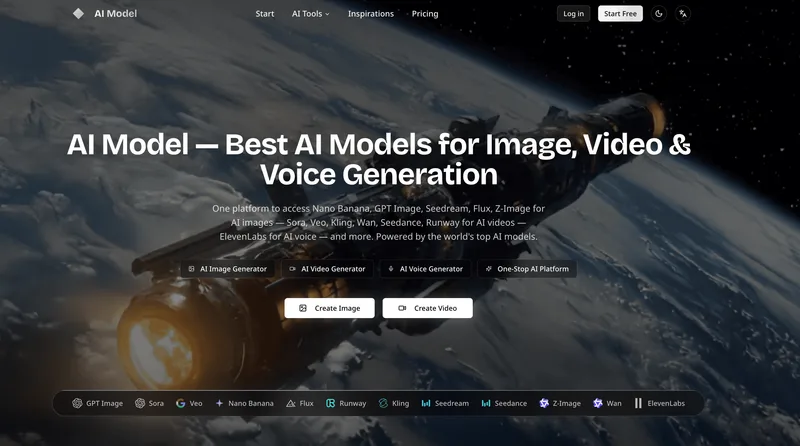
AI Model lets creators generate and edit images, videos, and voice content using multiple AI models in one platform. Users provide prompts or reference media and download generated results for creative and commercial projects.
Who it's for
- Creators producing images and videos for social media or ads who want several generation models in one platform.
- Video creators who want to generate clips from prompts or images, or edit footage using text instructions.
- Podcast and video producers who need generated speech, multi-speaker dialogue, or sound effects.
How it fits your workflow
Enter a prompt describing the desired image, video, or voice content, or upload reference media for supported workflows. Select a model based on the task and its listed strengths.
Generate the content in the platform, then download the resulting image, video, or audio. The page describes image outputs up to 4K and video downloads in HD.
Pricing
The vendor doesn't publish prices. Check with AIModel directly.
Prices checked on Oct 28, 2026 from the vendor's site. They can change; confirm before you buy.
Key features
- Text-to-image generation
- Generate images from text prompts with multiple models, with options described as supporting output up to 4K resolution.
- Image-to-image editing
- Upload a photo or reference images to transform an image, including style transfer, background changes, composition adjustments, or broader reimagining.
- Text-to-video generation
- Create videos from text prompts using models including Sora, Veo, and Kling; the page also describes AI-generated motion and sound effects.
- Image-to-video generation
- Animate a still image into a video with movement and transitions, for uses such as social media and ads.
- Prompt-based video editing
- Edit existing footage by describing changes such as style transfer, scene modification, and visual effects.
- Voice generation
- Generate speech with ElevenLabs, including multi-speaker dialogue, emotion control, accents, and sound effects.
Limitations to know
- Uploaded reference images must be PNG, JPG, or WEBP files and are limited to 10 MB each.
- The Nano Banana 2 image-generation interface shown on the page supports up to 14 reference images.
Alternatives to consider
-
Getimg
Choose it if you want an AI creative workspace that also includes asset-management tools, as well as image, video, and audio generation.
-
MagicShot
Choose it if you want an AI creative studio that describes its offering as including photoshoots and mobile apps in addition to image, video, and audio generation.
Getting started
- Write a prompt or upload reference media for the creation or editing task.
- Select an AI model suited to the task.
- Generate the content and download the result.