
BilderKI
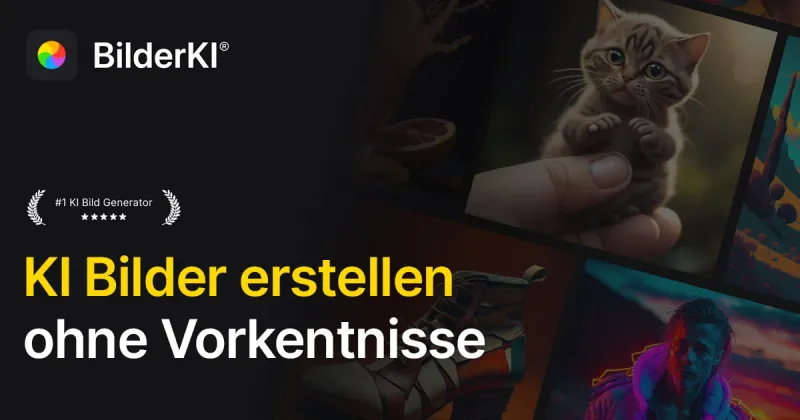
BilderKI turns text prompts into downloadable images with selectable styles and formats. Marketing, design, and content teams can use it to create campaign, social, product, and presentation visuals.
Who it's for
- Marketing teams creating campaign, newsletter, or website visuals without commissioning each asset.
- Designers and product teams generating mockups or testing visual concepts before production.
- Content teams creating images for social media, blogs, e-commerce listings, and presentations.
How it fits your workflow
In the browser, enter a text description of the desired image, then choose a style and aspect ratio or format.
Generate several image variations, choose a preferred result, and download it. The page describes the images as suitable for private or commercial use and says downloads have no watermark.
Pricing
Free: The first 8 images are free to try. The FAQ says a free account is required.
Free trial
Free
- · 8 images to try
- · Free registration required according to the FAQ
Starter
€14 one-time payment
- · 180 credits
- · Up to 180 Basic images
- · Access to Basic, Premium, and Ultra models, including Flux, Nano Banana, and GPT Image
- · Commercial use
Pro
€28 one-time payment
- · 1,500 credits
- · Up to 1,500 Basic images
- · Access to Basic, Premium, and Ultra models, including Flux, Nano Banana, and GPT Image
- · Commercial use
Agentur
€56 one-time payment
- · 5,000 credits
- · Up to 5,000 Basic images
- · Access to Basic, Premium, and Ultra models, including Flux, Nano Banana, and GPT Image
- · Commercial use
Prices checked on Oct 28, 2026 from the vendor's site. They can change; confirm before you buy.
Key features
- Text-to-image generation
- Enter a description of the desired image and generate visual results from the prompt.
- Style selection
- Choose from styles including photorealistic, cartoon, drawing, watercolor, 3D, and abstract art.
- Aspect-ratio and format controls
- Select formats such as square 1:1, portrait 9:16, and landscape 16:9 for different project needs.
- Multiple image variations
- The page says a generation produces several image variants that users can review and download.
- Commercial-use licensing
- The page states generated images can be used for commercial and private purposes, including marketing, social media, print, and e-commerce.
- Browser-based access
- The service is described as an online generator accessible on desktop, tablet, and smartphone without installing an app.
Limitations to know
- The free trial is limited to 8 images; subsequent use is offered through credit packages.
Alternatives to consider
-
AI Image
Choose it if you need to generate, edit, or restyle images from reference photos in a workspace that runs multiple image models side-by-side.
-
imakeit.ai
Choose it if you need to edit visuals from reference images as well as text prompts, with stated 1K–4K output and upfront credit costs.
-
GenImg AI
Choose it if you want Flux.1 model variants and API access, which the BilderKI page does not describe.
Getting started
- Describe the image you want to generate.
- Choose a style and format or aspect ratio.
- Generate the variations and download the image you want.
Frequently asked questions
Do I need design experience?
No. The page says users can enter a text description, choose a style and format, and generate images without prior design knowledge.
Can I use the images commercially?
The page states that generated images may be used privately and commercially, including for marketing, social media, print, and e-commerce.
Can I generate images without creating an account?
The FAQ says a free registration is required so generated images can be saved and accessed later.
Can I upload and edit my own photos?
The page says BilderKI currently focuses on generating new images from text descriptions. Editing uploaded photos is described as a planned future feature.
What devices can I use?
The page says BilderKI runs in a browser and is available on smartphones, tablets, and desktop devices without an app installation.