
Agent for WhatsApp
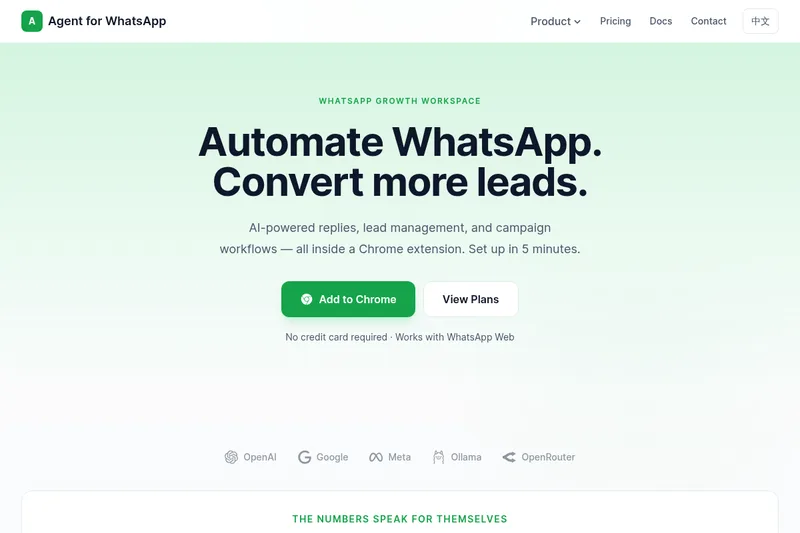
Agent for WhatsApp adds AI replies, lead management, and campaign workflows to WhatsApp Web through a Chrome extension. WhatsApp-first sales and support teams can qualify inquiries and manage follow-ups from their conversations.
Who it's for
- Sales teams handling prospects in WhatsApp who need to qualify and prioritize incoming inquiries.
- Support teams using WhatsApp Web who want configurable AI-assisted replies.
- WhatsApp-first teams that manage prospect follow-ups with templates, batch sending, and scheduled reminders.
Not the right fit if…
- Teams that do not use Chrome and WhatsApp Web: the product is a Chrome extension designed to work alongside WhatsApp Web.
How it fits your workflow
Install the Chrome extension and connect an AI provider or local model. The page says users can switch providers based on cost or speed.
Configure smart replies, including persona rules, trigger modes, reply scope, and quiet hours. Teams can also use templates and manual assist.
Use lead qualification and prioritization alongside batch messages and scheduled follow-ups. The dashboard shows connection status, bot activity, and usage trends.
Pricing
Free: Free is described as suitable for evaluation and light use; its price and specific usage limits are not stated.
Free
Price not stated
- · For evaluation and light use
Pro
Price not stated
- · More automation capacity, stronger controls, and more advanced workflow features than Free
Max
Price not stated
- · More automation capacity, stronger controls, and more advanced workflow features than Free
Prices checked on Nov 19, 2026 from the vendor's site. They can change; confirm before you buy.
Key features
- AI smart replies
- Generate context-aware replies using a connected AI provider. Users can configure a persona and tone, reply scope, trigger modes, and quiet hours.
- Lead management
- Capture, qualify, and track leads in WhatsApp conversations, with AI inquiry qualification, structured lead context, and priority scoring.
- Campaign workflows
- Use message templates, batch sending, and scheduled reminders or follow-ups to move prospects through a sales workflow.
- Activity dashboard
- Monitor connection status, bot activity, and usage trends from a dashboard.
- Multiple AI provider options
- Connect supported providers or local models and switch providers based on cost or speed.
Works with
- WhatsApp Web
- OpenAI
- OpenRouter
- Groq
- Gemini
- Ollama and LM Studio
Limitations to know
- The product is provided as a Chrome extension that works alongside WhatsApp Web.
- Using AI replies requires connecting a supported AI provider or local model.
Alternatives to consider
-
Chatgptbuddy
Choose it if you want a WhatsApp-based ChatGPT chatbot for conversational assistance, content generation, and automation rather than a Chrome extension focused on sales lead management and campaign workflows.
Getting started
Chrome and WhatsApp Web; connect a supported AI provider or local model to use AI features.
- Install Agent for WhatsApp from the Chrome Web Store.
- Connect an AI provider or local model and test the connection.
- Enable smart replies and configure templates or manual assist.
- Begin qualifying leads and expanding the workflow as needed.
Frequently asked questions
How long does setup usually take?
The page says most users finish setup in about five minutes by installing the extension, connecting an AI provider, testing the connection, and starting with templates or manual assist.
Which AI models and providers are supported?
The page lists OpenAI, OpenRouter, Groq, Gemini, and local models such as Ollama or LM Studio. Providers can be switched at any time.
What can I automate beyond simple auto-replies?
The page lists message templates, batch sending, scheduled follow-ups, and lightweight lead management.
Can I control when and how replies are sent?
Yes. The page says users can configure persona rules, trigger modes, reply scope, quiet hours, and other safeguards.
What is the difference between Free, Pro, and Max?
Free is for evaluation and light use. Pro and Max unlock more automation capacity, stronger controls, and more advanced workflow features.
How do I know if it is working well for my team?
The dashboard helps monitor connection status, bot activity, and usage trends.