
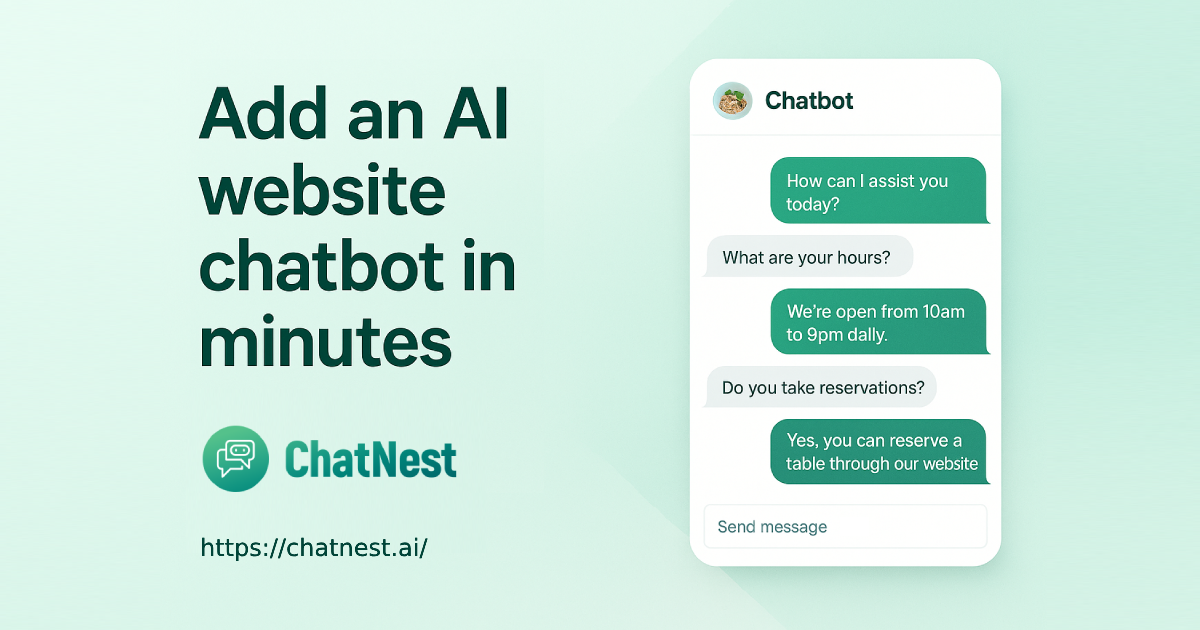
ChatNest
ChatNest is an AI chatbot platform for business websites. It trains a chatbot on a site's pages, documents, and FAQs, then lets teams add it with an embed script to answer visitor questions, capture leads, and route them to business tools.
ChatNest is ai tools software teams evaluate for business operations. Use this page to review pricing, integration signals, and the best alternatives before you commit.
Profile facts come from the vendor source. AiMatch labels unknown pricing or API details instead of estimating them.
Review official source →Quick Overview
Best for: Business Operations
What it does
AI Tools software for decision-makers comparing workflow fit and alternatives.
Best fit
Business Operations
Pricing snapshot
Paid from $29/month
Next step
Compare ChatNest with similar tools before you shortlist it.
Compare this tool before you shortlist it
Review alternatives, pricing posture, and workflow fit side by side.
ChatNest helps businesses add an AI chatbot to their websites to answer customer questions, provide support, and capture leads. The chatbot can be trained on selected website pages, FAQs, and uploaded documents, and it cites sources in its answers.
Businesses install ChatNest by copying an embed script into their website. The page says the script works with popular CMS platforms, website builders, custom frameworks, and static sites. ChatNest can collect visitor details and route leads or chat transcripts to supported destinations such as email, Slack, Google Sheets, or a CRM.
Folders and a prompt library for your AI chats Discussion | Link
Own this listing?
Claim this page for a one-time $29 to add pricing, features, screenshots, verified owner details, and a clearly labeled 30-day category position after the profile is live.
Claim this listing for $29Key Features
AI chatbot trained on business content
Train the chatbot using selected website pages, FAQs, documents, product details, policies, and other business information. Training data can be updated as information changes.
Website embed installation
Add the chatbot to a site by pasting a script tag into the site header or a CMS custom-code area. The page says it works with popular website builders, CMS platforms, modern frameworks, and static sites.
24/7 answers with source citations
The chatbot answers visitor questions around the clock and cites sources to indicate where its responses come from.
Lead capture and routing
Collect names, email addresses, phone numbers, and custom inputs, then send leads or chat transcripts to email, Slack, Google Sheets, or a CRM.
Chatbot customization
Customize the chatbot's colors, button style, welcome message, tone, behavior, greetings, lead-capture flows, and calls to action.
Fallback for unanswered questions
When the chatbot cannot find a confident answer, it can prompt the visitor to leave contact details and a message. The page also describes optional fallback answers and routing unknown queries to email or a CRM.
Multi-site management
The page says agencies, resellers, and multi-business owners can manage multiple chatbots from one dashboard, with separate training data, branding, and analytics for each site.
Pricing
The page offers a free trial by request but does not state its duration or limits.
Launch Plan
$29/month- 1 website
- Up to 1,000 messages per month
- Lead capture and export
- Email support
Growth Plan
$79/month- Up to 3 websites
- 10,000 messages per month
- Integrations with Email, Slack, Sheets, and CRM
- Priority support
Use Cases
E-commerce customer support
Answer product questions and assist with order status, returns, and product recommendations.
Lead capture for service businesses
Collect visitor contact details and messages, then route qualified leads to a team for follow-up.
Appointments and reservations
Help healthcare providers, salons, restaurants, and other service businesses handle appointment scheduling, reservations, and related questions.
SaaS product support
Answer questions about product features, pricing, onboarding, trial setup, and documentation.
Travel and logistics assistance
Respond to questions about availability, bookings, delivery updates, schedules, and tracking.
Website troubleshooting
Provide visitors with answers to technical support questions, outage checks, billing queries, and plan or account issues.
Integrations
Send captured leads and chat transcripts to email.
Slack
Route captured leads and chat transcripts to Slack.
Google Sheets
Send captured leads and chat transcripts to Google Sheets.
CRM
Send leads and chat transcripts to a CRM using webhook integrations; the page does not name specific CRM products.
Benefits
Limitations
Frequently Asked Questions
How do I install ChatNest on my website?
What content can ChatNest answer?
Can I customize the look and feel?
What happens if the bot does not know an answer?
Can I cancel or upgrade anytime?
Do you offer agency or multi-site support?
Can the chatbot capture leads for my business?
How accurate is the AI chatbot?
Getting Started
- 1 Enter your website URL, key services, and the tasks you want the chatbot to handle.
- 2 Train the chatbot by selecting website pages or uploading FAQs and documents.
- 3 Copy the embed script and paste it into your site's header or CMS custom-code area.
- 4 Customize the chatbot's appearance, messages, behavior, and lead-capture flow as needed.
Support
Email support
Email support is listed as included with the Launch plan.
Priority support
Priority support is listed as included with the Growth plan.
Demo
The page offers visitors the option to request a demo.