
FunGen
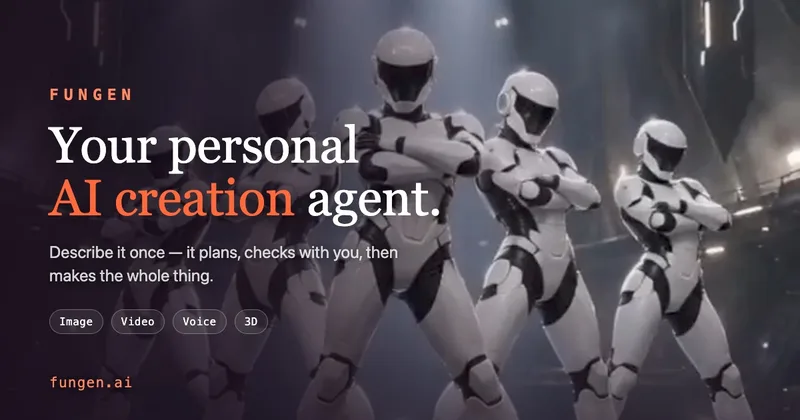
FunGen generates images, short videos, voice content, and 3D models for creators. Users can plan short videos, keep characters consistent, or turn flat art into printable 3D assets.
One of 47 tools in Generative Art
Who it's for
- Video creators who want to plan short clips with a shot list and approve it before rendering.
- Visual creators who need a character reused across poses, outfits, and scenes or want a consistent sticker set.
- Creators turning flat artwork into 3D models with an OBJ, texture, and preview render.
How it fits your workflow
Choose a creation tool and provide the relevant input: a description, reference image, clip, or recording. The page lists image, video, voice, and 3D workflows.
For short videos, start with a shot list and approve the plan before rendering. For other workflows, generate the selected output, such as a sticker set, voice narration, or 3D model.
Pricing
Free: The first render is free, with no card required. The page also lists image generation up to 4K, 4-, 8-, or 12-second video shots, voice design, and image-to-3D among the free-start offerings.
The vendor doesn't publish prices. Check with FunGen directly.
Prices checked on Oct 20, 2026 from the vendor's site. They can change; confirm before you buy.
Key features
- Sticker set generation
- Generate a set of twelve stickers from one description, with the page emphasizing a consistent style across the set.
- Character consistency
- Lock a character and reuse it across different poses, outfits, and scenes.
- Short video generation
- Create short videos using a shot-list-first workflow, with the option to approve the plan before rendering. The page lists 4-, 8-, and 12-second shots with sound.
- Image-to-3D
- Turn flat art into a 3D model with an OBJ, texture, and preview render.
- Voice design and narration
- Design a voice and use it for narration across episodes.
- Media understanding
- Add a clip or recording, ask questions about it, and create from the resulting reading.
Alternatives to consider
-
VideoGen
Choose it if your main need is generating and editing short- and long-form videos with repeatable workflows and built-in editor tools.
-
LoveGen AI
Choose it if you want access to 50+ AI models for image, video, music, and 3D generation through one pay-as-you-go account.
-
V2Fun
Choose it if your priority is generating production-ready 3D models with automatic rigging, PBR textures, and character animation.
Getting started
- Select Start free; the page says the first render is free and no card is required.
- Choose a tool or workflow, such as image, video, voice, or 3D.
- Provide a description or relevant reference material for the chosen workflow.
- For a short video, review and approve the shot list before rendering.