
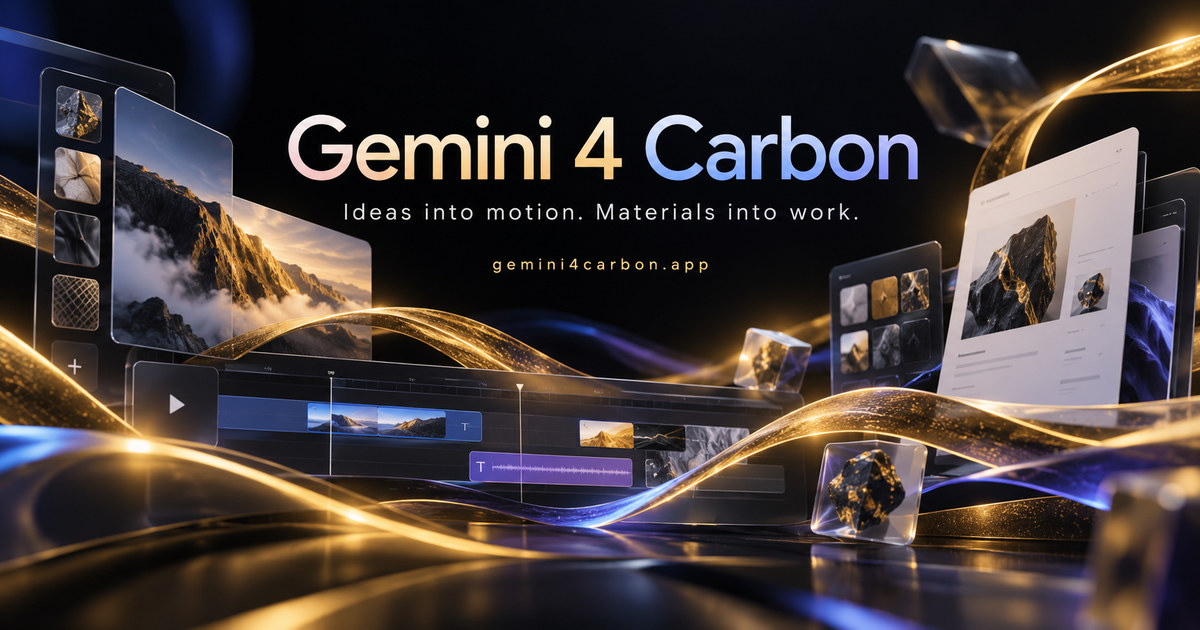
Gemini 4 Carbon
Gemini 4 Carbon is an independent creative workspace offering editable browser-based motion templates, office and creative editors, and credit-based access to image and video tools. Gemini 4 Carbon model generation itself is marked as coming soon and is not currently available.
Gemini 4 Carbon is ai tools software teams evaluate for ai tools workflows. Use this page to review pricing, integration signals, and the best alternatives before you commit.
Profile facts come from the vendor source. AiMatch labels unknown pricing or API details instead of estimating them.
Review official source →Quick Overview
Best for: AI Tools workflows
What it does
AI Tools software for decision-makers comparing workflow fit and alternatives.
Best fit
AI Tools workflows
Pricing snapshot
Paid from $29.90 monthly, or $14.95/month on annual billing ($179 billed annually)
Next step
Compare Gemini 4 Carbon with similar tools before you shortlist it.
Compare this tool before you shortlist it
Review alternatives, pricing posture, and workflow fit side by side.
Gemini 4 Carbon is an independent web workspace for creative editing, office tools, and credit-based AI image and video generation through connected models. Its navigation includes ArtCraft, FilmCraft, PhotoCraft, PdfCraft, WordCraft, GridCraft, and DeckCraft, alongside a Motion workspace for editing local templates.
The site distinguishes its current tools from its advertised Carbon model: Gemini 4 Carbon generation is marked as coming soon and cannot currently be used here. Users can still prepare briefs, explore community examples, edit a local Motion template, and use other connected image and video models.
Google's next frontier model Discussion | Link
Own this listing?
Claim this page for a one-time $29 to add pricing, features, screenshots, verified owner details, and a clearly labeled 30-day category position after the profile is live.
Claim this listing for $29Key Features
Editable Motion templates
The browser-rendered Motion workspace includes local templates such as product launch, bold typography, and data story. Users can change the title, duration, and aspect ratio and preview edits.
Motion project saving and export
After verified sign-in, users can save projects privately and export a silent MP4 or editable project. Local template editing does not use model credits.
Connected image and video tools
Subscription plans include access to connected image and video models, with model families listed on the page. These tools are separate from Gemini 4 Carbon generation, which is marked coming soon.
Creative and office editors
The site groups seven workspaces for creative composition, video timelines, photo editing, PDFs, documents, spreadsheets, and presentations. Each editor has its own supported controls and file limits.
Community example collection
The site presents 35 source-attributed community experiments across graphics, animation, 3D scenes, and games, with links to original posts. The page cautions that creator-reported model attribution has not been independently authenticated.
Pricing
Lite
$29.90 monthly, or $14.95/month on annual billing ($179 billed annually)- 600 credits per month
- Up to 1 batch generation task
- Standard generation speed and success rate
- Standard customer support
Standard
$49.90 monthly, or $24.95/month on annual billing ($299 billed annually)- 1,500 credits per month
- Up to 4 batch generation tasks
- Priority processing speed
- High generation success rate
Pro
$99.90 monthly, or $49.95/month on annual billing ($599 billed annually)- 3,600 credits per month
- Up to 10 batch generation tasks
- Fastest generation speed
- High generation success rate
Max
$199.90 monthly, or $99.95/month on annual billing ($1,199 billed annually)- 8,000 credits per month
- Up to 10 batch generation tasks
- Fastest generation speed
- High generation success rate
Use Cases
Prepare an editable product-launch film
Choose a local Motion template, edit its title, colors, duration, and aspect ratio, preview it, then save or export after signing in.
Generate or edit media with connected models
Use the site's available connected image and video models for media tasks. Gemini 4 Carbon model generation is not currently enabled.
Explore creative references
Browse attributed community examples and their original source links to review visual ideas across animation, graphics, 3D scenes, and games.
Work with office documents and creative assets
Open the relevant Craft workspace for composition, photo or video editing, PDFs, documents, spreadsheets, or presentations.
Integrations
No verified integration details are available.
Benefits
Limitations
Frequently Asked Questions
Can I generate with Gemini 4 Carbon here now?
Does Gemini 4 Carbon directly create images and video?
Are the Gemini 4 Carbon examples made by this website?
What can I edit in Gemini 4 Carbon Motion?
How do saving and credits work?
Getting Started
- 1 Open the workspace and choose a Motion template, such as product launch, bold typography, or data story.
- 2 Edit the template title, duration, aspect ratio, and other available scene details, then preview the result.
- 3 Sign in with verified access when ready to save privately or export a supported project.
- 4 For AI media generation, select an available connected image or video model; Gemini 4 Carbon generation is not yet enabled.
Support
Contact the site at [email protected].
Tutorials and resources
The site navigation includes Tutorials and Assets.