
Image2GPT
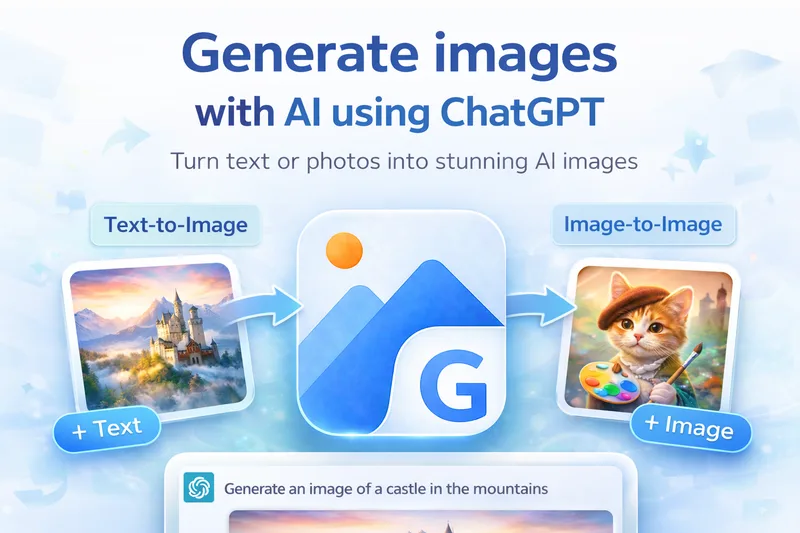
Image2GPT is a browser-based AI image generator and editor powered by GPT-Image-2. It creates images from text prompts or reference images and supports editing, style transfer, inpainting, and outputs up to 4K with upscaling.
Image2GPT is ai software teams evaluate for ai workflows. Use this page to review pricing, integration signals, and the best alternatives before you commit.
Profile facts come from the vendor source. AiMatch labels unknown pricing or API details instead of estimating them.
Review official source →Used in These Packs
Quick Overview
Best for: AI workflows
What it does
AI software for decision-makers comparing workflow fit and alternatives.
Best fit
AI workflows
Pricing snapshot
Paid from $9.9/month (shown under Annual Subscription)
Next step
Compare Image2GPT with similar tools before you shortlist it.
Compare this tool before you shortlist it
Review alternatives, pricing posture, and workflow fit side by side.
Image2GPT is a browser-based image creation and editing tool powered by GPT-Image-2. Users can describe an image in natural language, optionally upload reference images, select output settings, and generate images. The page also describes editing existing images, style transfer, and mask-based inpainting.
The site presents examples and use cases for professional headshots, product photos, advertising, social media, concept art, and other visual content. It advertises image output up to 2K, with 4K available through upscaling, and states that generated images have no watermarks.
Generate AI images from text prompts with flexible styles, up to 4K output, and clean watermark-free PNGs in seconds. Image2GPT is a AI Image Generation featured on Dang.ai. Learn more about Image2GPT's AI tool.
Own this listing?
Claim this page for a one-time $29 to add pricing, features, screenshots, verified owner details, and a clearly labeled 30-day category position after the profile is live.
Claim this listing for $29Key Features
Text-to-image generation
Generate images from natural-language prompts, with examples spanning portraits, products, landscapes, and illustrated scenes.
Image editing
Upload a photo and describe changes, such as removing backgrounds, changing styles, adding elements, or enhancing details.
Reference image input
Upload reference images to help guide the generated result. The page lists PNG, JPG, and WebP support, with up to five images of 10 MB each.
Mask inpainting
Paint over a specific image region and prompt the AI to regenerate that area while leaving the rest unchanged, as described on the page.
Style and quality controls
Choose among listed quality settings and styles, and select an aspect ratio such as 1:1, 2:3, 3:2, or 16:9.
Multiple image generation
Set the number of images to generate, with the page indicating up to four images per generation for paid plans.
Image export options
The page lists PNG, JPEG, and WebP exports, along with optional transparent backgrounds.
Additional image tools
The site lists free tools including background removal, image upscaling, and style transfer, as well as tools for outpainting, watermark removal, and old-photo restoration.
Pricing
Free tools are available, and the page says users can start without a credit card. The page does not specify the free tools' usage limits.
Hobby
$9.9/month (shown under Annual Subscription)- 400 credits/month
- Up to 100 high-quality images/month
- 1K, 2K, and 4K output
- Up to 4 images per generation
Pro
$39.9/month (shown under Annual Subscription)- 2,000 credits/month
- Up to 500 high-quality images/month
- Includes everything in Hobby
- 1K, 2K, and 4K output
Use Cases
E-commerce product visuals
Create product photos and promotional posters for listings or retail campaigns; the page specifically shows an e-commerce fashion poster example.
Marketing and social media creatives
Generate images for social posts and advertising campaigns from text prompts, with the page featuring examples of social and ad creative workflows.
Professional headshots and portraits
Transform an uploaded portrait into a corporate-style headshot or fashion editorial image while prompting the tool to preserve the person's likeness.
Concept art and creative exploration
Use prompts to create scenes in styles such as comic art, dark fantasy, watercolor, or cinematic photography.
Image revision and retouching
Upload an existing image and describe edits, or use mask inpainting to target a particular region for regeneration.
Integrations
No verified integration details are available.
Benefits
Limitations
Frequently Asked Questions
No verified FAQs are available.
Getting Started
- 1 Enter a natural-language description of the image you want to create.
- 2 Optionally upload reference images; the page accepts PNG, JPG, and WebP files, up to five images of 10 MB each.
- 3 Choose the output number, quality, and aspect ratio, then select Generate.
- 4 Review the generated result and download it; for editing, upload an image and describe the changes you want.
Support
No verified support channels are available.