
My Resume Hero
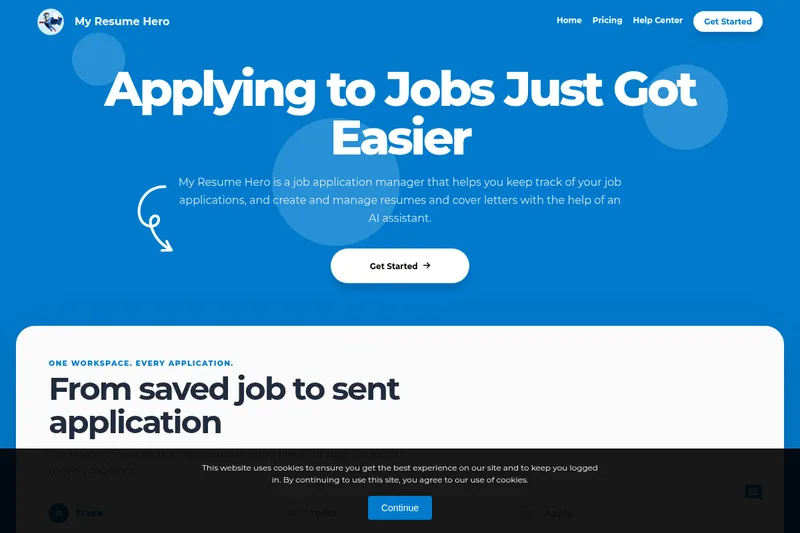
My Resume Hero helps job seekers track applications and manage job-specific resumes and cover letters in one workspace. Its AI helper generates or improves document content using information from job listings.
Who it's for
- Job seekers managing several applications who want application status and related documents together in a dashboard.
- Applicants tailoring resumes and cover letters to specific job listings with AI writing assistance.
- Job seekers who want to customize document templates, preview edits, and download application documents as PDFs.
How it fits your workflow
Create an application for a role and add the job listing information and application details. Use the dashboard to track and organize applications, including color coding and search.
Create or manage the resume and cover letter linked to the application. Customize the content and styling, and use the AI helper to generate or improve sections.
Review the live preview, then open the application’s Manage view to access and download its resume or cover letter as a PDF.
Pricing
Free: The free plan costs $0 and includes 1 job, 1 resume, 1 cover letter, basic templates, and the AI helper.
Free
$0
- · 1 job
- · 1 resume
- · 1 cover letter
- · Basic templates
Special
$19.99 for 6 months (shown as normally $30)
- · Unlimited jobs
- · Unlimited resumes
- · Unlimited cover letters
- · All templates
Pro
$4.99/month
- · Unlimited jobs
- · Unlimited resumes
- · Unlimited cover letters
- · All templates
Prices checked on Nov 10, 2026 from the vendor's site. They can change; confirm before you buy.
Key features
- Application tracking
- Save opportunities and manage each application's job details, status, and associated resume or cover letter from a dashboard. Applications can be color coded and searched.
- AI writing assistance
- Use the AI helper to generate full sections or improve existing resume and cover-letter content. The page says adding job listing information can help it produce more personalized documents.
- Customizable templates and content
- Choose from templates and adjust document content and styling, including fonts, font sizes, margins, and colors.
- Live document preview
- Preview a resume in real time while editing it.
- Cloud storage
- Save resumes and cover letters and access them from different locations.
- Application-linked downloads
- Open a document from an application record and download the resume or associated cover letter as a PDF.
Limitations to know
- The free plan is limited to 1 job, 1 resume, and 1 cover letter.
Alternatives to consider
-
Resume.io
Choose it if you want a resume and cover-letter builder with ATS-oriented templates and career resources rather than an application manager centered on tracking roles and linked documents.
-
FirstResume
Choose it if you want a platform described as automating resume and cover-letter creation and matching candidates to jobs, rather than primarily organizing applications and their associated documents.
Getting started
- Get started with My Resume Hero and create an application for a job.
- Add job listing information and manage the application from Dashboard → Applications.
- Create or associate a resume and cover letter, then customize the documents and review the live preview.
- Open Manage on the application to access and download its documents as PDFs.
Frequently asked questions
What is My Resume Hero?
It is an application for creating, storing, and managing job applications in one place, with assistance for generating personalized resumes and cover letters.
How do I upgrade my account?
Go to Dashboard → Account → Upgrade to Pro.
Can I edit job applications after creating them?
Yes. Go to Dashboard → Applications to edit job details and the resume or cover letter associated with an application. Applications can also be deleted.
Can I add job post information to an application?
Yes. Adding job listing information helps track listings and application status, and can help the AI helper generate more personalized resumes and cover letters.
How can I organize applications?
Use Dashboard → Applications to color code applications and search for specific ones.
How do I download a resume from an application?
Go to Dashboard → Applications, select Manage on the application, open the resume, and download it as a PDF. The associated cover letter can also be downloaded.