
Operum
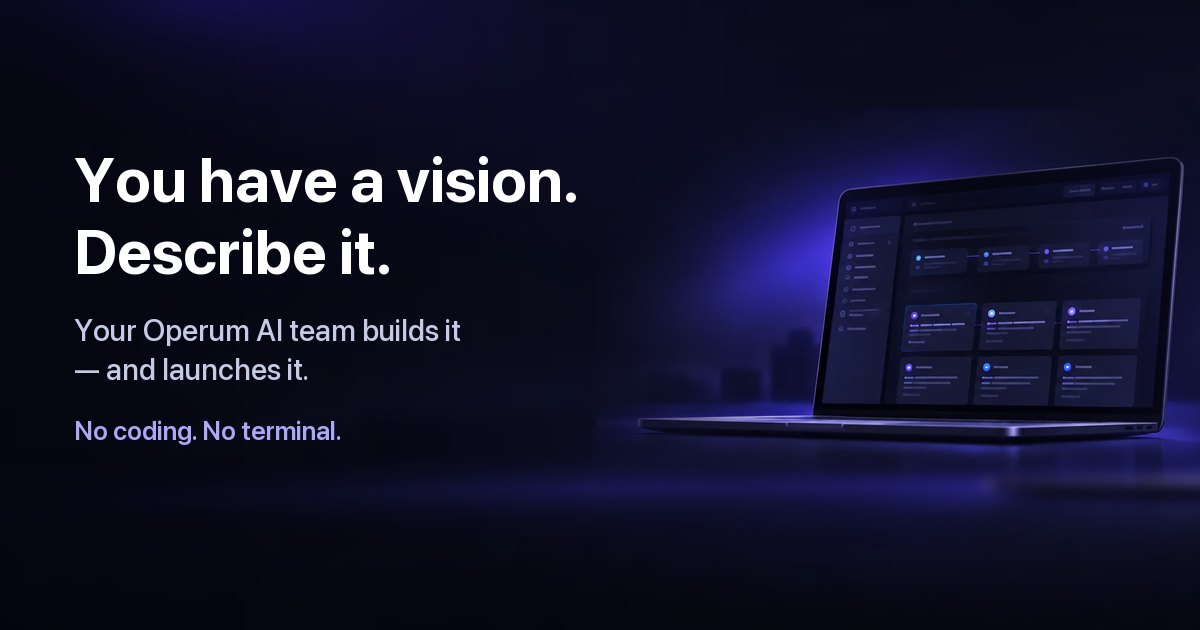
Operum coordinates AI agents that plan, build, and test software in GitHub repositories. Founders, developers, and software teams use it to move from a request to reviewed product work while retaining approval control.
Who it's for
- Non-technical founders who want to describe a product in plain language and have agents build and test it.
- Developers using GitHub who want agents to handle tasks through branches, pull requests, and testing.
- Software teams coordinating people and agents across shared projects, with defined task ownership and approval steps.
Not the right fit if…
- Teams who do not use GitHub: the page says a GitHub repository is required for agents to work.
- People who want AI usage included in the Operum plan: the page says provider usage is paid separately.
How it fits your workflow
Install the desktop app, connect a Cursor subscription or Claude Code or Codex credentials, then create a project and connect a GitHub repository. Describe the desired product or task to the Project Manager in plain language.
The Project Manager breaks the request into work and assigns agents. Agents work in the repository using branches and pull requests; the Tester checks changes, and the user reviews and approves work before it ships unless Auto-merge is enabled.
Pricing
Free: A Free plan is available. After the 14-day Premium trial, users move to Free automatically unless they choose a paid plan.
Free
Free; the page does not state a price beyond identifying it as a free plan.
- · The page says users move to Free automatically after the 14-day Premium trial if they do not choose a paid plan.
Premium trial
14 days free; no credit card required. Ongoing Premium pricing is not stated on the supplied page.
- · Premium access during the trial
- · After the trial, users move to Free automatically or can pick a paid plan
Paid plans
Paid plans are mentioned, but prices and plan names are not stated.
- · The page says paid plans are available when users need more work in parallel.
Prices checked on Nov 11, 2026 from the vendor's site. They can change; confirm before you buy.
Key features
- Coordinated AI product team
- Project Manager, Architect, Engineer, and Tester agents organize tasks, review designs, build software, and check changes. Marketing and Community agents extend the team into product launch and customer engagement.
- Workflow Board and task ownership
- A Workflow Board organizes work over GitHub issues and pull requests, with shared project context, defined roles, and clear task ownership.
- GitHub branches and pull requests
- Agents work in real branches and pull requests in the user's own GitHub repository. The page says the Tester checks every pull request and that Operum's own merge path requires QA before merging.
- Human approvals and To Do list
- The To Do list surfaces decisions requiring user input, and users approve work before it ships. Agents ask before sensitive operations; Auto-merge can be enabled.
- Multiple AI engines
- Users can choose Cursor, Claude Code, or Codex, and assign different engines to individual agents.
- Mission Control
- Mission Control shows agent activity, including live status, CPU and memory use, token usage, git branch, reporting relationships, and integrations in use.
Works with
- GitHub
- Cursor
- Claude Code
- Codex
- AWS and Azure
Limitations to know
- A GitHub repository is required for agents to work; the page says a free GitHub account is sufficient.
- Users must connect a supported AI engine: a Cursor subscription, an Anthropic API key for Claude Code, or an OpenAI API key for Codex.
- AI usage is billed separately from Operum. The page cautions that running the whole team through APIs can become expensive.
- The supplied page does not state prices for ongoing Premium or other paid plans.
Getting started
A supported desktop platform (macOS with Apple Silicon or Intel, Windows 10+, or Linux), a GitHub repository, and a supported AI engine connection: Cursor subscription, Anthropic API key for Claude Code, or OpenAI API key for Codex.
- Download the desktop app and sign in.
- Connect a supported AI engine and its subscription or API credentials.
- Name a project and connect a GitHub repository or create a new one in the app.
- Describe the work to the Project Manager and review the assigned agents' progress.
Frequently asked questions
What is Operum?
Operum is a desktop app that provides an AI product team, including Project Manager, Architect, Engineer, Tester, Marketing, and Community agents. They plan, build, test, and help launch software while the user stays in charge.
Which AI engines work with Operum?
Cursor works with a Cursor subscription. Claude Code works with an Anthropic API key, and Codex works with an OpenAI API key. Users can use one engine for the team or choose different engines for individual agents.
Do I need to know how to code?
No. Users describe what they want in plain words. Requirements, design review, testing, and delivery are built into the workflow, and users approve the results.
Will anything ship without me?
The page says nothing ships without user approval unless Auto-merge is enabled, and agents always ask before sensitive operations.
Do I need GitHub?
Yes. Agents work in the user's GitHub repository with real branches and pull requests. The page says a free GitHub account is enough.
Is my code sent to Operum's servers?
The page says agents run on the user's machine and communicate directly with the AI provider, and that Operum does not store code on its servers.
What does it cost?
Operum has a free plan and paid plans for users who need more work in parallel. AI usage is separate and is billed through the user's Cursor subscription or Anthropic or OpenAI usage. No credit card is required to start.
Which platforms are supported?
The page lists macOS (Apple Silicon and Intel), Windows 10+, and Linux.