
Pixelcut
Pixelcut lets sellers, creators, and brand teams generate and edit images and videos with AI, including product visuals, ads, and batch edits. It provides a collection of creative tools in one workspace.
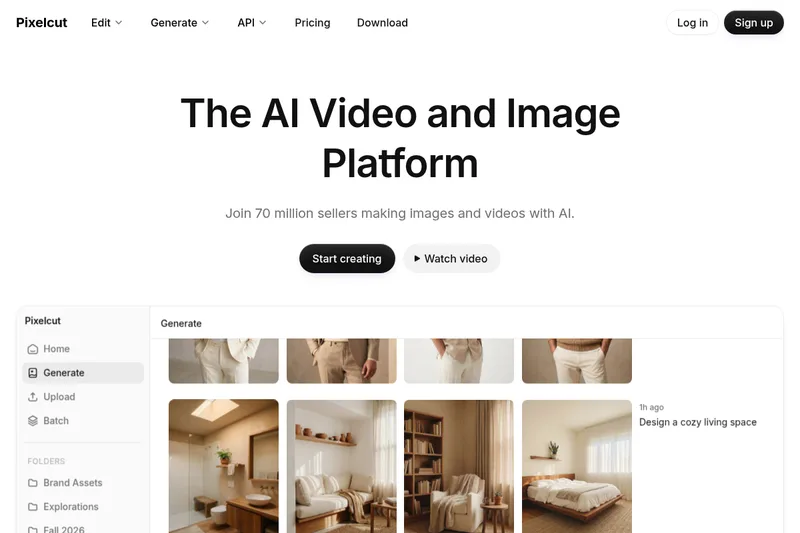
Who it's for
- E-commerce sellers creating product photos and visuals for their products.
- Brand and marketing teams producing promotional videos, AI UGC ads, and on-brand content.
- Creators and creative teams editing images or videos, including batches of hundreds of files.
How it fits your workflow
Choose a creative workflow such as product showcase imagery, an AI UGC ad, background removal, or retouching. The page describes prompt-based creation as well as tools for editing existing images and videos.
Use the selected tool to generate or edit content. Pixelcut describes options for keeping characters consistent across images and video frames, and for applying edits across hundreds of files.
Pricing
Free: The page invites users to start creating for free but does not state the free offering's limits or included features.
Free to start
The page says users can start creating for free; it does not provide further price details.
Prices checked on Nov 28, 2026 from the vendor's site. They can change; confirm before you buy.
Key features
- Product showcase imagery
- Generate studio-grade product imagery from a prompt.
- AI UGC ads
- Create talking videos to promote a brand.
- Personas and character consistency
- Create custom personas and keep characters consistent across images and videos.
- Background removal
- Remove backgrounds from images and videos using Pixelcut's proprietary background removal.
- Upscaling
- Upscale images by up to 16x and choose from a range of models, including Topaz.
- Expand and reframe
- Extend an image beyond its original edges using Pixelcut's expand tool.
Alternatives to consider
-
Cutout.Pro
Choose it if you need a visual content platform whose listed capabilities include developer APIs alongside image and video editing.
-
cre8tiveAI
Choose it if you specifically need tools such as face enhancement, photo-to-video conversion, illustration generation, or PNG optimization.
Getting started
- Open Pixelcut and select Start creating for free.
- Choose an image or video creation or editing tool from the listed options.
- Create or edit content with the chosen tool.