Pixelmost
Pixelmost is an AI-powered app prototyping and mockup tool for iPhone, iPad, and Mac that generates mobile app screens, interactive prototype flows, and icons from a prompt to produce pitch-ready visuals in seconds.
Pixelmost is design generators software teams evaluate for design generators. Use this page to review pricing, integration signals, and the best alternatives before you commit.
Profile facts come from the vendor source. AiMatch labels unknown pricing or API details instead of estimating them.
Review official source →Used in These Packs
Quick Overview
Best for: Design Generators
What it does
Design Generators software for decision-makers comparing workflow fit and alternatives.
Best fit
Design Generators
Pricing snapshot
Contact for pricing
Next step
Compare Pixelmost with similar tools before you shortlist it.
Compare this tool before you shortlist it
Review alternatives, pricing posture, and workflow fit side by side.
Pixelmost is an AI-driven app mockup and prototyping app for iPhone, iPad, and Mac that converts a single prompt into mobile app screens, interactive prototype flows, and pitch-ready visuals in about 30 seconds. It targets founders, designers, and product teams who need to quickly produce first-pass mobile screens, inspect navigation and flows, and export compositions for reviews or App Store/TestFlight workflows. The product includes an AI app icon generator, ready-made mobile UI components, color-theme generation, graph/navigation views for flow review, and export features for pitch decks and handoff.
Pixelmost is an AI-powered app prototyping and mockup tool for iPhone, iPad, and Mac that generates mobile app screens, interactive prototype flows, and icons from a prompt to produce pitch-ready visuals in seconds.
Own this listing?
Claim this page for a one-time $29 to add pricing, features, screenshots, verified owner details, and a clearly labeled 30-day category position after the profile is live.
Claim this listing for $29Key Features
Fast app mockups from a prompt
Generate first-pass mobile app mockups in seconds by providing a single prompt to create screens and layouts instead of drawing each screen manually.
Interactive prototype flows
Build and review prototype views with screens, transitions, and flow inspection to validate navigation before testing or handoff.
AI app icon generator
Create app icons that match the concept style directly within the design workflow without leaving the app.
Ready-made mobile UI components
Start from prebuilt mobile UI components and common screen patterns to accelerate layout and composition.
Color theme generation
Generate a color direction from a prompt and fine-tune the palette manually to establish a clear visual system.
Export for pitches and reviews
Export layouts and compositions for pitch decks, product reviews, and stakeholder presentations.
Graph / navigation mode
Review screen structure and connections in a graph view to inspect how screens connect prior to testing or handoff.
Cross‑Apple platform support
Available for iPhone, iPad, and macOS with project sync via iCloud (design on iPhone, iPad or macOS).
Pricing
Current pricing details are not available from the vendor source.
Use Cases
Rapid concepting and mockups
Turn ideas into visual mobile app mockups quickly to explore multiple directions and iterate on concepts without manual drawing.
Prototype flow review and testing
Assemble interactive prototype flows to review navigation, transitions, and user journeys before user testing or developer handoff.
Pitch and stakeholder visuals
Export polished screens and compositions for pitch decks, investor reviews, and stakeholder presentations.
Icon and visual system generation
Generate app icons and color themes that match your concept as part of the same design workflow.
Prepare for App Store/TestFlight
Support the workflow from reviewed prototype into App Store Connect and TestFlight (TestFlight Upload guidance noted on site).
Integrations
TestFlight / App Store Connect
Site describes a TestFlight Upload workflow and explains how Pixelmost supports steps into App Store Connect and TestFlight.
iCloud
Projects can be designed on iPhone, iPad, or macOS and kept in sync with iCloud (site statement).
Benefits
Limitations
No verified limitations are available.
Frequently Asked Questions
No verified FAQs are available.
Getting Started
- 1 Download the Pixelmost app from the App Store on iPhone, iPad, or Mac.
- 2 Start a new project by entering a single prompt to generate app mockups and screens.
- 3 Refine layouts, adjust themes or components, preview prototype flows, and export assets or use the TestFlight upload workflow for testing.
Support
Contact page
Contact link available in site navigation (https://www.pixelmost.ai/contact).
Docs / Blog
Blog posts and workflow pages (Graph Mode, TestFlight Upload, icon generator tips) are available on the site for guidance.
App Store download
Primary distribution and installation are via the App Store; the site links to download the iOS/iPadOS/macOS app.
API
Compare Pixelmost with similar tools
See how it stacks up against alternatives
Related Tools
View all 158 →
Koboyo Icons
Koboyo Icons is a large library of 71,262 free hand-drawn SVG icons, organized into many thematic groups and categories and accessible via website browsing and an MCP/API integration for AI and editor workflows.
GeneratePPT
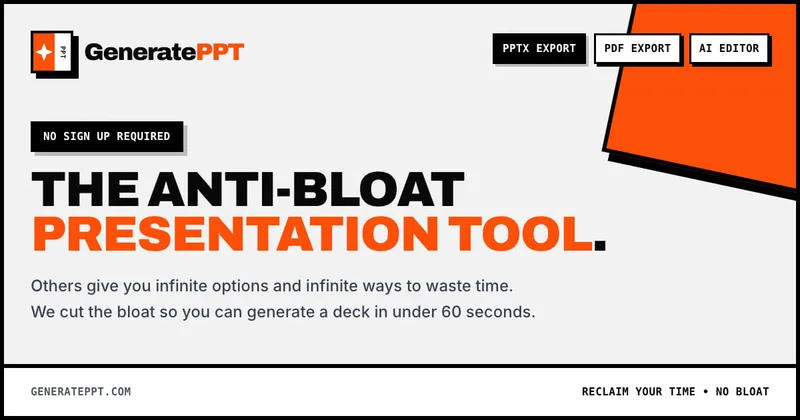
GeneratePPT is an AI-first presentation tool that converts topics, notes, URLs, PDFs, DOCX, and other inputs into clean, professional PowerPoint decks in under 60 seconds, with one-click styling, auto-sourced images, and an AI slide editor called AI Director.

Ai-poster-maker
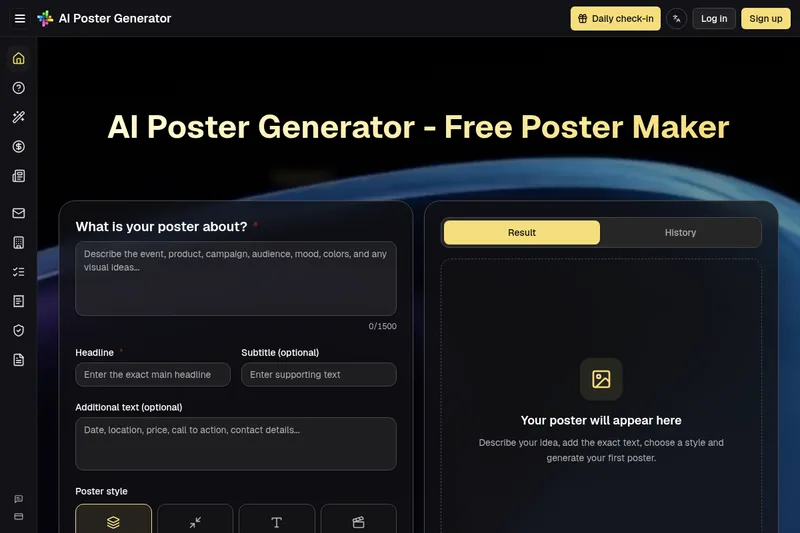
AI Poster Generator is a web-based tool that uses artificial intelligence to generate custom posters and designs from text prompts, offering typographic controls, a Magic Prompt enhancer, and quick downloadable outputs for beginners and professionals.

Fantasygen
FantasyGen is an AI-driven fantasy map generator and map maker for creating D&D battlemaps, world maps, dungeon maps, and city maps instantly—designed for game masters, authors, developers, and worldbuilders with no artistic skill required.

Aicomicfactory
AI Comic Factory is an AI-powered web platform that converts text, character references, and prompts into multi-panel comics and graphic-novel pages with consistent characters, multiple art styles, and flexible layouts. It targets hobbyists, creators, and professional teams with tiered credit-based plans and commercial licensing.
Handtextai
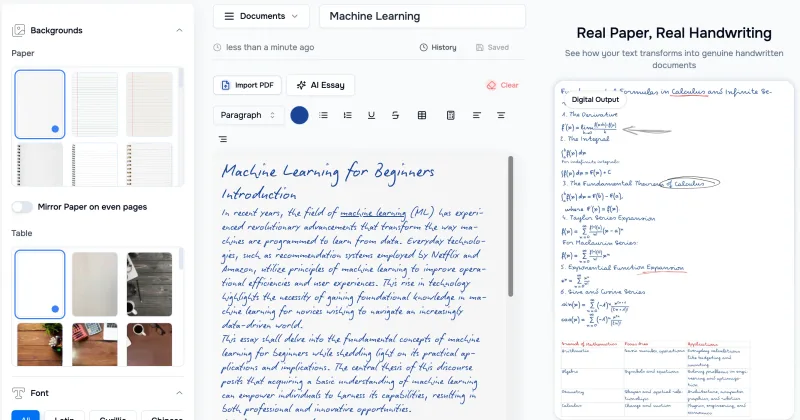
HandtextAI is a web-based handwriting generator that converts typed or imported text into realistic hand-written pages and photo-like notebook scenes, with a web editor and a separate API for print-oriented business workflows.
Premium Alternatives
Aifiguregenerator
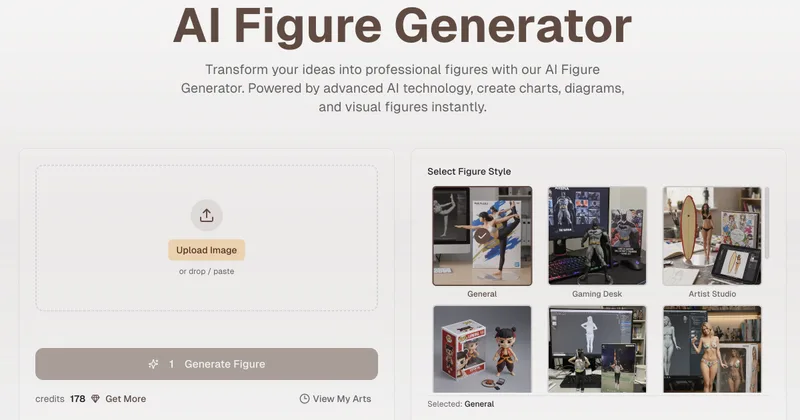
AI Figure Generator is a web tool that transforms photos into high-resolution figurine-style designs (anime, Funko Pop, action figures) using Nano Banana AI technology, aimed at creators, hobbyists, and studios.

Stringartgenerator
String Art Generator is a web tool that transforms photos into printable string art patterns using an advanced algorithm, offering customizable complexity, high-resolution exports, and material calculations for hobbyists and professional artists.
Handtextai
HandtextAI is a web-based handwriting generator that converts typed or imported text into realistic hand-written pages and photo-like notebook scenes, with a web editor and a separate API for print-oriented business workflows.

Overscene
OverScene is a lightweight Windows desktop app that overlays a floating AI frame over any application to apply generative and vision-based AI transforms (image-to-image, text-to-image, image-to-text, code generation, 3D rendering, etc.). It is designed for artists, designers, and developers to prototype, generate moodboards, transform sketches, and augment 3D models without plugins or subscriptions.

Sticker Magic
Sticker Magic is an AI-powered sticker generation platform that creates digital stickers from simple text descriptions, aimed at hobbyists, creators, and small businesses for personal, social, and commercial use. Free to get started with a 5-credit trial.

Pineapple Builder
Pineapple Builder is an AI website builder for businesses that generates websites and helps owners update pages, create SEO content, and manage leads. The site says plans start at $16 per month and offers 100 free AI credits to try the product.