

PopAi
PopAi is an online AI presentation maker and PowerPoint generator that turns a topic or existing file (PDF, Word, PPTX, or webpage) into an editable slide deck, letting users review an outline, choose a style, edit slides online, and export as PPTX or PDF.
PopAi is design generators software teams evaluate for business operations. Use this page to review pricing, integration signals, and the best alternatives before you commit.
Profile facts come from the vendor source. AiMatch labels unknown pricing or API details instead of estimating them.
Review official source →Used in These Packs
Quick Overview
Best for: Business Operations
What it does
Design Generators software for decision-makers comparing workflow fit and alternatives.
Best fit
Business Operations
Pricing snapshot
Pricing available on request
Next step
Compare PopAi with similar tools before you shortlist it.
Compare this tool before you shortlist it
Review alternatives, pricing posture, and workflow fit side by side.
PopAi is a web-based AI presentation maker that converts a topic or existing files (PDF, Word, PPTX, or webpages) into a structured, editable slide deck. The workflow guides users to provide a topic or upload source material, review and adjust a suggested outline, choose a visual style, and then generate slide drafts that can be edited in an online canvas.
The product is intended for people who need to create business presentations, educational slides, marketing decks, pitch materials, training content, and similar formats. Generated decks can be refined online and exported as PPTX or PDF for further editing or sharing.
AI tool for chatting with documents, creating presentations, and generating images.
Own this listing?
Claim this page for a one-time $29 to add pricing, features, screenshots, verified owner details, and a clearly labeled 30-day category position after the profile is live.
Claim this listing for $29Key Features
Multiple input sources
Accepts prompts or uploads of PDFs, Word documents, PPTX files, or webpages as source material to seed the presentation creation.
Outline-first workflow
Generates a suggested outline from the source or prompt so users can add, remove, rename, or reorder sections before slides are created.
Style and template selection
Choose templates or visual styles and browse presentation backgrounds for business, education, marketing, and creative projects to control the deck’s look.
Online editor
Refine text, replace images, adjust layouts, and edit the generated slides in an online canvas before exporting or sharing.
Export and sharing
Export finished decks as PPTX or PDF or share them via a link.
Powered by large language models
Built on advanced language/image models (e.g., Claude Sonnet 5, Claude Opus 4.8, Gemini-3.6-flash, GPT-image-2, GPT 5.6) to analyze source material and generate outlines and slide content.
Pricing
Current pricing details are not available from the vendor source.
Use Cases
Business presentations and pitch decks
Turn business plans, proposals, meeting briefs, or research documents into structured slides with problem, evidence, solution, milestones, and next steps.
Education and training
Convert lesson plans, course notes, or training documents into clear, audience-appropriate slides for classes and workshops.
Marketing and sales presentations
Create campaign briefs, sales decks, product overviews, and customer-facing presentations from briefs or source reports.
Reports and research presentations
Digest dense reports and research papers into organized slide outlines and drafts that highlight key points and metrics.
Onboarding and internal communications
Produce onboarding materials, internal updates, and project summaries that can be edited and shared quickly.
Integrations
Microsoft PowerPoint (PPTX export)
Export generated decks to PPTX for continued editing in Microsoft PowerPoint; the site also references where PowerPoint Designer fits alongside an AI workflow.
Common document formats
Supports input from PDF, Word, and existing PPTX files as part of the creation workflow.
Benefits
Limitations
Frequently Asked Questions
What is an AI presentation maker?
Can AI create a PowerPoint presentation?
How do I use PopAi to create a presentation with AI?
Can I turn a PDF or Word document into a presentation?
Can I edit an AI-generated presentation?
Is an AI-generated presentation ready to present immediately?
Getting Started
- 1 Step 1: Enter a topic prompt or upload a source file (PDF, Word, PPTX) or webpage containing your content.
- 2 Step 2: Review and edit the suggested outline; choose a template or visual style for the deck.
- 3 Step 3: Generate slides, refine text and visuals in the online editor, then export as PPTX or PDF or share via link.
Support
Docs / Guides
PopAi provides practical guides and the PopAi Academy for presentation planning, prompt writing, and workflows (accessible on the website).
Contact page
General contact information and company details are available via the site (Contact Us).
Product access
Try the AI Presentation Maker directly on the PopAi website; mobile apps and extensions are referenced (Chrome, iOS, Android).
API
Compare PopAi with similar tools
See how it stacks up against alternatives
Related Tools
View all 168 →
Koboyo Icons
Koboyo Icons is a large library of 71,262 free hand-drawn SVG icons, organized into many thematic groups and categories and accessible via website browsing and an MCP/API integration for AI and editor workflows.
GeneratePPT
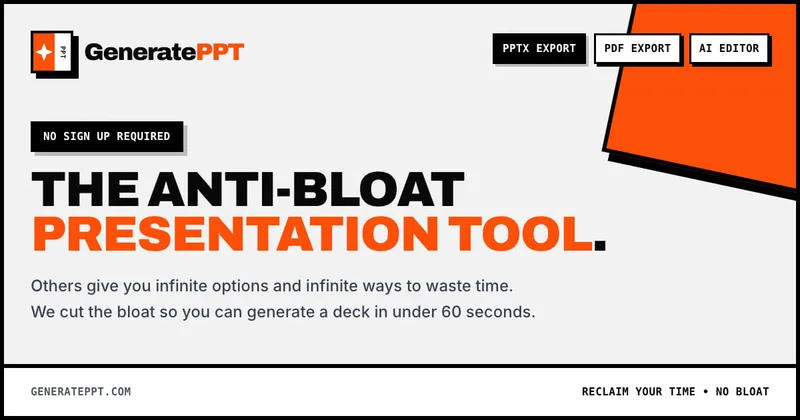
GeneratePPT is an AI-first presentation tool that converts topics, notes, URLs, PDFs, DOCX, and other inputs into clean, professional PowerPoint decks in under 60 seconds, with one-click styling, auto-sourced images, and an AI slide editor called AI Director.


3daistudio
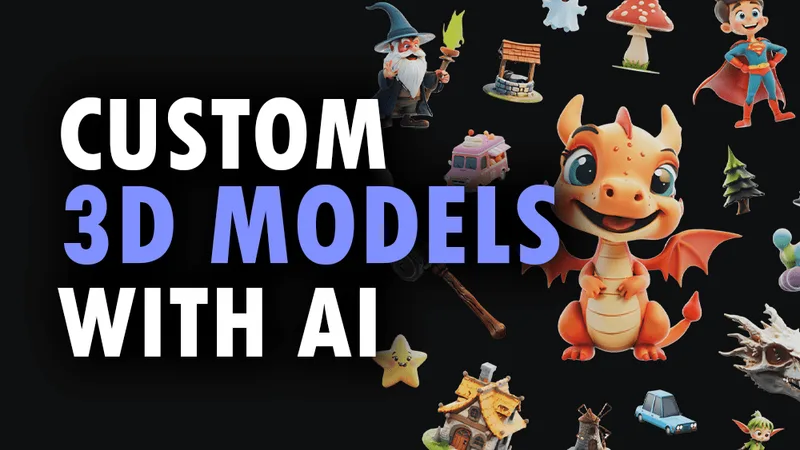
3D AI Studio is a web-based platform that generates production-ready 3D models, textures, and optimized meshes from text prompts or images using AI. It targets creators and teams across games, film, product design, 3D printing and AR/VR, and offers a studio UI, node-based Flow, and a REST API for integration.

Generativeui
Generative UI is a platform that uses AI to synthesize fully customized, interactive user interfaces and experiences in real time from user prompts, targeting developers and teams building adaptive, multimedia-rich applications.

Logomakerr
Logomakerr.ai is an AI-driven online logo maker that generates customizable logo designs and brand kits to help businesses and entrepreneurs create branding and marketing assets with minimal design experience.

Premium Alternatives
AI QR Codes
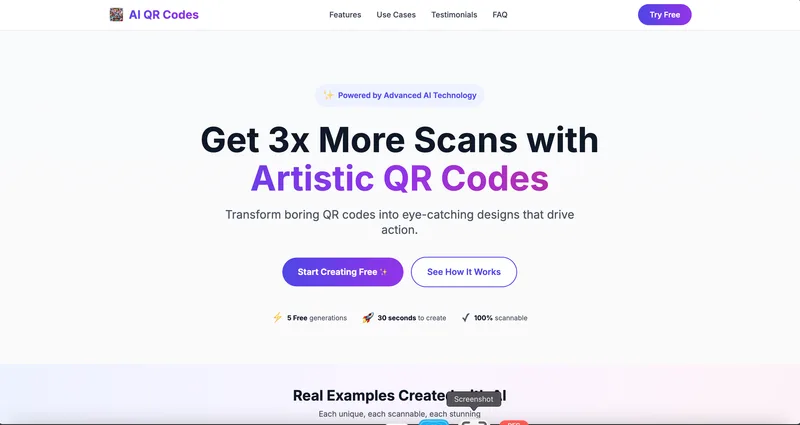
AI QR Codes is a web service that uses AI to generate artistic, brandable, and fully scannable QR codes for marketing, packaging, menus, business cards, events, education, and more.

Aifiguregenerator
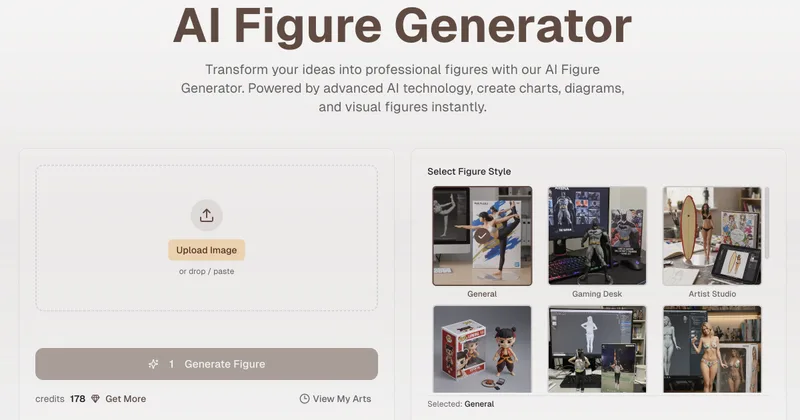
AI Figure Generator is a web tool that transforms photos into high-resolution figurine-style designs (anime, Funko Pop, action figures) using Nano Banana AI technology, aimed at creators, hobbyists, and studios.

Ai-architectures
AI-Architectures is a web-based platform that converts sketches, photos, or text descriptions into photorealistic architectural renders, labeled floor plans, and staged listing photos in about 30–40 seconds, with exports suitable for professional CAD/BIM workflows.

Pineapple Builder
Pineapple Builder is an AI website builder for businesses that generates websites and helps owners update pages, create SEO content, and manage leads. The site says plans start at $16 per month and offers 100 free AI credits to try the product.
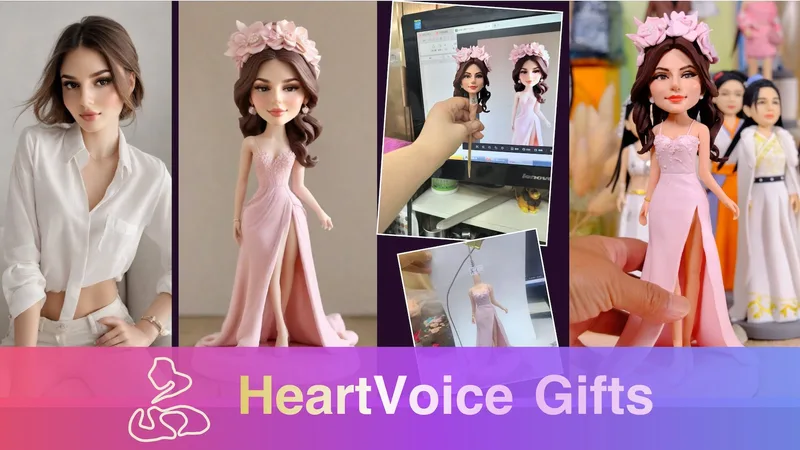
HeartVoice Gifts
HeartVoice Gifts is an e-commerce studio that combines an AI-powered bobblehead maker with artisan handcrafting to produce custom, photo-based bobblehead gifts for individuals and groups.

AI App Icon Generator
AI App Icon Generator is an AI-powered web tool that creates high-quality app icons from text prompts, producing multiple variations per prompt and allowing downloads of generated images.