
Shown
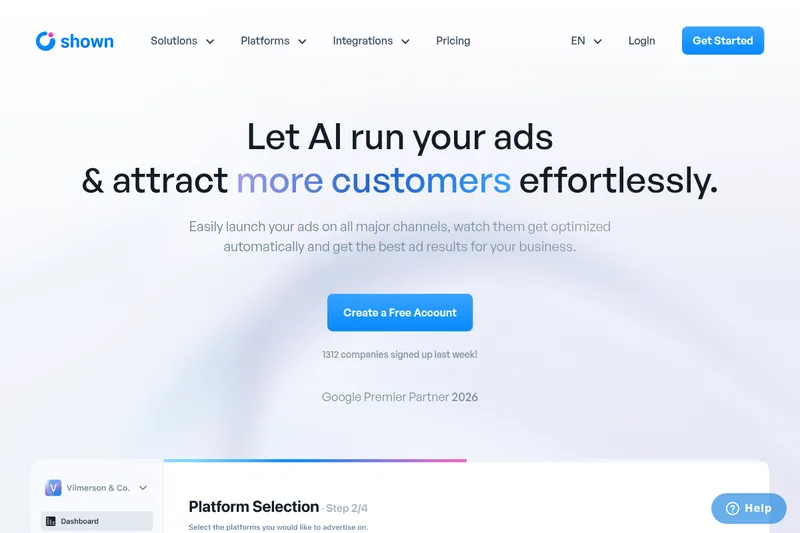
Shown helps businesses create, publish, and automatically optimize paid ad campaigns across major advertising platforms. Small-business owners and marketers can manage campaign activity and review performance in one dashboard.
One of 99 tools in Advertising
Who it's for
- Small-business owners who want to create and run paid advertising campaigns without doing all campaign tasks manually.
- Marketing teams managing campaigns across multiple listed advertising platforms and looking for a shared performance dashboard.
- Advertisers who want to synchronize email or product-list assets from supported integrations for use in campaigns.
How it fits your workflow
Users create campaigns from Shown's dashboard or chat with an AI assistant for advertising strategy and ad creation. The page says Shown can handle targeting, copywriting, and creative creation.
Campaigns can be published on the listed advertising platforms. Shown describes continuous optimization that can pause keywords, create ads for A/B tests, or suggest targeting changes.
Users can import existing campaigns, compare channel and campaign performance in the dashboard, and connect apps to synchronize email or product lists.
Pricing
Free: Free account available to get started (Create a Free Account). Detailed pricing tiers are referenced on the site's Pricing page.
The vendor doesn't publish prices. Check with Shown directly.
Prices checked on Jul 15, 2026 from the vendor's site. They can change; confirm before you buy.
Key features
- Campaign creation
- Create ad campaigns in minutes using AI-driven workflows and templates to match strategies used by larger brands.
- Campaign optimisation
- Automated 24/7 optimisation across channels including pausing keywords, suggesting new targeting and creating new ads for A/B testing.
- Advanced reporting
- Centralised dashboard to see campaign performance, compare channels, campaigns and ads at a glance and make data-driven decisions.
- AI marketing strategists
- Built-in AI assistants (examples named Mary, Sean, Sophie) to answer strategy questions and create/edit campaign assets for different channels.
- Multi-channel publishing
- Publish campaigns to major ad platforms (Google, Meta, Microsoft, TikTok, X, LinkedIn, YouTube) from a single interface.
- Integrations & asset import
- Connect apps to synchronise assets such as email lists and product lists for ad creation and targeting.
Works with
- Shopify
- Wix
- WordPress
- Squarespace
- Mailchimp
Getting started
- Create an account using the Create a Free Account option.
- Create a campaign from the dashboard or ask one of the AI assistants for campaign strategy or ad creation.
- Connect listed apps if you want to synchronize email or product lists.
- Review campaign performance in the dashboard.