
Skylum
Skylum's Luminar apps let photographers edit and enhance photos across desktop, mobile, and web. Organizations processing more than 10,000 photos per month can use Luminar Engine for automated volume editing.
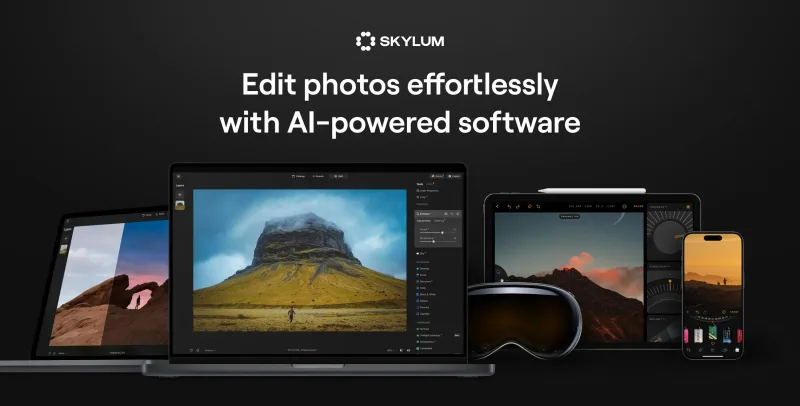
Who it's for
- Photographers who want AI-assisted photo editing on desktop, mobile, or in a browser.
- Real estate, automotive, and e-commerce photography teams editing images for their work.
- Organizations editing more than 10,000 photos per month that are evaluating an automated volume-editing suite.
How it fits your workflow
Photographers open Luminar on desktop or mobile, or use Luminar on Web in a browser, and apply the available editing and enhancement tools to their photos.
Organizations with high-volume photo workflows can evaluate Luminar Engine, described as a headless suite for automated editing of more than 10,000 photos per month.
Pricing
Black Friday promotion
The page advertises discounts of up to 77%; individual plan prices are not provided.
Prices checked on Nov 2, 2026 from the vendor's site. They can change; confirm before you buy.
Key features
- AI photo editing controls
- The page lists AI-based tools and adjustments including Accent AI, Structure AI, AI Masking, AI Upscale, and AI Noiseless.
- Photo enhancement and retouching
- Luminar includes tools for photo enhancement, skin retouching, face editing, dehazing, sharpening, and selective color adjustments.
- Sky and background editing
- Listed features include Sky Replacement, background removal, background changes, and transparent-background editing.
- Creative and compositing tools
- The page lists image blending, overlays, layers, filters, effects, and tools such as GenErase, GenSwap, and GenExpand.
- Desktop, mobile, and browser editing
- Luminar is offered on desktop and mobile; Luminar on Web provides browser-based editing without installation.
- Automated volume editing
- Luminar Engine is described as a headless suite for automated photo editing, optimized for organizations editing more than 10,000 photos per month.
Alternatives to consider
-
LightX
Choose it if you want photo editing alongside design and video tools, image generation, and a developer API.
-
Airbrush
Choose it if one-click retouching, object removal, and video editing in an app or desktop studio are the main needs.
-
Photor AI
Choose it if you want a web-based collection of tools for analyzing, enhancing, transforming, and generating photos.
Getting started
- Choose a Luminar product or plan on the Skylum site.
- For Luminar Mobile, scan the QR code with an iPhone or iPad, or enter an email address to receive an App Store download link.
- Download the mobile app or open Luminar on Web to begin editing.