
Transkribieren
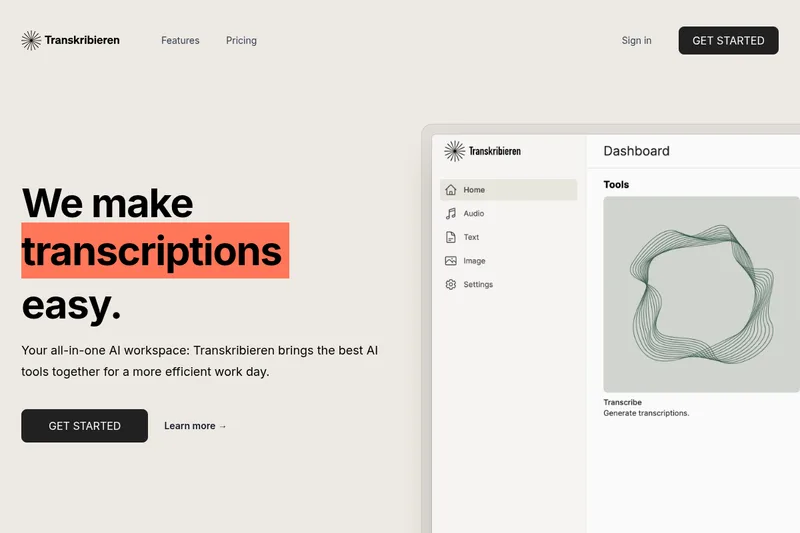
Transkribieren is an AI transcription workspace that turns audio, video, and YouTube links into text, subtitles, and summaries. It supports 99+ languages, speaker detection, and multiple export formats.
Transkribieren is ai software teams evaluate for ai workflows. Use this page to review pricing, integration signals, and the best alternatives before you commit.
Profile facts come from the vendor source. AiMatch labels unknown pricing or API details instead of estimating them.
Review official source →Used in These Packs
Quick Overview
Best for: AI workflows
What it does
AI software for decision-makers comparing workflow fit and alternatives.
Best fit
AI workflows
Pricing snapshot
Free Trial
Next step
Compare Transkribieren with similar tools before you shortlist it.
Compare this tool before you shortlist it
Review alternatives, pricing posture, and workflow fit side by side.
Transkribieren is an AI workspace for turning audio and video into text. It accepts common audio and video formats, as well as YouTube URLs, and offers transcription, interview speaker detection, subtitles, and AI-generated summaries.
The service is aimed at people and teams who need to process recordings and export their results. It supports 99+ languages with automatic detection and offers exports including Word, PDF, SRT, and VTT. The page also states that it provides zero data retention and describes its security and compliance measures.
Revolutionize audio transcription with Transkribieren.xyz - a fast & accurate AI transcription tool. Transkribieren is a AI Transcription Tool featured on Dang.ai. Learn more about Transkribieren's AI tool.
Own this listing?
Claim this page for a one-time $29 to add pricing, features, screenshots, verified owner details, and a clearly labeled 30-day category position after the profile is live.
Claim this listing for $29Key Features
Audio and video transcription
Convert audio files in MP3, WAV, M4A, FLAC, OGG, and AAC formats, or video files in MP4, MOV, AVI, MKV, and WebM formats, into text.
YouTube transcription
Paste a YouTube URL to get a transcript.
Multilingual transcription
Transcribe in 99+ languages, with automatic language detection.
Speaker detection
Automatically identify and label different speakers in audio; the page notes this is included for interviews.
Subtitles
Generate subtitles for videos and export them in SRT or VTT formats.
AI-generated summaries
Create summaries from transcribed content.
Flexible exports
Export results to Word, PDF, TXT, JSON, HTML, SRT, and VTT.
Pricing
The page invites users to start a free trial; trial duration and pricing details are not stated.
Use Cases
Transcribing interviews
Convert interview recordings to text and use speaker detection to identify and label different speakers.
Creating video subtitles
Generate subtitles from supported video files and export them as SRT or VTT.
Transcribing YouTube videos
Submit a YouTube URL to generate a transcript.
Summarizing recordings
Use AI-generated summaries to create a concise account of transcribed audio or video.
Integrations
No verified integration details are available.
Benefits
Limitations
No verified limitations are available.
Frequently Asked Questions
No verified FAQs are available.
Getting Started
- 1 Select Get started on the Transkribieren website.
- 2 Provide an audio or video file in a supported format, or paste a YouTube URL for transcription.
- 3 Choose the relevant output, such as a transcript, subtitles, or an AI-generated summary.
- 4 Export the result in a supported format.
Support
Premium support
The page says tailored support is available for teams with specialized needs.
Trust Center
The page links to a Trust Center for security and compliance information.