
Videco
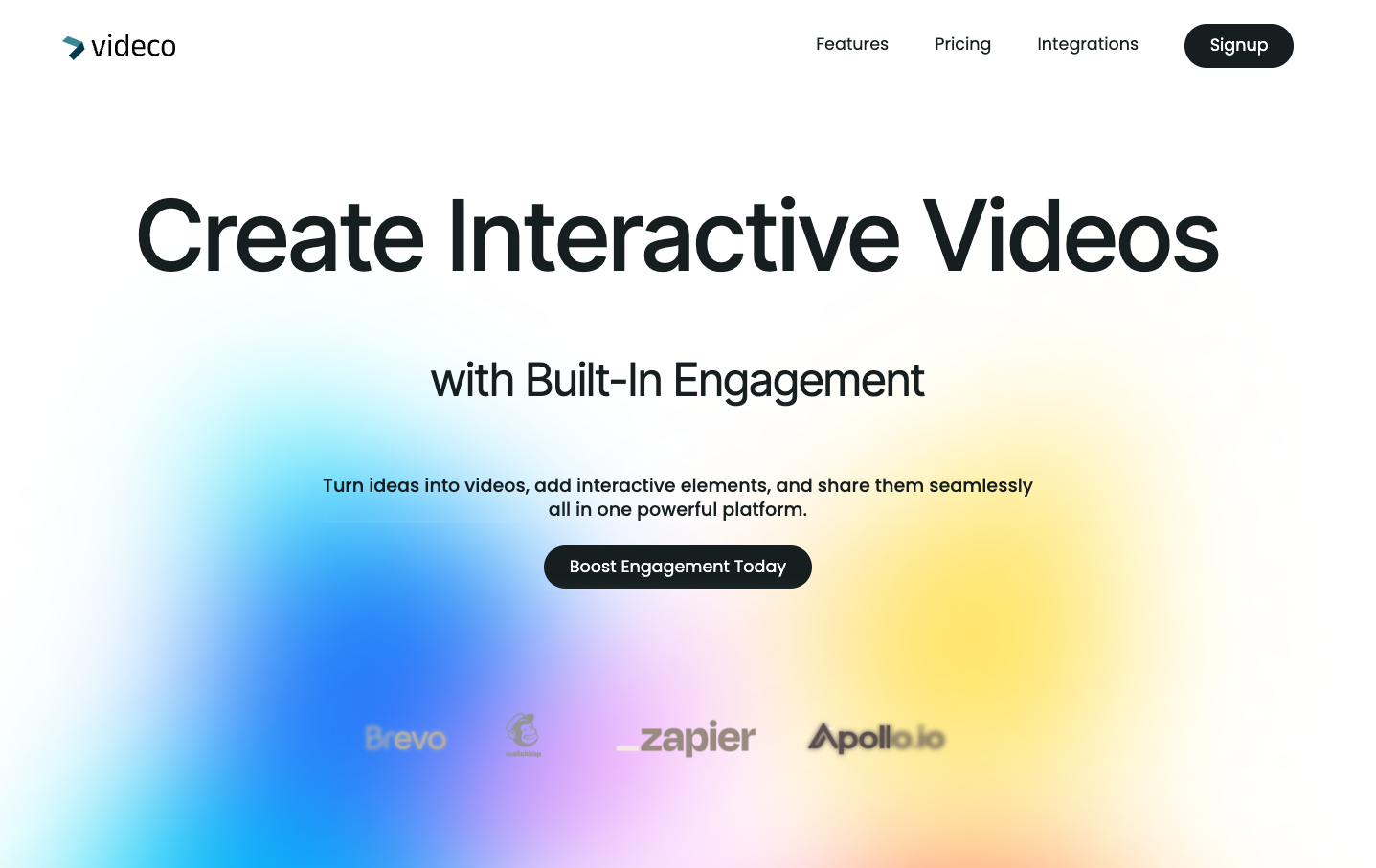
Videco helps marketing, product, and developer teams turn demos, webinars, and other recordings into branded clips and related content, then host, share, and measure the videos.
Who it's for
- Marketing teams repurposing product demos, webinars, or interviews into clips and social or blog content.
- Product teams that need to host, embed, and share demos or other product videos.
- Developers building video workflows that use Videco hosting, its player, or Video API.
How it fits your workflow
Upload a demo, webinar, interview, or other recording to the Videco library. Content Studio identifies promising moments and can generate clips, blog drafts, and social posts from the source.
Review and refine the clips by trimming them, adjusting captions and framing, and applying brand elements. Export the content or share it through Videco hosting, watch pages, embeds, and personalized landing pages.
For lead capture, add a form or booking option to a landing page. Form submissions appear in the Leads workspace, where they can be filtered and exported as CSV.
Pricing
Paid plans
The page advertises 30% off paid plans with code FIRDAYOFF30; regular prices are not stated.
Prices checked on Nov 3, 2026 from the vendor's site. They can change; confirm before you buy.
Key features
- AI content repurposing
- Finds promising moments in recordings and generates short clips, blog drafts, article outlines, social posts, and hooks from the source video.
- Clip editing and export
- Lets teams select moments, trim clips, refine captions, adjust framing, preview results, and export finished clips.
- Branding and templates
- Supports applying brand colors, logos, caption styling, and motion templates to clips.
- Video hosting and player
- Upload, organize, and manage videos in Videco, then customize the player and embed videos on other sites.
- Watch pages and video SEO
- Public watch pages include schema.org VideoObject JSON-LD, with metadata such as title, description, thumbnail, and duration drawn from the managed video.
- Personalized landing pages and lead capture
- Create pages on Videco links with merge tags, calls to action, lead forms, and booking options. Form submissions appear in the Leads workspace and can be exported as CSV.
Works with
- Calendly
- Cal.com
Limitations to know
- The page does not state regular prices for paid plans.
- The page labels a Content Studio preview as prototype UI with demo footage and says it is not a live production export.
Getting started
- Choose Get started or sign in to Videco.
- Upload a recording such as a demo, webinar, or interview.
- Use Content Studio to find moments and generate clips or written content.
- Refine and brand the content, then export it or share it through Videco.