

Wmhub
World Model Hub (WMHub) is a unified AI creation platform for generating high-quality videos, images, 3D assets and world-model content, designed to move projects from prompt to publish-ready output in a single production workflow.
Wmhub is video generation software teams evaluate for content & marketing. Use this page to review pricing, integration signals, and the best alternatives before you commit.
Used in These Packs
Quick Overview
Best for: Content & Marketing
What it does
Video Generation software for decision-makers comparing workflow fit and alternatives.
Best fit
Content & Marketing
Pricing snapshot
Freemium from Pay-as-you-go credits (specific price tiers not listed on the page)
Next step
Compare Wmhub with similar tools before you shortlist it.
Compare this tool before you shortlist it
Review alternatives, pricing posture, and workflow fit side by side.
Wmhub
World Model Hub (WMHub) is an integrated AI generator that lets teams and creators produce videos, images, 3D assets and world-model content within one unified platform. It combines a model hub, prompt-driven generation, refinement tools, and direct export workflows so users can move from idea to publish-ready output without switching tools. WMHub is positioned for professional and production-ready use — emphasizing stable quality, style and character consistency, and reuse across channels.
WMHub targets brand teams, creators, educators, e-commerce visual teams, filmmakers, game developers and production studios that need repeatable, high-volume creative outputs. The platform highlights continuous model updates, model comparison capabilities, and a workflow designed to shorten production cycles while maintaining control over output quality and brand consistency.
World Model Hub (WMHub) is a unified AI creation platform for generating high-quality videos, images, 3D assets and world-model content, designed to move projects from prompt to publish-ready output in a single production workflow.
Own this listing?
Claim this page to add pricing, features, screenshots, and verified owner details.
Claim this listingKey Features
Unified generation for Video, Image & 3D
Generate videos, images, 3D assets and world-model content from prompts in a single platform without switching tools.
World-class Model Hub
Access multiple leading video, image and 3D models (examples listed include Seedance, Sora, Veo, Kling, GPT Image and Nano Banana families) and compare outputs to choose the best fit.
Prompt-to-Production Workflow
An end-to-end workflow: prompt ideation, fast first-pass generation, iterative enhancement (motion, framing, visual detail), and final export to publishing channels.
Consistency & Scalability
Tools and models designed to maintain style, character continuity and stable output quality across versions and channels for repeatable scaling.
Cross-Channel Delivery
Export assets formatted for brand ads, ecommerce product pages, social platforms and training content to support multi-channel campaigns and reuse.
Model Switching & Comparison
Easily switch between multiple AI models and compare their stylistic outputs to select the best creative direction.
Production-Ready Exports
Export final assets directly for use in campaigns, social posts, product detail pages and other publishing destinations.
Credit-Based Billing
Platform uses a credit-based consumption model (mentioned by user testimonials) to align costs with usage.
Pricing
Try WMHub Free — a free trial or free tier is offered (details and limits not specified on the page).
Credit-Based
Pay-as-you-go credits (specific price tiers not listed on the page)- Pay per generation using credits
- Scale usage with credits
- Compare and choose models without long-term commitments
Use Cases
Brand Advertising
Produce hero ads, cutdowns and campaign creatives faster while maintaining a consistent visual identity across channels.
Creators & Social Teams
Plan, produce and publish episodic content, shorts and platform-ready variations while preserving style consistency and cadence.
Educators & Training
Transform text-heavy materials into clear visual lessons, explainers and instructional modules to improve learner comprehension and retention.
E-commerce Visuals
Create product demos, launch teasers and multi-format assets for product pages, marketplaces and paid channels to boost conversion and speed time-to-market.
Filmmaking & Storytelling
Pre-visualize scenes, test pacing and explore visual tone to prototype narrative sequences and validate creative direction before full production.
Game Development & Worldbuilding
Generate concept visuals, character studies, environment moods and short animated sequences to accelerate ideation and communicate creative intent.
Integrations
Export to Campaigns & Social Platforms
Publish or export final assets directly to campaigns, social channels and product pages to streamline delivery.
Model Hub (Multiple AI Models)
Integrates numerous internal AI models so users can switch between and compare outputs from different generators within the platform.
Benefits
Limitations
Claim this listing to add transparent limitations.
Frequently Asked Questions
What is World Model Hub?
What can I create with this AI video, image, and 3D generator?
How do I start an AI video, image, or 3D generation project?
What makes WMHub different from a typical AI video/image generator?
How fast are AI video and AI image results generated?
Is there a free tier for this AI creation platform, and how do upgrades work?
Can I use WMHub AI outputs for commercial work?
How can I keep AI results consistent across iterations?
Getting Started
- 1 Step 1: Create an account and access WMHub (Try WMHub Free is offered on the site).
- 2 Step 2: Enter a prompt describing your scene, idea and style so the selected model understands your creative intent.
- 3 Step 3: Run generation to create a first output (the platform produces a strong initial result in seconds).
- 4 Step 4: Enhance the result by refining motion, framing and visual details until target quality is achieved, then export/publish the final asset.
Support
Docs
Resources, pricing details and blog posts are available on the WMHub website under Resources (Pricing, Blog and Model Hub sections).
Contact / General Support
General contact and support access is provided via the WMHub website (https://wmhub.io); specific support channels (email, live chat) are not listed on the provided page.
Legal & Policy
Privacy Policy and Terms of Service are published on the site for legal, licensing and usage questions.
API
Compare Wmhub with similar tools
See how it stacks up against alternatives
Related Tools
View all 133 →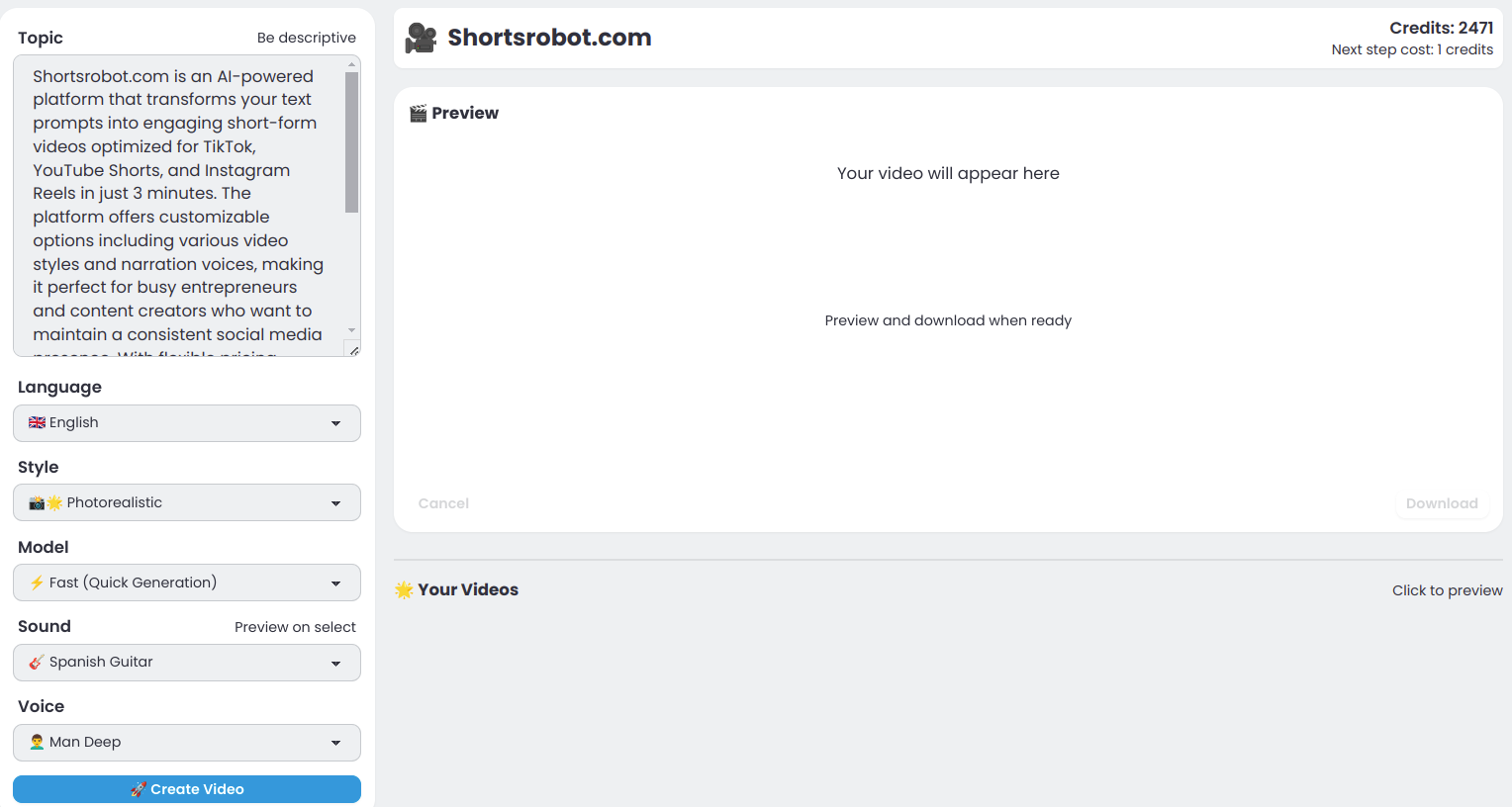
Shortsrobot.com
ShortsRobot is an AI-powered video generator that turns a single text prompt into a polished, ready-to-post vertical short (9:16) for TikTok, YouTube Shorts, and Instagram Reels, automating script, voiceover, images, captions and more in about 90 seconds.

Aidancevideo
AI Dance Video is a web tool that turns any still photo (people, pets, or objects) into a short, shareable dancing video using motion-control AI models — aimed at social creators and casual users who want quick, humorous dance clips.

Vibevideoing
Vibe Videoing is an AI-powered video generation platform that uses intelligent video agents to convert natural-language ideas into professional videos, handling scripting, storyboarding, visual synthesis and final rendering.




Premium Alternatives
mango-seo-ai
Inkflow is an AI-powered content creation platform that enables users to quickly generate professional-quality books and blog posts from simple titles and chapter outlines, streamlining the content creation process for writers, marketers, and content creators.

Swiftspeed
Swiftspeed is a no-code AI-driven app builder that creates native iOS, Android and PWA apps using an AI agent and a visual editor, enabling businesses to design, publish, monetize, and scale mobile apps without writing code.



Investigalo.com.mx
Investigalo.com.mx provides instant, verified legal background checks for individuals and companies across Mexico, helping users protect themselves from fraud with detailed judicial reports.
Mubert
Mubert is a generative-AI music platform offering royalty-free, customizable music via subscriptions, perpetual licenses and an API. It provides tools for creators, streamers and developers to integrate procedurally generated tracks and license certificates for commercial use under plan terms.

Fantasygen
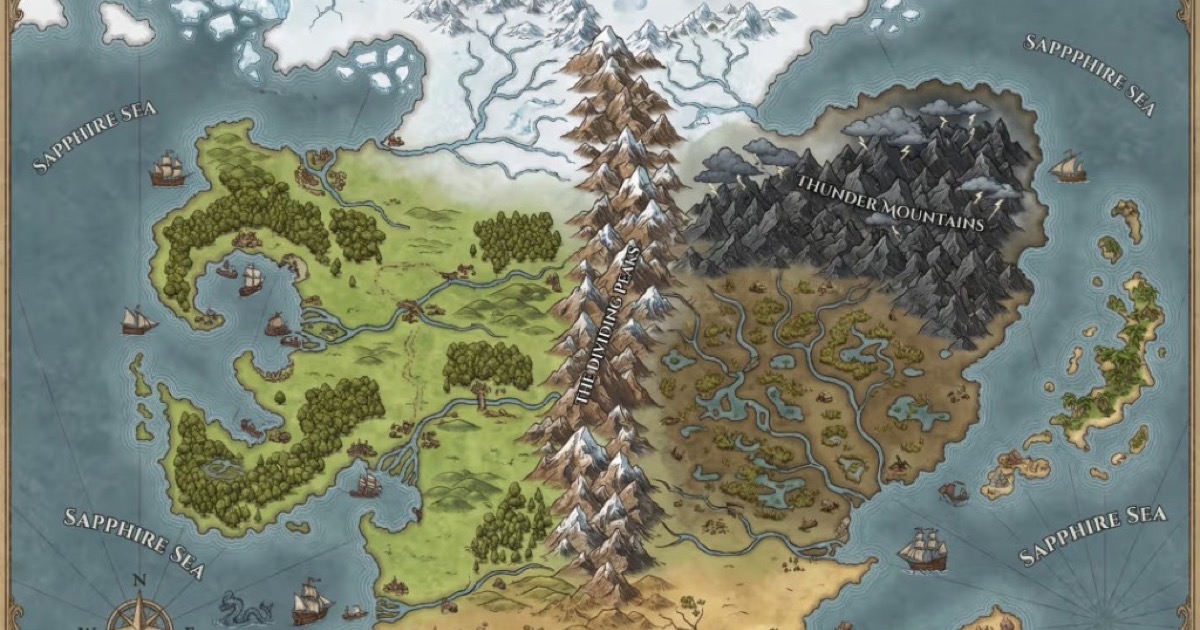
FantasyGen is an AI-powered fantasy map generator and map maker that creates D&D battlemaps, world maps, dungeon maps, city maps, and more instantly from text prompts. It's aimed at game masters, authors, worldbuilders, and game developers who need fast, high-quality maps without drawing skills.