
3D Camera Control
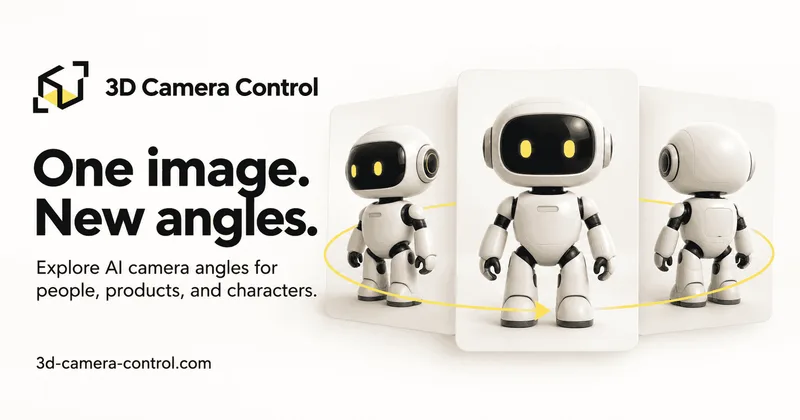
3D Camera Control generates a new 2D viewpoint from an uploaded reference image, with controls for camera angle and framing. Product visual creators, character artists, and storyboard planners can use the results as visual references.
One of 386 tools in Image & Design
Who it's for
- Product visual creators who want alternate angles of an existing product image.
- Character artists who want to compare a character's silhouette, costume, or proportions from several directions.
- Storyboard and video planners who want still-image references for exploring framing.
Not the right fit if…
- Teams that need an editable 3D model: the tool generates a new 2D image, not a 3D model.
- People expecting unlimited free image generation: each generation uses credits, and a free account does not provide unlimited generation.
How it fits your workflow
Upload a clear photo or illustration of a person, product, or character. The page supports JPEG, PNG, and WebP images up to 10 MB.
Choose a camera preset or adjust horizontal rotation, elevation, and distance. Generate and review the still image, then download it. Batch generation can create selected preset views from the same reference for eligible paid users.
Use the images as visual references for product visuals, character design, storyboards, or video planning. The tool does not produce an editable 3D model.
Pricing
Free: Account registration and example previews are free. Image generation requires credits; complimentary credits may be assigned to an account, and each generated view uses credits. Batch generation is for eligible paid users.
The vendor doesn't publish prices. Check with 3D Camera Control directly.
Prices checked on Oct 21, 2026 from the vendor's site. They can change; confirm before you buy.
Key features
- Camera angle controls
- Choose a preset or set azimuth (horizontal rotation), elevation (vertical angle), and distance to adjust the generated viewpoint and framing.
- Multiple-view batch generation
- Select multiple camera presets for views generated from the same reference image. Batch generation is available to eligible paid users and uses credits for each view.
- Image upload and download
- Upload a reference image and download the generated view. The page lists JPEG, PNG, and WebP support, with a maximum upload size of 10 MB.
- Preset viewpoints
- Choose from options including front-right three-quarter, right side, low angle, back, left side, and top-down.
Limitations to know
- The output is a 2D image, not an editable 3D model.
- AI-inferred hidden surfaces can cause details or proportions to differ from the reference.
- Generating images requires credits; free accounts do not have unlimited generation.
- Batch generation is limited to eligible paid users and each selected view uses credits.
Getting started
A JPEG, PNG, or WebP image up to 10 MB; the page recommends a sharp, well-lit image with a clearly visible subject.
- Upload a clear photo or illustration.
- Choose a preset or adjust horizontal rotation, elevation, and distance.
- Generate the view, review it, and download the image.
Frequently asked questions
Which model powers the camera angle tool?
The tool uses Qwen Image Edit 2511 Multiple Angles.
Does this create a 3D model?
No. It generates a new 2D image guided by the reference and camera settings, not an editable 3D model. AI infers hidden surfaces, so details and proportions can change.
Can I generate multiple views at once?
Yes. Eligible paid users can select multiple camera presets for batch generation. Each view uses credits.
Do I need to write a prompt?
No camera prompt is needed in the main workspace. Use a preset or the visual controls to set the viewpoint.
What images work best?
The page recommends a sharp, well-lit image with a clearly visible subject. Portraits, product photos, and character illustrations are listed as useful starting points.
Can I use the results for video planning?
Yes. Generated images can be used to explore framing, plan a storyboard, or prepare reference frames for a video tool. The workspace generates still images.