Chalk
Chalk is a native macOS drawing app for quick sketches and lightweight diagramming: open, draw, paste screenshots, annotate, and copy results to the clipboard with no accounts or setup.
Chalk is image & design software teams evaluate for image & design. Use this page to review pricing, integration signals, and the best alternatives before you commit.
Profile facts come from the vendor source. AiMatch labels unknown pricing or API details instead of estimating them.
Review official source →Used in These Packs
Quick Overview
Best for: Image & Design
What it does
Image & Design software for decision-makers comparing workflow fit and alternatives.
Best fit
Image & Design
Pricing snapshot
Freemium from $0 forever
Next step
Compare Chalk with similar tools before you shortlist it.
Compare this tool before you shortlist it
Review alternatives, pricing posture, and workflow fit side by side.
Chalk is a native macOS drawing app designed for rapid, low-friction sketching and annotation. The app emphasizes a minimal, distraction-free workspace with no tabs, notifications, account creation, or first-run setup—users can open the app and start drawing immediately. Chalk is local-first and lightweight, optimized for quick "just one quick sketch" moments and fast launch on macOS.
A native macOS drawing app for the 'just one quick sketch' moment. Local-first boards, screenshot markup, and an AI integration that lets Claude draw diagrams directly onto an editable canvas.
Own this listing?
Claim this page for a one-time $29 to add pricing, features, screenshots, verified owner details, and a clearly labeled 30-day category position after the profile is live.
Claim this listing for $29Key Features
Zero-friction sketching
No accounts, no projects, no first-run wizard: open the app and start drawing immediately.
Minimal, distraction-free UI
No tabs or panels fighting for attention; a single board and a small palette of tools to focus on thinking out loud.
Screenshot paste & markup
Paste any screenshot from the clipboard onto a fresh board and annotate with arrows, boxes, text, and freehand.
Instant copy-to-clipboard (PNG)
Copy the marked-up result straight back to the clipboard as a PNG for pasting into other apps.
AI-generated diagrams
Ask AI (Claude, Cursor, Windsurf) to draw diagrams—flowcharts, sequence diagrams, mind maps, UML—and refine them in Chalk.
Native macOS performance
Built as a native macOS app, fast to launch and light on machine resources.
Auto-save, local-first
Sketches auto-save locally; the app is designed for local-first usage without required cloud accounts.
Pricing
Free forever: all drawing tools, unlimited sketches in one folder, PNG copy-to-clipboard, auto-save and local-first storage.
Free
$0 forever- All drawing tools
- Unlimited sketches in one folder
- Copy to clipboard as PNG
- Auto-save, local-first
Pro
TBD (one-time)- Everything in Free, plus: TBD (coming soon)
Use Cases
Quick sketches and concept capture
Capture a spontaneous idea or sketch a concept immediately without setup or account creation.
Annotating screenshots for team communication
Paste a screenshot, mark it up with arrows and callouts, then copy the PNG to share in Slack, Jira, Docs, or other tools.
AI-assisted diagram creation
Generate flowcharts, sequence diagrams, mind maps, or UML via integrated AI tools and refine the results in the app.
Developer workflows
Use Chalk alongside developer tools (mention of VS Code) to create diagrams and share visuals within engineering workflows.
Integrations
Claude
Use Claude to generate diagrams which land in Chalk for refinement.
Cursor
Use Cursor to generate diagrams for refining in Chalk.
Windsurf
Listed as a compatible AI tool for producing diagrams that can be refined in Chalk.
VS Code
Mentioned as a tool that works with Chalk for diagram workflows.
Slack / Jira / Docs
Optimized for quick sharing into communication and documentation tools via PNG copy-to-clipboard.
Benefits
Limitations
Frequently Asked Questions
No verified FAQs are available.
Getting Started
- 1 Download Chalk for macOS (page shows version v0.1.1).
- 2 Open the app — no account or setup required.
- 3 Start drawing on a fresh board, or paste a screenshot from the clipboard.
- 4 Annotate using arrows, boxes, text, or freehand, then copy the result to the clipboard as a PNG.
Support
website
Product site includes About, Use with AI, Privacy Policy, and Contact links on the Chalk site.
privacy policy
Privacy Policy link is present on the site.
API
Compare Chalk with similar tools
See how it stacks up against alternatives
Related Tools
View all 386 →
Styldod
Styldod provides decision-grade visual and media workflows that turn home photos into actionable outcomes for real estate, renovation planning, and enterprise listing workflows via self-serve ReimagineHome, expert-delivered services, and an embeddable Smart Media Module.
Aithumbnail
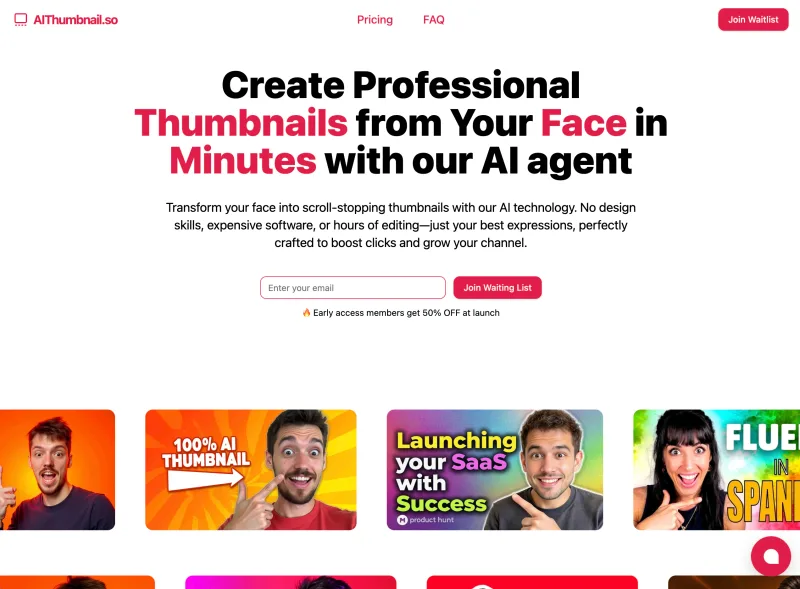
AIThumbnail.so is an AI-powered thumbnail maker for YouTube and creators that generates high-converting thumbnails in under a minute, offering features like Replica Mode, one-photo face integration, and AI smart suggestions to boost CTR and views.

AI Horde (stable-horde)
AI Horde (stable-horde) is a free, community-powered image and text generation service where volunteers run open-source workers to share spare GPU/CPU power for on-demand AI generation, accessible via web frontends or an open REST API.
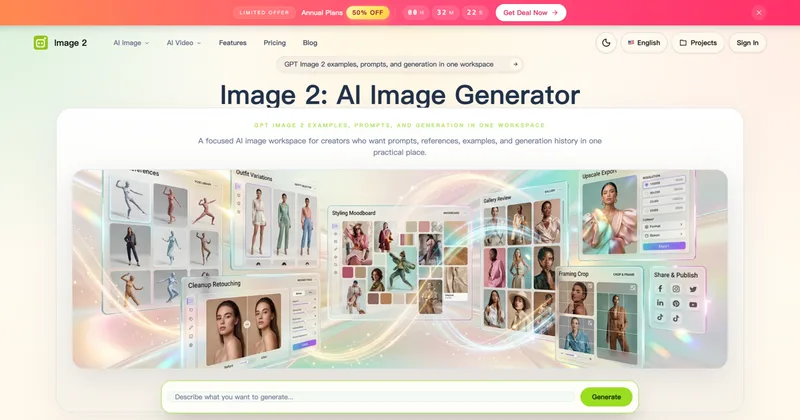
Image 2
Image 2 (Image2.to) is an AI-powered image and video generation workspace—branded as GPT Image 2—designed to create production-ready images, photorealistic renders, and text-rich visuals with editable, project-based workflows for creators, designers, and marketing teams.

ImageCombiner
ImageCombiner is a web-based AI image combiner that merges two photos into a single natural-looking image using generative AI, with ready-made templates (Couple Photo, Virtual Try-On, Product in Scene, etc.), free trial credits, and paid plans for higher-volume use.

Thumbmachine
Thumbmachine is an AI-powered web app for quickly creating YouTube video thumbnails using text-to-image generation, background removal, image upscaling, and templates with unlimited variations and a 3M+ photo repository.
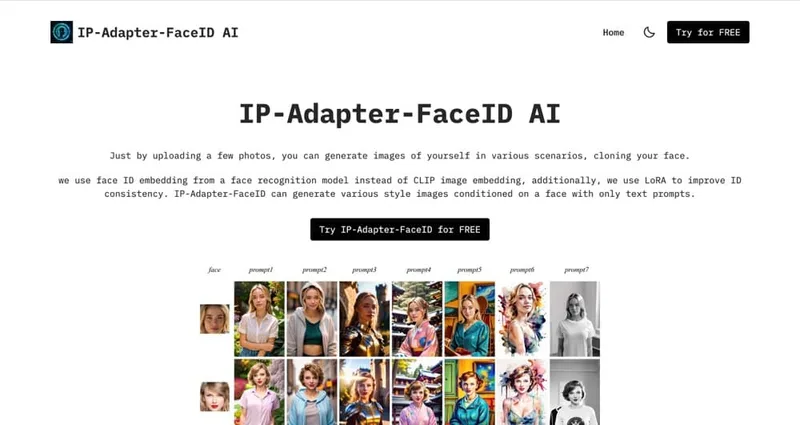
Ipadapterfaceid
IP Adapter Face ID is an image-generation offering based on the IP-Adapter-FaceID model that generates various-style images conditioned on a provided face using only text prompts; users upload a few photos and enter prompts to produce images that clone their face.
Premium Alternatives
DreamPic.AI
DreamPic.AI is a web service that uses AI (Stable Diffusion + DreamBooth) to train a personalized model from user photos and generate high-resolution, stylized images and avatars of people in hundreds of styles.
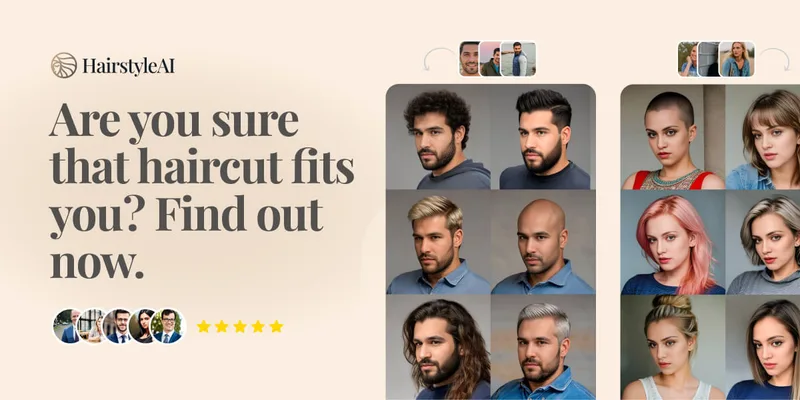
Hairstyleai
HairstyleAI is a virtual AI hairstyle try-on service (powered by HeadshotPro.com) that lets users preview new haircuts on their photos before committing to a real cut, offering dozens of generated looks and downloadable HD images.

GPT Image 2.5
GPT Image 2.5 is a prompt-based image generation and editing workspace offering two model modes—Flare for fast creative exploration and Sunburst for detail-focused edits—designed for product visuals, portraits, campaigns, and other content creation workflows.

Artiphoria AI
Artiphoria AI is a web-based AI image generation software that creates unique images in one click using neural networks and machine learning, aimed at artists, designers, creators and businesses.

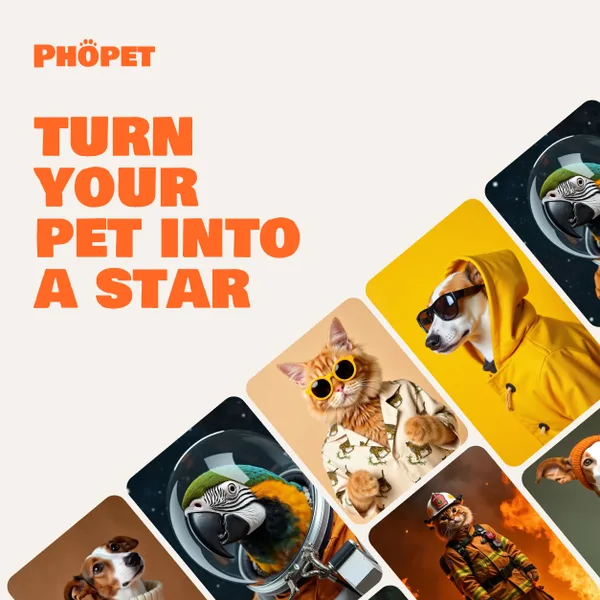
phopet
Phopet is a pet-focused image-generation service that trains a custom AI model from user-uploaded pet photos to produce themed, studio-quality images, upscaled prints, and merchandise-ready assets. It targets pet owners who want personalized photo packs and creative stories featuring their pets.