
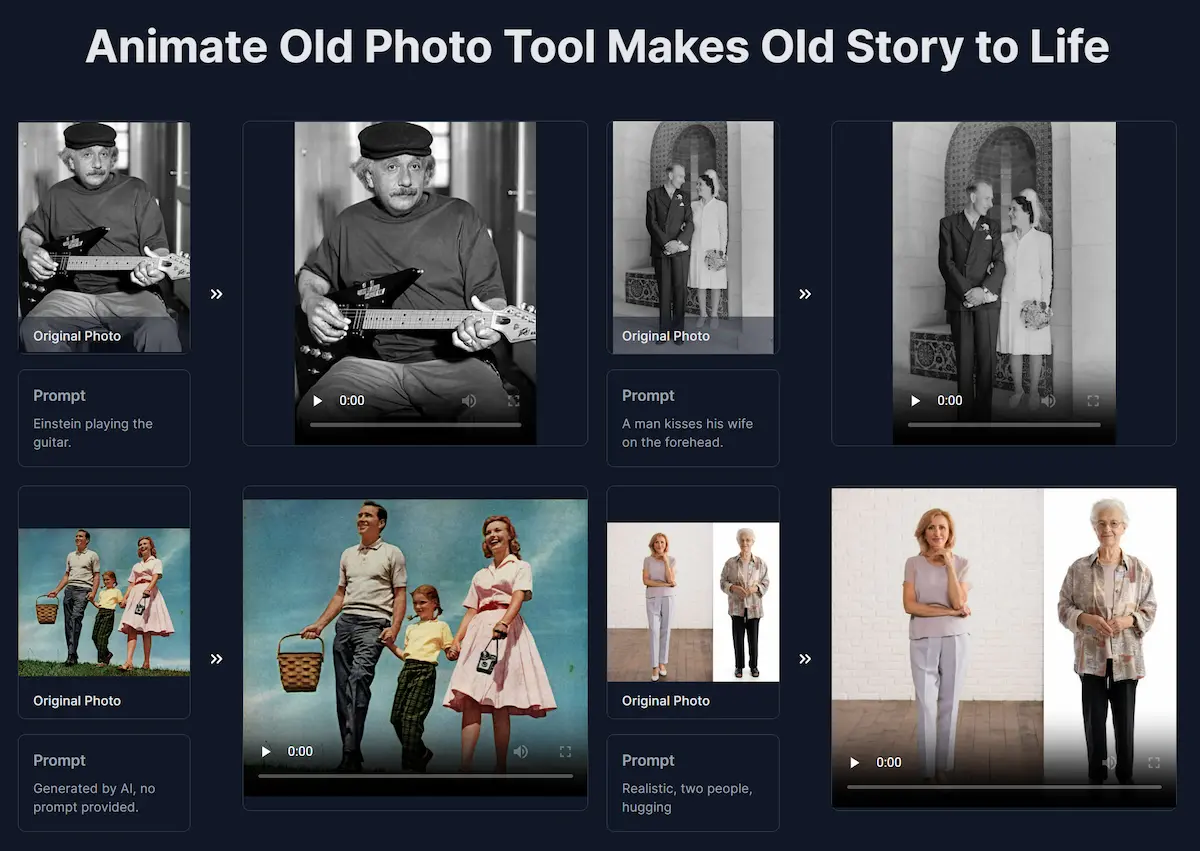
Animateoldphotos
Animate Old Photos is a web tool that uses AI to turn old photos into short animated videos (default 5s) with speech, singing, background music and motion, and also offers restoration, colorization and tools to add a deceased loved one or create hug videos.
Animateoldphotos is video generation software teams evaluate for video generation. Use this page to review pricing, integration signals, and the best alternatives before you commit.
Used in These Packs
Quick Overview
Best for: Video Generation
What it does
Video Generation software for decision-makers comparing workflow fit and alternatives.
Best fit
Video Generation
Pricing snapshot
Contact for pricing
Next step
Compare Animateoldphotos with similar tools before you shortlist it.
Compare this tool before you shortlist it
Review alternatives, pricing posture, and workflow fit side by side.
Animateoldphotos
Animate Old Photos is an AI-powered web application that transforms still photographs into short, shareable videos while also providing photo restoration and editing features. The tool can animate facial expressions and body motion, generate synchronized audio (speech, singing, background music), colorize and repair damaged photos, and create composite 'hug' videos or add a deceased loved one into a group photo. It is aimed at anyone who wants to revive family photos and historical images—no video editing skills required. The site provides limited free trials daily (no sign-in required while available) and a Pro model (announced in changelog) that supports native audio-synced video and longer video durations.
Animate Old Photos is a web tool that uses AI to turn old photos into short animated videos (default 5s) with speech, singing, background music and motion, and also offers restoration, colorization and tools to add a deceased loved one or create hug videos.
Own this listing?
Claim this page to add pricing, features, screenshots, and verified owner details.
Claim this listingKey Features
Photo-to-Video Animation
Convert a still photo into a short animated video (default 5 seconds) with natural-looking motion and facial animation generated by AI.
Native Audio & Lip-Sync (Pro)
Pro model supports native audio-synced video and original synchronized audio (changelog notes improved lip-syncing and native audio support, with up to 15s videos on Pro).
Audio Generation (Speech, Singing, Music)
Generate or add voice, singing, and background music to animated videos; supports dialogue prompts and background audio selection.
Old Photo Restoration
Colorize and repair scratches, fading, and other damage to restore authentic character without creating plastic-looking faces.
Add Loved One to Photo
Place a deceased or missing loved one into a group photo using AI-assisted compositing to recreate a group portrait.
AI Hug Video Generator
Create heartwarming hug videos by composing photos (using tools like Photopea to combine images) and animating them with descriptive prompts.
Prompt-driven Control
Users can add short descriptive prompts (or leave blank to let AI auto-generate) and use negative prompts to guide motion, audio, and background choices.
Fast Processing & High-Quality Output
Typical processing time is 2–5 minutes (may increase during peak traffic); outputs are designed for shareable, high-quality short videos.
Account & Content Controls
Profile page allows updating personal information, changing password, and deleting account; videos for logged-in users are stored for a limited time (30 days).
Device & Tablet Support
Website includes optimizations for tablet devices (including iPad) and responsive layout adjustments.
Pricing
Claim this listing to add current pricing tiers.
Use Cases
Revive family memories
Animate family portraits to create short videos of loved ones smiling, hugging, singing, or speaking lines to bring past moments to life.
Create Hug Videos
Combine photos and animate a comforting hug scene (useful for memorials, gifts, and keepsakes).
Restore and Colorize Old Photos
Repair scratches, fading and colorize black-and-white photos to preserve historical images with improved visual quality.
Add a Deceased Loved One to a Photo
Place a missing or deceased person into group photos to recreate portraits that were never taken.
Short creative clips & social sharing
Generate short 5-second (or Pro up to 15s) animated clips for sharing on social media, messaging apps, or family archives.
Fun and illustrative examples
Make playful animations such as children singing 'Happy Birthday', people clapping, or stylized edits like adding glasses to a portrait.
Integrations
Photopea
Recommended for creating composite photos (e.g., combining two separate images into one) before generating hug videos.
Benefits
Limitations
Frequently Asked Questions
How to animate an old photo?
How to create a hug video?
What if I don't like how my old photo video turned out?
How long does it take to animate a photo?
What if my photo animation fails?
Where can I find my old photo videos?
Can I cancel my subscription anytime?
What is Animate Old Photos?
Getting Started
- 1 Step 1: Choose Your Photo — Upload a photo from your computer or phone (max 10 MB, minimum 300×300 px).
- 2 Step 2: Add Prompts — Describe the scene and actions you want (short prompt suggestions provided). Optionally enable Generate Audio to add voice, singing, or music.
- 3 Step 3: Download and Share — Wait 2–5 minutes for processing, then download the animated video and share it; for hug videos, combine photos (e.g., with Photopea) before generating.
Support
Docs
User Guide, tutorials, blog posts and changelog are available on the site to help with prompts, audio sync, restoration workflows and other features.
In-app notifications
Support replies are sent via in-app notifications when you submit a support request (changelog notes this feature).
Community
Discord link is provided on the site for community interaction and updates; Twitter is listed for announcements.
Contact
A 'Contact Us' / Help & Support link is available on the website for direct inquiries.
API
Compare Animateoldphotos with similar tools
See how it stacks up against alternatives
Related Tools
View all 128 →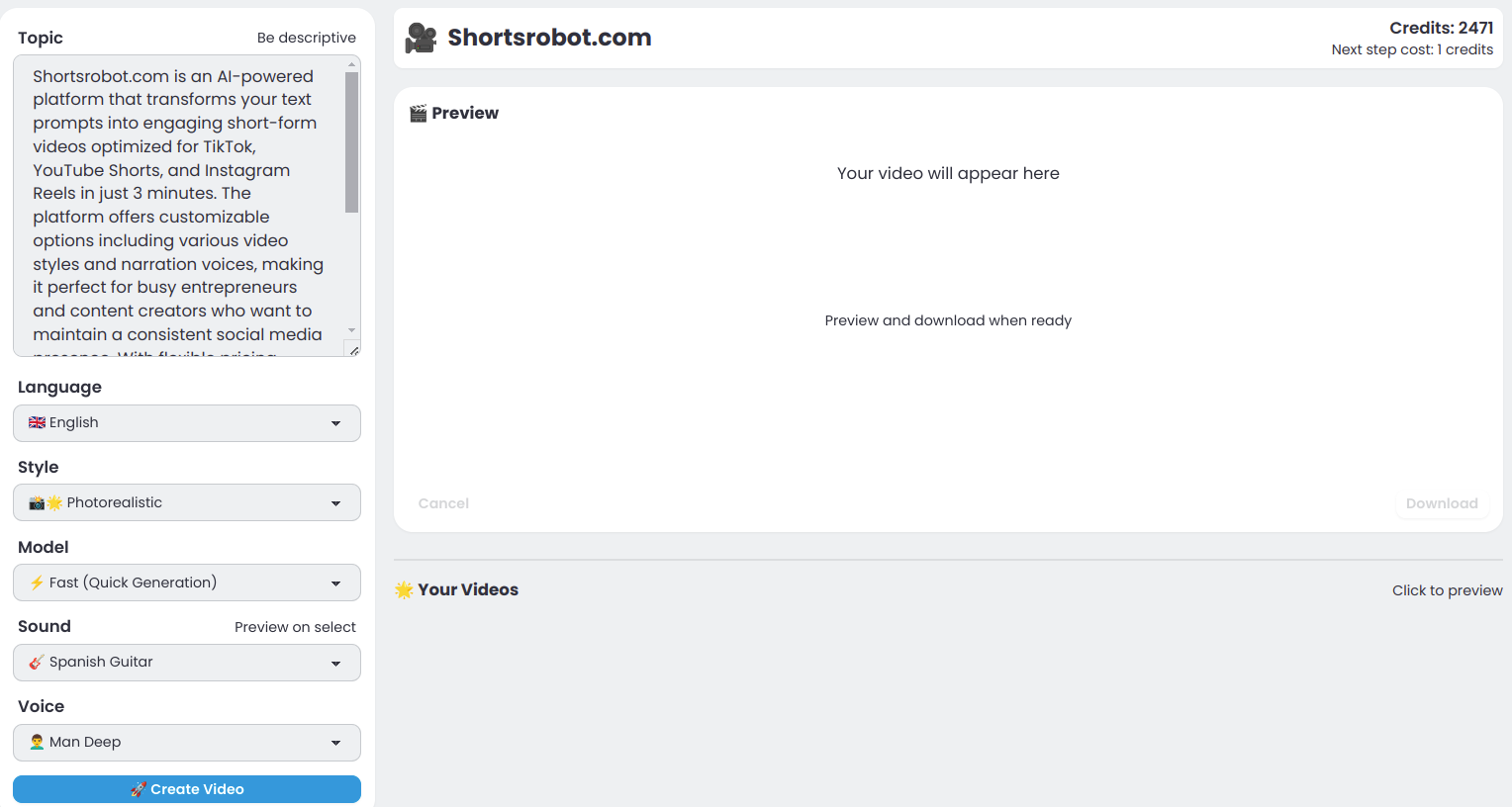
Shortsrobot.com
ShortsRobot is an AI-powered video generator that turns a single text prompt into a polished, ready-to-post vertical short (9:16) for TikTok, YouTube Shorts, and Instagram Reels, automating script, voiceover, images, captions and more in about 90 seconds.

RunwayML
Runway builds foundational 'Real-World Intelligence' and offers a suite of products — Runway Creative (cloud creative suite), Runway Dev (developer AI media platform and APIs), and Runway Robotics (simulation and policy inference) — to generate, edit, simulate and deploy multimodal media and agent workflows for individuals, teams and enterprises.
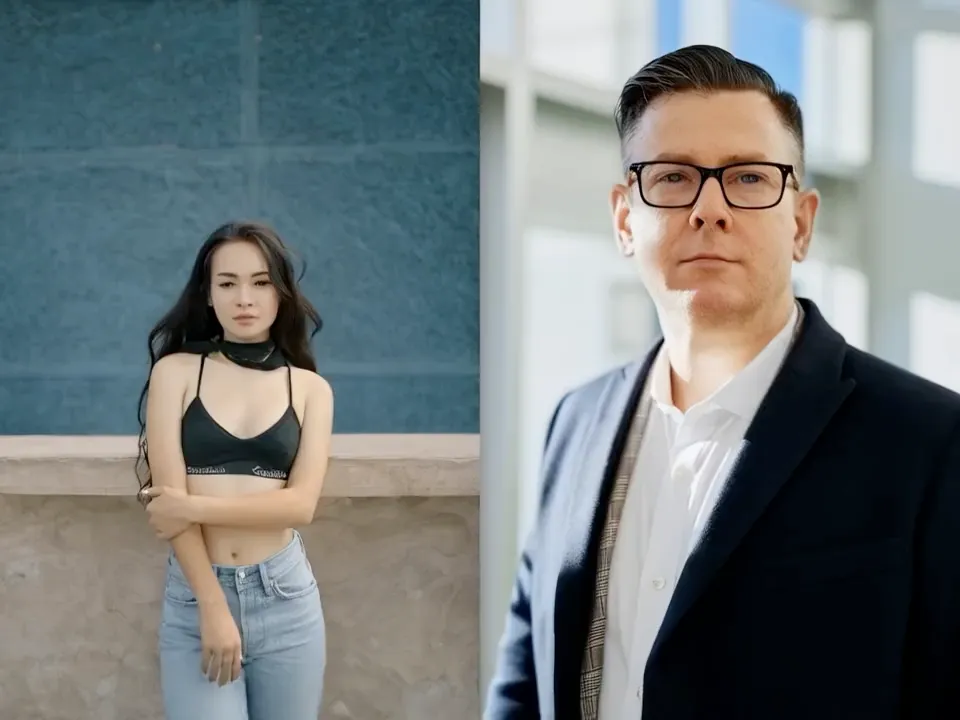
Aikissingvideogenerator
Online AI tool that generates realistic, HD kissing videos from one or two uploaded face photos, emphasizing speed, privacy, and free usage with no watermark.

Vidau
VidAU is an AI-first video ad creation platform that generates, remixes, and remakes high-converting social video ads at scale using multiple proprietary and third-party video and image models. It's built for marketers, e-commerce brands, creators, and agencies who need rapid, platform-ready ad creative without shoots or heavy editing.

Referencetovideo
Reference to Video is an AI video generator that uses a reference image or source video plus prompts to create new videos with improved subject consistency, scene transfer, and flexible generation workflows for creators, marketers, and teams.

Writeonsaga
Saga (Writeonsaga) is an AI-powered screenwriting and filmmaking platform that combines story development, scriptwriting, AI-assisted storyboarding, and basic video editing into a single workflow for writers, filmmakers, and creative teams.
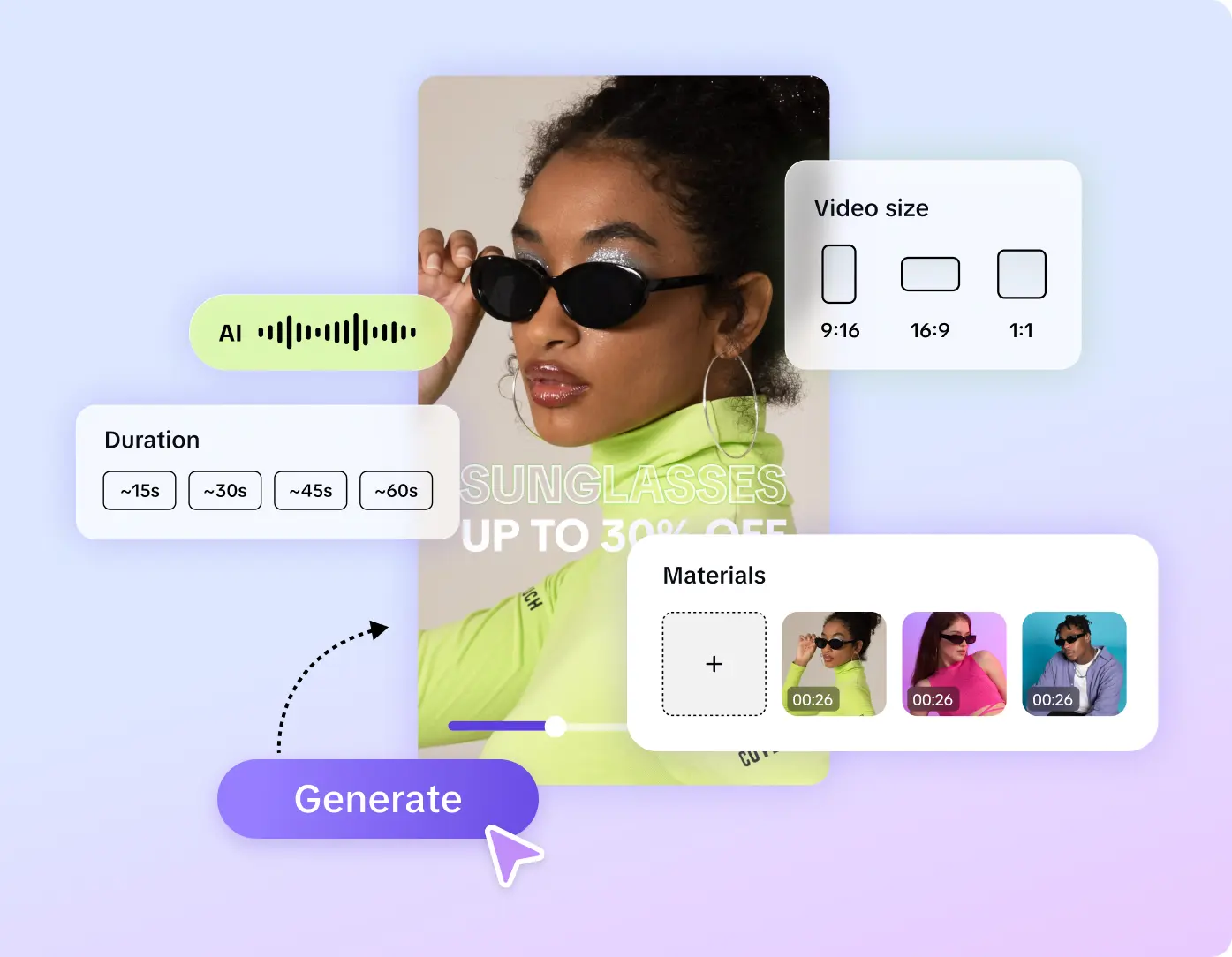

Aibabydance
AI Baby Dance is a web-based generator that transforms baby photos into short, shareable dancing videos using AI-powered motion and face-preserving models. Designed for parents and social creators, it produces TikTok/Reels/Shorts-ready clips with no editing skills required.
Premium Alternatives




openjobs-ai
Metix AI (formerly OpenJobs AI) is an AI-native hiring platform that delivers interview-ready candidates—typically within 24 hours—by combining automated sourcing, outreach and screening with a human delivery team. Customers define the role and pay only for candidates worth meeting.



Scrapethemap
ScrapeTheMap ist ein AI-unterstütztes, plattformübergreifendes Tool zum Extrahieren von Geschäftsdaten und Bewertungen aus Google Maps, Bing Maps und Yandex Maps – optimiert für hyperzielgerichtete Lead-Generierung und Marktanalyse, angeboten als einmaliger Kauf mit lebenslangen Updates.
Tinyadz
TinyAdz is an independent ad network built for small-to-medium websites, newsletters, directories, social creators and niche apps—focused on verified human traffic, clear reporting, and publisher-friendly monetization rather than the growth-at-all-costs model of large ad platforms.