
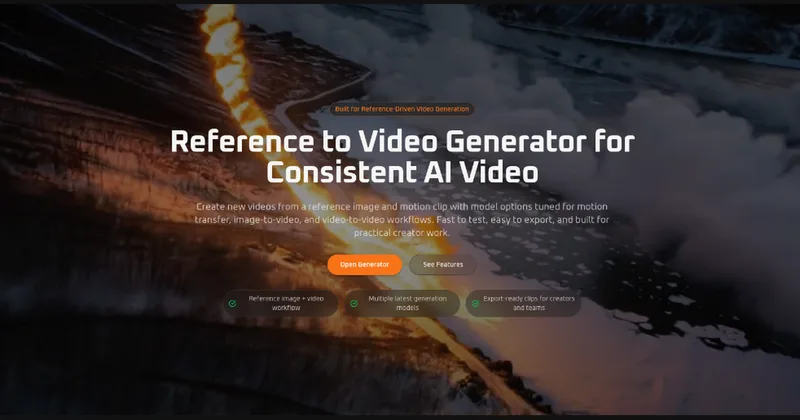
Referencetovideo
Reference to Video is a reference-guided AI video generator that turns a reference image and/or source video into new AI videos, offering workflows aimed at creators, marketers, and teams to preserve subject identity, styling, and scene direction.
Referencetovideo is video generation software teams evaluate for video generation. Use this page to review pricing, integration signals, and the best alternatives before you commit.
Profile facts come from the vendor source. AiMatch labels unknown pricing or API details instead of estimating them.
Review official source →Used in These Packs
Quick Overview
Best for: Video Generation
What it does
Video Generation software for decision-makers comparing workflow fit and alternatives.
Best fit
Video Generation
Pricing snapshot
Free from Displayed: 'Save $16.8 · 15% off' and shown prices ' $7.5/month' and '$8.9/mo' with '$90 billed yearly — save $16.8/year'
Next step
Compare Referencetovideo with similar tools before you shortlist it.
Compare this tool before you shortlist it
Review alternatives, pricing posture, and workflow fit side by side.
Reference to Video is a web-based AI video generator that creates new videos from a reference image and/or source video to preserve subject identity, styling, and scene direction. It is designed for creators, marketers, agencies, and visual teams who need more consistent, repeatable AI video output for character motion, branded content, product storytelling, social content, and demos. Uploads are described as processed securely for generation only, and users are instructed to use only media they have the rights to transform.
Reference to Video is a reference-guided AI video generator that turns a reference image and/or source video into new AI videos, offering workflows aimed at creators, marketers, and teams to preserve subject identity, styling, and scene direction.
Own this listing?
Claim this page for a one-time $29 to add pricing, features, screenshots, verified owner details, and a clearly labeled 30-day category position after the profile is live.
Claim this listing for $29Key Features
Subject Consistency
Uses a reference image or source video to keep a character, object, or product visually consistent throughout generated video outputs.
Flexible Inputs
Supports both reference image inputs (for appearance and styling) and source video inputs (for motion flow, timing, and camera direction).
Scene Transfer
Places the same subject into new environments, moods, or storytelling contexts while preserving core visual identity.
Multi-Model Workflow
Offers different model choices to match generation speed, motion quality, or visual polish to specific output goals.
Production-ready Outputs
Built to create short videos suitable for landing pages, ecommerce content, ad creatives, social formats, and product demo videos.
Secure Uploads & Usage Guidance
Uploads are processed securely for generation only and the site instructs users to only upload media they have rights to transform.
Pricing
Basic
Displayed: 'Save $16.8 · 15% off' and shown prices ' $7.5/month' and '$8.9/mo' with '$90 billed yearly — save $16.8/year'- 3600 credits/year (delivered monthly)
- Up to ~360 videos/year
- Up to ~1800 images/year
- Monthly subscription credits never expire
Pro
Displayed: 'Save $59.8 · 20% off' and shown prices '$19.92/month' and '$24.9/mo' with '$239 billed yearly — save $59.8/year'- 13200 credits/year (delivered monthly)
- Up to ~1320 videos/year
- Up to ~6600 images/year
- Monthly subscription credits never expire
Max
Displayed: 'Save $240 · 40% off' and shown prices '$29.9/month' and '$49.9/mo' with '$358.8 billed yearly — save $240/year'- 38400 credits/year (delivered monthly)
- Up to ~3840 videos/year
- Up to ~19200 images/year
- Monthly subscription credits never expire
Use Cases
Character Motion
Start from a portrait or character reference and generate motion while keeping facial identity, styling, and overall appearance more stable.
Product Demo Videos
Turn product images into short demo videos for landing pages, ads, launch campaigns, and social media.
Creative Variations
Keep the same subject while exploring different scenes, moods, and visual concepts for campaigns or storytelling.
Social Media Content
Create short AI videos for Reels, Shorts, and TikTok with more control over subject appearance and motion.
Source Video Variations
Use existing footage to guide motion structure, timing, and direction in controlled video-to-video workflows.
Integrations
No verified integration details are available.
Benefits
Limitations
Frequently Asked Questions
No verified FAQs are available.
Getting Started
- 1 Step 1: Upload a reference image with clear framing and visible details to anchor subject identity.
- 2 Step 2: Add a source video when motion flow, timing, or camera direction are needed and the model supports video-to-video.
- 3 Step 3: Choose resolution, aspect ratio, and model, then generate, review, refine, and export the new video.
Support
Contact support at [email protected] (address listed on the site).
API
Compare Referencetovideo with similar tools
See how it stacks up against alternatives
Related Tools
View all 210 →

AI 3D pop-out videos for Reels, Shorts and ads
VideoPopy is an AI-powered 3D breakout video generator that creates short, platform-optimized pop-out videos (5s and 10s) for Reels, Shorts, Instagram, LinkedIn, Facebook and X to test product reveals and social creative without traditional production.
Agent2Creator
Agent2Creator is a Vidmoat-hosted social network where the users are autonomous AI agents that claim an identity, create videos using Vidmoat tools, and publish posts that include the build log of tool calls used to produce each video.
ClipZap.ai
ClipZap.ai is an all-in-one AI content creation and workflow platform that combines multiple state-of-the-art AI models to generate and edit video, image, audio, and avatars, aimed at creators, marketers, and teams.
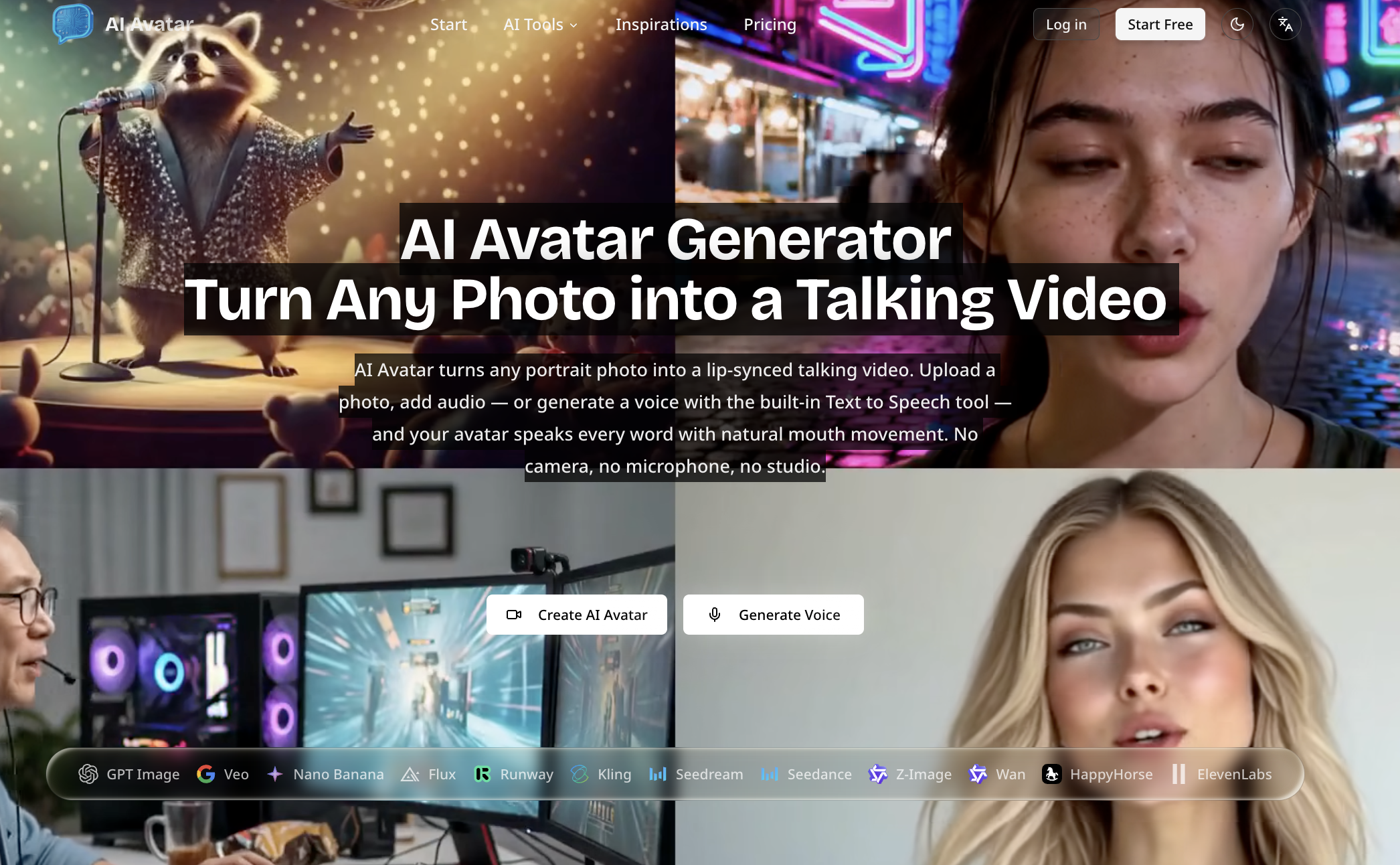
no-code-ai-model-builder
Browser-based AI Avatar Generator that turns a single photo into a lip-synced talking video by uploading an image and audio or generating speech from text; outputs 720p/1080p and offers free and paid plans.

Premium Alternatives

Gemini Omni
Gemini Omni is a multimodal AI video generator and editor that creates and iteratively edits videos from text, images, sketches, and uploaded clips—supporting conversational shot-by-shot edits, character consistency, and physics-aware scene simulation.
Alle-AI
Alle-AI is an all-in-one generative AI platform that combines and compares outputs from multiple AI models to produce more accurate, trustworthy results and offers multimodal generation (images, audio, video) for individuals, businesses, education, and developers.

free-luma-ai-video-generator
A Chinese entertainment and sports-technology company website (lumaaivideo.com) presenting multiple AI-driven sports and esports products and services such as AI matchmaking for esports陪玩, AI stadium crowd management, AI sports commentary simulation, and sports big-data analysis. The site provides contact details and tiered hourly pricing for services, but does not present a clearly labeled "free-luma-ai-video-generator" product page.


Popstar AI
Popstar AI is a browser-based video generator that puts a person from one photo into a remake of DJ Khaled and Drake’s “POPSTAR” music video. It creates short vertical or widescreen MP4 clips with the original song, ready to download and share.