artroomai
ArtRoom AI is a web-based AI art generation and editing platform that lets users create, edit, enhance, and improve image quality using advanced AI models, layered painting tools, Lora integrations, and ControlNet support.
artroomai is generative art software teams evaluate for creative & design. Use this page to review pricing, integration signals, and the best alternatives before you commit.
Profile facts come from the vendor source. AiMatch labels unknown pricing or API details instead of estimating them.
Review official source →Used in These Packs
Quick Overview
Best for: Creative & Design
What it does
Generative Art software for decision-makers comparing workflow fit and alternatives.
Best fit
Creative & Design
Pricing snapshot
Pricing available on request
Next step
Compare artroomai with similar tools before you shortlist it.
Compare this tool before you shortlist it
Review alternatives, pricing posture, and workflow fit side by side.
ArtRoom AI is an online platform for generating and editing images with AI. The site advertises a suite of creative tools enabling users to create original art, generate reference photos, edit and enhance existing images, and improve image quality using advanced AI algorithms. It targets creators and artists who want control over generation, including layered painting workflows, integration with Loras via CivitAI, and ControlNet-driven targeted edits.
The platform also features a gallery showcasing artworks created by users and provides navigation to pricing, user profiles, and legal pages, indicating a full product experience available on the site.
AI art generation platform with advanced features for creating and editing images.
Own this listing?
Claim this page for a one-time $29 to add pricing, features, screenshots, verified owner details, and a clearly labeled 30-day category position after the profile is live.
Claim this listing for $29Key Features
AI Art Generation
Generate original images and reference photos using the platform's AI models: “Harness the power of AI to generate whatever you’d like!”
Layered Painting / Full Service Painting
Take full control over the generative process with layered painting tools allowing ownership and fine adjustments: “Take full control over your AI generative process. Own your art and adjust how you want.”
Unlimited Loras (CivitAI Integration)
Mix and match characters and styles using Loras with integration to CivitAI for easy access to models; the site states it supports model creators and permitted models.
ControlNets Support
Use ControlNets to focus the AI on specific parts of an image—maintain pose, outline, or depth maps and generate controlled variations.
Gallery
A public gallery to explore creations from other artists and draw inspiration from a range of styles and subjects.
Pricing
Current pricing details are not available from the vendor source.
Use Cases
Create original art
Use AI to produce brand-new artworks in a variety of styles and subjects: “Create original art… see what it comes up with!”
Generate reference photos
Produce reference images for artistic projects or concept work using AI generation capabilities.
Edit and enhance existing images
Improve quality, adjust composition, or create variations of existing images using layered editing and ControlNets.
Mix characters and styles
Combine Loras to blend characters and styles, leveraging the CivitAI integration for model access.
Maintain specific image structure
Use ControlNets to preserve poses, outlines, or depth while generating variations.
Integrations
CivitAI
Provides access to Loras for mixing styles and characters; site states Artroom is integrated with CivitAI for easy access to Loras.
Loras
Model-format support for style and character mixing; described as unlimited Loras for combining favorite characters and styles.
ControlNets
Support for ControlNet mechanisms to focus AI on parts of an image (pose, outline, depth maps).
Benefits
Limitations
No verified limitations are available.
Frequently Asked Questions
No verified FAQs are available.
Getting Started
- 1 Step 1: Create AI Art — start by generating an image or reference using the AI generator.
- 2 Step 2: Use layered painting tools to adjust and refine the generated image.
- 3 Step 3: Add or mix Loras via the CivitAI integration to apply characters or styles.
- 4 Step 4: Use ControlNets to lock or guide specific aspects of the image (pose, outline, depth) and produce variations.
Support
No verified support channels are available.
API
Compare artroomai with similar tools
See how it stacks up against alternatives
Related Tools
View all 49 →
AI studio with 500 models for headshots, video and images
MagicShot is an all-in-one AI creative studio for generating images, videos, photoshoots and audio using 500+ models, aimed at creators and businesses with one subscription and mobile apps.
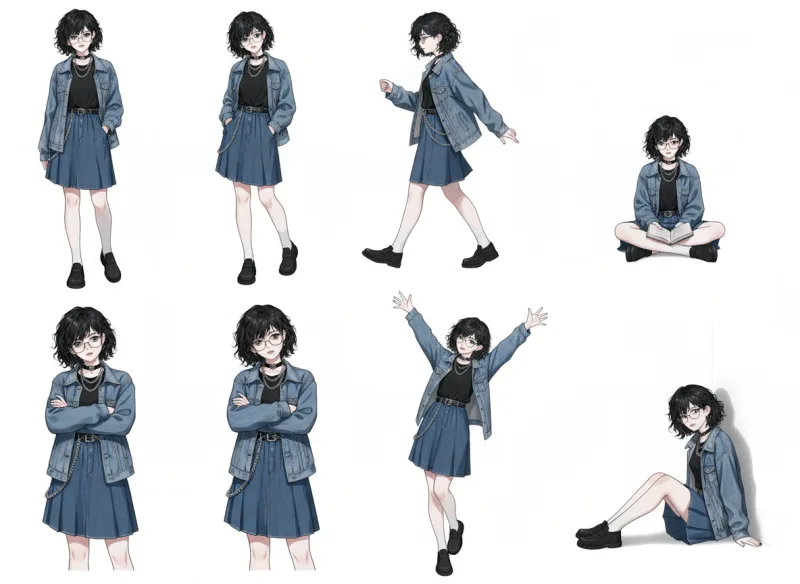

ai-art-apps-database
ai-art-apps-database is a curated directory and discovery site that collects AI art resources, tools, examples and inspiration for designers and prompt engineers, with listings for free and paid apps, community features, and a newsletter.
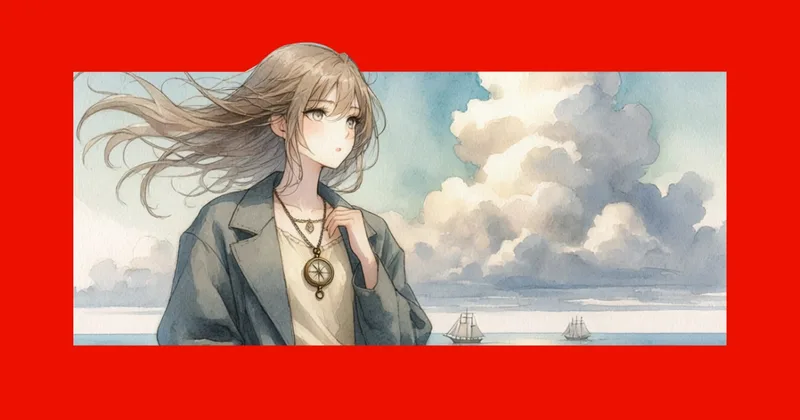
Adobe Firefly AI Anime Generator
Adobe Firefly’s AI anime generator creates anime-style images and videos from text prompts and reference images. Creators can refine styles, colors, and effects, then download images as JPEGs or videos as MP4s.

Flux-ai
Flux AI (flux-ai.io) is an all-in-one web and mobile platform for AI image and video generation, offering text-to-image, image-to-image, text-to-video and many editing tools powered by Flux models and third-party models. It provides free tools, credit-based paid tiers, and production-grade models for creators and businesses.

Premium Alternatives

promptbase
PromptBase is an online marketplace for buying, selling, and discovering high-quality AI prompts for models like Midjourney, ChatGPT, Claude, Gemini and more. It also offers a subscription (PromptBase Select), hiring of AI creators, and tools to build apps and small prompt stores.