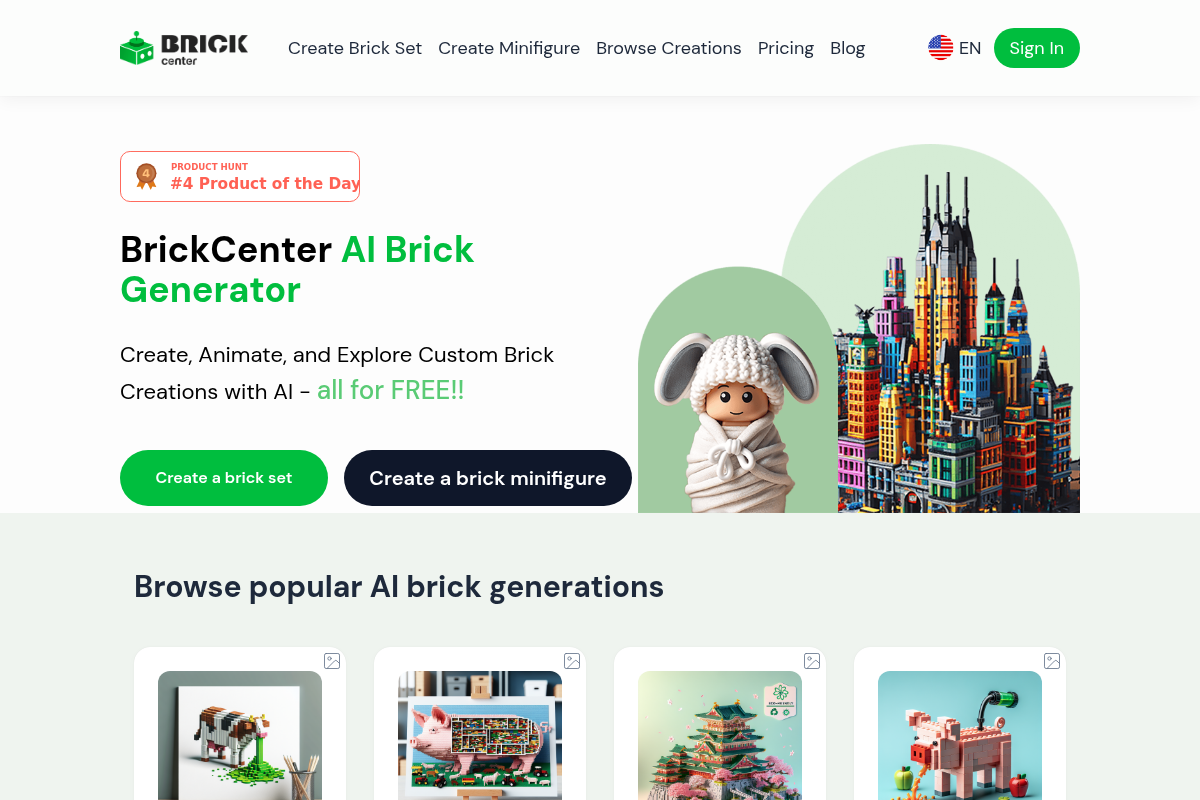
brickcenter
BrickCenter is a web platform that uses AI to generate custom brick sets and minifigures from text descriptions or images, and can animate generated designs into short videos. It offers a free tier with limited creations and a Pro subscription for unlimited access and advanced features.
brickcenter is design generators software teams evaluate for creative & design. Use this page to review pricing, integration signals, and the best alternatives before you commit.
Profile facts come from the vendor source. AiMatch labels unknown pricing or API details instead of estimating them.
Review official source →Used in These Packs
Quick Overview
Best for: Creative & Design
What it does
Design Generators software for decision-makers comparing workflow fit and alternatives.
Best fit
Creative & Design
Pricing snapshot
Freemium from Free
Next step
Compare brickcenter with similar tools before you shortlist it.
Compare this tool before you shortlist it
Review alternatives, pricing posture, and workflow fit side by side.
BrickCenter is an AI-driven web platform that generates custom brick sets from text descriptions and creates unique brick minifigures from uploaded images. Users can describe colors, shapes, and themes to produce detailed brick designs, review and edit results, animate creations into short videos, and download images, 3D model files, or MP4 animations. The service offers a free basic tier (up to 3 designs) and a Pro subscription that unlocks unlimited generation, high-definition 3D models, advanced customization, and priority support. The platform is aimed at brick enthusiasts, creators, and anyone who wants to prototype or visualize brick-based designs quickly using AI.
AI-powered platform for creating custom Lego sets and minifigures from text and images.
Own this listing?
Claim this page for a one-time $29 to add pricing, features, screenshots, verified owner details, and a clearly labeled 30-day category position after the profile is live.
Claim this listing for $29Key Features
Text-to-Brick Generation
Create custom brick set images by entering detailed text descriptions (colors, shapes, themes) and generating an AI-designed brick set.
Image-to-Minifigure
Upload an image to generate a unique brick minifigure based on the submitted picture.
Animation
Animate generated brick sets or minifigures by providing an animation prompt; produces a short (5-second) video that can be downloaded or shared.
Save and Edit Designs
Save creations to your profile for later editing and adjustments; saved designs are stored for future use.
Downloadable Outputs
Download high-resolution images, 3D model files compatible with 3D printing, and short MP4 animation clips.
Pro Plan Features
Pro subscription unlocks unlimited generation, high-definition 3D models, advanced customization options, priority support, bulk generation, and larger file sizes.
Pricing
Allows creation of up to 3 designs for free.
Free
Free- Create up to 3 designs
- Access to basic AI brick Generator features
Pro Plan
Subscription (price not specified on page)- Unlimited access to the AI brick Generator
- High-definition 3D models and advanced customization
- Priority support, bulk generation, and larger file sizes
Use Cases
Designing Specific Models
Generate detailed designs for specific brick models such as cars, vehicles, buildings, or art pieces by providing descriptive prompts.
Creating Custom Minifigures
Turn photos or image references into unique brick minifigures for display, storytelling, or prototyping.
Animating Creations
Produce short animated videos of brick sets or minifigures for social sharing, presentations, or concept visualization.
3D Printing Prototypes
Download 3D model files to print custom pieces or minifigures using home or third-party 3D printing workflows.
Community Sharing and Galleries
Share creations on social media or, with a Pro account, in the platform's community gallery to inspire others.
Integrations
No verified integration details are available.
Benefits
Limitations
Frequently Asked Questions
What is BrickCenter?
How does the AI brick Generator work?
Is the AI brick Generator service free?
Can I create specific brick designs, like cars or art pieces?
How do I animate my custom brick set or minifigure?
Can I save and edit my designs later?
Can I use my brick designs for commercial purposes?
What formats can I download my generated designs in?
Do you offer tutorials on how to use the AI brick Generator?
Getting Started
- 1 Step 1: Visit the website and enter a detailed description of the brick set you want (colors, shapes, theme) or upload an image for a minifigure.
- 2 Step 2: Click 'Generate Image' to create the brick set, review the result, and refine your description if needed.
- 3 Step 3: Use the 'Animate This Brick Set' function with an animation prompt to generate a short video, then download or share your finished animation.
Support
Docs / Tutorials
Site tutorials covering getting started and advanced techniques are available on the website.
Community Forum
Users can find tips and tricks from other users in the community forum.
Priority Support (Pro)
Pro subscribers receive priority support as part of their plan benefits.
API
Compare brickcenter with similar tools
See how it stacks up against alternatives
Related Tools
View all 168 →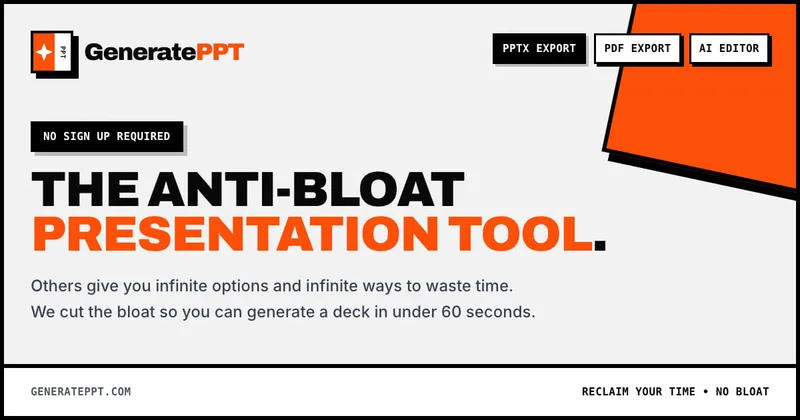
GeneratePPT
GeneratePPT is an AI-first presentation tool that converts topics, notes, URLs, PDFs, DOCX, and other inputs into clean, professional PowerPoint decks in under 60 seconds, with one-click styling, auto-sourced images, and an AI slide editor called AI Director.

Koboyo Icons
Koboyo Icons is a large library of 71,262 free hand-drawn SVG icons, organized into many thematic groups and categories and accessible via website browsing and an MCP/API integration for AI and editor workflows.

PandasMake
PandasMake is a web service that generates multiple logo concepts in seconds using AI, letting users customize and publish logos with full usage rights for websites, packaging, business cards, and more.

Makeinfographic
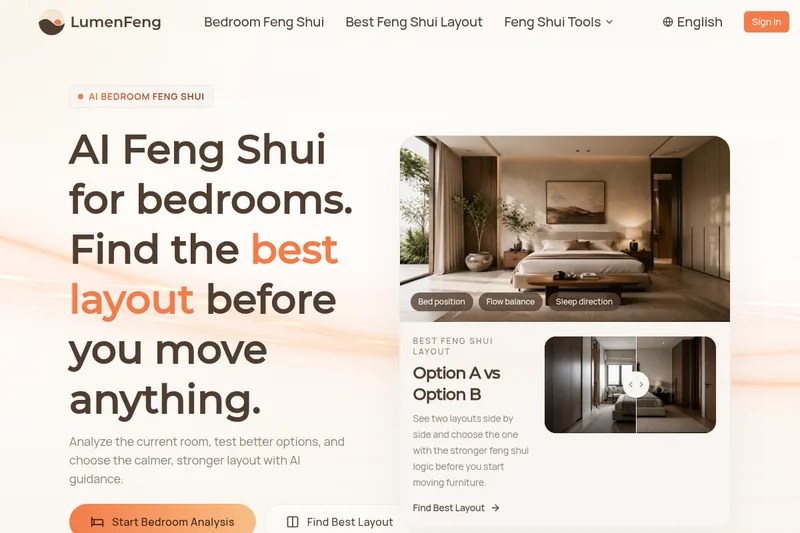
MakeInfographic is an AI-powered infographic generator that turns text, notes, or data into ready-to-download infographics, timelines, comparisons, and charts with no sign-up required.

Premium Alternatives
Aifiguregenerator
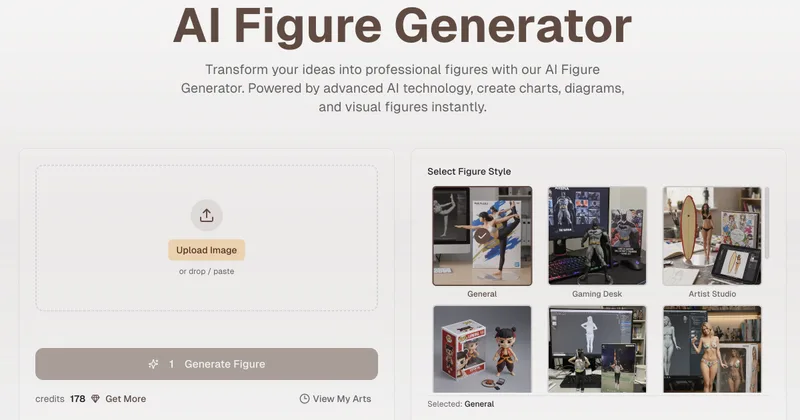
AI Figure Generator is a web tool that transforms photos into high-resolution figurine-style designs (anime, Funko Pop, action figures) using Nano Banana AI technology, aimed at creators, hobbyists, and studios.

AI App Icon Generator
AI App Icon Generator is an AI-powered web tool that creates high-quality app icons from text prompts, producing multiple variations per prompt and allowing downloads of generated images.

Stringartgenerator
String Art Generator is a web tool that transforms photos into printable string art patterns using an advanced algorithm, offering customizable complexity, high-resolution exports, and material calculations for hobbyists and professional artists.
Handtextai
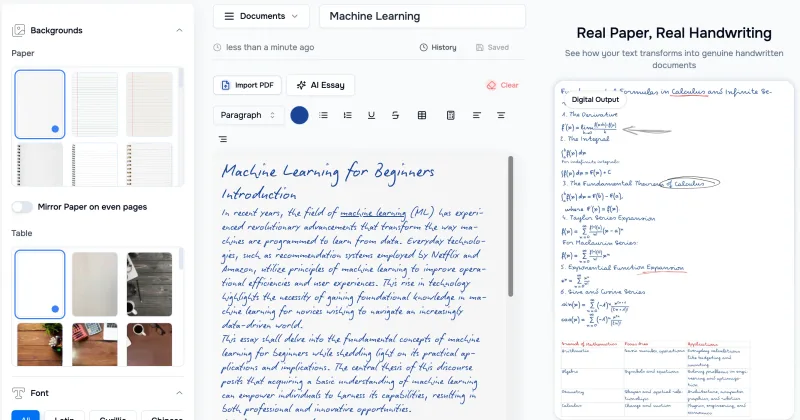
HandtextAI is a web-based handwriting generator that converts typed or imported text into realistic hand-written pages and photo-like notebook scenes, with a web editor and a separate API for print-oriented business workflows.

Pineapple Builder
Pineapple Builder is an AI website builder for businesses that generates websites and helps owners update pages, create SEO content, and manage leads. The site says plans start at $16 per month and offers 100 free AI credits to try the product.
AI QR Codes
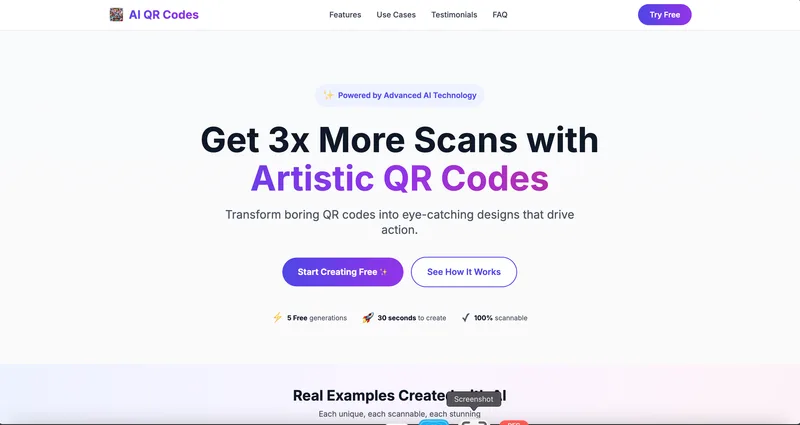
AI QR Codes is a web service that uses AI to generate artistic, brandable, and fully scannable QR codes for marketing, packaging, menus, business cards, events, education, and more.