

Makeinfographic
MakeInfographic is an AI-powered infographic generator that turns text, notes, or data into ready-to-download infographics, timelines, comparisons, and charts with no sign-up required.
Makeinfographic is design generators software teams evaluate for education & research. Use this page to review pricing, integration signals, and the best alternatives before you commit.
Profile facts come from the vendor source. AiMatch labels unknown pricing or API details instead of estimating them.
Review official source →Used in These Packs
Quick Overview
Best for: Education & Research
What it does
Design Generators software for decision-makers comparing workflow fit and alternatives.
Best fit
Education & Research
Pricing snapshot
Freemium from Resolution upgrades priced in credits (examples shown: 1K = 5 credits, 2K = 8 credits, 4K = 12 credits).
Next step
Compare Makeinfographic with similar tools before you shortlist it.
Compare this tool before you shortlist it
Review alternatives, pricing posture, and workflow fit side by side.
MakeInfographic is an AI-powered online infographic maker that converts text, notes, or data into infographics, timelines, comparisons, processes, pyramids, dashboards, roadmaps, explainers, and flowcharts. The product emphasizes quick generation from a prompt, multiple layout and visual style options (Clean, Editorial, Sketch, Isometric, Clay 3D, Comic, Poster), and immediate download as PNG or PDF. The service advertises a no-sign-up experience with daily free credits, free downloads (with a default watermark for free users) and paid options to unlock higher-resolution exports and remove the watermark. It is positioned for a broad audience including educators, students, trainers, marketers, researchers, consultants, HR teams, and content creators who need polished visual communication.
MakeInfographic is an AI-powered infographic generator that turns text, notes, or data into ready-to-download infographics, timelines, comparisons, and charts with no sign-up required.
Own this listing?
Claim this page for a one-time $29 to add pricing, features, screenshots, verified owner details, and a clearly labeled 30-day category position after the profile is live.
Claim this listing for $29Key Features
AI generation from text
Turn text, notes, or data into structured infographics in seconds using the site’s AI infographic generator.
Multiple infographic types
Generate timelines, comparisons, processes, pyramids, dashboards, roadmaps, explainers, flowcharts, and statistical layouts.
Visual style presets
Choose from styles such as Clean, Editorial, Dashboard, Sketch, Isometric, Clay 3D, Comic, and Poster to match tone and audience.
Export options and resolutions
Download infographics as PNG or PDF with resolution options (examples shown: 1K, 2K, 4K) and paid resolution upgrades.
No sign-up & free credits
Start generating without signing up, with daily free credits and free downloads (free users receive a default watermark).
Templates and prompt examples
Browse demo outputs and use ready-made example prompts for different infographic formats and social platform fits.
Pricing
Start free with no sign-up, daily free credits, and free downloads; free users generate with a default MakeInfographic.ai watermark.
Credit-based paid options
Resolution upgrades priced in credits (examples shown: 1K = 5 credits, 2K = 8 credits, 4K = 12 credits).- Higher-resolution exports
- Unlock watermark removal with payment
Use Cases
Education (Teachers & Students)
Create teaching infographics, classroom charts, study summaries, timelines, and visual aids for lessons and presentations.
Training & Internal Documentation
Design process charts, onboarding diagrams, learning path posters, and internal communications to clarify systems and policies.
Marketing & Social Content
Produce comparison charts, campaign visuals, and platform-ready infographic variations for X, TikTok, Pinterest, Instagram, LinkedIn, and more.
Research & Reporting
Turn findings, frameworks, and statistical information into dashboards, charts, and explainers for reports and presentations.
Consulting & Strategy
Build polished business infographics, roadmaps, and process visuals to present recommendations and strategies to clients.
Content Creation
Generate shareable educational visuals, diagram-based content, and multi-panel assets for newsletters, blogs, and video thumbnails.
Integrations
Social platform outputs
Provides platform-fit outputs and guidance for X, TikTok, Pinterest, Instagram, Facebook, and LinkedIn to adapt a topic for different feeds.
Benefits
Limitations
Frequently Asked Questions
No verified FAQs are available.
Getting Started
- 1 Step 01: Describe your infographic — enter your topic, key points, data, or outline into the prompt.
- 2 Step 02: Choose a style — pick layout, colors, and a visual style such as Clean, Sketch, or Clay 3D.
- 3 Step 03: Download or edit — download the generated PNG/PDF instantly or continue refining the design.
Support
docs
Site includes Resources, FAQ, and templates accessible from the website.
contact
Contact or support information is available via the site's Contact page.
API
Compare Makeinfographic with similar tools
See how it stacks up against alternatives
Related Tools
View all 163 →
Koboyo Icons
Koboyo Icons is a large library of 71,262 free hand-drawn SVG icons, organized into many thematic groups and categories and accessible via website browsing and an MCP/API integration for AI and editor workflows.
GeneratePPT
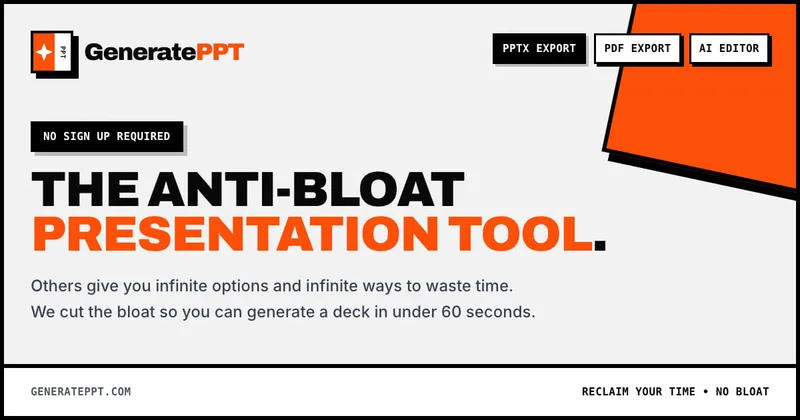
GeneratePPT is an AI-first presentation tool that converts topics, notes, URLs, PDFs, DOCX, and other inputs into clean, professional PowerPoint decks in under 60 seconds, with one-click styling, auto-sourced images, and an AI slide editor called AI Director.


Colorpageai
Color Page AI is an online AI-powered coloring-page generator that converts user text prompts or uploaded photos into printable line-art coloring pages (PNG or PDF) for educators, parents, therapists, and hobbyists.

Archybase
ArchyBase is a web-based AI design platform for interior, exterior and landscape visualization that converts photos, sketches, and floor plans into photorealistic renders and 3D models quickly. It targets architects, designers, homeowners and real-estate professionals with an all-in-one suite covering AI interior design, exterior facades, landscape generation, floor-plan creation and 2D-to-3D conversion.

Logomakerr
Logomakerr.ai is an AI-driven online logo maker that generates customizable logo designs and brand kits to help businesses and entrepreneurs create branding and marketing assets with minimal design experience.

Premium Alternatives

Overscene
OverScene is a lightweight Windows desktop app that overlays a floating AI frame over any application to apply generative and vision-based AI transforms (image-to-image, text-to-image, image-to-text, code generation, 3D rendering, etc.). It is designed for artists, designers, and developers to prototype, generate moodboards, transform sketches, and augment 3D models without plugins or subscriptions.

HeartVoice Gifts
HeartVoice Gifts is an e-commerce studio that combines an AI-powered bobblehead maker with artisan handcrafting to produce custom, photo-based bobblehead gifts for individuals and groups.
AI QR Codes
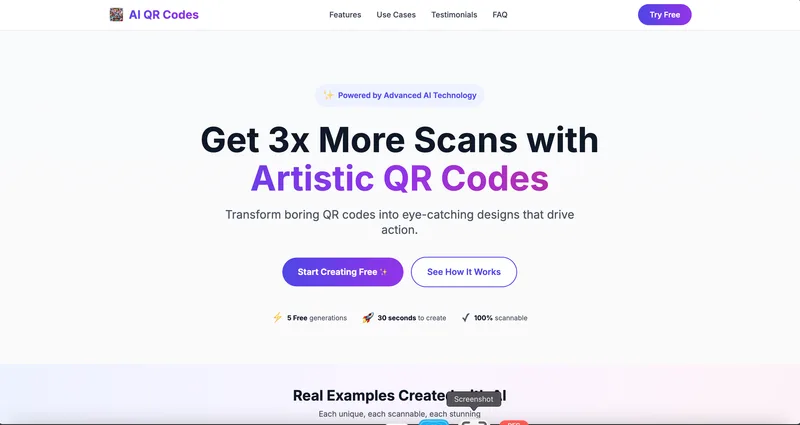
AI QR Codes is a web service that uses AI to generate artistic, brandable, and fully scannable QR codes for marketing, packaging, menus, business cards, events, education, and more.

AI App Icon Generator
AI App Icon Generator is an AI-powered web tool that creates high-quality app icons from text prompts, producing multiple variations per prompt and allowing downloads of generated images.

Handtextai
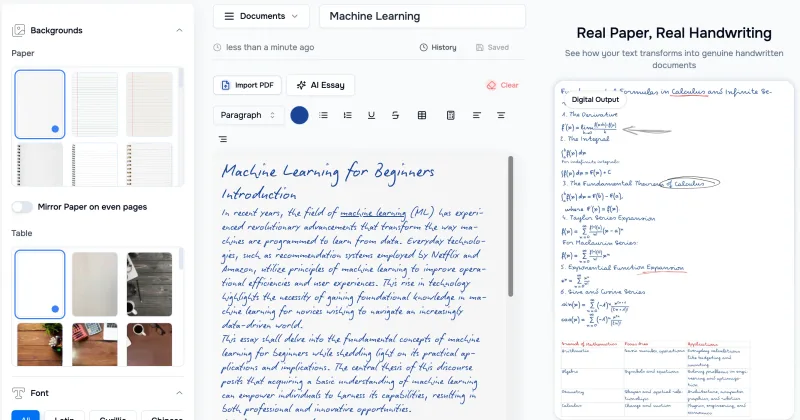
HandtextAI is a web-based handwriting generator that converts typed or imported text into realistic hand-written pages and photo-like notebook scenes, with a web editor and a separate API for print-oriented business workflows.

Sticker Magic
Sticker Magic is an AI-powered sticker generation platform that creates digital stickers from simple text descriptions, aimed at hobbyists, creators, and small businesses for personal, social, and commercial use. Free to get started with a 5-credit trial.