

Feedflux
FeedFlux is a desktop app for Instagram automation that runs visual workflows on real Android devices locally on your machine, offering visual workflow building, real-time monitoring, and AI-generated comments and DMs without using Instagram APIs or cloud servers.
Feedflux is automation software teams evaluate for content & marketing. Use this page to review pricing, integration signals, and the best alternatives before you commit.
Profile facts come from the vendor source. AiMatch labels unknown pricing or API details instead of estimating them.
Review official source →Used in These Packs
Quick Overview
Best for: Content & Marketing
What it does
Automation software for decision-makers comparing workflow fit and alternatives.
Best fit
Content & Marketing
Pricing snapshot
Freemium from $29/mo
Next step
Compare Feedflux with similar tools before you shortlist it.
Compare this tool before you shortlist it
Review alternatives, pricing posture, and workflow fit side by side.
FeedFlux is a desktop-first Instagram automation tool that executes user-designed workflows locally on real Android phones connected to a user's computer. It emphasizes full visibility and control: visual workflow building (no code), real-time monitoring of actions, and local execution so credentials and actions do not leave the user's machine. The product targets social media managers, agencies, growth operators, and technical marketers who need predictable automation that behaves like a real user rather than API-based or cloud-run automation.
FeedFlux is a desktop app for Instagram automation that runs visual workflows on real Android devices locally on your machine, offering visual workflow building, real-time monitoring, and AI-generated comments and DMs without using Instagram APIs or cloud servers.
Own this listing?
Claim this page for a one-time $29 to add pricing, features, screenshots, verified owner details, and a clearly labeled 30-day category position after the profile is live.
Claim this listing for $29Key Features
Local execution
Workflows execute locally on your desktop and on a connected Android device so credentials never leave your machine.
Real Android devices
Actions run on actual Android phones (not emulators or Instagram APIs), so automation behaves like a real user.
Visual workflow builder
Drag-and-drop node-based canvas to design workflows step-by-step without coding; each action is an inspectable node.
AI-powered comments & DMs
AI can generate natural comments and replies used as part of workflow logic to avoid bot-like responses.
Real-time monitoring and debugging
Watch execution live, pause or inspect steps, and see exactly where and why failures occur.
Ready-made modules
Includes pre-built modules such as follow, like, comment, and DM to assemble into workflows.
Platforms
Available as a desktop app for Windows and Mac.
Pricing
7-day free trial on the Basic plan (no charge for 7 days, cancel anytime)
Basic
$29/mo- Full FeedFlux desktop app
- All workflow modules including AI-powered comments & DMs
- Local execution
- Manage 1 social account
Pro
$79/mo- Full FeedFlux desktop app
- All workflow modules including AI-powered comments & DMs
- Local execution
- Manage up to 3 social accounts (early access pricing)
Business
$199/mo- Full FeedFlux desktop app
- All workflow modules including AI-powered comments & DMs
- Local execution
- Manage up to 10 social accounts (early access pricing)
Use Cases
Social media managers
Manage multiple Instagram accounts with distinct workflows while keeping credentials local and showing clients exactly what actions run.
Agencies
Run automation across client accounts with per-account workflows and transparent execution for client reporting and trust.
Growth operators
Automate engagement with workflows that behave like real users to reduce the risk of bans associated with API-based tools.
Technical marketers and operators
Design complex conditional logic without code using the visual builder and AI-generated responses to tailor interactions.
Integrations
No verified integration details are available.
Benefits
Limitations
Frequently Asked Questions
Do I need an Android device?
Is my Instagram account safe?
What happens if Instagram changes something?
Can I cancel anytime?
What if it doesn't work for me?
Getting Started
- 1 Download and install the FeedFlux desktop app for Windows or Mac from the website
- 2 Connect a real Android phone to your computer (any Android device works, including budget phones)
- 3 Design a workflow using the visual drag-and-drop builder and select predefined modules (follow, like, comment, DM)
- 4 Add conditions and optional AI-generated responses where needed
- 5 Hit play to execute the workflow locally and monitor actions in real time
Support
docs
Documentation is available from the Docs link on the site (Docs page listed in header/footer).
contact
Contact page available via the site's Contact link for support and inquiries.
blog
Resources and blog posts are linked from the site under Resources/Blog.
changelog
Changelog page available to review product updates and version notes.
API
Compare Feedflux with similar tools
See how it stacks up against alternatives
Related Tools
View all 148 →

TamedTable, AI ETL in Natural Language
TamedTable is a source-available AI-first ETL tool that lets you load tabular data, issue natural-language commands to clean, enrich, classify, validate, and reshape data, and then replay or export those transformation recipes (browser and CLI).
Browser Tools SDK
Browser Tools SDK is an open-source npm package from Libretto that gives AI agents a small set of Playwright-backed browser tools so agents can open real browsers, read page snapshots, and run Playwright actions programmatically.

Document Automation
DocuQueue automates end-to-end document workflows using AI to detect and fill PDF form fields, generate business-ready documents, enforce templates/branding, and integrate with existing systems via API and webhooks. It's targeted at teams across legal, HR, sales, finance, and regulated industries.

quickappflow
QuickAppFlow is an AI-powered low-code platform for process automation and enterprise application development, combining AI Process Automation, an AI Co-Pilot, and conversational AI to accelerate digital transformation and build apps faster at lower cost.
Premium Alternatives
chatwithcloud
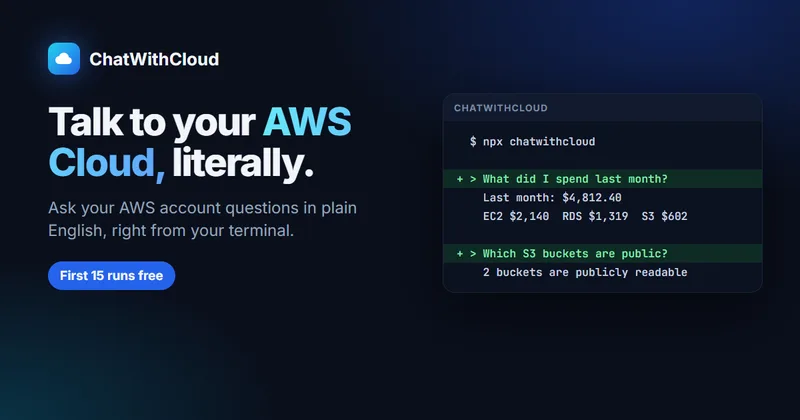
ChatWithCloud is an AI-powered command-line tool for asking questions about an AWS account in plain English. It runs AWS SDK calls locally, explains account-specific results, and can make infrastructure changes when the active IAM permissions allow them.

ExcelMaster
ExcelMaster is an AI agent add-in for Microsoft Excel on Windows that reads workbook structure, writes and runs VBA or Python, and verifies spreadsheet changes. Users describe a task in plain language and can watch the agent work inside Excel.
Enquirygenie
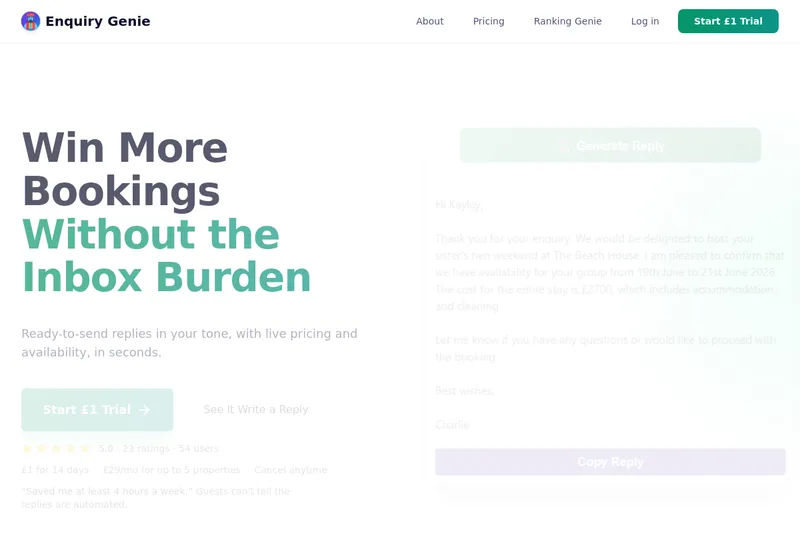
Enquiry Genie is an AI-powered email automation tool for property managers and hosts that drafts replies in your tone with live pricing and availability, integrating with Gmail/Outlook via a Chrome extension to speed up responses and increase bookings.


ModularMind
ModularMind is a workflow automation product that lets users "automate your work by describing it," offered with a Maia Plus plan that unlocks advanced AI-powered features and higher usage limits.

AI Content Labs
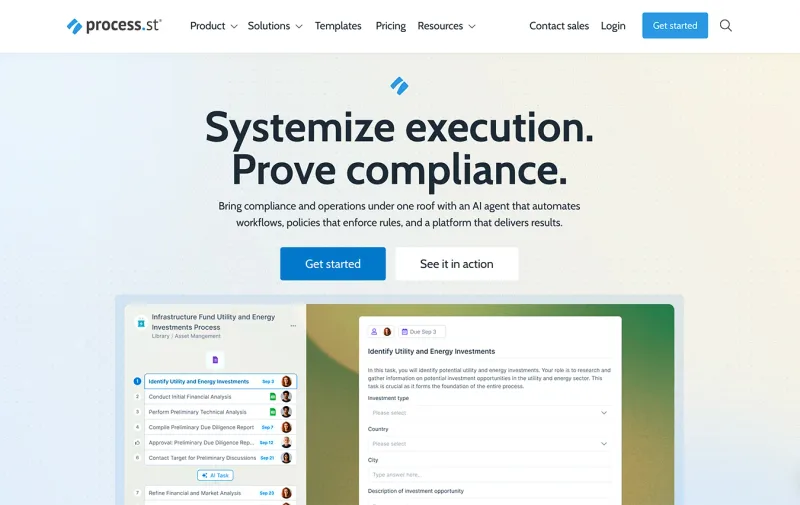
AI Content Labs is a multimodal AI content creation platform that lets teams design visual workflows, connect multiple AI providers (text, image, voice), and automate production of textual and visual content at scale.

bewai-idp-documents-in-decision-out
Bewai Intelligent Document Processing (IDP) est une plateforme SaaS française d'automatisation du traitement documentaire pour frontoffice, backoffice et BPO : catégorisation, extraction, contrôles, workflows et intégration via API pour secteurs banque, assurance, immobilier, abonnement, etc.