
Flux-kontext
FLUX Kontext is an instruction-based AI image editor that performs targeted, surgical edits specified by natural-language instructions while preserving the rest of the image. It’s designed for creators, designers, and marketers who need precise, iterative image modifications with character consistency and commercial usage rights.
Flux-kontext is image editing software teams evaluate for image editing. Use this page to review pricing, integration signals, and the best alternatives before you commit.
Used in These Packs
Quick Overview
Best for: Image Editing
What it does
Image Editing software for decision-makers comparing workflow fit and alternatives.
Best fit
Image Editing
Pricing snapshot
Paid from 16 credits per generation (fast generation, suitable for daily use)
Next step
Compare Flux-kontext with similar tools before you shortlist it.
Compare this tool before you shortlist it
Review alternatives, pricing posture, and workflow fit side by side.
Flux-kontext
FLUX Kontext is an instruction-based image editing model that lets users tell the system exactly what to change in an image; it performs localized edits while leaving everything else untouched. The product targets users who want precise edits (for example changing hair color, moving characters to different backgrounds, editing on-image text, or applying stylistic transformations) without having to describe entire scenes.
The interface supports uploading PNG, JPG, JPEG, or WEBP images (up to 10 MB), selecting output dimensions, and choosing between model variants (Pro, Max, and an upcoming Dev/open-weight version). FLUX Kontext emphasizes character consistency across multiple edits, iterative editing workflows, and grants full commercial usage rights for generated images.
FLUX Kontext is an instruction-based AI image editor that performs targeted, surgical edits specified by natural-language instructions while preserving the rest of the image. It’s designed for creators, designers, and marketers who need precise, iterative image modifications with character consistency and commercial usage rights.
Own this listing?
Claim this page to add pricing, features, screenshots, and verified owner details.
Claim this listingKey Features
Instruction-based localized editing
Surgically edit a specific part of an image by giving a natural-language instruction (no need to re-describe the whole scene).
Character consistency
Maintain a character's core identity across multiple edits and scene changes so the same subject remains recognizable through transformations.
Text editing in images
Edit text directly in images by quoting the exact text to change (works best with readable fonts and clear text).
Iterative multi-step edits
Support for making multiple successive edits to build complex changes while preserving previous modifications.
Model variants (Pro, Max, Dev)
Choose between Pro (fast/daily use), Max (higher quality, improved typography), and an upcoming Dev/open-weight variant.
Credit-based generation
Generation uses a credits system (UI shows Pro at 16 credits and Max at 32 credits per generation).
Common format and dimension support
Supports PNG, JPG, JPEG, and WEBP uploads (max 10 MB) with selectable output dimensions and an option to match the input aspect ratio.
Commercial usage rights
All generated images come with full commercial usage rights for business, marketing, and other commercial uses.
Pricing
Pro
16 credits per generation (fast generation, suitable for daily use)- Faster generation
- Cost-effective for frequent edits
Max
32 credits per generation (higher quality, improved typography and professional effects)- Higher-quality outputs
- Better handling of typography and fine details
Dev (upcoming)
Not available yet (open-weight version coming soon)- Development/open-weight variant (details TBD)
Use Cases
Portrait retouching and styling
Change hair style, hair color, facial details, or convert portraits into different artistic styles (e.g., cartoon-style portrait).
Background replacement and subject relocation
Move characters to new backgrounds or change environment elements while preserving the subject's identity.
Product and marketing image edits
Quickly update in-image text (e.g., change 'FOR SALE' to 'SOLD') and make targeted adjustments for advertising and commerce assets.
Creative transformations
Apply lighting effects (golden hour), background blur, or imaginative context changes (e.g., placing a subject in space) from a single source image.
Iterative scene building
Build up complex edits step-by-step, refining details across multiple generations while maintaining consistency.
Integrations
Claim this listing to add integrations.
Benefits
Limitations
Frequently Asked Questions
How is FLUX Kontext different from other AI image editors?
What are the different model variants available in Flux Kontext?
Can I maintain character consistency across multiple edits with Flux Kontext?
Do I have commercial usage rights for images generated with Flux Kontext?
How does text editing in images work with Flux Kontext?
Can I make multiple edits to the same image using Flux Kontext?
Getting Started
- 1 Step 1: Sign in or create an account (Sign In option available on site).
- 2 Step 2: Upload an image (PNG, JPG, JPEG, WEBP; maximum 10 MB) or provide an image URL.
- 3 Step 3: Select output dimensions and choose a model variant (Pro or Max), enter an instruction describing the specific change, then generate (cost displayed in credits).
Support
Contact via email (address not listed on the site; page directs users to contact via email).
Discord
Discord support is available (link or invite not provided on the page; site references Discord for support).
Docs
Site provides Resources and Tools sections (e.g., Flux Kontext Restore Image) and links to Privacy Policy and Terms of Service.
API
Compare Flux-kontext with similar tools
See how it stacks up against alternatives
Related Tools
View all 24 →
AI Big Image
AI Big Image is a professional AI-powered image upscaler and enhancer that transforms low-resolution photos into high-definition masterpieces by increasing resolution, fixing blurry photos, and restoring image quality with perfect clarity. It is ideal for photographers, designers, and anyone needing professional-quality image enhancement.
-Bh91Hz9I.png)


Riverflow AI
Riverflow AI is a powerful AI-driven image editor that allows users to transform photos instantly by simply describing the desired changes in text, offering professional results without the need for expert photo editing skills.


facestyler-ai
AI Face Ager is a free online tool that uses AI to transform your portrait photos to show age progression or regression with high-definition, realistic, and natural effects.


Budget-Friendly Alternatives

Autoslide AI PowerPoint Add In
Autoslide AI PowerPoint Add-In is a productivity tool designed to help professionals create and format PowerPoint presentations faster using AI-driven slide formatting, content generation, and a rich resource library.
MachineTranslation.com
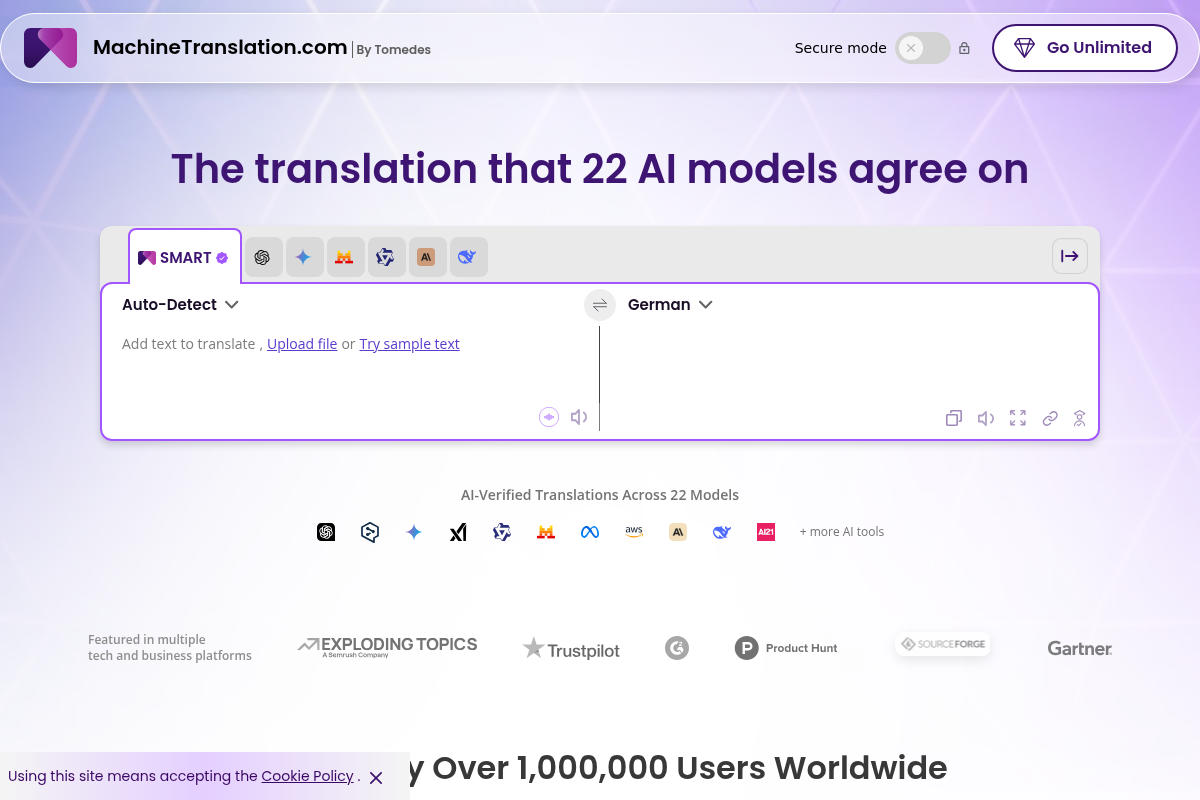
MachineTranslation.com is a leading AI translation platform offering highly accurate translations in over 330+ languages, supporting large file uploads and preserving original formatting. It serves businesses, professionals, and individuals with AI-powered and human-reviewed translations.

ClipNow.ai
ClipNow.ai is an AI-powered tool that transforms long-form videos into engaging short clips optimized for platforms like TikTok, Instagram Reels, YouTube Shorts, and more with just one click.
BypassEngine
Bypass Engine is an AI humanizer and detection engine that rewrites AI-generated text into natural, human-like writing designed to evade leading AI detectors and improve readability. It targets students, marketers, researchers, and content creators who need undetectable, plagiarism-free output in multiple languages.

Shortsrobot.com
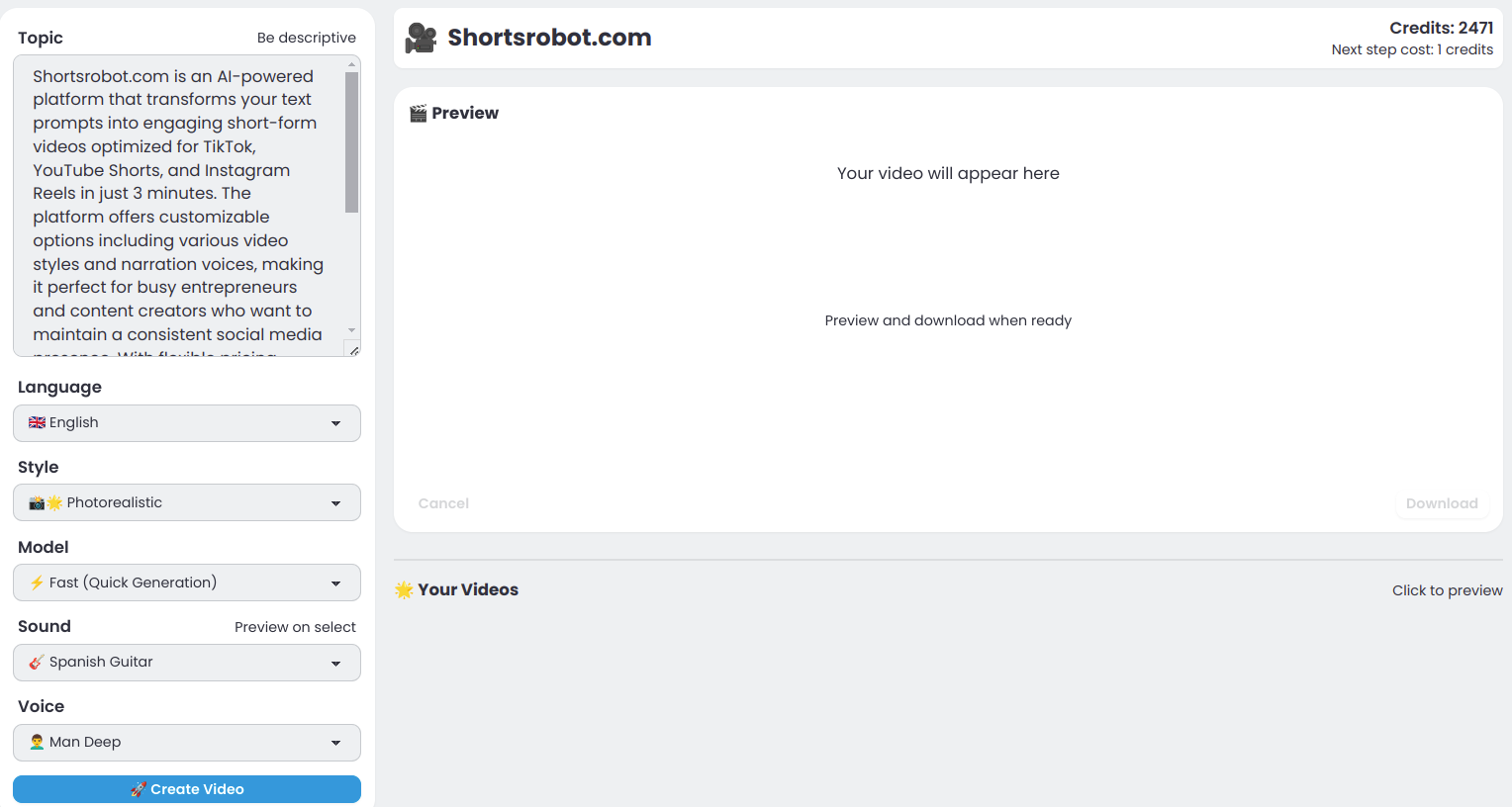
ShortsRobot is an AI-powered video shorts generator that transforms user prompts into engaging, ready-to-post short-form videos optimized for TikTok, YouTube Shorts, and Instagram Reels, enabling effortless automated content creation.
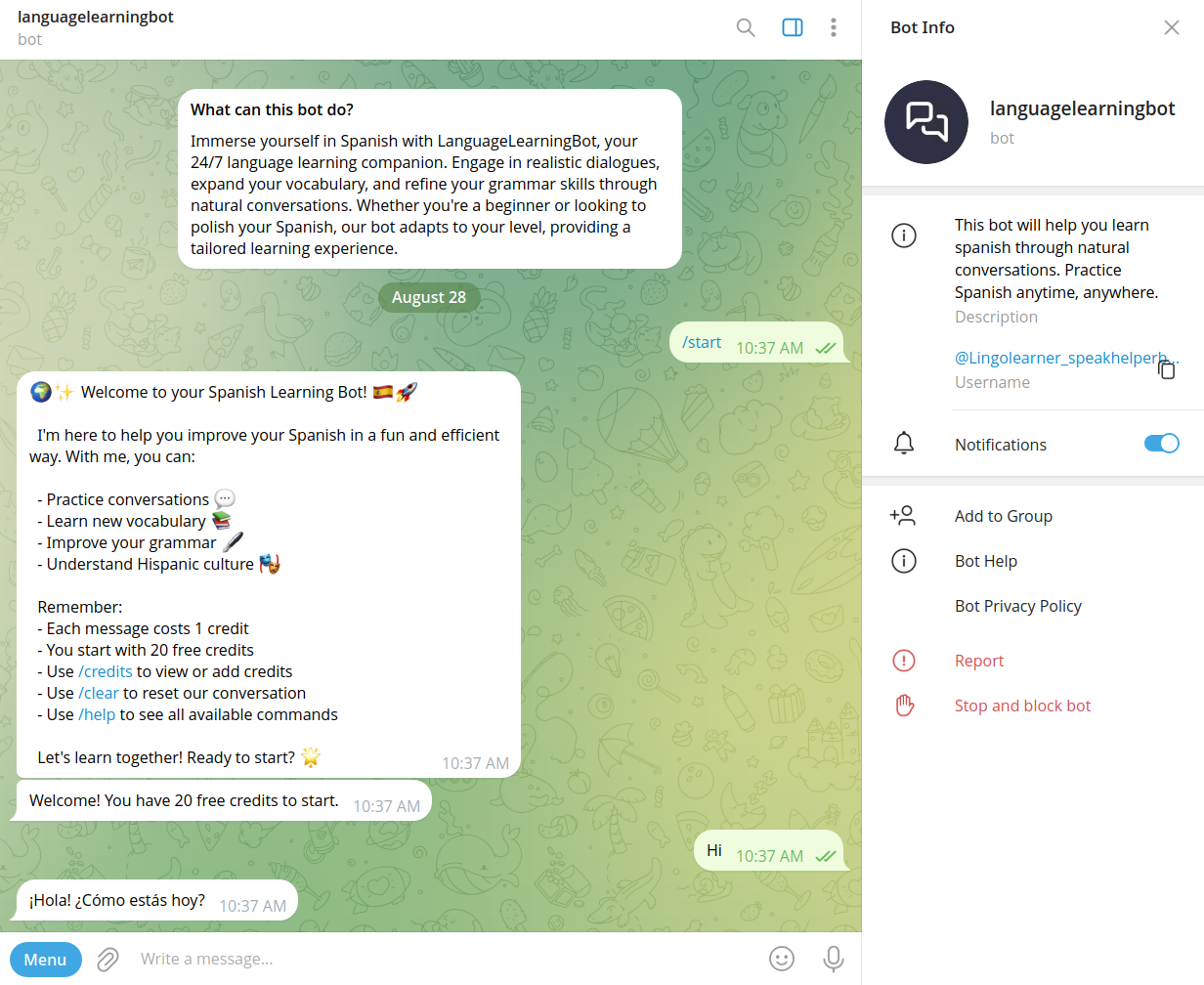
Speakhelper
Speakhelper is a personal Spanish tutor chatbot that helps users improve their Spanish through natural conversations, vocabulary expansion, and grammar corrections, all integrated into daily life without the need for textbooks or memorization.