
Freebeat
Freebeat is an AI-first music video generator that automatically plans, shoots, edits, and syncs visuals to a track’s rhythm, enabling creators to turn songs into dance, lyric, and cinematic music videos with minimal manual editing.
Freebeat is music software teams evaluate for creative & design. Use this page to review pricing, integration signals, and the best alternatives before you commit.
Quick Overview
Best for: Creative & Design
What it does
Music software for decision-makers comparing workflow fit and alternatives.
Best fit
Creative & Design
Pricing snapshot
Freemium from $0
Next step
Compare Freebeat with similar tools before you shortlist it.
Compare this tool before you shortlist it
Review alternatives, pricing posture, and workflow fit side by side.
Freebeat
Freebeat is an all-in-one, cloud-based AI music video studio that converts audio into professional-looking music videos, dance clips, lyrics videos, and visualizers. Acting as an AI director, it analyzes BPM, beats, drops and song sections to plan shot sequences, sync motion and generate finished outputs without manual editing. The product targets independent musicians, dancers, content creators, producers, visual artists and small teams who want platform-ready videos (vertical, square and horizontal) for social and long-form publishing.
Freebeat is an AI-first music video generator that automatically plans, shoots, edits, and syncs visuals to a track’s rhythm, enabling creators to turn songs into dance, lyric, and cinematic music videos with minimal manual editing.
Own this listing?
Claim this page to add pricing, features, screenshots, and verified owner details.
Claim this listingKey Features
AI Director (Agent-based planning)
Automatically plans, shoots and edits music videos into structured storylines and cinematic shot plans so users get a complete MV output without manual editing.
Rhythm-aware synchronization
Visuals are driven by music: frames, cuts and motion are synced to BPM, beats, drops and song sections so visuals follow the song's energy.
Custom style & character control
Users can customize visual styles and characters while preserving consistency (stable characters, no visual drift) across the video.
Auto-synced lyrics and captions
Generates perfectly timed lyrics motion, dynamic captions and karaoke-style highlighting that follow vocal timing.
Dance & lip-sync generation
Produces beat-matched dance motion and natural lip-sync for performance and choreography-focused videos.
All-in-one online studio
Combine music, visuals and creation workflows in one place with access to image/video/music AI models, instant publishing and multiple export aspect ratios.
Platform-ready exports
Export video in HD 720p and Full HD 1080p in multiple aspect ratios (16:9, 9:16, 1:1) optimized for YouTube, TikTok and Instagram.
Multiple audio sources supported
Supports links and uploads from YouTube, SoundCloud, Suno, Udio, TikTok, Stable Audio, Riffusion or direct file uploads.
Pricing
Freebeat includes a free plan that provides essential features and lets you test the AI music video generator at no cost.
Free Plan
$0- Essential features to test the AI music video generator
- Access to generate short-form videos
- Limited generation speed and features compared to paid plans
Basic Plan
$4.99 per week- Weekly access with more features than the free plan
- Flexible short-term usage
Standard Plan
$9.99 per month- Balanced plan for regular creators
- Improved quality and generation capabilities over Basic
Pro Plan
$24.99 per month- Faster generation
- Higher output quality
- Expanded capabilities for frequent or professional users
Use Cases
Independent Musicians & Artists
Turn songs into cinematic music videos, lyrics videos or album visuals without a production team; ideal for releases and promotional content.
Dancers & Choreographers
Generate rhythm-perfect dance clips and choreography references where movement closely follows beats and drops.
Content Creators & Influencers
Create viral-ready short-form and long-form videos (TikTok, Reels, YouTube) with one-click generation and platform-optimized outputs.
Producers & DJs
Visualize tracks with looping album visuals, performance-style scenes and dynamic visualizers for promotion and live sets.
Visual Artists & VJs
Design immersive, music-driven visuals and animated VJ-style scenes directly from audio for installations and live performance.
Small Teams & Indie Studios
Streamline production workflows to produce consistent, high-quality music videos at scale without complex editing pipelines.
Integrations
YouTube, SoundCloud, TikTok
Import audio via links to generate videos directly from hosted tracks.
Suno, Udio, Stable Audio, Riffusion
Supports links from several modern audio generation and hosting platforms to import tracks.
File uploads
Upload local MP3 or audio files for analysis and video generation.
Yamaha Creator Pass
Freebeat is now part of Yamaha Creator Pass (partnership information available on site).
Benefits
Limitations
Frequently Asked Questions
What is the maximum length of an AI music video I can generate?
Can I use Freebeat for free?
Do I own the rights to my AI music videos created on Freebeat?
What video quality and formats does Freebeat support?
How do I get help if I have questions?
Can I import my own music?
Do I need video editing skills to use Freebeat?
What subscription plans are available?
Getting Started
- 1 Upload a song or paste a link (MP3 or links from Suno, Udio, TikTok, YouTube, SoundCloud, etc.).
- 2 Choose a mode and style (e.g., Story Video or Stage Performance) and set characters and creative direction.
- 3 Click Create to generate your video, review the storyboard, adjust direction and regenerate scenes as needed.
- 4 Turn on lyrics if desired, customize timing and style, then export and publish in the desired aspect ratio.
Support
Contact support via [email protected] for assistance and account questions.
discord
Join the Freebeat Discord community for help, feedback and community support (link available on the site).
docs
FAQ, articles and resources are available on the website for guidance and onboarding.
API
Compare Freebeat with similar tools
See how it stacks up against alternatives
Related Tools
View all 48 →
music-tomorrow-com
Music Tomorrow is a data platform for labels, managers and distributors that analyzes streaming algorithms and listener signals to recommend what to promote, where to invest, and how to reach the right fans across Spotify, Apple Music, Meta and YouTube.

Hooksounds
HookSounds is a royalty-free music platform offering original, in-house tracks, SFX, and intros for creators, agencies, and enterprises with flexible licensing (pay-as-you-go or subscription), one-click whitelisting, and AI-powered content tools.



midi-agent
MIDI Agent is a text-to-MIDI AI plugin (VST3/AU/AAX) and standalone app that generates editable melodies, chords, drums, basslines and audio-to-MIDI transcriptions inside your DAW using models from ChatGPT, Claude, Gemini and other providers. It supports local API keys or an optional managed Pro subscription.


Sunoprompt
SunoPrompt is an all-in-one AI music platform and creative toolkit that combines prompt generation, multimodal song creation, stem splitting (vocal remover), and a conversational Music Agent to let creators turn text, images, video, or audio into finished tracks.
Premium Alternatives

Coindecision
Coin Decision is a Chan Theory (Chanlun 缠论)–focused crypto trading workspace that automates Chan structure detection, ranks signals across major crypto pairs, and provides one‑click AI briefs, charts, and webhook/API outputs for traders and desks.
Handtextai
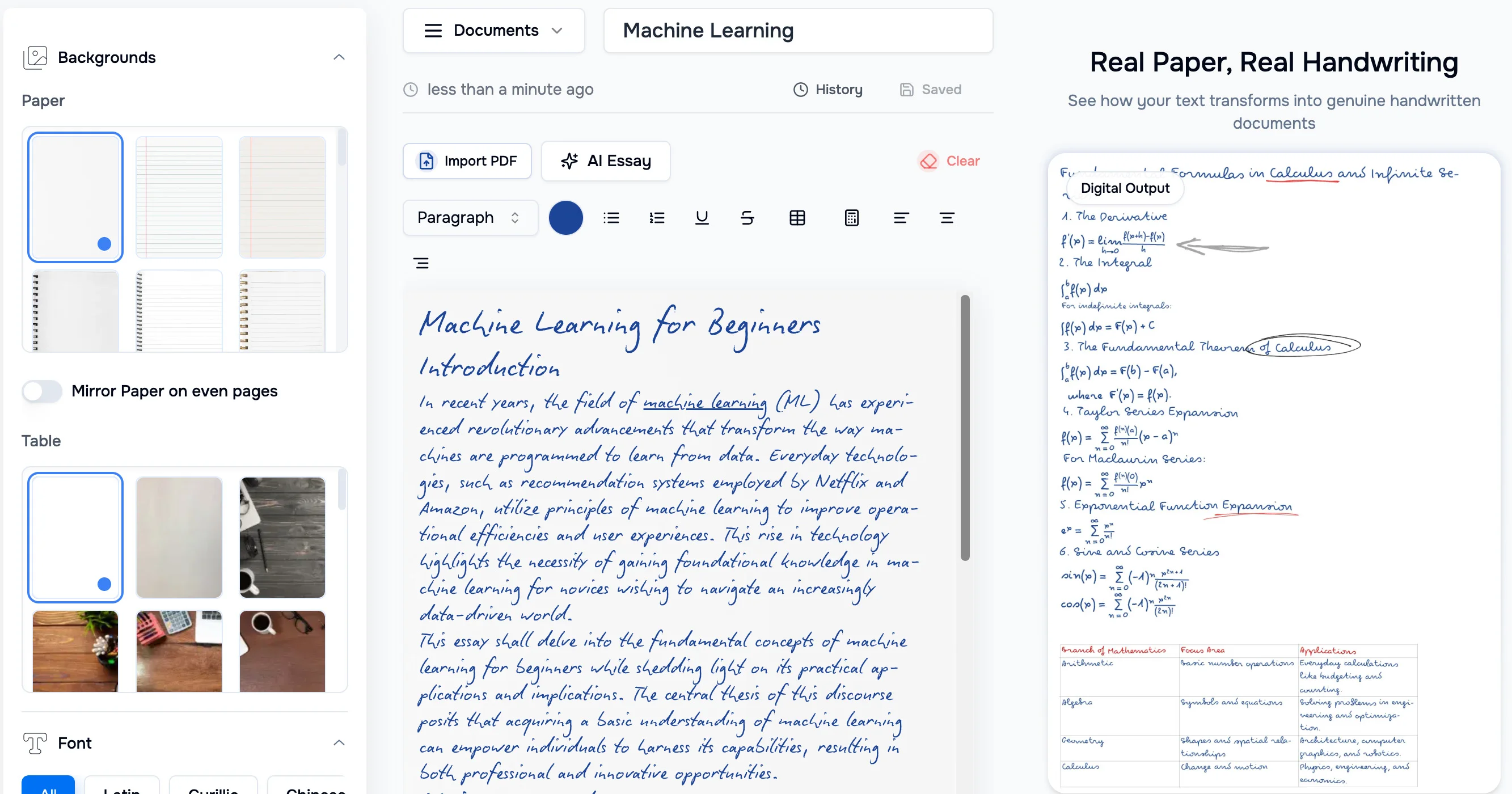
HandtextAI is a web-based handwriting generator that converts typed or imported text into realistic hand-written pages and photo-like notebook scenes, with a web editor and a separate API for print-oriented business workflows.

Soundverse
Soundverse AI is an AI-driven music creation platform that lets users generate songs from text prompts, modify tracks, separate stems, create loops, craft lyrics, and build/train artist-style AI models (DNAs). It provides a web Studio, mobile apps, and enterprise API access for creators, producers and businesses.


AI For Graphic Designers
AI for Graphic Designers is an ebook and 8-hour video course designed to teach graphic designers how to leverage AI tools for creating art, logos, videos, and more, while also learning how to monetize AI-generated designs.
expense-sorted
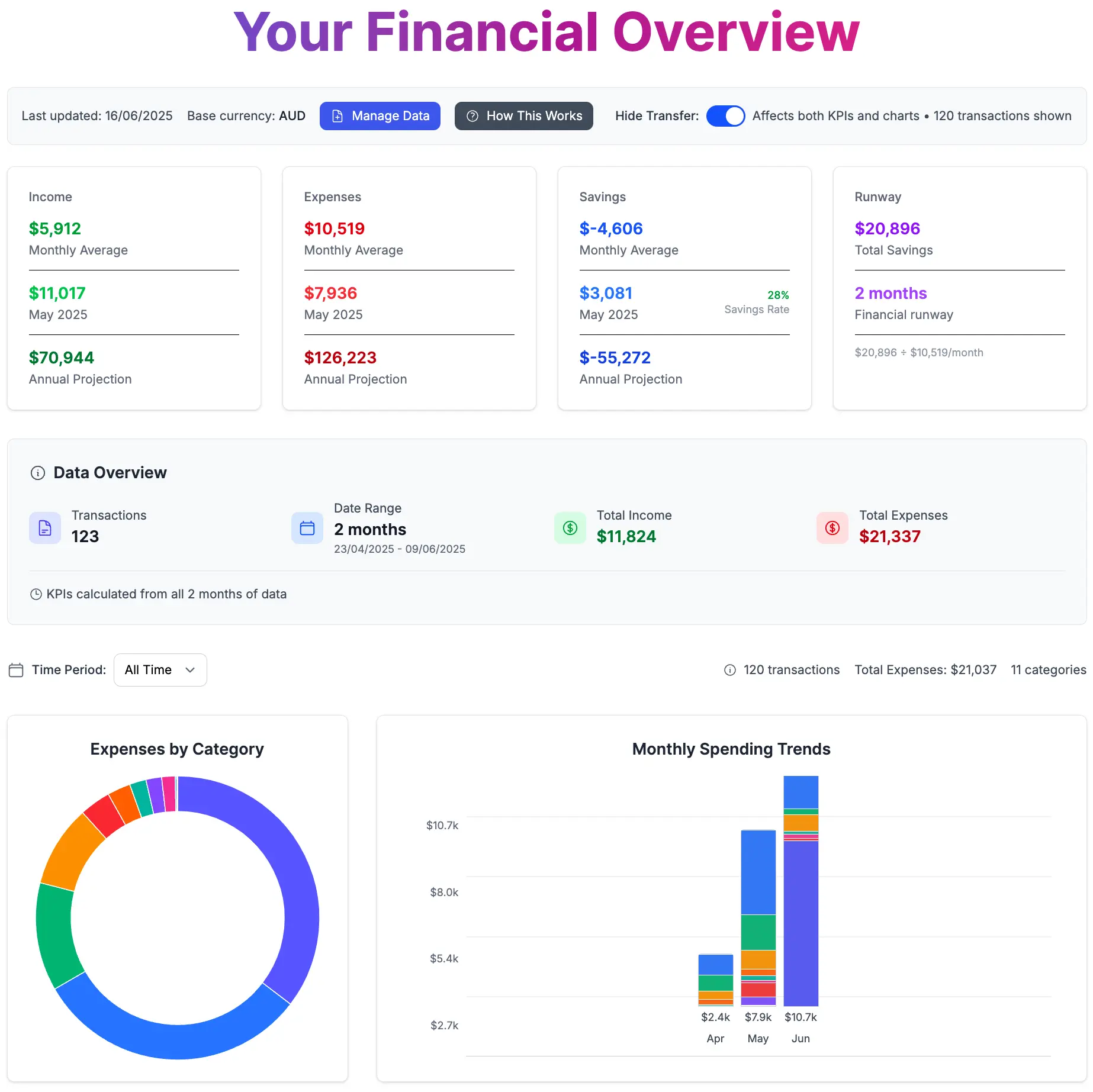
ExpenseSorted is an expense-tracking service focused on helping users monitor spending and financial health; the site lists Google Sheets tools, a desktop app, and an API for developers for personal and business expense workflows.