

Gemini 2.5 Computer Use
Gemini 2.5 Computer Use is a specialized AI model released by Google DeepMind via the Gemini API, designed to enable agents to interact with user interfaces on web and mobile platforms with high accuracy and low latency.
Gemini 2.5 Computer Use is api software teams evaluate for ai agents. Use this page to review pricing, integration signals, and the best alternatives before you commit.
Used in These Packs
Quick Overview
Best for: AI Agents
What it does
API software for decision-makers comparing workflow fit and alternatives.
Best fit
AI Agents
Pricing snapshot
Contact for pricing
Next step
Compare Gemini 2.5 Computer Use with similar tools before you shortlist it.
Compare this tool before you shortlist it
Review alternatives, pricing posture, and workflow fit side by side.
Gemini 2.5 Computer Use
The Gemini 2.5 Computer Use model is a specialized AI model built on Gemini 2.5 Pro’s visual understanding and reasoning capabilities. It powers agents capable of interacting with graphical user interfaces (UIs) by performing actions such as clicking, typing, scrolling, and manipulating interactive elements like dropdowns and filters. This model is optimized primarily for web browsers but also shows strong promise for mobile UI control tasks. It enables developers to build agents that can complete complex digital tasks requiring direct UI interaction, such as filling and submitting forms, navigating web pages, and operating behind logins. The model is accessible via the Gemini API on Google AI Studio and Vertex AI, allowing developers to integrate these capabilities into their applications.
The GUI-native AI agent
Own this listing?
Claim this page to add pricing, features, screenshots, and verified owner details.
Claim this listingKey Features
UI Interaction Capabilities
Enables agents to interact with user interfaces by clicking, typing, scrolling, and manipulating UI elements.
Low Latency and High Accuracy
Outperforms leading alternatives on multiple web and mobile control benchmarks with lower latency and high accuracy.
Iterative Agent Loop
Operates within a loop where the model receives screenshots and action history, generates UI actions, and receives feedback to continue tasks.
Safety Features
Includes built-in safety guardrails and developer controls to prevent harmful or high-risk actions.
Multi-Platform Support
Optimized for web browsers and mobile UI control, though not yet for desktop OS-level control.
API Accessibility
Available via the Gemini API on Google AI Studio and Vertex AI for easy integration.
Pricing
Claim this listing to add current pricing tiers.
Use Cases
UI Testing
Automates user interface testing to speed up software development and reduce test failures.
Personal Assistants
Powers AI assistants that interact autonomously with multiple third-party workflows and messaging platforms.
Workflow Automation
Enables automation of complex workflows that require interaction with web and mobile interfaces.
Data Collection and Parsing
Improves reliability in parsing context and collecting data from complex UI environments.
Integrations
Google AI Studio
Platform to access and experiment with the Gemini 2.5 Computer Use model.
Vertex AI
Enterprise platform for deploying and managing AI models including Gemini 2.5 Computer Use.
Browserbase
Demo environment and evaluation platform for browser control tasks.
Playwright
Tool for building agent loops locally to interact with web UIs.
Benefits
Limitations
Frequently Asked Questions
What platforms does Gemini 2.5 Computer Use support?
How does the model interact with user interfaces?
What safety measures are included?
How can developers access the Gemini 2.5 Computer Use model?
Getting Started
- 1 Access the Gemini 2.5 Computer Use model via the Gemini API on Google AI Studio or Vertex AI.
- 2 Try the model in a demo environment hosted by Browserbase.
- 3 Use the provided reference code and documentation to build your own agent loop locally or in the cloud.
- 4 Join the Developer Forum to share feedback and participate in the community.
Support
Documentation
Comprehensive documentation and reference code available at http://ai.google.dev/gemini-api/docs/computer-use and https://github.com/google/computer-use-preview.
Developer Forum
Community forum for sharing feedback and discussing development: https://discuss.ai.google.dev/c/gemini-api/4.
API
API documentation is available at http://ai.google.dev/gemini-api/docs/computer-use and https://cloud.google.com/vertex-ai/generative-ai/docs/computer-use.
Rate limit information is not explicitly provided in the available documentation.
Compare Gemini 2.5 Computer Use with similar tools
See how it stacks up against alternatives
Related Tools
View all 548 →


Gptconsole
GPTConsole is a developer-focused platform for creating, sharing, and monetizing autonomous AI agents that perform practical tasks (building apps, reviewing code, generating doodles). It provides an SDK, API, CLI, and in-house agents (Pixie, Chip, Doodle) to accelerate production-ready app and feature development.

capechat
Cape.ai is an agentic AI platform for business process operations; DirectiveIQ, a product on the platform, turns unstructured client instructions into structured, ready-to-execute transaction actions to speed service, reduce errors, and improve auditability for financial firms.


innossistai
InnossistAI is an enterprise-grade AI workflow platform for building, deploying, and scaling AI agents and automations using a visual workflow builder and prebuilt integrations.


synchronymax
Synchronymax is an AI agent platform that augments knowledge workforces with industry-tailored AI agents, offering direct and API integrations, workflow automation, and customizable agents to improve productivity and decision-making for professionals and organizations.
Premium Alternatives

generate-ads-ai
Generate Ads AI (AdKit) is an AI-powered static ads generator and creative toolbox that clones, creates, resizes, and edits ad creatives using your brand kit and your own OpenAI/Gemini API keys. It's built for marketers, agencies, and teams who need fast, multi-platform ad creative production and competitor ad tracking.

Geminiflashimage
Nano Banana is an AI image generation and editing platform presented on geminiflashimage.art that uses Google DeepMind–branded models to produce professional-quality images with features like character consistency, multi-image fusion, and natural-language editing.

Documentpro
DocumentPro is an API-first document intelligence platform that extracts structured data from invoices, purchase orders, tax forms and other documents for embedding into software platforms; it emphasizes fast integration, AI-powered extraction, and maintenance-free production operation.

Lovo
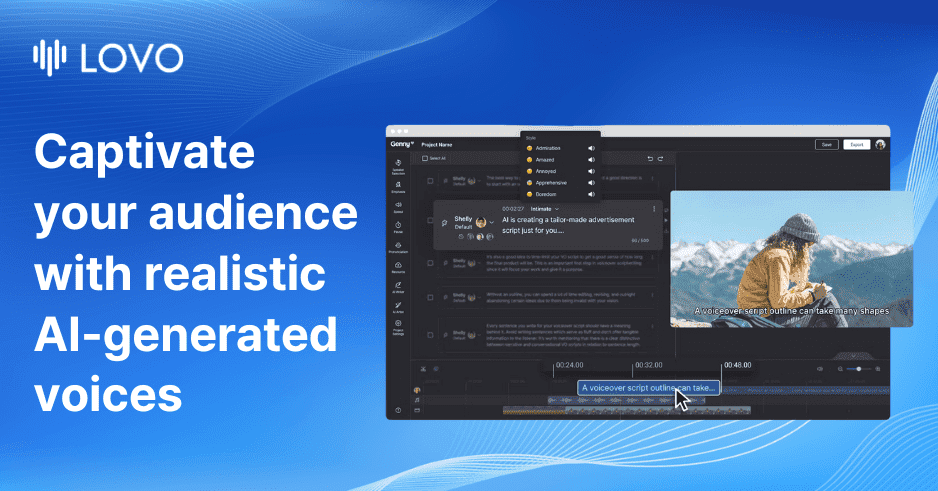
LOVO (Genny) is an AI voice generation and video editing platform offering ultra-realistic text-to-speech, voice cloning, an online video editor, AI script writer and image generation — with 500+ voices in 100+ languages and an API for developers.


