Getmunch
Munch Studio (GetMunch) is an AI-powered, done-for-you social media marketing service that generates, schedules, and publishes on-brand social content for businesses, saving time and improving consistency across platforms.
Getmunch is social media software teams evaluate for business operations. Use this page to review pricing, integration signals, and the best alternatives before you commit.
Used in These Packs
Quick Overview
Best for: Business Operations
What it does
Social Media software for decision-makers comparing workflow fit and alternatives.
Best fit
Business Operations
Pricing snapshot
Free
Next step
Compare Getmunch with similar tools before you shortlist it.
Compare this tool before you shortlist it
Review alternatives, pricing posture, and workflow fit side by side.
Getmunch
Munch Studio is an AI-driven service that creates, schedules, and publishes social media content on behalf of businesses. It learns a brand’s voice, visuals, and values to produce consistent, platform-specific posts and can automatically publish when audiences are most active. The product is positioned for busy business owners, freelancers, and small marketing teams who want polished, regular social content with minimal time investment. The site emphasizes time savings (5 minutes a week), brand cohesion, and replacing multiple tools and services with a single automated workflow.
Munch Studio (GetMunch) is an AI-powered, done-for-you social media marketing service that generates, schedules, and publishes on-brand social content for businesses, saving time and improving consistency across platforms.
Own this listing?
Claim this page to add pricing, features, screenshots, and verified owner details.
Claim this listingKey Features
Automated Content Generation
Generates ready-to-publish posts automatically using your brand’s voice, style, and goals so you don’t have to write or design every post manually.
Content Repurposing
Turns long-form or existing content into short-form posts tailored for different social platforms to maximize reach and reuse assets.
Auto Scheduling & Publishing
Automatically schedules and publishes posts at times when your audience is most active to maintain consistency even when you’re offline.
Analytics & Performance Tracking
Tracks post performance and provides insights so you can see what content is driving results and refine the strategy.
Custom Strategy & Planning
Builds a custom content plan aligned with business goals and provides ongoing content suggestions and a smart calendar for weekly planning.
Brand Voice & Visual Consistency
Learns and applies your brand’s unique voice, colors, logo placement, and visual rules so every post remains cohesive across platforms.
Platform Integrations
Connects to social platforms to streamline publishing and workflow (connect and manage accounts from one place).
Idea Generation
Provides ongoing content ideas tailored to your brand and audience to keep your calendar full without brainstorming from scratch.
Pricing
A free plan or free getting-started option is promoted on the site (details and limits not provided on the page).
Use Cases
Small business social management
Small businesses use Munch Studio to outsource content creation and scheduling so they can stay visible without dedicating significant time to daily posting.
Freelancers and consultants
Freelancers and solopreneurs use it to maintain a professional, consistent presence that supports personal brand growth and client acquisition.
Real estate & local service providers
Realtors and local providers use automated, branded content to regularly engage local audiences and showcase listings or services.
E-commerce and product brands
E-commerce businesses repurpose product or long-form content into platform-specific posts to drive traffic and conversions with less manual work.
Marketing teams looking to scale
In-house marketing teams lean on Munch Studio to generate volume, keep messaging consistent across channels, and free up time for higher-level strategy.
Integrations
Site lists Instagram as a social channel; used for publishing and managing posts.
Facebook is listed among social channels for connecting and scheduling content.
LinkedIn is listed in the footer as a supported social channel for business content publishing.
YouTube
YouTube appears in the site’s social links indicating support for video/channel related workflows.
TikTok
TikTok is referenced in blog content and social links, indicating focused support for short-form video automation.
Twitter / X and Threads
Twitter / X and Threads are listed in the footer/social links for connectivity and publishing.
Platform replacements (workflow integrations)
The site positions Munch Studio as replacing or consolidating tools like Canva, ChatGPT, Buffer, Hootsuite, Later, Sprout Social, and SocialBee by combining content creation, design, and scheduling in one workflow.
Benefits
Limitations
Frequently Asked Questions
What is Munch Studio and how does it work?
Does Munch Studio automatically post to social media?
Which social platforms does Munch Studio support?
Do I need to write or design anything myself?
Can I customize the content Munch Studio creates?
How much time can I save with Munch Studio?
What languages does Munch Studio support?
Who owns the content created by Munch Studio?
Getting Started
- 1 Step 1: Sign up and choose "Get Started" (there is a free entry / trial option promoted on the site).
- 2 Step 2: Connect your social accounts and define your brand voice, visuals, and goals so the AI can learn your style.
- 3 Step 3: Review generated content, adjust preferences if needed, then approve and enable automatic scheduling/publishing.
Support
Docs
The site references 'Docs' (product documentation) in the footer — use this for product guidance and technical details.
Help Center
A 'Help Center' link is listed in the site navigation for FAQs, guides, and onboarding help.
Community
A Community link is present in the site navigation for user discussions and peer support.
Social
Social channels (Instagram, Facebook, LinkedIn, YouTube, TikTok, Twitter / X, Threads) are listed in the footer for updates and contact.
API
Compare Getmunch with similar tools
See how it stacks up against alternatives
Related Tools
View all 116 →
ClipNow.ai
ClipNow.ai is an AI-powered tool that transforms long-form videos into engaging short clips optimized for platforms like TikTok, Instagram Reels, YouTube Shorts, and more with just one click.


Travel Bug
Travel Bug transforms travel videos from TikTok and Instagram reels into personalized travel itineraries by automatically detecting and tagging locations, helping users organize their travel inspirations into actionable plans.


Grapevine-social
GrapeVine Social is a location-based, chronological social app that surfaces real-time local posts without algorithms or ads. It prioritizes privacy and user control by offering public and private 'GrapeVines' and permanent deletion of data.

Socialsense
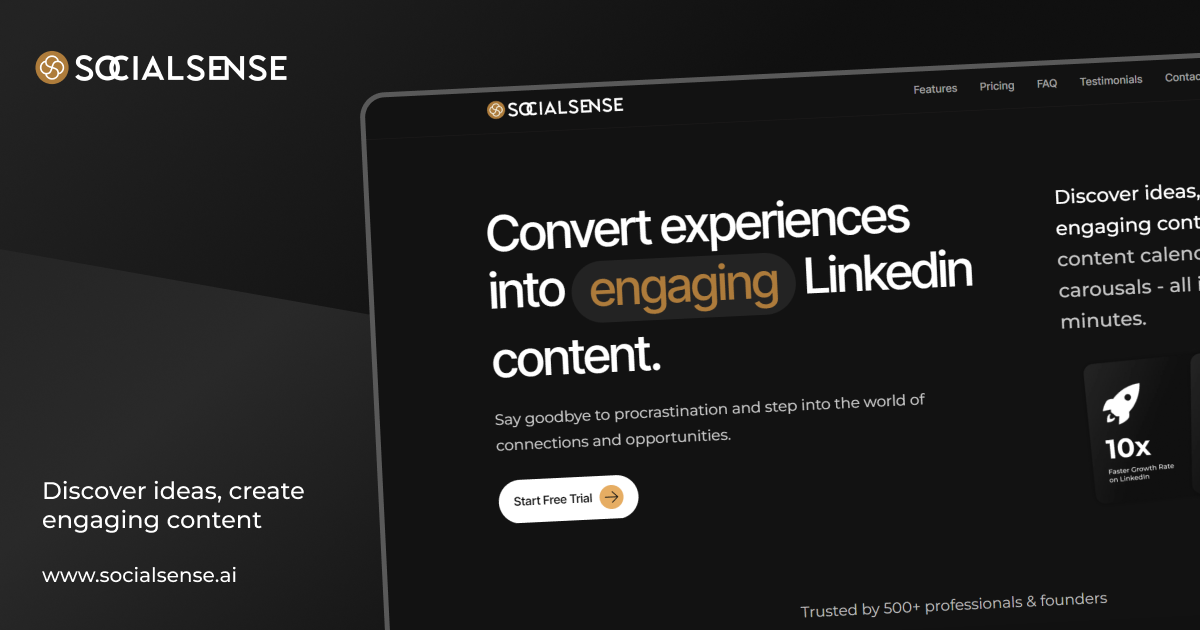
SocialSense is an AI-powered social selling platform that helps sales leaders, founders, and GTM teams turn LinkedIn activity into measurable pipeline by combining content creation, engagement workflows, lead discovery, and SSI analytics.
%22%2F%3E%20%3Ctext%20x%3D%2250%25%22%20y%3D%2250%25%22%20dominant-baseline%3D%22central%22%20text-anchor%3D%22middle%22%20font-family%3D%22system-ui%2C-apple-system%2Csans-serif%22%20font-weight%3D%22700%22%20font-size%3D%2250%22%20fill%3D%22white%22%3ES%3C%2Ftext%3E%20%3C%2Fsvg%3E)
sparksocial
Zovo is a social media management tool designed to help users streamline their social media activities and enhance online presence.
Premium Alternatives


Soundverse
Soundverse AI is an AI-driven music creation platform that lets users generate songs from text prompts, modify tracks, separate stems, create loops, craft lyrics, and build/train artist-style AI models (DNAs). It provides a web Studio, mobile apps, and enterprise API access for creators, producers and businesses.
Deepwander
Deepwander is an AI-powered companion for personal growth that guides interactive self-reflection to help users explore thoughts, emotions, and behaviors and arrive at clarity and practical next steps.

Bestaiprompts
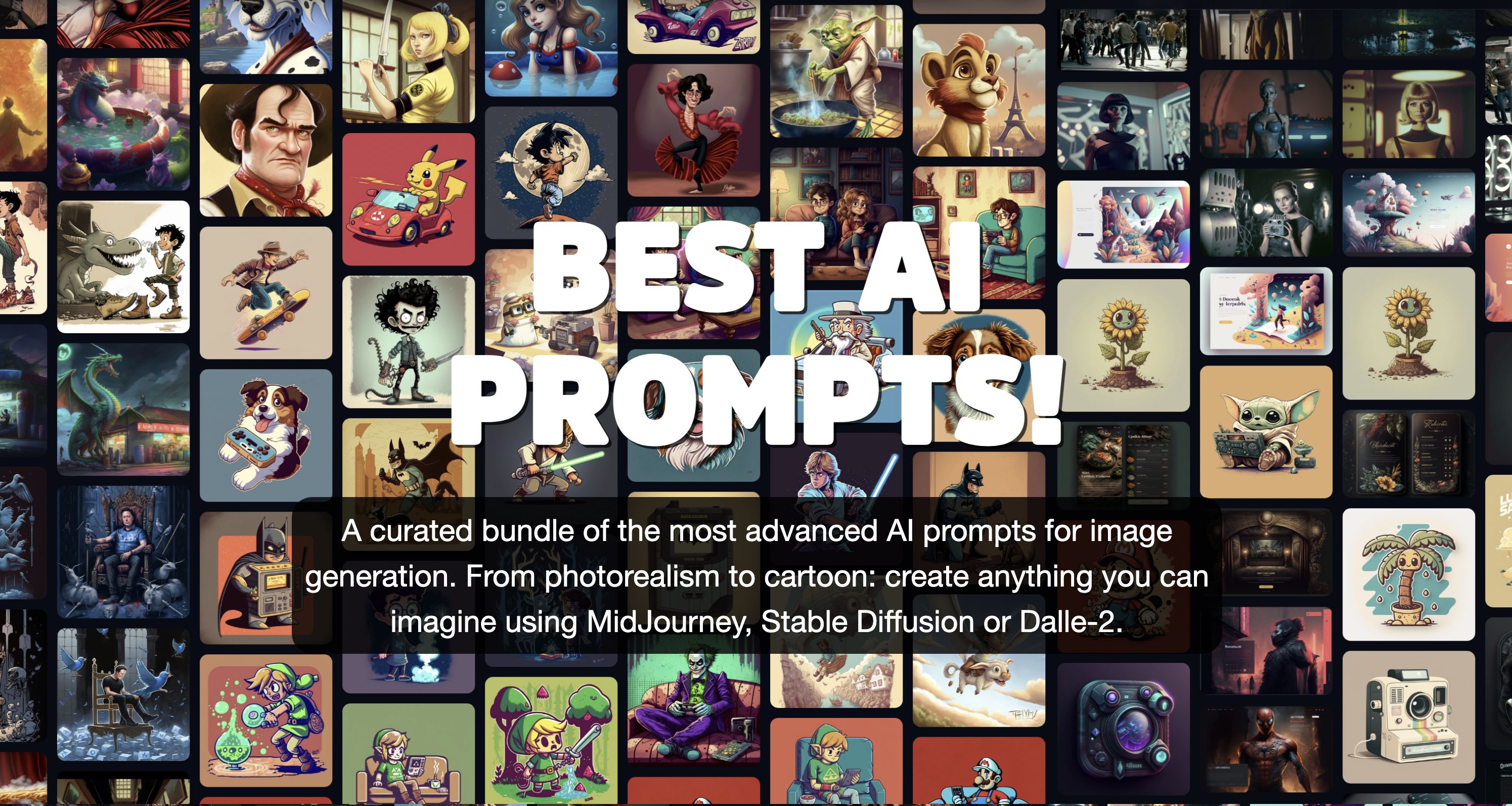
BestAIPrompts is a curated, one-time-purchase bundle of advanced image-generation prompts for Midjourney and other generative AIs, offering 2,203+ prompts across multiple creative categories for professionals and amateurs.
style-ai
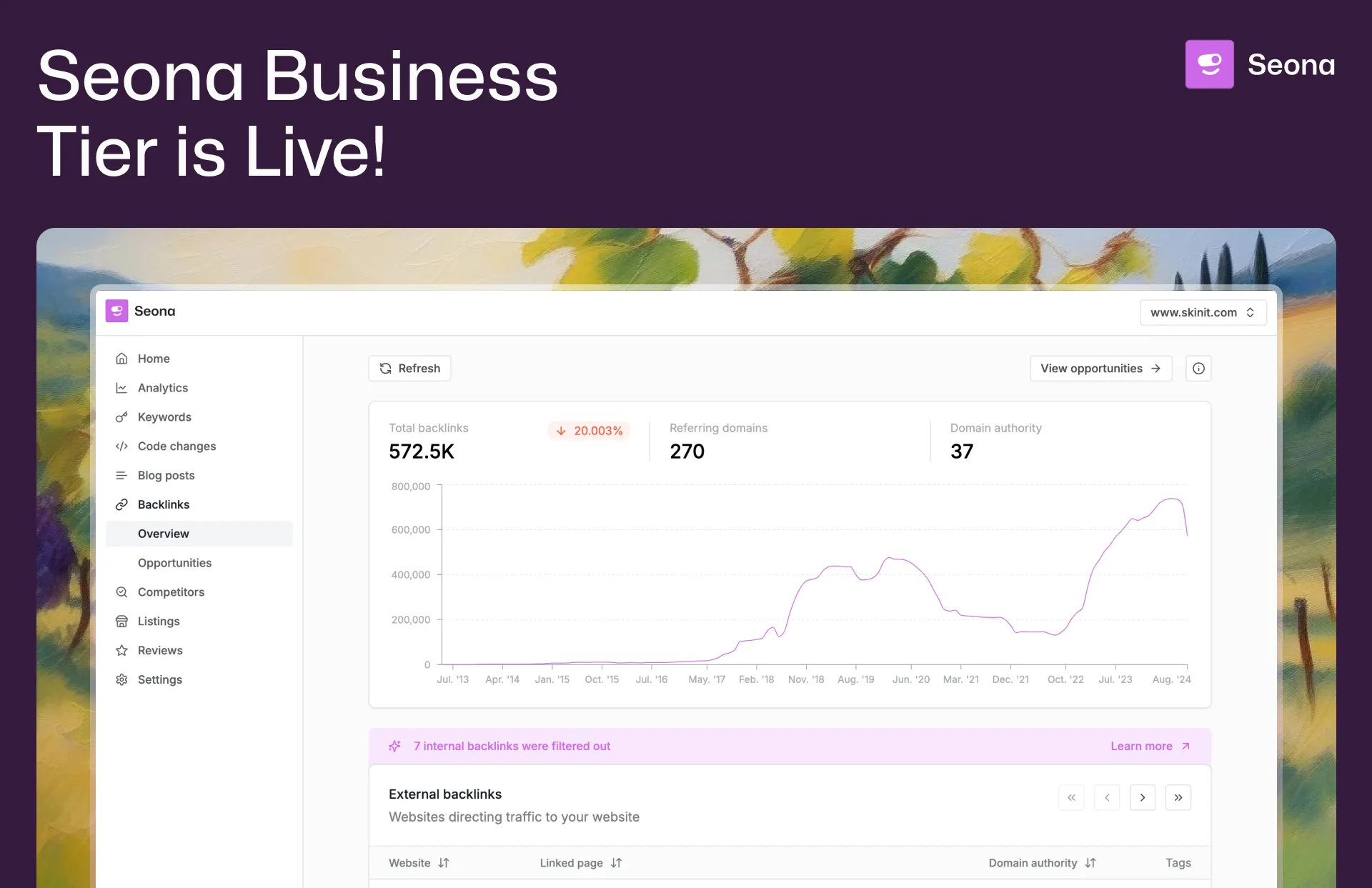
Conversion (formerly StyleAI) is an enterprise AI marketing platform designed to automate and optimize SEO, Google Ads, and marketing automation workflows. It empowers businesses with AI-driven tools for backlink building, competitor analysis, review management, and listing management to accelerate organic traffic and improve marketing efficiency.

AI For Graphic Designers
AI for Graphic Designers is an ebook and 8-hour video course designed to teach graphic designers how to leverage AI tools for creating art, logos, videos, and more, while also learning how to monetize AI-generated designs.