
Twitter (now X) is a public social networking and microblogging platform for posting short messages, following accounts, and discovering real-time conversations and news.
Twitter is social media software teams evaluate for social media. Use this page to review pricing, integration signals, and the best alternatives before you commit.
Used in These Packs
Quick Overview
Best for: Social Media
What it does
Social Media software for decision-makers comparing workflow fit and alternatives.
Best fit
Social Media
Pricing snapshot
Freemium from Free
Next step
Compare Twitter with similar tools before you shortlist it.
Compare this tool before you shortlist it
Review alternatives, pricing posture, and workflow fit side by side.
Twitter (also referred to as X) is a global social networking service that lets users publish short posts, follow other accounts, and discover real-time content and conversations. It is commonly used by individuals, journalists, brands, and public figures to share updates, engage with audiences, and monitor trending topics. The provided page snippet indicates an error message and a suggestion to disable privacy-related browser extensions that may interfere with the site (x.com).
Twitter (now X) is a public social networking and microblogging platform for posting short messages, following accounts, and discovering real-time conversations and news.
Own this listing?
Claim this page to add pricing, features, screenshots, and verified owner details.
Claim this listingKey Features
Posting (Tweets)
Compose and publish short public posts containing text, links, images, GIFs, videos, and polls to share updates and opinions.
Timeline & Feed
Personalized feed that displays posts from accounts a user follows, plus recommendations and trending content.
Following & Lists
Follow accounts to see their posts and create lists to organize accounts by topic or interest.
Direct Messages
Private messaging between users for one-to-one or group conversations.
Search & Trends
Search for content, hashtags, and accounts; view trending topics to see what is being widely discussed in real time.
Media Attachments
Attach images, videos, GIFs, and external links to enrich posts.
Notifications & Mentions
Receive notifications for mentions, replies, likes, follows, and other interactions.
Pricing
Free account available with basic posting, browsing, and interaction features.
Free
Free- Create an account
- Post and view tweets
- Follow other accounts
Paid subscription (e.g., Twitter Blue)
Varies by region and offering; specific pricing not available in provided content- Additional account features and perks (varies)
- Priority support and feature access (varies)
Use Cases
Real-time news and updates
Follow journalists, news organizations, and eyewitness accounts to get immediate information about events as they unfold.
Brand marketing and audience engagement
Brands use the platform to share announcements, run promotions, and engage with customers directly.
Public conversation and community building
Individuals and interest groups start and participate in conversations around shared topics using tweets and hashtags.
Customer support and feedback
Companies monitor mentions and direct messages to respond to customer inquiries and collect feedback.
Integrations
Third-party apps and tools
The platform supports integrations with third-party clients and social tools (specific integrations not listed in provided content).
Embeds and share links
Tweets can be embedded in external websites and shared across other platforms via standard links.
Benefits
Limitations
Frequently Asked Questions
Why did I see an error message on x.com?
How do I get help or report a problem?
Is there a free account option?
Getting Started
- 1 Step 1: Visit the website (x.com) or install the mobile app and create an account using email or phone.
- 2 Step 2: Set up your profile (name, handle, bio, profile photo) and adjust privacy settings.
- 3 Step 3: Follow accounts of interest, explore trending topics, and compose your first post (tweet).
Support
Help Center
Access troubleshooting articles and guides at https://help.twitter.com.
Status Page
Check platform status pages or official channels for outage reports (specific URL not provided in content).
Official Support Account
Contact or follow the platform's official support social account for updates and assistance (account handle not provided in content).
API
Compare Twitter with similar tools
See how it stacks up against alternatives
Related Tools
View all 116 →
ClipNow.ai
ClipNow.ai is an AI-powered tool that transforms long-form videos into engaging short clips optimized for platforms like TikTok, Instagram Reels, YouTube Shorts, and more with just one click.


Ddevi
Devi is an AI-powered social media lead monitoring and outreach tool that watches keywords across multiple platforms (Facebook groups, LinkedIn, X/Twitter, Reddit, Nextdoor, WhatsApp, Telegram, news and blogs) to surface high-intent leads, automate personalized outreach using built-in ChatGPT, and schedule AI-generated visual content.

Schedpilot
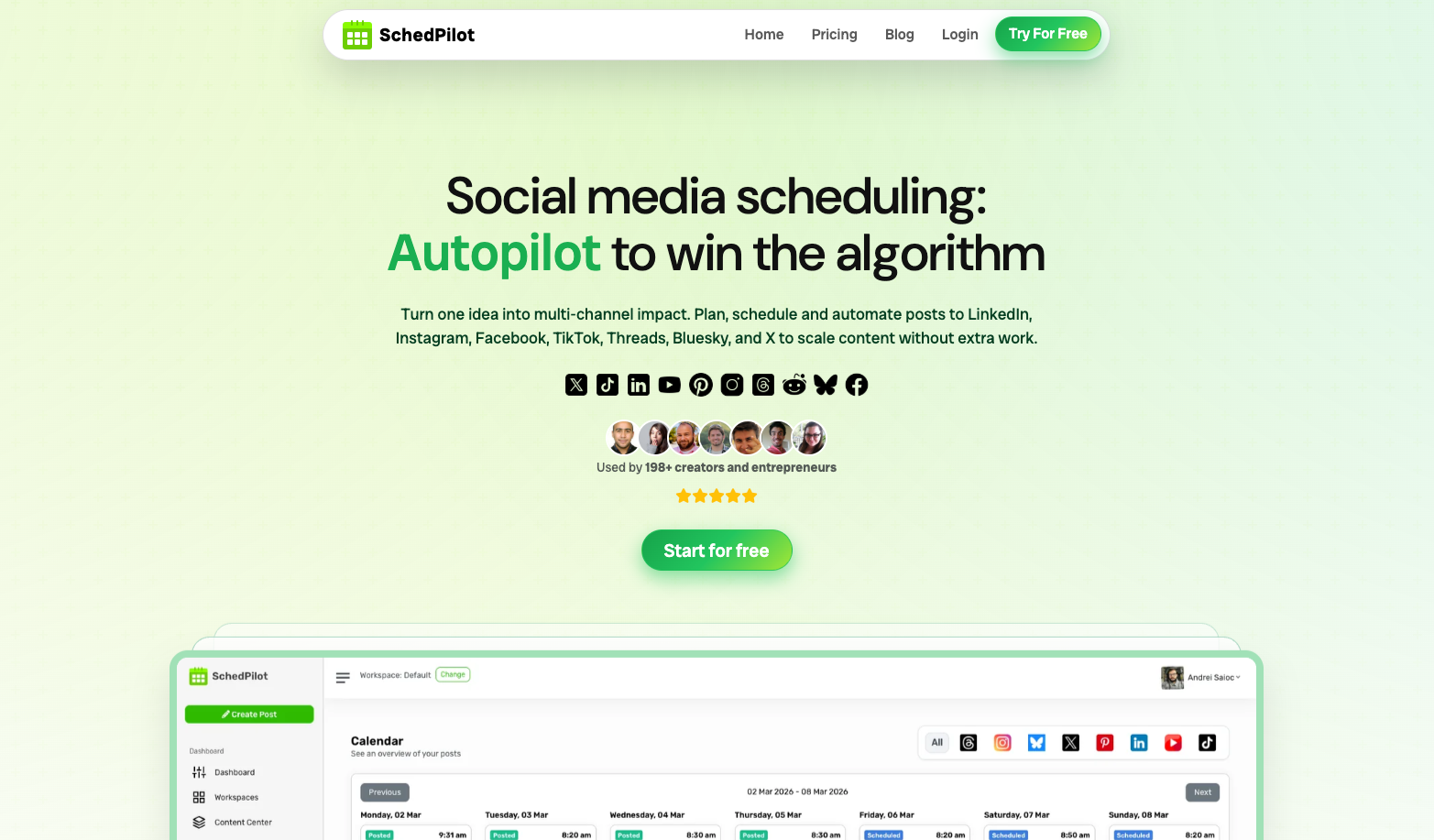
SchedPilot is an API-first social media scheduling and management tool that helps creators, marketers, and teams plan, generate, and auto-publish content across major networks with AI-assisted writing, best-time-to-post insights, and analytics.


Premium Alternatives


Aithumbnail
AIThumbnail.so is an AI-powered thumbnail maker for YouTube that generates high-converting thumbnails in seconds, aiming to increase click-through rates and views for creators without design experience.

marketingblocks-ai
MarketingBlocks AI is an all-in-one AI marketing assistant platform that automates the creation of marketing content, including landing pages, social media posts, videos, and more, helping entrepreneurs, agencies, and marketers increase leads, sales, and visibility efficiently.


Spencer for Mac
Spencer for Mac is a tool that allows users to save and restore their perfect window layouts, enabling quick switching between customized workspace profiles on macOS 13 Ventura or later.

Bliro
Bliro is a GDPR-compliant conversation intelligence assistant for customer-facing teams that transcribes, analyzes, and automates meeting notes and follow-ups across mobile and desktop — designed to increase transparency, save time, and improve sales performance.