

Magicslides
MagicSlides is an AI-powered presentation maker that converts prompts, documents, videos, or topics into ready-to-use Google Slides or PPTX presentations in seconds, supporting 136+ languages and workflows for professionals.
Magicslides is design generators software teams evaluate for design generators. Use this page to review pricing, integration signals, and the best alternatives before you commit.
Profile facts come from the vendor source. AiMatch labels unknown pricing or API details instead of estimating them.
Review official source →Used in These Packs
Quick Overview
Best for: Design Generators
What it does
Design Generators software for decision-makers comparing workflow fit and alternatives.
Best fit
Design Generators
Pricing snapshot
Free
Next step
Compare Magicslides with similar tools before you shortlist it.
Compare this tool before you shortlist it
Review alternatives, pricing posture, and workflow fit side by side.
MagicSlides is a next-generation AI presentation tool that converts prompts, topics, uploaded files (PDF, DOCX), YouTube links, or raw content into professional slide decks in seconds. It targets professionals and teams who need polished presentations quickly and supports export to Google Slides and PowerPoint (PPTX). The product includes an AI chat assistant for creating, editing, cloning, and refining slides, and advertises support for 136+ languages to serve global users.
MagicSlides is an AI-powered presentation maker that converts prompts, documents, videos, or topics into ready-to-use Google Slides or PPTX presentations in seconds, supporting 136+ languages and workflows for professionals.
Own this listing?
Claim this page for a one-time $29 to add pricing, features, screenshots, verified owner details, and a clearly labeled 30-day category position after the profile is live.
Claim this listing for $29Key Features
Text/Topic to PPT
Generate a full presentation from a typed or pasted topic or prompt instantly using the AI PPT maker.
File and Video Conversion
Convert PDFs, DOCX files, YouTube links and URLs into polished slide decks.
AI Chat Assistant
Chat-driven interface to create presentations from scratch, add or edit slides, clone slides, and get design/content suggestions.
Templates & Customization
Choose or customize templates before generation and fully edit layout, content and design after AI creates slides.
Multilanguage Support
Create presentations in 136+ languages, including English, Spanish, French, Chinese, Japanese, Korean, Hindi and more.
Export & Integrations
Default creation in Google Slides with the option to download as PowerPoint (PPTX); integrations include add-ons, Chrome, Figma, ChatGPT, Telegram and Zapier.
Prebuilt Slide Types
AI-generated slide templates for pros/cons, bullet points with images, timelines, SWOT analysis, pitch decks and other specialized slide types.
Privacy-forward Processing
The site states that content is never stored or shared and that processing happens securely (privacy claim).
Pricing
Free plan available — users can 'Start Creating Free' and 'Try It Free — Create Your First Presentation' with no credit card required.
Use Cases
Pitch Decks
Generate investor-ready pitch decks quickly by pasting pitch content and letting the AI design a professional deck.
Marketing Strategy
Create polished marketing-strategy presentations from prompts, documents, or YouTube videos.
Business Reviews & Reports
Produce structured business review slides such as timelines, SWOT analyses, and pros/cons slides.
Project Proposals
Turn project descriptions or uploaded documents into clear proposal decks suitable for stakeholders.
Education & Training
Create lecture or training slides from topics or source documents in multiple languages.
Integrations
Google Slides Add-on
Creates presentations in Google Slides by default and upgrades Google accounts on license purchase.
PowerPoint (PPTX)
Download generated slides as PowerPoint files (PPTX) for offline use.
Chrome Extension
Browser integration for quick access and generation within Chrome workflows.
Figma
Integration listed for use with Figma (MagicSlides in Figma).
ChatGPT
Integration listed for ChatGPT to create or export presentations via ChatGPT workflows.
Telegram
Integration listed for MagicSlides in Telegram.
Zapier
Integration listed for automations via Zapier.
Benefits
Limitations
Frequently Asked Questions
What languages are supported by MagicSlides AI PPT maker?
What do I actually receive after I purchase a license?
Can someone else order the license of AI Presentation Maker on my behalf?
How is support provided, and what does it include?
What constitutes a user in terms of pricing?
Does MagicSlides AI presentation maker work with both Google Slides and PowerPoint?
Is my data safe when I use the AI Presentation maker?
Can I customise the slides after the AI generates them?
Can I use AI PPT maker to update or improve an existing presentation?
Getting Started
- 1 Step 1: Input your idea — type a topic, paste content, upload a file (PDF/DOCX), or drop a YouTube link and select/customize a template.
- 2 Step 2: Let the AI generate — watch as the AI presentation maker instantly generates structured, designed slides.
- 3 Step 3: Download or edit — download the presentation as PPTX, open in Google Slides, or continue editing directly in the MagicSlides editor.
Support
Primary support via [email protected] for installation, licensing, and usage while support period is valid.
docs
Documentation, API Docs, changelog and tutorials are linked from the site footer and Resources section.
articles/blog
Latest articles, tutorials and insights available in the 'What's new' and blog sections on the site.
contact page
Site includes a 'Contact Us' page linked from the footer for additional inquiries.
API
API Docs (listed under Resources / site footer on https://www.magicslides.app/)
Compare Magicslides with similar tools
See how it stacks up against alternatives
Related Tools
View all 168 →
GeneratePPT
GeneratePPT is an AI-first presentation tool that converts topics, notes, URLs, PDFs, DOCX, and other inputs into clean, professional PowerPoint decks in under 60 seconds, with one-click styling, auto-sourced images, and an AI slide editor called AI Director.

Koboyo Icons
Koboyo Icons is a large library of 71,262 free hand-drawn SVG icons, organized into many thematic groups and categories and accessible via website browsing and an MCP/API integration for AI and editor workflows.



Lowtaperfade
Low Taper Fade is a website and hairstyle generator that helps users discover, visualize, and communicate Low Taper Fade haircuts using an AI-powered measurement and image generation tool, plus a gallery and barber instructions.


Premium Alternatives
Handtextai
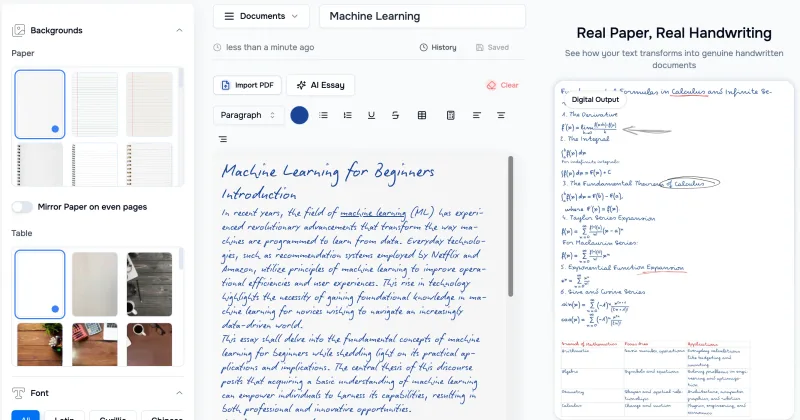
HandtextAI is a web-based handwriting generator that converts typed or imported text into realistic hand-written pages and photo-like notebook scenes, with a web editor and a separate API for print-oriented business workflows.

Overscene
OverScene is a lightweight Windows desktop app that overlays a floating AI frame over any application to apply generative and vision-based AI transforms (image-to-image, text-to-image, image-to-text, code generation, 3D rendering, etc.). It is designed for artists, designers, and developers to prototype, generate moodboards, transform sketches, and augment 3D models without plugins or subscriptions.

Sticker Magic
Sticker Magic is an AI-powered sticker generation platform that creates digital stickers from simple text descriptions, aimed at hobbyists, creators, and small businesses for personal, social, and commercial use. Free to get started with a 5-credit trial.

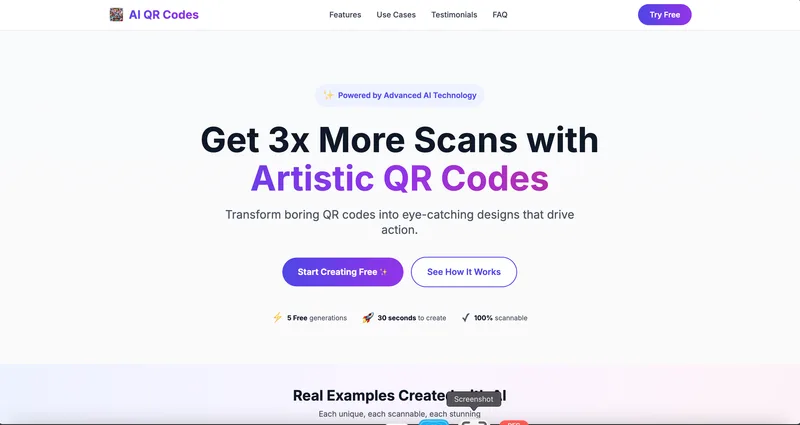
AI QR Codes
AI QR Codes is a web service that uses AI to generate artistic, brandable, and fully scannable QR codes for marketing, packaging, menus, business cards, events, education, and more.

Ai-architectures
AI-Architectures is a web-based platform that converts sketches, photos, or text descriptions into photorealistic architectural renders, labeled floor plans, and staged listing photos in about 30–40 seconds, with exports suitable for professional CAD/BIM workflows.