

Enigmaeasel
EnigmaEasel's AI Color Palette Generator is a free web app that creates professional color palettes from text prompts, images, color theory, and theme presets, and exports production-ready assets (CSS, Tailwind, JSON, images) with built-in accessibility and editing tools.
Enigmaeasel is design generators software teams evaluate for software & gaming. Use this page to review pricing, integration signals, and the best alternatives before you commit.
Profile facts come from the vendor source. AiMatch labels unknown pricing or API details instead of estimating them.
Review official source →Used in These Packs
Quick Overview
Best for: Software & Gaming
What it does
Design Generators software for decision-makers comparing workflow fit and alternatives.
Best fit
Software & Gaming
Pricing snapshot
Free from Free
Next step
Compare Enigmaeasel with similar tools before you shortlist it.
Compare this tool before you shortlist it
Review alternatives, pricing posture, and workflow fit side by side.
EnigmaEasel's AI Color Palette Generator is a browser-based tool for creating color palettes from natural-language text prompts, uploaded images, color theory (harmony) rules, and curated theme presets. It is designed for designers and developers who need production-ready palettes and color assets. The tool emphasizes transparency about how palettes are generated (language-model associations for text prompts and k-means clustering for image extraction) and provides editing, accessibility testing, and multiple export options.
The app targets professional workflows by offering exports for CSS, SCSS, Tailwind, mobile development constants (Kotlin, Swift), JSON, and high-resolution image downloads, plus live website mockups to preview palettes in context.
EnigmaEasel's AI Color Palette Generator is a free web app that creates professional color palettes from text prompts, images, color theory, and theme presets, and exports production-ready assets (CSS, Tailwind, JSON, images) with built-in accessibility and editing tools.
Own this listing?
Claim this page for a one-time $29 to add pricing, features, screenshots, verified owner details, and a clearly labeled 30-day category position after the profile is live.
Claim this listing for $29Key Features
AI text-to-palette
Generate palettes from natural language prompts (e.g., 'Sunset over Tokyo') with custom color names using a language model trained on color psychology, design context, and cultural color meaning.
Image extraction (k-means)
Upload photos or design files and extract up to 12 dominant colors using k-means clustering, with 10 extraction moods and draggable markers for precise sampling.
11 Theme Presets
One-click presets (Balanced, Light/Pastel, Bright/Neon, Dark, Aesthetic, Warm, Cold, Retro, Vintage, Monochromatic, Gradient) to generate cohesive palettes tuned to specific aesthetics.
7 Color Harmony Types
Theory-based harmony modes (Complementary, Analogous, Split Complementary, Triadic, Monochromatic, Square, Rectangle) that support 2–12 colors and use perceptual hue correction and smart expansion algorithms.
Live website previews
Full-page website mockups for 4-, 5-, and 6-color palettes showing navbar, hero, features, testimonials, CTAs, and animated elements; downloads available as SVG, PDF, JPG, PNG.
Advanced color editing (HSL & LCH)
Edit swatches with HSL and LCH sliders, global Lighter/Darker/Vibrant adjustments, drag-reorder, lock swatches, and enter hex codes directly.
Accessibility testing
Color blindness simulation (Protanopia, Deuteranopia, Tritanopia, Achromatopsia and additional types) and a WCAG contrast ratio checker for ensuring accessible combinations.
Multiple export formats
Export palettes as PNG, JPG, SVG, PDF and code formats including CSS variables, SCSS, Tailwind CSS, Kotlin, Swift, and JSON.
Local saving & history
Save palettes to the browser's local storage and use undo/redo history; lock colors before regenerating.
Pricing
Completely free to use with no registration required.
Free
Free- Full access to AI generator, image extraction, theme and harmony modes
- Exports to image and code formats
- Local save to browser storage, no registration required
Use Cases
Web & App Design
Create cohesive, accessible color systems for websites and mobile apps with WCAG-tested contrast ratios and export-ready code.
Branding & Graphic Design
Generate professional palettes for logos, marketing materials, and social media with named colors and theme presets.
Frontend & Mobile Development
Export CSS variables, Tailwind configuration, Kotlin and Swift color constants for direct use in projects.
Extracting from Inspiration
Pull palette colors from photos or screenshots for interior design, weddings, fashion collections, or artwork.
Accessibility Testing
Simulate color blindness types and check WCAG contrast ratios to ensure inclusive design choices.
Education & Learning
Explore color theory and harmonies interactively with perceptually corrected harmony modes and flexible color counts.
Integrations
CSS / SCSS
Export ready-to-paste CSS and SCSS variable definitions for web projects.
Tailwind CSS
Export configuration-ready Tailwind CSS color definitions.
Kotlin / Swift
Export color constants for Android (Kotlin) and iOS (Swift) development.
JSON
Export palettes as JSON for use in other tools or pipelines.
Benefits
Limitations
Frequently Asked Questions
Is the color palette generator free to use?
What color formats are supported?
Can I export my palette for use in code?
How does color blindness simulation work?
Can I save my palettes?
Getting Started
- 1 Step 1: Choose a mode — AI (text-to-palette), Image (extract), Theme (preset), Harmony (color theory), or Live Previews (website mockups).
- 2 Step 2: Configure options — enter a text prompt or upload an image, set color count (2–12), choose extraction mood or harmony type, and optionally set a base color.
- 3 Step 3: Generate and refine — click Generate, lock colors you like, edit swatches with HSL/LCH sliders, test accessibility, and export or download in your preferred format.
Support
Contact page
Use the site's Contact Us page for inquiries: https://enigmaeasel.com/contact-us/
FAQs
Built-in Frequently Ask Questions document on the site covering usage and supported formats.
One-time / Monthly support
Site mentions one-time and monthly supporter payment options (Card, Google Pay, Apple Pay, Cryptocurrency) to help go ad-free.
API
Compare Enigmaeasel with similar tools
See how it stacks up against alternatives
Related Tools
View all 158 →
Koboyo Icons
Koboyo Icons is a large library of 71,262 free hand-drawn SVG icons, organized into many thematic groups and categories and accessible via website browsing and an MCP/API integration for AI and editor workflows.
GeneratePPT
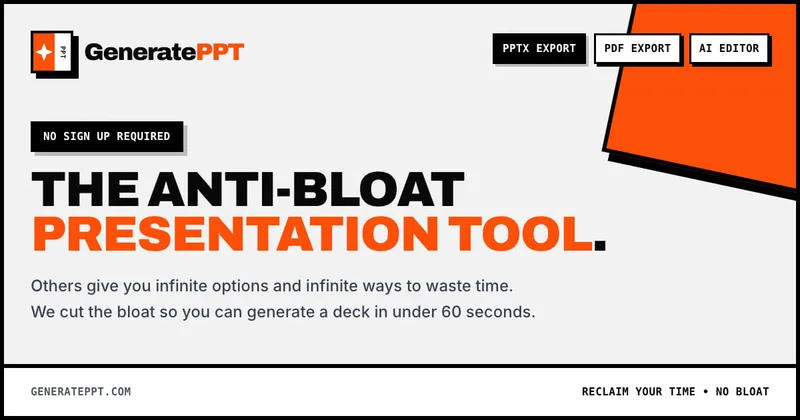
GeneratePPT is an AI-first presentation tool that converts topics, notes, URLs, PDFs, DOCX, and other inputs into clean, professional PowerPoint decks in under 60 seconds, with one-click styling, auto-sourced images, and an AI slide editor called AI Director.
Cool Coloring Pages
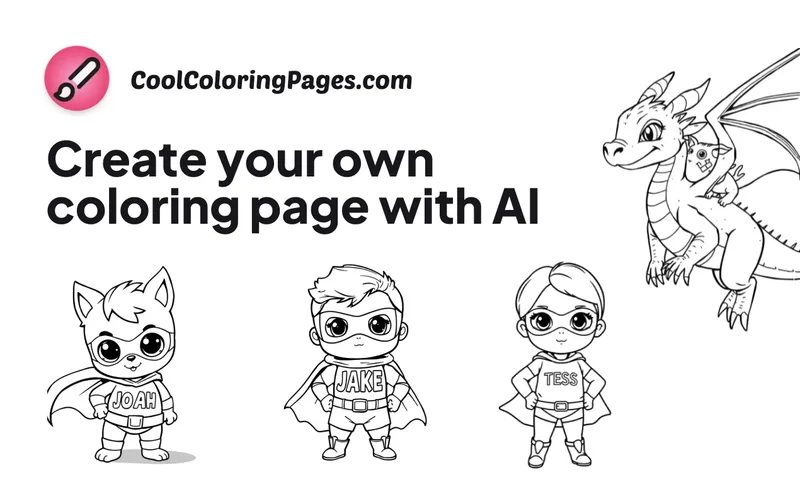
Cool Coloring Pages is a web-based AI coloring page generator that turns ideas or photos into printable, personalized coloring pages for kids, parents, and teachers.

Makeinfographic
MakeInfographic is an AI-powered infographic generator that turns text, notes, or data into ready-to-download infographics, timelines, comparisons, and charts with no sign-up required.

Magicslides
MagicSlides is an AI-powered presentation maker that converts prompts, documents, videos, or topics into ready-to-use Google Slides or PPTX presentations in seconds, supporting 136+ languages and workflows for professionals.
Tattoosgenerator
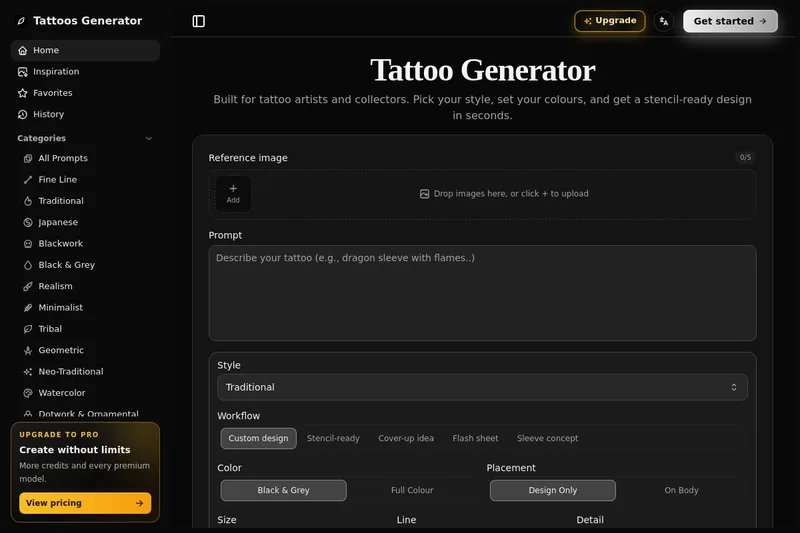
Tattoos Generator (TattooAI) is a web-based AI tattoo generator for artists and collectors that produces stencil-ready tattoo designs by selecting style, colours, placement, and other tattoo-specific parameters.

Premium Alternatives
HeartVoice Gifts
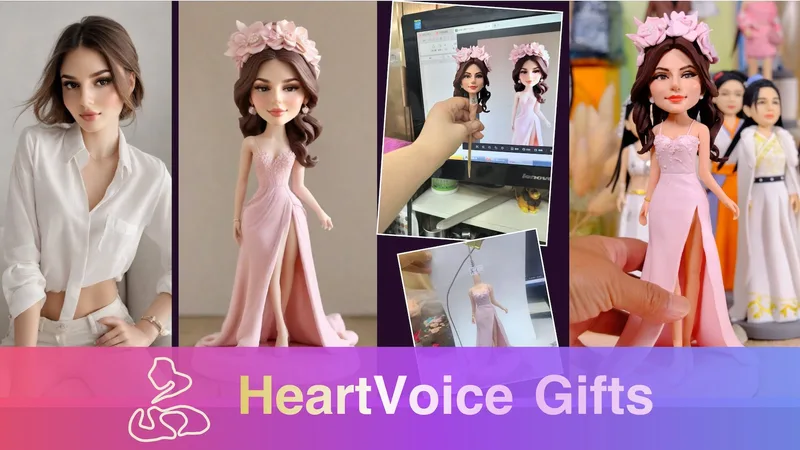
HeartVoice Gifts is an e-commerce studio that combines an AI-powered bobblehead maker with artisan handcrafting to produce custom, photo-based bobblehead gifts for individuals and groups.
Handtextai
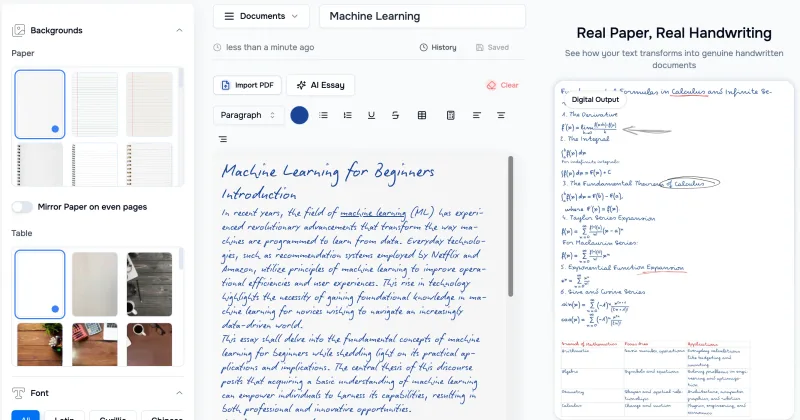
HandtextAI is a web-based handwriting generator that converts typed or imported text into realistic hand-written pages and photo-like notebook scenes, with a web editor and a separate API for print-oriented business workflows.
Sticker Magic
Sticker Magic is an AI-powered sticker generation platform that creates digital stickers from simple text descriptions, aimed at hobbyists, creators, and small businesses for personal, social, and commercial use. Free to get started with a 5-credit trial.

Overscene
OverScene is a lightweight Windows desktop app that overlays a floating AI frame over any application to apply generative and vision-based AI transforms (image-to-image, text-to-image, image-to-text, code generation, 3D rendering, etc.). It is designed for artists, designers, and developers to prototype, generate moodboards, transform sketches, and augment 3D models without plugins or subscriptions.
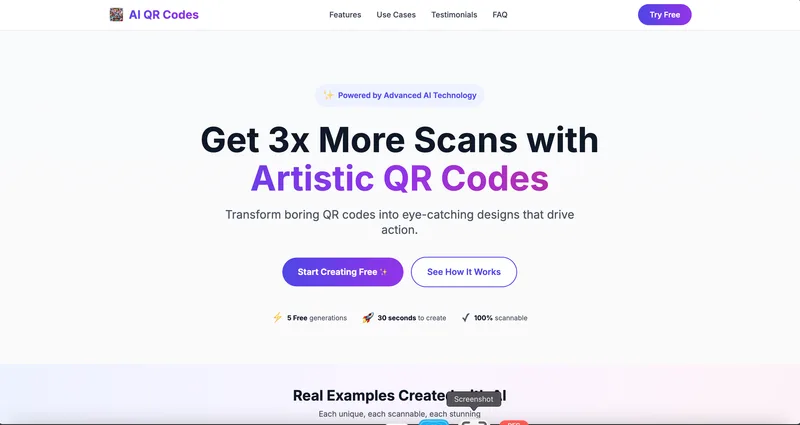
AI QR Codes
AI QR Codes is a web service that uses AI to generate artistic, brandable, and fully scannable QR codes for marketing, packaging, menus, business cards, events, education, and more.
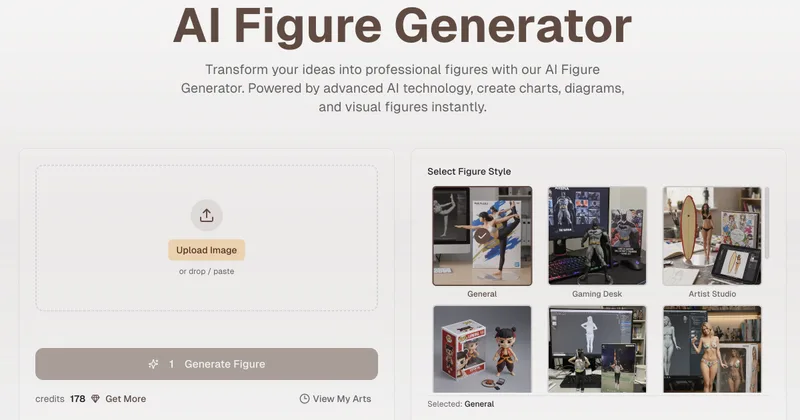
Aifiguregenerator
AI Figure Generator is a web tool that transforms photos into high-resolution figurine-style designs (anime, Funko Pop, action figures) using Nano Banana AI technology, aimed at creators, hobbyists, and studios.