
nexxtsupport
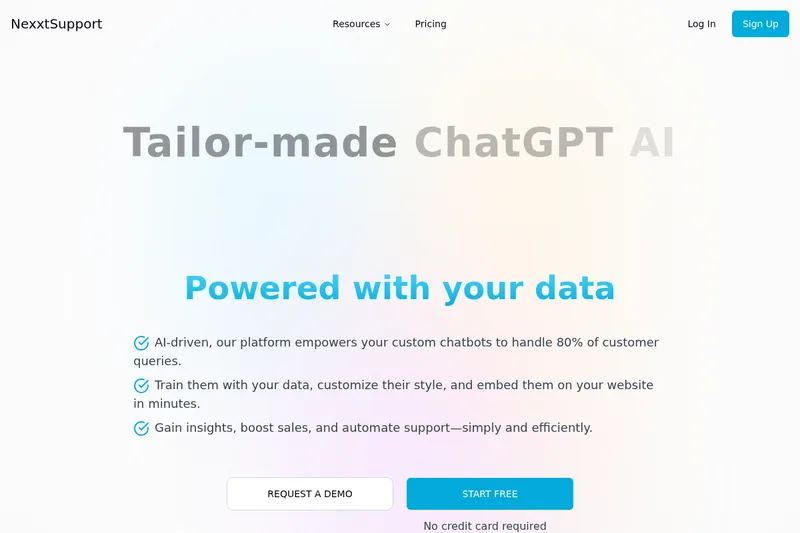
NexxtSupport lets support and operations teams build chatbots trained on company data, then configure and embed them on websites. Teams can use them for customer and employee helpdesk queries, lead collection, and shopping assistance.
Who it's for
- Customer support teams that want to train a website chatbot on their support content and review its conversations and analytics.
- HR and internal operations teams that want employees to retrieve company information and HR materials through a chatbot.
- E-commerce teams that want to use chatbot recommendations for shopping assistance, upselling, or cross-selling.
How it fits your workflow
Add chatbot knowledge by uploading documents, providing website links or manual text, or connecting a named source such as Notion or Confluence. The FAQ says users can manage which sources the AI can access and test the chatbot in its configuration page.
Set the chatbot’s logo, colors, and dialogue tone, then copy its embed snippet from the embed tab and paste it into a website. The FAQ says to add the embedding domain in the chatbot’s settings.
Review conversation logs and analytics in the chatbot’s details page. For lead generation, configure how leads are collected and export them to a CRM or as a CSV through the platform.
Pricing
Free: A freemium plan is available, and the page says no credit card is required. Specific plan limits are not stated.
Freemium
Free; paid plan prices are not stated.
- · The page says no credit card is required to start.
- · The page says users can upgrade when they start scaling.
Prices checked on Nov 13, 2026 from the vendor's site. They can change; confirm before you buy.
Key features
- Train on company data
- Add PDFs, Word files, text files, website links, or manual text as sources for the chatbot. The FAQ also names Notion and Confluence as platforms that can be connected for training.
- Brand and dialogue customization
- Customize the chatbot with a logo, color palette, and dialogue tone to reflect a brand’s identity.
- Website embedding
- Copy an embed code snippet from the chatbot’s configuration page and add it to a website.
- Conversation and visitor analytics
- View information such as visitor and conversation counts, messages, visitor locations and interaction sources, devices, and user satisfaction.
- Lead collection
- Configure how the chatbot gathers leads. The page says leads can be exported to a CRM or as a CSV through the platform.
- Multilingual support
- The page states that NexxtSupport supports more than 50 languages.
Works with
- Notion and Confluence
- CRM platforms
- Website content
- Messenger and WhatsApp
- E-commerce and marketing automation platforms
Limitations to know
- The domain where a chatbot is embedded must be added in the chatbot’s settings, under the security section, according to the troubleshooting FAQ.
Alternatives to consider
-
ChatNode
Choose it if you need agents that can take actions such as booking meetings or updating records, or escalate conversations to humans with context.
-
Chatbase
Choose it if you need an enterprise-positioned platform with business-system integrations, workflow automation, and enterprise-grade security.
-
Quickchat AI
Choose it if you need conversational agents that can take API actions and deploy across messaging apps and helpdesk systems.
Getting started
- Create or configure a chatbot in the NexxtSupport platform.
- Upload documents, provide website links or manual text, or connect a supported data source.
- Customize the chatbot and test it from its configuration page.
- Copy the embed snippet to your website and add the website domain in the chatbot’s settings.
Frequently asked questions
What is NexxtSupport used for?
It is a platform for building AI chatbots trained on a user’s data and adding them to a website or supported platforms to automate customer support. Chatbots can also be configured to gather leads, which can be exported to a CRM or as a CSV through the platform.
How can I train the AI?
The FAQ says users can upload DOCX, PDF, and TXT files, provide website or article links, connect platforms such as Notion or Confluence, or add manual text. Users can test the chatbot in its configuration page and enable or disable its access to resources.
How do I add the chatbot to my website?
Copy the code snippet from the embed tab on the chatbot’s configuration page and paste it into the website’s code.
What analytics does NexxtSupport provide?
The FAQ lists visitor counts, conversation and message counts, visitor and interaction sources, and device information, presented in charts and graphs over different time periods.
Can I see conversations handled by the chatbot?
Yes. The chatbot details page provides conversation logs, including exchanged messages, conversation time, and visitor details.
Can the chatbot handle queries in my language?
The page says NexxtSupport handles more than 50 languages and suggests trying its demo chatbot to check a particular language.
What should I check if my embedded chatbot does not work?
The FAQ says to check that the domain where the chatbot is embedded has been added in the chatbot’s settings, under the security section. It advises contacting NexxtSupport if the issue continues.