

Pixsprout
PixSprout is an online AI-powered design platform that creates custom stamps and seals from text prompts or uploaded images, offering tools for logos, portraits, pets, and background removal with downloadable high-resolution transparent PNGs and commercial licensing.
Pixsprout is design generators software teams evaluate for content & marketing. Use this page to review pricing, integration signals, and the best alternatives before you commit.
Profile facts come from the vendor source. AiMatch labels unknown pricing or API details instead of estimating them.
Review official source →Used in These Packs
Quick Overview
Best for: Content & Marketing
What it does
Design Generators software for decision-makers comparing workflow fit and alternatives.
Best fit
Content & Marketing
Pricing snapshot
Free
Next step
Compare Pixsprout with similar tools before you shortlist it.
Compare this tool before you shortlist it
Review alternatives, pricing posture, and workflow fit side by side.
PixSprout provides an online AI Stamp Generator and Image-to-Stamp converter that create realistic stamps and seals from either text prompts or uploaded images. The platform includes specialized makers for portraits, pets, and business logos, plus utilities such as a background remover and watermark/white-background erasers. Outputs are downloadable as high-resolution transparent PNGs and are licensed for commercial use, targeting designers, businesses, and anyone needing custom seal assets quickly.
PixSprout is an online AI-powered design platform that creates custom stamps and seals from text prompts or uploaded images, offering tools for logos, portraits, pets, and background removal with downloadable high-resolution transparent PNGs and commercial licensing.
Own this listing?
Claim this page for a one-time $29 to add pricing, features, screenshots, verified owner details, and a clearly labeled 30-day category position after the profile is live.
Claim this listing for $29Key Features
AI Text-to-Stamp Generator
Generate unique stamp designs from simple text prompts using PixSprout's generative AI engine.
Image-to-Stamp Converter
Upload logos, photos, or sketches and convert them into realistic rubber-style stamps with transparency and ink/grunge effects.
Pet Stamp Maker
Create custom pet-themed stamp designs from photos of dogs or cats.
Portrait Stamp Creator
Transform selfies or portraits into monochromatic emblem-style stamps.
Business/Logo Seal Maker
Convert company logos into official-looking digital seals suitable for branding.
Background Remover & Image Cleanup
Built-in smart background removal to clean up source images before generating stamps.
High-Resolution Transparent PNG Output
All downloads are background-free, high-resolution PNG files for easy overlay and use in branding.
Commercial License
All outputs are provided with commercial rights for branding and commercial use.
Fast Generation
Claims to produce high-quality designs in under 30 seconds using its generation engine.
Pricing
The site offers a free AI Stamp Generator path ('Try the Free AI Stamp Generator') for creating stamps online.
Use Cases
Branding & Official Seals
Convert company logos into professional digital seals for use in branding and documentation.
Custom Product or Packaging Stamps
Generate unique stamp assets for packaging, labels, or product artwork using text prompts or converted logos.
Pet Memorabilia & Gifts
Turn pet photos into adorable stamp-style emblems for merchandise or keepsakes.
Portrait Emblems
Create artistic monochrome portrait seals from selfies or portrait photos.
Quick Design Iteration & Concepting
Use the AI generator to explore new seal concepts without needing a designer.
Integrations
No verified integration details are available.
Benefits
Limitations
No verified limitations are available.
Frequently Asked Questions
What's the difference between the two stamp generators?
Which tool should I use for a seal?
Do the outputs have a background?
Do I need to remove the background manually?
Can I use the designs commercially?
What formats does the platform accept?
Getting Started
- 1 Step 1: Choose a path — 'Generate Stamp (AI)' for text-to-image or 'Photo to Stamp' to convert an uploaded image.
- 2 Step 2: Upload a supported image (JPG, PNG, WEBP, HEIC/HEIF) or enter a text prompt and select a template/configuration (e.g., Single Person, Photo Mode).
- 3 Step 3: Customize layers (add sticker, text, ring, stroke), run the generation or conversion, then download the high-resolution transparent PNG.
Support
contact
Use the site's 'Contact Us' page (linked in the footer) for inquiries and support.
docs
On-site help sections and tool-specific FAQs are available on the PixSprout website.
API
Compare Pixsprout with similar tools
See how it stacks up against alternatives
Related Tools
View all 168 →
Koboyo Icons
Koboyo Icons is a large library of 71,262 free hand-drawn SVG icons, organized into many thematic groups and categories and accessible via website browsing and an MCP/API integration for AI and editor workflows.
GeneratePPT
GeneratePPT is an AI-first presentation tool that converts topics, notes, URLs, PDFs, DOCX, and other inputs into clean, professional PowerPoint decks in under 60 seconds, with one-click styling, auto-sourced images, and an AI slide editor called AI Director.
Playground
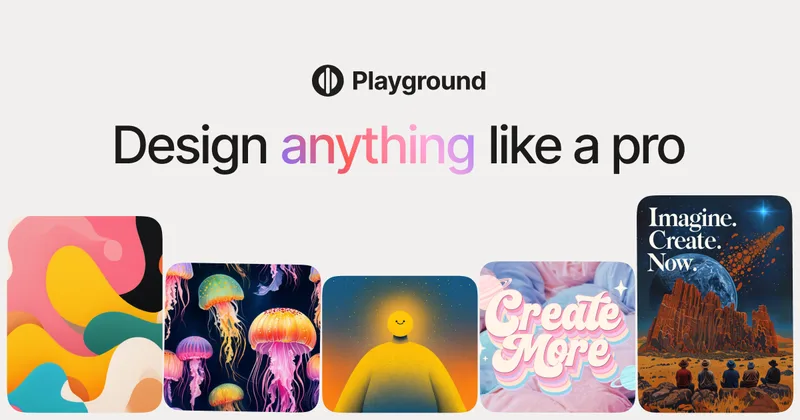
Playground is an AI design studio for creators that turns text prompts and templates into logos, stickers, merch, posters, wallpapers and print-ready designs using multiple image models and editing tools.
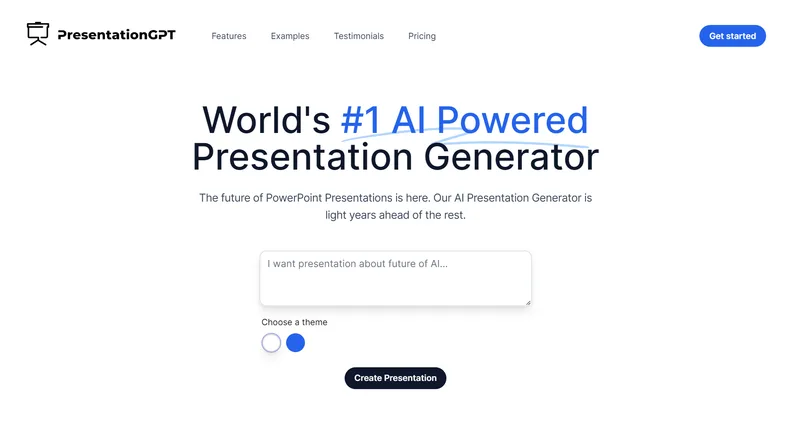
presentationgpt
PresentationGPT is an AI-powered presentation generator that creates high-quality, editable slide decks using a proprietary language model (LISA). It produces outputs compatible with PowerPoint and Google Slides and offers downloadable files plus an API for integration.
Premium Alternatives

Overscene
OverScene is a lightweight Windows desktop app that overlays a floating AI frame over any application to apply generative and vision-based AI transforms (image-to-image, text-to-image, image-to-text, code generation, 3D rendering, etc.). It is designed for artists, designers, and developers to prototype, generate moodboards, transform sketches, and augment 3D models without plugins or subscriptions.
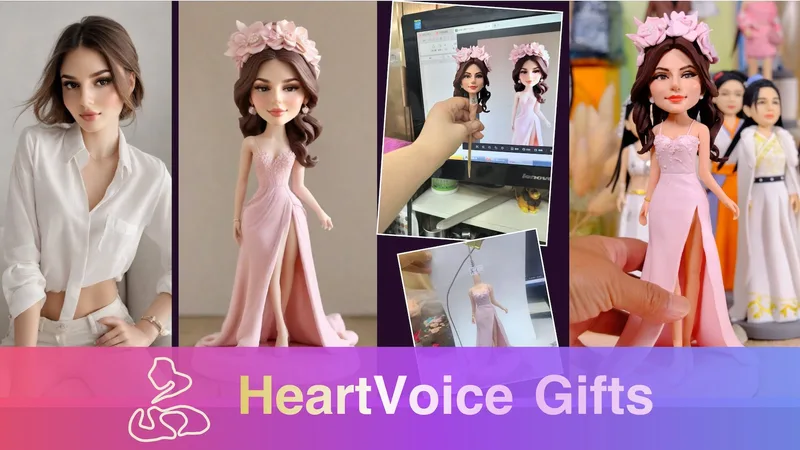
HeartVoice Gifts
HeartVoice Gifts is an e-commerce studio that combines an AI-powered bobblehead maker with artisan handcrafting to produce custom, photo-based bobblehead gifts for individuals and groups.
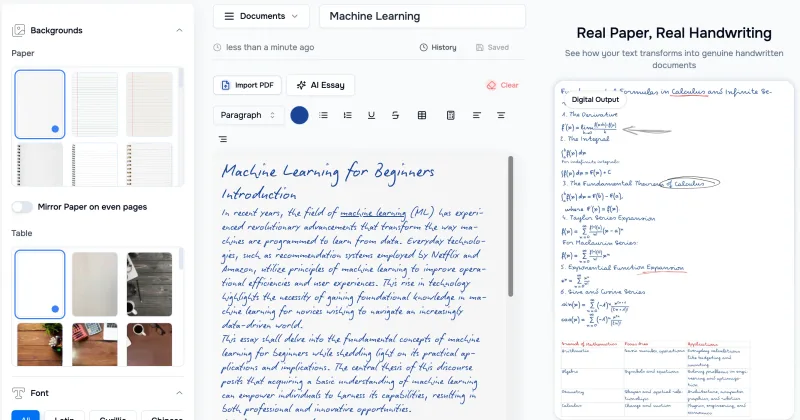
Handtextai
HandtextAI is a web-based handwriting generator that converts typed or imported text into realistic hand-written pages and photo-like notebook scenes, with a web editor and a separate API for print-oriented business workflows.
Stringartgenerator
String Art Generator is a web tool that transforms photos into printable string art patterns using an advanced algorithm, offering customizable complexity, high-resolution exports, and material calculations for hobbyists and professional artists.
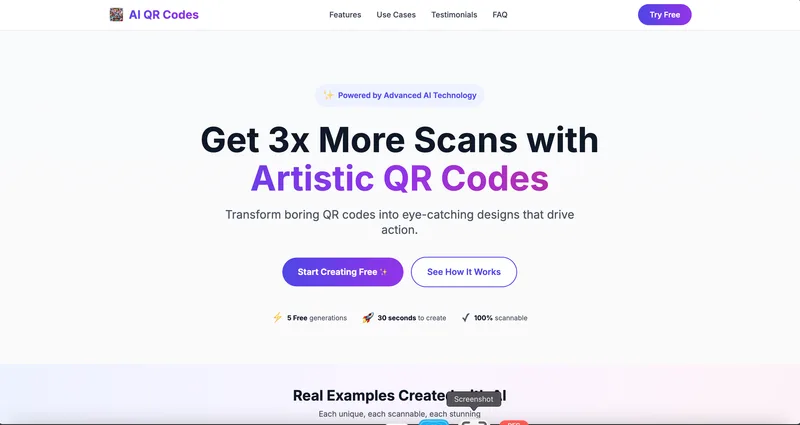
AI QR Codes
AI QR Codes is a web service that uses AI to generate artistic, brandable, and fully scannable QR codes for marketing, packaging, menus, business cards, events, education, and more.
AI App Icon Generator
AI App Icon Generator is an AI-powered web tool that creates high-quality app icons from text prompts, producing multiple variations per prompt and allowing downloads of generated images.