
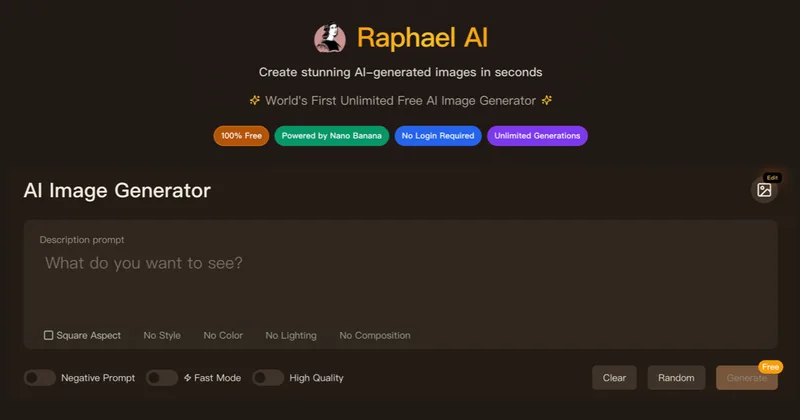
Raphael
Raphael AI is a web-based platform offering a free, unlimited AI image generator plus a suite of AI creative tools (image editing, image-to-image, video, lip-sync, 3D generation and voice cloning) with multi-model routing and professional-grade models for high-resolution outputs.
Raphael is image & design software teams evaluate for content & marketing. Use this page to review pricing, integration signals, and the best alternatives before you commit.
Profile facts come from the vendor source. AiMatch labels unknown pricing or API details instead of estimating them.
Review official source →Used in These Packs
Quick Overview
Best for: Content & Marketing
What it does
Image & Design software for decision-makers comparing workflow fit and alternatives.
Best fit
Content & Marketing
Pricing snapshot
Freemium from No cost; unlimited generations in Basic mode (with queue); free images include a watermark
Next step
Compare Raphael with similar tools before you shortlist it.
Compare this tool before you shortlist it
Review alternatives, pricing posture, and workflow fit side by side.
Raphael AI is a browser-based AI creative platform centered on an AI image generator that uses an intelligent multi-model router to select state-of-the-art models for each prompt. It offers zero-cost creation in a Basic mode (no sign-up required) with options to sign in for daily credits, access higher-resolution models (up to 2K), and upgrade to paid plans for faster priority generation and commercial use. Beyond text-to-image, Raphael provides image editing tools (AI Photo Editor, Expand Image, Remove Background), image-to-image, templates, video generation, lip-sync video, 3D model generation and voice cloning, positioning it for creators, designers, marketers and developers.
Raphael AI is a web-based platform offering a free, unlimited AI image generator plus a suite of AI creative tools (image editing, image-to-image, video, lip-sync, 3D generation and voice cloning) with multi-model routing and professional-grade models for high-resolution outputs.
Own this listing?
Claim this page for a one-time $29 to add pricing, features, screenshots, verified owner details, and a clearly labeled 30-day category position after the profile is live.
Claim this listing for $29Key Features
Zero-Cost Creation
Basic mode provides free, unlimited generations in the browser without registration or a credit card.
Multi-Model Routing
Scene-aware intelligent routing picks the best available model (Seedream, Nano Banana, GPT Image 2, Raphael 2.0 Pro, etc.) for each prompt to optimize quality and style.
Advanced Text Understanding
Superior interpretation of complex prompts and support for text overlay features to produce accurate results from descriptive prompts.
Fast Generation and Priority Modes
Optimized inference pipeline delivers images in seconds (~8s on Basic); paid plans get priority and skip the queue.
AI Photo Editor & Editing Tools
Tools for editing existing images with text, expanding image borders, removing backgrounds, and using image templates to start faster.
Video & Lip-Sync Tools
Text-to-video, image-to-video, and AI lip-sync capabilities for creating talking or animated videos from prompts and reference images.
Privacy-Focused
Minimal data collection approach: guest requests processed temporarily; signed-in users retain only necessary account and security information; claims not to sell prompts or images.
Model Variety & Quality Options
Multiple in-house and industry models for different quality and speed tradeoffs, including Seedream 5.0 Pro, Nano Banana variants, Raphael 2.0 Pro and video models like Seedance and Veo.
API Integration
Platform supports API integration for developers (cited friendly API integration in testimonials).
Pricing
Unlimited generations in Basic mode without signup (images include a watermark; sign-in provides daily credits and access to higher-resolution models up to 2K).
Free (Basic)
No cost; unlimited generations in Basic mode (with queue); free images include a watermark- No sign-up required
- Unlimited Basic generations (without Fast Mode)
- Access to some models at lower resolution
Pro
Not specified on page (upgrade available for higher priority, clean outputs and commercial use)- Priority generation (skip queue)
- Clean outputs (no watermark)
- Access to higher-resolution models
Ultimate
Not specified on page- Higher throughput and model access intended for power users
Use Cases
Ad creative and marketing
Generate high-quality product and ad images quickly for campaigns; testimonials cite ad creative directors using Raphael to simplify production.
E-commerce product imagery
Create product showcase images to professional standards for e-commerce managers.
Concept art and game design
Generate concept images and detailed scenes for game developers and artists.
Content creation and social media
Fast generation for content creators and designers to produce visuals at speed.
Developer integration
API-friendly integration for developers to embed image-generation capabilities into workflows and apps.
Integrations
Developer API
Page and testimonials reference a friendly API integration for developers to embed Raphael's generation capabilities.
Multiple AI models
Integration of multiple image and video models (Seedream, Nano Banana, GPT Image 2, Seedance, Veo, Kling, Raphael Video Pro) selectable via the platform's model router.
Benefits
Limitations
Frequently Asked Questions
What is Raphael AI and how does it work?
Is Raphael AI really free to use?
Do I need to create an account to use Raphael AI?
Can I use the generated images commercially?
How does Raphael AI protect my privacy?
What AI models does Raphael AI support?
Getting Started
- 1 Step 1: Visit https://raphael.app and open the Image generator workspace.
- 2 Step 2: Enter a text prompt (or upload a reference image) and generate images using the Basic model.
- 3 Step 3: Optionally sign in to receive daily credits, access higher-resolution models, and use paid features or upgrade to Pro/Ultimate to skip queues and enable commercial use.
Support
Support requests and feedback via [email protected]
website
Help, tools and product information available at https://raphael.app/
API
Compare Raphael with similar tools
See how it stacks up against alternatives
Related Tools
View all 386 →

Aihomedesign
AI HomeDesign is an AI-powered platform for preparing real estate listing photos with tools for virtual staging, object removal, day-to-dusk conversion, image enhancement, and renovation mockups — aimed at agents, brokerages, photographers and service partners.

FLUX.1 (Flux 1 AI)
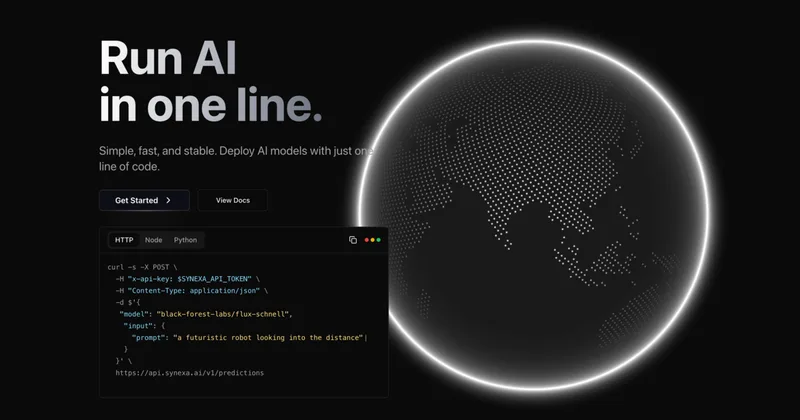
FLUX.1 (Flux 1 AI) is an open-source image generation model and web-based image generator from Black Forest Labs, offering fast, high-quality, prompt-driven image synthesis with multiple model variants and API access for developers.


Artiphoria AI
Artiphoria AI is a web-based AI image generation software that creates unique images in one click using neural networks and machine learning, aimed at artists, designers, creators and businesses.


Fotographer AI
Fotographer AI provides an API-first generative imaging platform for production-grade product photography: non-destructive inpainting, scene generation, and background generation that preserves product pixels, geometry, and brand identity for large-scale e-commerce and marketing workflows.
Realistic AI
Realistic AI is a web-based generator and editing suite for photorealistic images and videos. Users can create from text prompts or photos, choose from multiple AI models, and use additional tools to humanize, restore, upscale, or retouch images.
Premium Alternatives

Aux Machina
Aux Machina is an AI-powered image creation platform that generates custom, royalty-free visuals and offers upcoming AI-assisted image-editing tools, aimed at creators, marketers, and teams who need quick, high-quality images.
Photostudio
Blockode AI Photo Studio is an AI-powered photoshoot generator that trains a custom model from your uploaded selfies to produce stylized, high-resolution AI photoshoots. It targets users who want custom-generated portraits with options for commercial use.
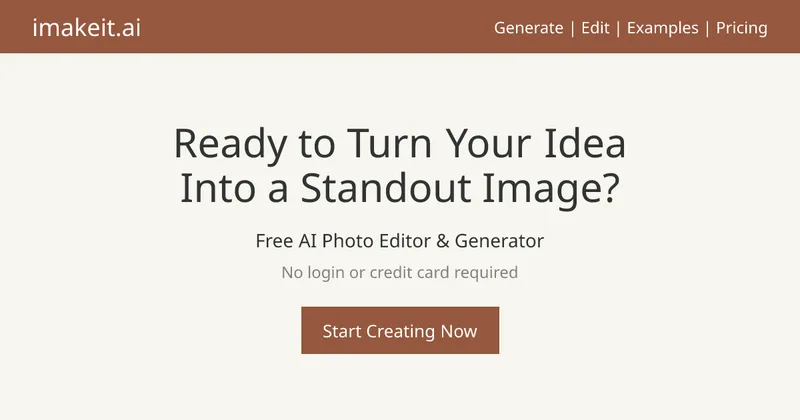
imakeit.ai
imakeit.ai is a browser-based AI image generator and editor powered by GPT Image 2. It creates and edits visuals from text prompts and reference images, with adjustable quality, 1K–4K output, and upfront credit costs.


PreCheck
PreCheck is an AI-powered facial recognition and face-search platform that lets users upload a single photo to find where that face appears across the web, and also provides reverse phone and email lookups for identity, reputation management, and fraud prevention.

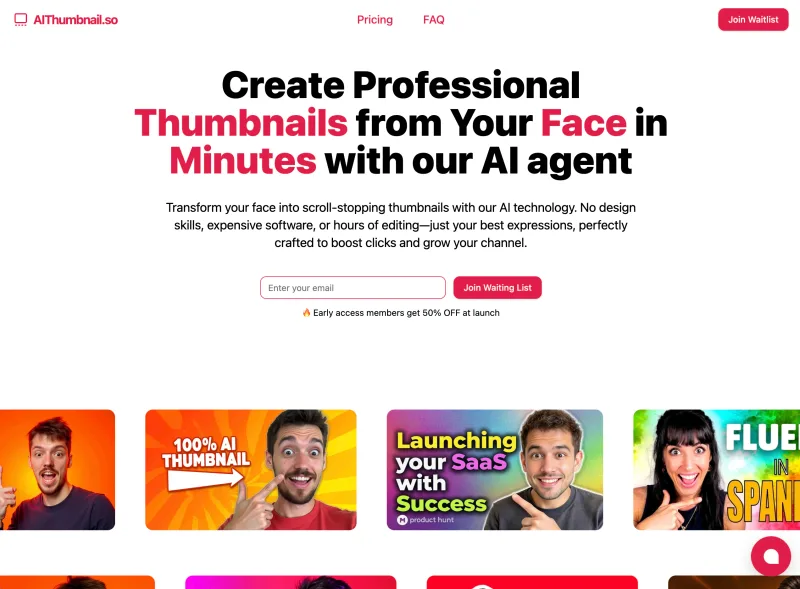
Aithumbnail
AIThumbnail.so is an AI-powered thumbnail maker for YouTube and creators that generates high-converting thumbnails in under a minute, offering features like Replica Mode, one-photo face integration, and AI smart suggestions to boost CTR and views.