Riverside
Riverside is an AI-powered, all-in-one platform for recording, editing, repurposing, streaming, and publishing studio-quality audio and video (podcasts, webinars, livestreams, and social clips) with local 4K recording and built-in AI tools.
Riverside is podcasting software teams evaluate for podcasting. Use this page to review pricing, integration signals, and the best alternatives before you commit.
Quick Overview
Best for: Podcasting
What it does
Podcasting software for decision-makers comparing workflow fit and alternatives.
Best fit
Podcasting
Pricing snapshot
Free
Next step
Compare Riverside with similar tools before you shortlist it.
Compare this tool before you shortlist it
Review alternatives, pricing posture, and workflow fit side by side.
Riverside
Riverside is an AI-driven content creation platform designed for creators, podcasters, marketers, and production teams who want studio-quality audio and video without a physical studio. It enables local 4K video and uncompressed audio recording in separate tracks so quality is preserved regardless of internet conditions. The platform combines recording, a text-based editor, AI-assisted post-production, repurposing tools, live streaming, webinar hosting, and direct publishing to major platforms into a single end-to-end workflow.
Riverside emphasizes simplicity and speed: record solo or with guests, let AI polish audio and generate transcripts, show notes, clips, thumbnails and headlines, then publish or distribute content across platforms. It also includes business-focused features for teams such as brand controls, priority support, and integrations for webinar registrants and analytics.
Riverside is an AI-powered, all-in-one platform for recording, editing, repurposing, streaming, and publishing studio-quality audio and video (podcasts, webinars, livestreams, and social clips) with local 4K recording and built-in AI tools.
Own this listing?
Claim this page to add pricing, features, screenshots, and verified owner details.
Claim this listingKey Features
Local 4K & separate-track recording
Capture up to 4K video and uncompressed audio locally for each participant, stored as separate tracks so quality is unaffected by internet performance and easier to edit.
AI audio polishing (Magic Audio)
AI removes noise, levels audio, and makes microphones sound professional, improving the recorded audio automatically.
Text-based editor
Edit video like a document by searching, cutting, copying and pasting in the transcript to make precise edits to audio and video.
Multi-track editing
Work with separate tracks to remove crosstalk, adjust individual participant audio, and change layouts and mixes after recording.
AI Co-Creator & repurposing
Automatically generates clips, posts, thumbnails, headlines, and promotional assets optimized per channel to speed up repurposing.
Transcripts, captions & animated captions
Automatic transcription and one-click generation of customizable animated captions suitable for social content like reels and TikToks.
Magic Clips & Clip generation
AI-assisted clip creation that turns longer recordings into shareable short-form assets instantly.
AI Show Notes & metadata generation
Auto-generates show notes, titles, descriptions, chapters, and takeaways with keyword suggestions to help distribution and discovery.
AI translation & dubbing
Translate and dub content into 30+ languages using AI to extend reach across languages and regions.
Live streaming (Full HD)
Stream in full HD to multiple destinations simultaneously (LinkedIn, YouTube, Instagram, Twitch and more) and manage engagement in real time.
Webinar hosting & registration
Host webinars with built-in registration, automated email reminders, audience call-ins, chat management and integrations for lead capture.
Podcast hosting & analytics
Built-in podcast hosting and direct publishing to Spotify, Apple, YouTube and other platforms, plus simple analytics to track audience and episode performance.
Brand controls & templates
Apply logos, colors, intros/outros and overlays for consistent, on-brand output across episodes and videos.
Production tools (teleprompter, media board, auto-layouts)
Additional production features such as a teleprompter, media board, AI-driven auto-layouts, and B-roll generation to streamline production.
Pricing
Free plan available — 'Start for Free' option with no credit card needed. Specific paid tier names, prices, and feature breakdowns are not provided in the supplied content.
Use Cases
Podcasts
Remote or in-studio-style podcast recording with separate track capture, automated post-production and direct publishing to podcast platforms.
Interviews & Conversations
High-quality guest interviews with local recording per participant and tools to edit, remove filler words, and fix timing or speech errors.
Webinars & Virtual Events
Host, record and repurpose webinars with registration, audience management, and built-in lead capture integrations.
Live Streams
Multistream in full HD to multiple destinations, manage live engagement, and record for later repurposing.
Video Marketing & Social Clips
Create promotional clips, captions, thumbnails and headlines automatically for distribution across social channels.
Learning & Development / Internal Communications
Record lessons, training, and internal briefings with transcripts, chapters and easy repurposing for internal distribution.
Tutorials & Product Videos
Produce tutorial content with high-quality capture, text-based editing and automatic captions for accessibility.
Virtual Conferences & Testimonials
Capture multi-participant sessions, record panels, and quickly turn sessions into highlights and promotional assets.
Integrations
Spotify / Apple / YouTube
Direct publishing to major podcast and video platforms to distribute episodes and reach audiences.
LinkedIn / Instagram / Twitch (stream destinations)
Multistream destinations for live events and broadcasts to reach viewers across social platforms.
HubSpot
Registrant details can be automatically synced to HubSpot to streamline webinar lead capture and follow-up.
Benefits
Limitations
Claim this listing to add transparent limitations.
Frequently Asked Questions
Is there a free plan?
What recording quality does Riverside support?
Does Riverside offer AI editing features?
Can I stream to multiple platforms at once?
Getting Started
- 1 Create an account and choose Start for Free (no credit card required).
- 2 Record a session (solo or with guests) using the browser, Mac app or mobile apps — local recording captures high-quality separate tracks.
- 3 Use the text-based editor and AI tools to polish audio, generate transcripts, show notes and clips, then apply branding and layouts.
- 4 Publish directly to podcast platforms or social channels, or stream live to multiple destinations; repurpose recordings into clips and promotional assets.
Support
Help Center / Docs
Online help center and product documentation (Riverside University, Help Center and product videos) for self-service learning and troubleshooting.
Contact support
Direct support options are referenced on the site (Contact support and Contact Sales) — specific contact URLs or emails were not provided in the supplied content.
Webinars & Masterclasses
Live and recorded webinars, masterclasses and community resources to learn advanced workflows and product features.
Business support / Priority support
For business customers there is 24/7 priority support available; details are not specified in the supplied content.
API
Compare Riverside with similar tools
See how it stacks up against alternatives
Related Tools
View all 14 →


sounder-ai
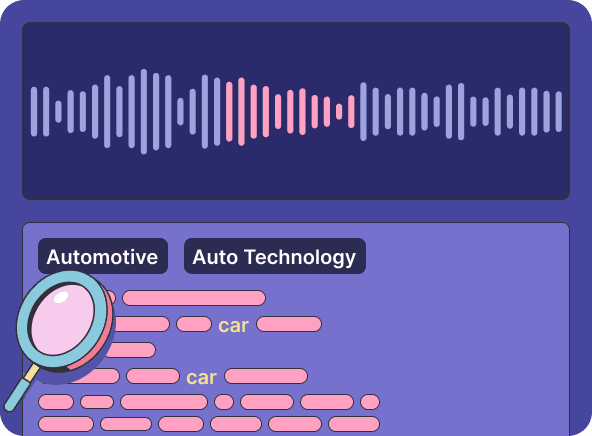
Sounder AI is an advanced platform that leverages AI to provide contextual targeting, brand safety, and promotional content solutions for podcasts, helping advertisers and publishers maximize engagement and monetization while ensuring brand suitability.

Hello
Podium is an AI-powered podcast production platform that automates transcripts, show notes, chapters, highlight clips, and marketing copy (PodiumGPT) to help podcasters and teams save time and repurpose content. Note: the platform is entering a wind-down period and will no longer operate going forward.


GitPodcast
GitPodcast converts any GitHub repository into an engaging podcast in seconds, enabling quick understanding of projects through audio summaries.
Premium Alternatives

Bestfaceswap
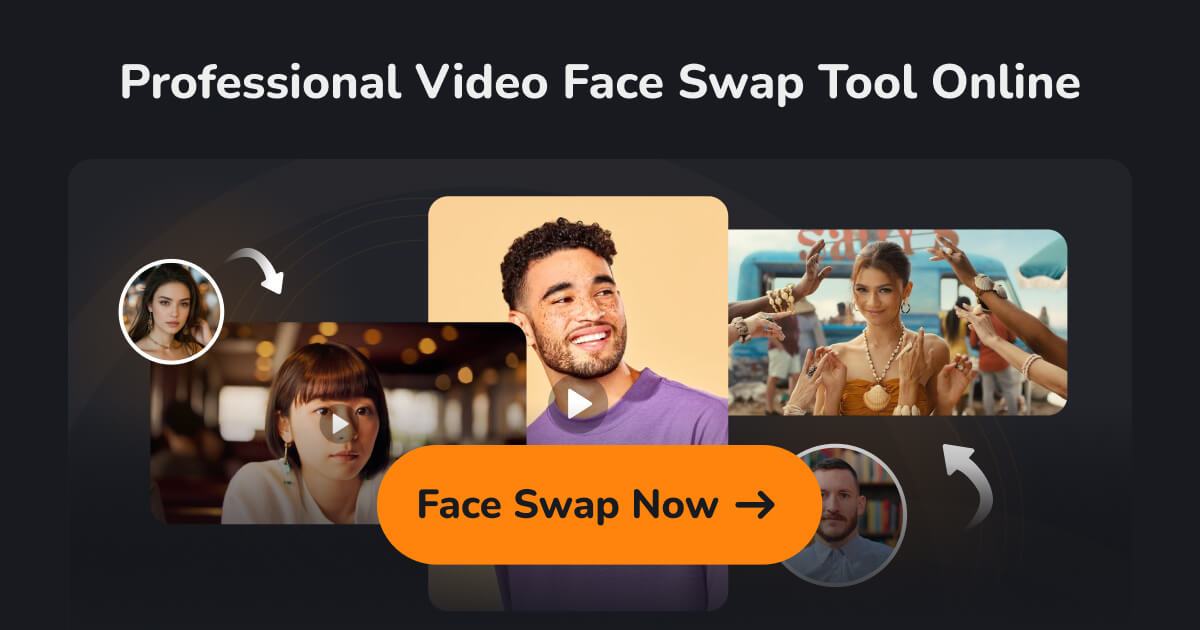
Browser-based AI face swapping for photos and videos that creates realistic, high-quality swaps (1080p) with a simple 3-step workflow aimed at creators, filmmakers, and casual users.
influensly
Influensly is a TikTok growth service that uses AI-powered organic targeting to help influencers and brands increase their followers, video views, and engagement safely and effectively without using bots or fake accounts.
Boostdating
BoostDating.com is an 11-character .com domain listed for sale by HugeDomains, positioned for dating- or boost-related businesses; available for immediate purchase or financing.