
spendsights
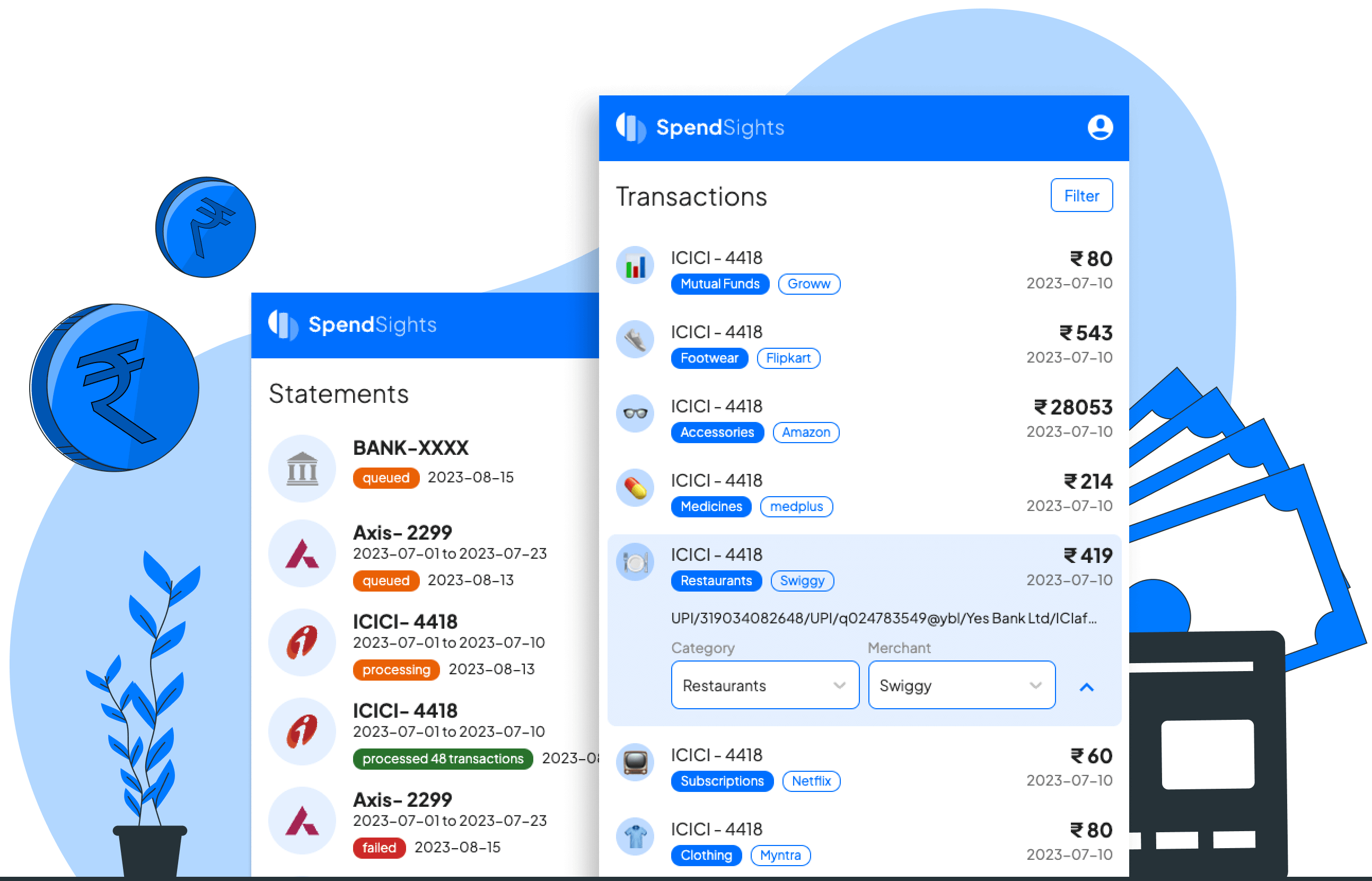
SpendSights is a privacy-friendly expense manager app designed for India that processes bank statements to categorize transactions and provide financial insights without requiring banking credentials or SMS access.
spendsights is finance software teams evaluate for finance. Use this page to review pricing, integration signals, and the best alternatives before you commit.
Quick Overview
Best for: Finance
What it does
Finance software for decision-makers comparing workflow fit and alternatives.
Best fit
Finance
Pricing snapshot
Contact for pricing
Next step
Compare spendsights with similar tools before you shortlist it.
Compare this tool before you shortlist it
Review alternatives, pricing posture, and workflow fit side by side.
spendsights
SpendSights is an expense management tool built specifically for users in India, focusing on privacy and ease of use. It allows users to track their spending by processing bank statements directly, avoiding the need for sharing sensitive banking credentials or granting access to personal SMS and emails. The app automatically categorizes transactions and provides financial insights, helping users understand their spending patterns. It is designed as a Progressive Web App (PWA), offering a native app-like experience on Android, iOS, and desktop devices, including offline functionality.
Privacy-friendly expense manager for Indian banks, analyzing spending from bank statements.
Own this listing?
Claim this page to add pricing, features, screenshots, and verified owner details.
Claim this listingKey Features
Bank Statement Processing
Users can upload bank statements directly or set up automatic email forwarding to import transactions.
Automatic Categorization
Transactions are automatically categorized based on vendor, date, and amount combinations.
Self Labelling & Learning
Users can create custom categories and train the AI to recognize and categorize similar transactions in the future.
Privacy Focused
No need to share banking credentials or allow access to SMS/emails, ensuring user data privacy.
Progressive Web App (PWA)
Provides a native app-like experience on multiple platforms with offline capabilities.
Pricing
Claim this listing to add current pricing tiers.
Use Cases
Expense Tracking Without Privacy Compromise
Users who want to track their expenses without sharing sensitive banking credentials or allowing apps to read their SMS or emails.
Automated Financial Insights
Individuals seeking automatic categorization and insights from their bank transactions without manual entry.
Customizable Expense Categories
Users who want to personalize their expense categories and have the app learn their spending patterns.
Cross-Platform Expense Management
Users who want an app-like experience on Android, iOS, and desktop without installing from app stores.
Integrations
Email Forwarding
Allows automatic import of bank statements by forwarding monthly bank statement emails to SpendSights.
Benefits
Limitations
Frequently Asked Questions
Do I need to share my banking credentials to use SpendSights?
How does SpendSights protect my privacy?
Is SpendSights available as a mobile app?
Which banks are supported?
Getting Started
- 1 Step 1: Upload your bank statements directly in the app or set up automatic email forwarding from your inbox at month-end.
- 2 Step 2: Allow the app to automatically categorize your transactions based on vendor, date, and amount.
- 3 Step 3: Create custom categories and train the AI to improve transaction categorization over time.
- 4 Step 4: Install the SpendSights Progressive Web App by visiting https://web.spendsights.in on Chrome, then use the browser menu to add it to your home screen for app-like access.
Support
docs
Support and usage information available on the SpendSights website.
contact page
Users can reach out via the contact page on https://spendsights.in/contact.
API
Compare spendsights with similar tools
See how it stacks up against alternatives
Related Tools
View all 159 →

investinvideos.com
investinvideos.com appears to be a website related to investment videos, but detailed information about its services and features is not available from the provided content.
bank-statement-extractor
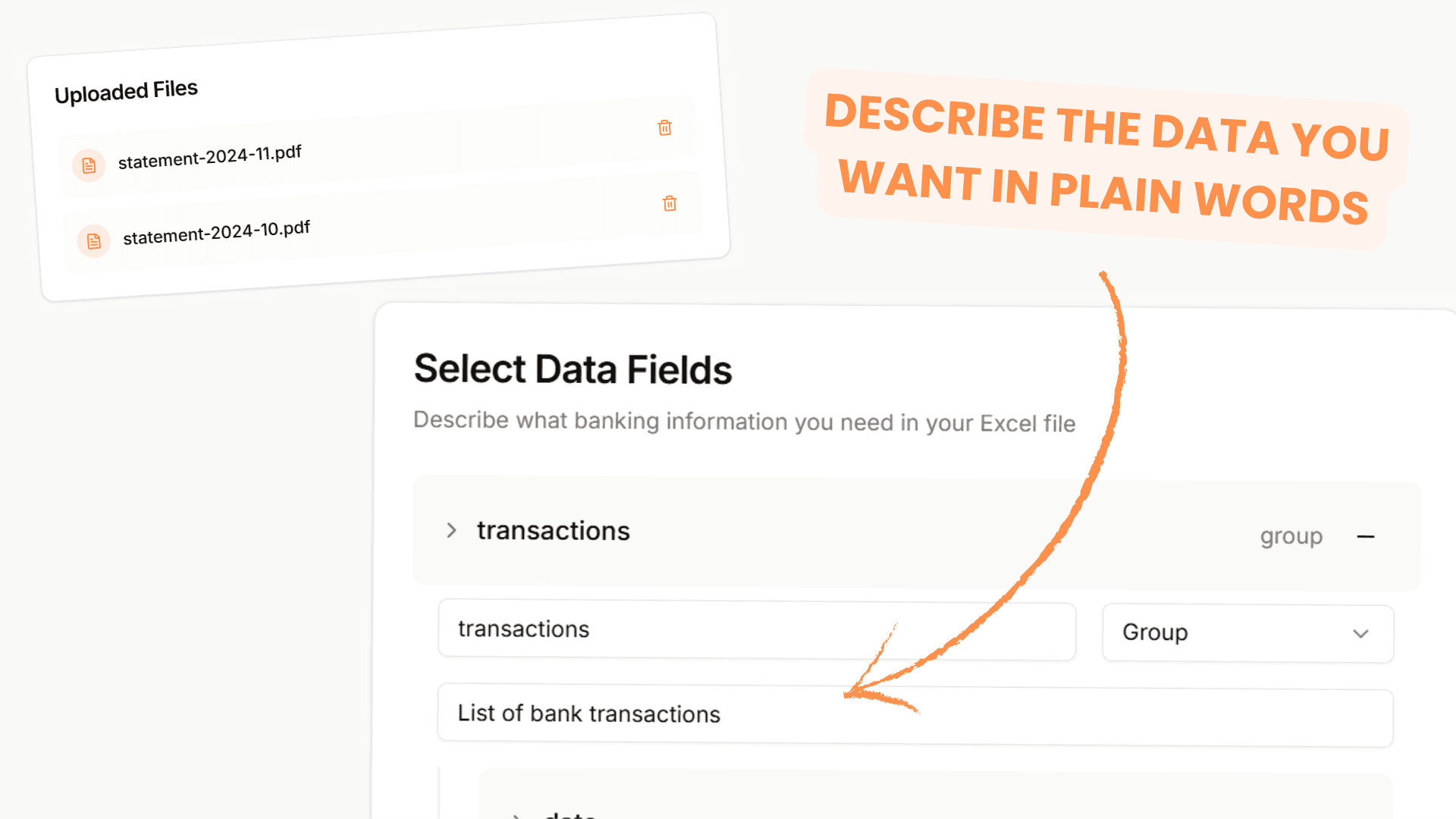
Bank Statement Extractor is an AI-powered tool that converts PDF bank statements into ready-to-use Excel files in seconds, eliminating manual data entry and saving hours of work.

smart-invoices
Smart Invoices is an AI-powered invoicing app designed to simplify and automate invoice creation, management, and financial tracking for small business owners and entrepreneurs.

approval-ai
Approval AI is an AI-powered platform that simplifies the home loan process by automating applications, providing true market rates without intermediaries, and offering personalized mortgage assistance for Texas residents.


eliteinvoice
EliteInvoice is an AI-powered invoicing tool designed to help businesses create, send, and track professional invoices quickly and efficiently, saving hours of manual work with a simple, intuitive interface.
.avif)
Premium Alternatives

Aigardenplanner
AI Garden Planner is an AI-powered landscape visualization platform for landscapers that converts photos into client-ready garden designs, videos, and 3D walkthroughs in about 60 seconds, with plant identification and proposal-ready plant lists.

Join
Create Influencers is an AI platform that helps users create hyper-realistic virtual influencers (images and videos) to monetize on fan sites and social platforms through subscriptions, tips, and upsells — aimed at creators, entrepreneurs, and people seeking anonymous income streams.

Snapfusion
SnapFusion.AI is a subscription-based service that provides access to AI-generated art, marketed as an easy way to experience the creative power of AI.



Documentpro
DocumentPro is an AI-powered document processing and workflow automation platform that extracts structured data from any document format and exports it to downstream systems, delivered via API or a web app for rapid embed and deployment.


ClawTeams
ClawTeams is an IM-native AI staff collaboration platform that turns one-sentence requests into finished work by orchestrating a multi-specialist AI team: a lead coordinates, specialists run tasks in parallel, outputs are quality-checked, auditable, and returned inside your chat channels.