Squareface
Square Face Generator is a free, browser-based pixel avatar maker for creating 8-bit, square-format avatars (Minecraft-style) quickly and privately without login. It targets gamers and social media users who want fast, retro-style profile icons.
Squareface is design generators software teams evaluate for design generators. Use this page to review pricing, integration signals, and the best alternatives before you commit.
Used in These Packs
Quick Overview
Best for: Design Generators
What it does
Design Generators software for decision-makers comparing workflow fit and alternatives.
Best fit
Design Generators
Pricing snapshot
Free from Free
Next step
Compare Squareface with similar tools before you shortlist it.
Compare this tool before you shortlist it
Review alternatives, pricing posture, and workflow fit side by side.
Squareface
Square Face Generator is a web-based tool for designing square, 8-bit pixel avatars instantly in your browser. It combines a retro pixel-art aesthetic with modern performance and privacy-first design, allowing users to mix and match over 200 customizable items (skin tones, hairstyles, eyes, accessories, etc.) to produce unique profile icons. The tool is aimed at gamers, social-media users, forum members, and anyone who wants a cute pixel avatar for Discord, Twitter (X), Instagram, TikTok, or gaming profiles.
The generator runs entirely client-side (locally in the browser), requires no login, and provides high-resolution PNG exports suitable for use as profile pictures. It is optimized for speed and works across desktop and mobile browsers.
Square Face Generator is a free, browser-based pixel avatar maker for creating 8-bit, square-format avatars (Minecraft-style) quickly and privately without login. It targets gamers and social media users who want fast, retro-style profile icons.
Own this listing?
Claim this page to add pricing, features, screenshots, and verified owner details.
Claim this listingKey Features
No Login Required
Start creating avatars immediately without account signup or authentication.
Client-Side Privacy
All processing runs locally in the browser; photos and personal data are not uploaded to servers.
Lightning Fast Generation
Optimized for speed on Chrome, Safari, Firefox and mobile browsers to generate avatars in milliseconds.
High-Res Studio Export
Download crystal-clear PNG files suitable for 1:1 profile icons on social platforms.
200+ Customizable Assets
Large library of mix-and-match assets including skin tones, hairstyles, eyes, facial hair and accessories.
Mobile Friendly
Fully responsive interface designed to work on iOS and Android devices.
Random Generator
One-click randomization to create unique avatar combinations instantly.
Retro Pixel Aesthetic
Authentic 8-bit / pixel-art styling tailored for gaming and nostalgic profiles.
Instant PNG Download
Export your avatar with a single click in PNG format without additional steps.
Pricing
Completely free to use with full features available and no account required.
Free
Free- Full access to avatar generator
- 200+ customizable assets
- Client-side privacy (no uploads)
- Instant PNG downloads
Use Cases
Discord Profiles
Square-format avatars fit neatly into Discord's circular crop without losing detail.
Social Media Icons
High-resolution PNG exports are ready for Twitter (X), Instagram, TikTok and other platforms.
Gaming Avatars
Create recognizable pixel avatars for gaming forums, Steam, Twitch panels, and community profiles.
Forum Signatures & Profile Pictures
Use compact pixel avatars for forum signatures, message boards and community sites.
Integrations
Claim this listing to add integrations.
Benefits
Limitations
Frequently Asked Questions
Is the Square Face Generator completely free?
Does this tool work on iPhone and Android?
Can I use the avatar for my YouTube or Twitch channel?
What file format does the generator export?
How is this different from Picrew?
Can I use square face generator images commercially?
How do I save my avatar on a computer vs. phone?
What if the generator isn't loading?
Do you store my photos or data?
Can I suggest new items for the generator?
Getting Started
- 1 Step 1: Set the Foundation — choose your skin tone and basic face shape.
- 2 Step 2: Customize & Style — mix and match hair, eyes, accessories and other items (200+ options available).
- 3 Step 3: Download Instantly — export your finished avatar as a high-resolution PNG. No login required.
Support
Contact page
Contact link is listed on the site footer for direct inquiries (contact URL not specified in provided content).
Mailing list
Subscribe to the mailing list for updates on new items and features; the site advertises weekly updates and no spam.
Docs / Blog
The site includes a Blog and Resources section for announcements, guides, and examples.
Gallery
Explore the gallery to see example avatars and community creations.
API
Compare Squareface with similar tools
See how it stacks up against alternatives
Related Tools
View all 180 →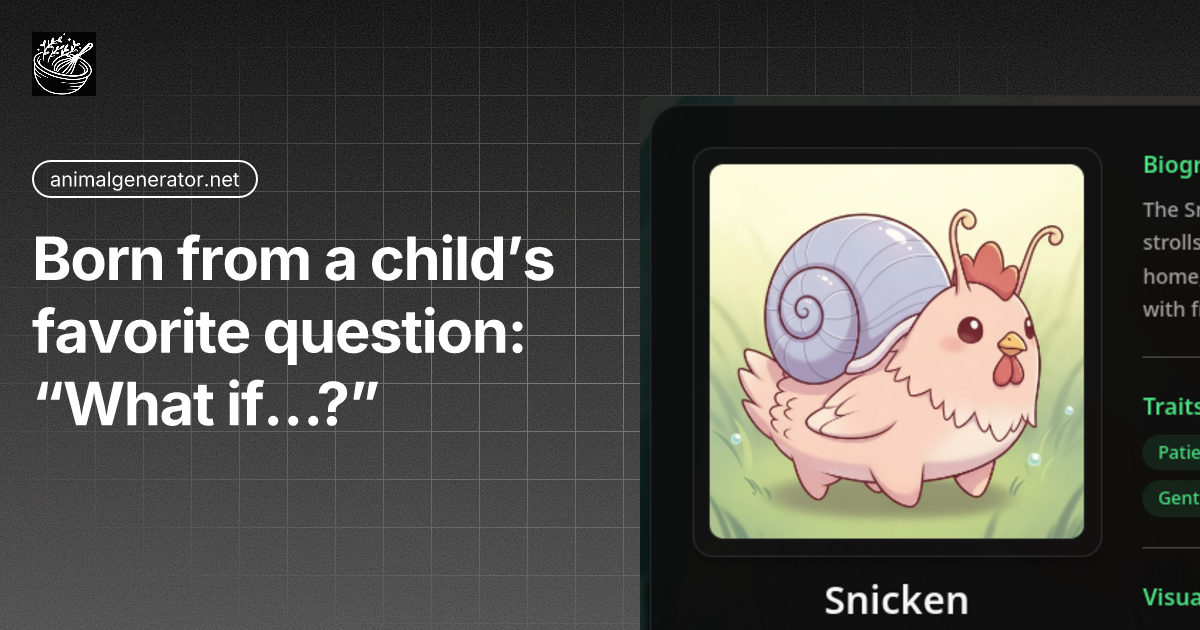
Animalgenerator
Animalgenerator (AI Animal Creator & Mixer) is a web-based creative studio that fuses Animals, Mechs (Vehicles), and Fantasy Heroes to generate cohesive hybrid characters, complete with names, backstories, printable coloring pages, and multi-panel comics.



Candyicons
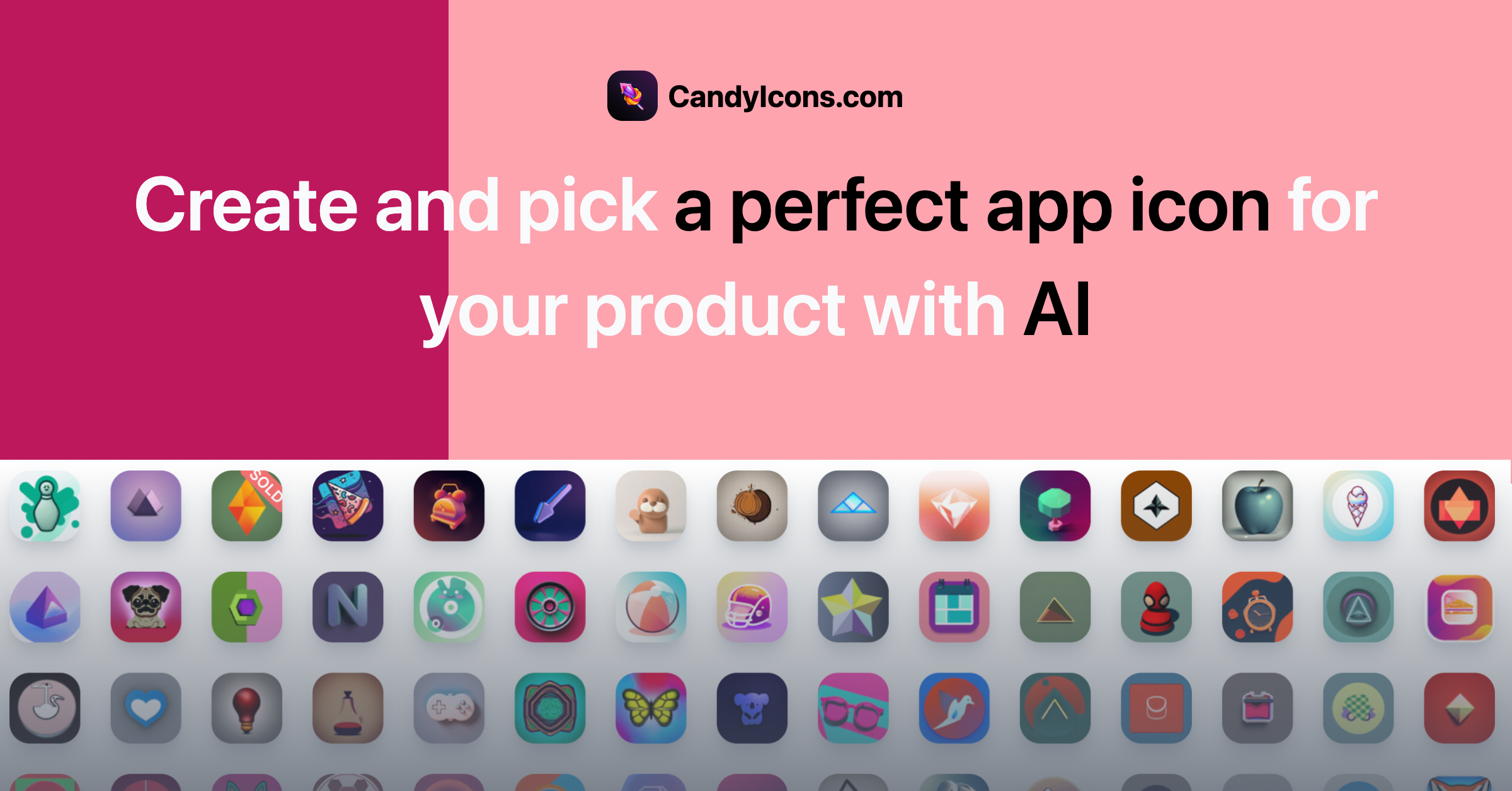
CandyIcons is an AI-powered app icon generator that creates custom app icons from short text prompts in a simple multi-step workflow, offering style and color controls and a credit-based purchase system.

Premium Alternatives
%22%2F%3E%20%3Ctext%20x%3D%2250%25%22%20y%3D%2250%25%22%20dominant-baseline%3D%22central%22%20text-anchor%3D%22middle%22%20font-family%3D%22system-ui%2C-apple-system%2Csans-serif%22%20font-weight%3D%22700%22%20font-size%3D%2250%22%20fill%3D%22white%22%3EB%3C%2Ftext%3E%20%3C%2Fsvg%3E)



Vellum
Vellum is a platform for building, running, and managing AI agents that automate operational workflows by connecting to your apps and data (e.g., Notion, Slack, Salesforce, Google Drive). It targets product, marketing, finance, sales, legal, and customer support teams looking to automate repetitive processes.