

Uxmagic
UXMagic is an AI UI design generator that converts text prompts, sketches, screenshots, or URLs into Figma-ready, high-fidelity UI designs and production-ready frontend code (HTML/React) in seconds, aimed at designers, PMs, and teams.
Uxmagic is design generators software teams evaluate for design generators. Use this page to review pricing, integration signals, and the best alternatives before you commit.
Profile facts come from the vendor source. AiMatch labels unknown pricing or API details instead of estimating them.
Review official source →Used in These Packs
Quick Overview
Best for: Design Generators
What it does
Design Generators software for decision-makers comparing workflow fit and alternatives.
Best fit
Design Generators
Pricing snapshot
Freemium from 30 free credits (one-time); no card required
Next step
Compare Uxmagic with similar tools before you shortlist it.
Compare this tool before you shortlist it
Review alternatives, pricing posture, and workflow fit side by side.
UXMagic is an AI-powered UI design platform that turns ideas (text prompts, hand-drawn sketches, screenshots, or URLs) into high-fidelity, Figma-ready UI designs and exportable frontend code in seconds. It targets designers, product managers, startup teams and other professionals seeking to accelerate design-to-development workflows, reduce handoff friction, and produce production-ready HTML or React frontends. The product advertises usage by 50,000+ designers and provides multiple export paths (Figma, HTML, React, Webflow) along with a dedicated Figma plugin and the ability to import Figma design systems for brand-consistent generation.
UXMagic is an AI UI design generator that converts text prompts, sketches, screenshots, or URLs into Figma-ready, high-fidelity UI designs and production-ready frontend code (HTML/React) in seconds, aimed at designers, PMs, and teams.
Own this listing?
Claim this page for a one-time $29 to add pricing, features, screenshots, verified owner details, and a clearly labeled 30-day category position after the profile is live.
Claim this listing for $29Key Features
Multi-input UI generation
Generate full UI screens from text prompts, hand-drawn sketches, screenshots, or a URL; supports four input types (text, sketch, screenshot, URL).
Figma export & plugin
One-click export to fully editable Figma layers and a dedicated Figma plugin to generate UIs inside existing Figma files.
Production-ready frontend code
Export modern, responsive HTML and React code that mirrors Figma-approved designs, with clean structure and standard conventions.
Design system import
Import Figma components, styles, colour tokens, and brand assets so AI-generated screens follow a brand's exact typography, colours, and components.
Website cloning
Paste a URL to get a fully editable cloned version of an interface in seconds.
Sketch & screenshot conversion
Turn rough sketches or screenshots into clean, structured, editable UI designs.
Export to multiple platforms
Export designs and code to Figma, HTML, React, or Webflow for further refinement or deployment.
Credit-based generation
Generative actions (creating screens, exporting designs) consume credits; free and paid credit plans are provided.
Pricing
30 free credits (one-time) — enough to explore the platform with no card required.
Free Plan
30 free credits (one-time); no card required- Explore the platform using free credits
Premium
480 credits/month- Up to 80 screens per month
Ultimate
1,500 credits/month- Up to 250 screens per month
Enterprise
Custom (contact sales)- Built for teams that scale; enterprise project support
Use Cases
Rapid UI prototyping
Turn ideas or text prompts into multi-screen UIs and wireframes in seconds for fast iteration and concept validation.
Design-to-development handoff
Generate Figma-ready screens and production-grade HTML/React code to reduce misinterpretation and back-and-forth between designers and developers.
Recreating or updating interfaces
Clone existing websites from a URL or convert screenshots/sketches into editable designs for redesign or modernization projects.
Brand-consistent scaling
Import a Figma design system so generated screens adhere to existing typography, colour tokens, and components for consistent brand application.
Non-designer product teams
Enable PMs and founders with no design experience to generate usable UI layouts and prototypes quickly.
Integrations
Figma
One-click export to editable Figma layers, a Figma plugin to generate inside files, and the ability to import a Figma design system so generated screens follow brand tokens and components.
HTML / React
Export generated UIs as modern, responsive HTML or React code for developer handoff or deployment.
Webflow
Export designs to Webflow for visual development workflows.
Benefits
Limitations
Frequently Asked Questions
What is UXMagic.ai and who is it for?
How does UXMagic.ai speed up the design-to-development workflow?
What can I create with UXMagic?
How does UXMagic.ai integrate with Figma?
Is the generated code production-ready?
Can I use my own brand assets and design systems?
Who owns the designs and code I create on UXMagic?
How does the credit system work?
Is my data and my designs secure on UXMagic?
Getting Started
- 1 Step 1: Start for free — sign up to receive 30 free credits (one-time) with no card required.
- 2 Step 2: Provide an input (text prompt, sketch/image, screenshot, or URL) to generate UI screens.
- 3 Step 3: Export generated screens to Figma for refinement or download production-ready HTML/React/Webflow output.
Support
Documentation
Documentation available via the website (Documentation link in site navigation).
Tutorials
Short tutorial videos and walkthroughs are provided on the site to demonstrate features and workflows.
Contact
Contact Us / Company & Support links are available in the site footer/navigation for sales and support inquiries.
API
Compare Uxmagic with similar tools
See how it stacks up against alternatives
Related Tools
View all 157 →
Koboyo Icons
Koboyo Icons is a large library of 71,262 free hand-drawn SVG icons, organized into many thematic groups and categories and accessible via website browsing and an MCP/API integration for AI and editor workflows.
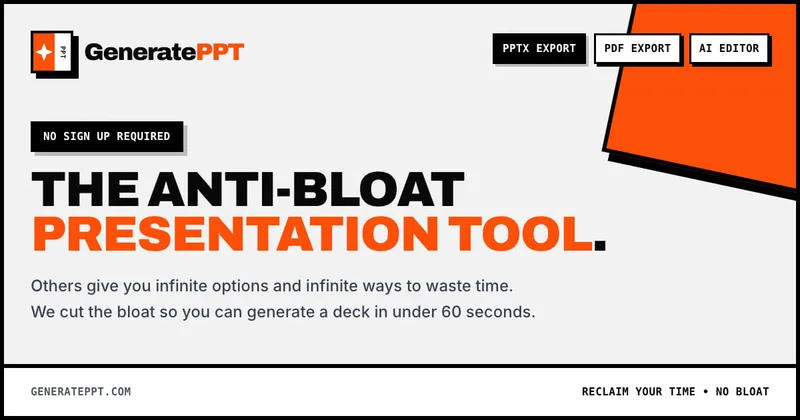
GeneratePPT
GeneratePPT is an AI-first presentation tool that converts topics, notes, URLs, PDFs, DOCX, and other inputs into clean, professional PowerPoint decks in under 60 seconds, with one-click styling, auto-sourced images, and an AI slide editor called AI Director.


colorifyai
Colorify AI is an online AI-powered coloring page generator that transforms text, photos, sketches, or line art into high-quality printable coloring pages and colored artwork, with tools for manual digital coloring and a library of free templates.



Lowtaperfade
Low Taper Fade is a website and hairstyle generator that helps users discover, visualize, and communicate Low Taper Fade haircuts using an AI-powered measurement and image generation tool, plus a gallery and barber instructions.

Premium Alternatives


Overscene
OverScene is a lightweight Windows desktop app that overlays a floating AI frame over any application to apply generative and vision-based AI transforms (image-to-image, text-to-image, image-to-text, code generation, 3D rendering, etc.). It is designed for artists, designers, and developers to prototype, generate moodboards, transform sketches, and augment 3D models without plugins or subscriptions.

Stringartgenerator
String Art Generator is a web tool that transforms photos into printable string art patterns using an advanced algorithm, offering customizable complexity, high-resolution exports, and material calculations for hobbyists and professional artists.

Sticker Magic
Sticker Magic is an AI-powered sticker generation platform that creates digital stickers from simple text descriptions, aimed at hobbyists, creators, and small businesses for personal, social, and commercial use. Free to get started with a 5-credit trial.
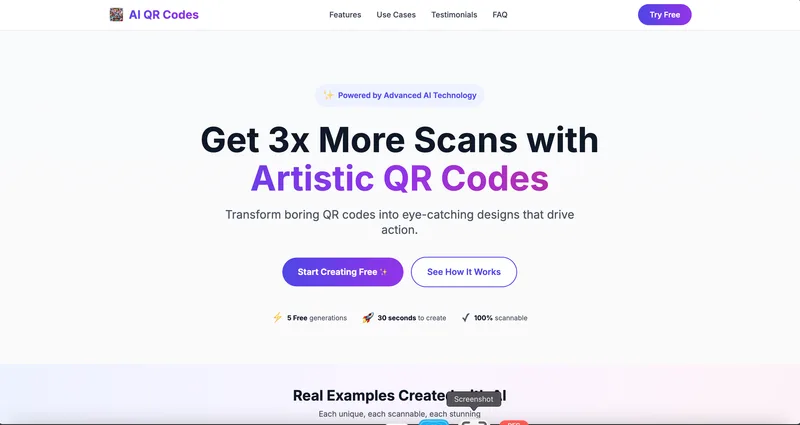
AI QR Codes
AI QR Codes is a web service that uses AI to generate artistic, brandable, and fully scannable QR codes for marketing, packaging, menus, business cards, events, education, and more.
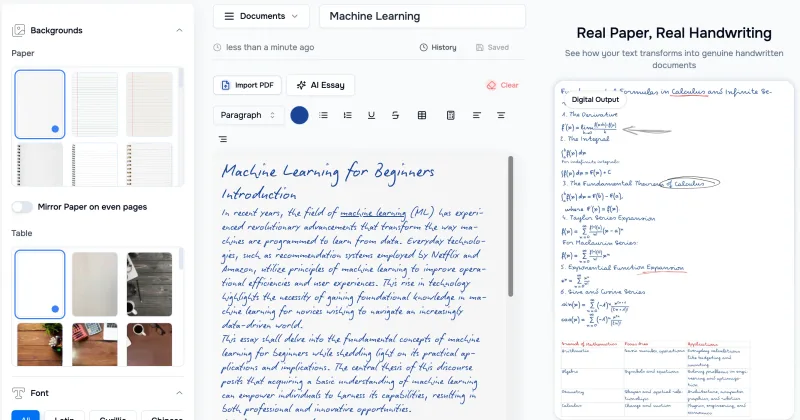
Handtextai
HandtextAI is a web-based handwriting generator that converts typed or imported text into realistic hand-written pages and photo-like notebook scenes, with a web editor and a separate API for print-oriented business workflows.