
Uizard
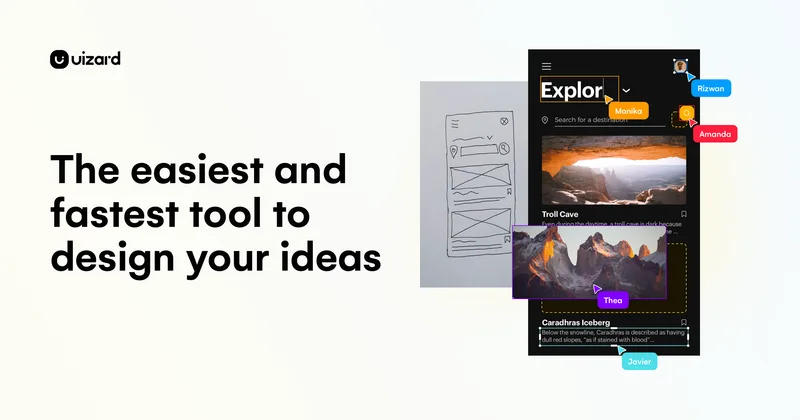
Uizard is an AI-powered visual design platform that lets teams generate editable UI designs, wireframes, mockups and interactive prototypes from text prompts, screenshots, or hand-drawn sketches to speed up product design workflows.
Uizard is design generators software teams evaluate for design generators. Use this page to review pricing, integration signals, and the best alternatives before you commit.
Profile facts come from the vendor source. AiMatch labels unknown pricing or API details instead of estimating them.
Review official source →Used in These Packs
Quick Overview
Best for: Design Generators
What it does
Design Generators software for decision-makers comparing workflow fit and alternatives.
Best fit
Design Generators
Pricing snapshot
Free
Next step
Compare Uizard with similar tools before you shortlist it.
Compare this tool before you shortlist it
Review alternatives, pricing posture, and workflow fit side by side.
Uizard is an AI-driven UI design platform that helps teams visualize product ideas quickly by generating multi-screen editable prototypes, screens and themes from simple text prompts, screenshots, or hand-drawn wireframes. The product emphasizes speed and collaboration — enabling real-time team collaboration and rapid iteration — and targets a range of users from product managers and designers to marketers, startups and enterprise teams. Key built-in capabilities highlighted on the page include Autodesigner (text-to-UI generation), Screenshot Scanner (convert screenshots to editable mockups), Wireframe Scanner (digitize hand-drawn sketches), and theme generation.
Uizard is an AI-powered visual design platform that lets teams generate editable UI designs, wireframes, mockups and interactive prototypes from text prompts, screenshots, or hand-drawn sketches to speed up product design workflows.
Own this listing?
Claim this page for a one-time $29 to add pricing, features, screenshots, verified owner details, and a clearly labeled 30-day category position after the profile is live.
Claim this listing for $29Key Features
Autodesigner 2.0
AI prototyping tool that generates designs from simple text prompts; listed as a core AI feature on the site.
Design Assistant
AI-powered assistant tools (multiple AI tools noted) to help generate, modify and expand screens and components.
Generate prototypes and screens
Create multi-screen, editable prototypes and generate additional screens for projects quickly using text commands and AI.
Screenshot Scanner
Turn screenshots into editable mockups in seconds to iterate and communicate design ideas.
Wireframe Scanner
Digitize hand-drawn wireframes into digital designs rapidly.
Generate themes
Create new themes for a project in seconds to instantly change a design's style.
Templates & component library
Templates for mobile apps, websites, web apps, tablets and wireframes plus UI components to speed up design.
Pricing
Sign up for free (the site includes a 'Sign up for free' CTA)
Use Cases
Rapid prototyping for product teams
Product managers and product teams can generate clickable prototypes and mockups quickly to speed up validation and communication.
Design ideation and iteration for designers
Designers and UX professionals can generate, modify and iterate UI screens and flows in minutes using AI tools and editable components.
Marketing and client deliverables
Marketers and agencies can produce visual designs and mockups rapidly to deliver client-facing materials at speed.
Startup MVP creation
Startup founders can quickly visualise and build minimum viable product mockups without extensive design or code expertise.
Consulting & agency workflows
Consultants and agencies can turn ideas into interactive mockups to speed discovery and client feedback loops.
Developer handoff and project launch
Developers can use Uizard as a launchpad by exporting or using generated designs as starting points for implementation.
Integrations
Figma plugin
The page and user quotes mention a Figma plugin intended to change UI & UX design workflows and improve interoperability with Figma.
Benefits
Limitations
Frequently Asked Questions
No verified FAQs are available.
Getting Started
- 1 Step 1: Sign up for free on the Uizard website (page contains 'Sign up for free').
- 2 Step 2: Choose a tool—Autodesigner, Screenshot Scanner, Wireframe Scanner or a template—and specify device and prompt or upload a screenshot/sketch.
- 3 Step 3: Generate designs, then edit components and iterate in the project workspace (components are described as editable).
Support
Docs / Help Center
The site lists a 'Help Center' for documentation and support resources.
Contact sales
The site includes a 'Contact sales' link for commercial inquiries.
Blog & social
Blog and social media channels (Facebook, Twitter, LinkedIn, Instagram, TikTok, YouTube) are listed as resources and outreach channels.
API
Compare Uizard with similar tools
See how it stacks up against alternatives
Related Tools
View all 163 →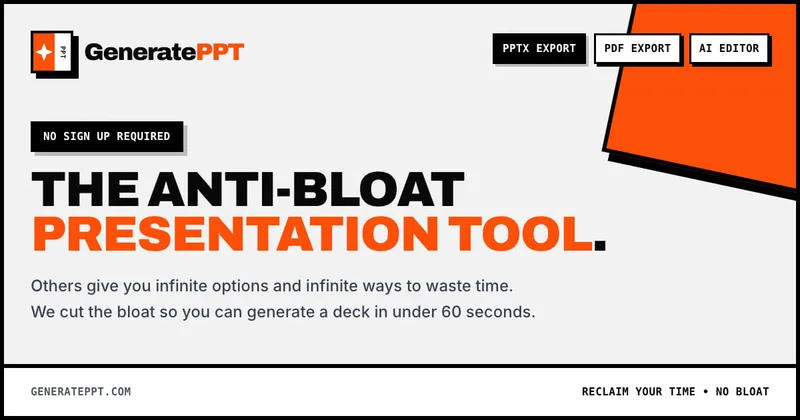
GeneratePPT
GeneratePPT is an AI-first presentation tool that converts topics, notes, URLs, PDFs, DOCX, and other inputs into clean, professional PowerPoint decks in under 60 seconds, with one-click styling, auto-sourced images, and an AI slide editor called AI Director.

Koboyo Icons
Koboyo Icons is a large library of 71,262 free hand-drawn SVG icons, organized into many thematic groups and categories and accessible via website browsing and an MCP/API integration for AI and editor workflows.


Handtextai
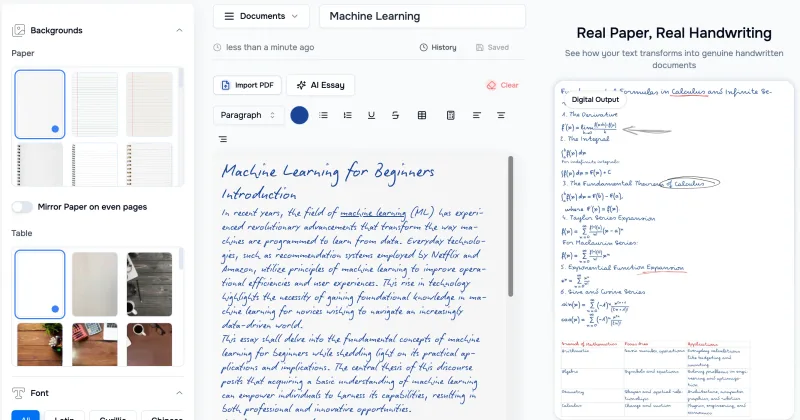
HandtextAI is a web-based handwriting generator that converts typed or imported text into realistic hand-written pages and photo-like notebook scenes, with a web editor and a separate API for print-oriented business workflows.

Sticker Magic
Sticker Magic is an AI-powered sticker generation platform that creates digital stickers from simple text descriptions, aimed at hobbyists, creators, and small businesses for personal, social, and commercial use. Free to get started with a 5-credit trial.
Premium Alternatives

HeartVoice Gifts
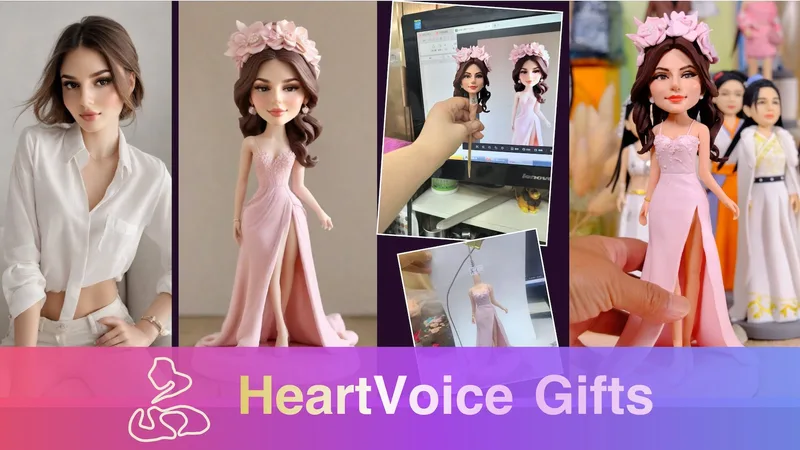
HeartVoice Gifts is an e-commerce studio that combines an AI-powered bobblehead maker with artisan handcrafting to produce custom, photo-based bobblehead gifts for individuals and groups.
Sticker Magic
Sticker Magic is an AI-powered sticker generation platform that creates digital stickers from simple text descriptions, aimed at hobbyists, creators, and small businesses for personal, social, and commercial use. Free to get started with a 5-credit trial.



AI App Icon Generator
AI App Icon Generator is an AI-powered web tool that creates high-quality app icons from text prompts, producing multiple variations per prompt and allowing downloads of generated images.
Aifiguregenerator
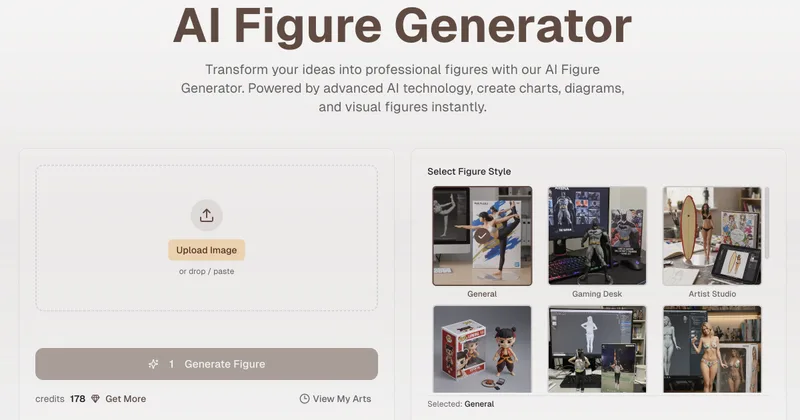
AI Figure Generator is a web tool that transforms photos into high-resolution figurine-style designs (anime, Funko Pop, action figures) using Nano Banana AI technology, aimed at creators, hobbyists, and studios.