

VSCO Canvas
VSCO Canvas is a moodboarding and photoshoot-planning tool within the VSCO ecosystem that helps photographers collect, organize, share, and publish inspiration into actionable photoshoot plans.
VSCO Canvas is design software teams evaluate for design generators. Use this page to review pricing, integration signals, and the best alternatives before you commit.
Used in These Packs
Quick Overview
Best for: Design Generators
What it does
Design software for decision-makers comparing workflow fit and alternatives.
Best fit
Design Generators
Pricing snapshot
Freemium from See plans on the VSCO site
Next step
Compare VSCO Canvas with similar tools before you shortlist it.
Compare this tool before you shortlist it
Review alternatives, pricing posture, and workflow fit side by side.
VSCO Canvas
VSCO Canvas is a dedicated moodboarding and photoshoot-planning feature in the VSCO product suite that helps photographers turn visual inspiration into organized, actionable shoot plans. It lets users collect images, assemble moodboards, share inspiration, and publish boards to support project planning and client communication. Canvas is positioned for photographers and creative professionals as part of VSCO’s broader ecosystem of editing, portfolio, and business tools.
VSCO Canvas is an AI-powered collaborative mood board tool for photographers and visual creators that unites image generation, seamless collaboration, and inspiration from a global community.
Own this listing?
Claim this page to add pricing, features, screenshots, and verified owner details.
Claim this listingKey Features
Moodboard creation
Create moodboards for photoshoots and projects to collect and organize visual inspiration.
Sharing and publishing
Collect, share, and bring inspiration to life with options to publish and distribute boards as part of project workflows.
Project-focused planning
Turn inspiration into actionable photoshoot plans, supporting the pre-production stage of shoots.
Pricing
Free trial / try VSCO for free (site offers 'TRY VSCO FOR FREE')
Starter
See plans on the VSCO site- Edit with 15 of VSCO's most popular presets
- Share work with the global creative community
Plus
See plans on the VSCO site- Advanced mobile editing with 200+ presets
- Edit and share video from your phone
- Ad-free experience
Pro
See plans on the VSCO site- Studio-grade editing and presets (mobile and desktop)
- Unlimited AI Lab and client galleries
- Portfolio site with custom domain support
- Includes VSCO Canvas
VSCO One
See plans on the VSCO site- Complete photography ecosystem for running a business
- Includes VSCO Workspace, unlimited client galleries, studio-grade tools, and educational resources
Use Cases
Photoshoot planning
Use Canvas to gather references and structure creative direction for upcoming shoots.
Moodboarding for client projects
Assemble and share moodboards with clients to communicate visual concepts and align expectations.
Creative collaboration
Collect and share inspiration internally or with peers to spark ideas and coordinate visual language across a team.
Integrations
Claim this listing to add integrations.
Benefits
Limitations
Claim this listing to add transparent limitations.
Frequently Asked Questions
Claim this listing to publish FAQs.
Getting Started
- 1 Step 1: Sign up for a VSCO account or log in (use the 'SIGN UP' / 'LOG IN' links on the site).
- 2 Step 2: Download the VSCO app (iPhone/Android) or use VSCO on desktop web ('Get the apps' / 'The photo editor is available on iPhone and Android, and desktop web').
- 3 Step 3: Open VSCO Canvas and create your first moodboard to collect and organize inspiration for a photoshoot.
Support
Support center
Access the VSCO Support Center via the site for help and troubleshooting.
Workspace help
Workspace Help Center for studio and business tool support.
Documentation / Blog
VSCO Blog and product pages provide feature overviews, tutorials, and updates.
API
Compare VSCO Canvas with similar tools
See how it stacks up against alternatives
Related Tools
View all 206 →
Aiemojigenerator
AI Emoji Generator is a free web tool that uses Stable Diffusion (SDXL) to convert text prompts into high-quality, personalized emojis quickly via an easy-to-use interface.



story-boards-ai
AI-powered storyboard generator that transforms scripts and ideas into visual storyboards for filmmakers, ad creators, teams, and visual storytellers, now available as Ciaro Pro.

Ailogomaker
AI Logo Maker (AiLogoMaker.co) is a generative AI-powered web and mobile app that creates logos from text, letters, icons or uploaded images and provides an editable logo editor and downloadable assets for personal and commercial use.
Uicolorful
UIColorful is a web-based color palette and theme generator focused on creating custom shadcn/ui and Tailwind CSS color themes from images or manual color input, with exportable variables in HSV, HSL, RGB, and HEX.

Premium Alternatives
Usesaaskit
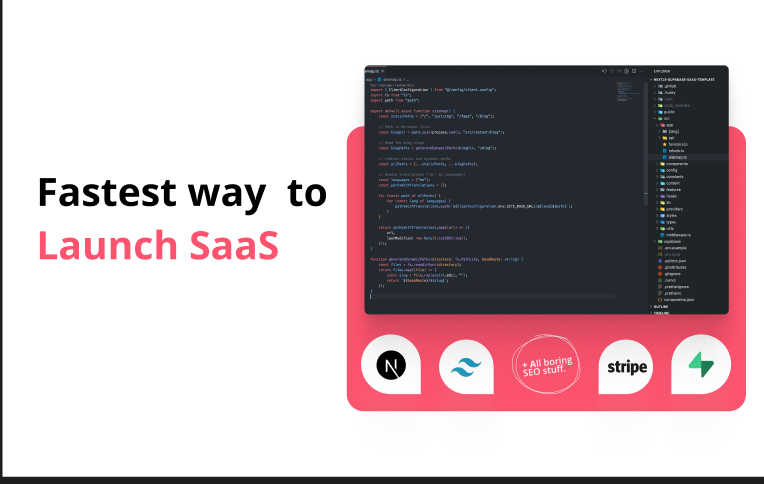
useSAASkit is a Next.js and React Native SaaS boilerplate that bundles AI-ready code (Vercel AI SDK), authentication, multi-organization support, admin tools, billing, marketing pages, analytics and i18n to help founders launch AI-powered SaaS and mobile apps quickly.



documentpro
DocumentPro is an API-first document intelligence platform that extracts structured data from invoices, orders, tax forms and other documents for software platforms; it provides AI-powered extraction, connectors, actions and export options so engineering teams can embed document automation without building or maintaining the pipeline.

Whispertranscribe
WhisperTranscribe converts audio into summaries, timestamps, blog posts and full transcripts with a one-click workflow. It is a purchasable product listed on Lemon Squeezy.


pixable-co
Pixable is a full‑stack AI technology agency that designs, builds, and runs websites, apps, AI products, and infrastructure under a simple monthly subscription model with no project fees.
