
Webflow
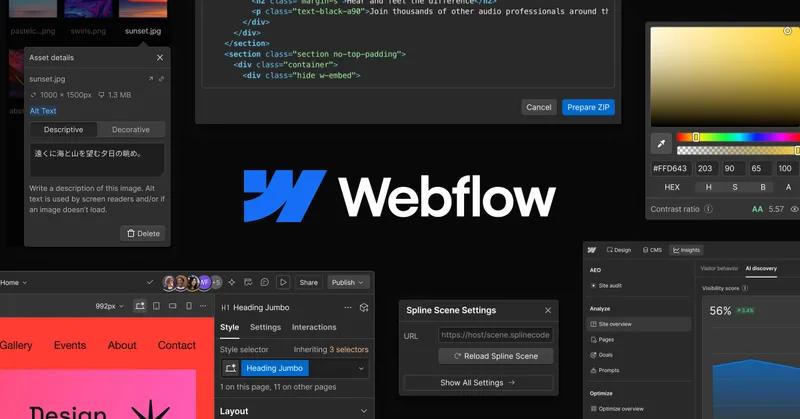
Webflow lets marketing, design, and engineering teams build, publish, host, and optimize business websites using visual tools, CMS, collaboration, and AI features. Teams can also run dynamic web applications on Webflow Cloud.
One of 168 tools in Design Generators
Who it's for
- Marketing teams that need to build pages and publish CMS content without filing a developer ticket for every update.
- Design and development teams that want to work together in a shared workspace with page branching and reusable components.
- Agencies and enterprise teams managing client or multi-site experiences that need shared libraries, governance, and managed hosting.
How it fits your workflow
Teams create pages in the visual canvas, using page templates or custom layouts, then manage site content through the CMS and publish it.
Designers, developers, and marketers collaborate in a shared workspace. Teams can branch pages, review changes, resolve conflicts, and merge approved work.
Teams can use analytics, AEO, and Optimize to assess visibility and visitor behavior, run experiments, and personalize experiences. Webflow Cloud can host dynamic applications alongside the site.
Pricing
Free: The page offers a “Start for free” option, but does not state the free tier's limits or details.
The vendor doesn't publish prices. Check with Webflow directly.
Prices checked on Oct 5, 2026 from the vendor's site. They can change; confirm before you buy.
Key features
- Visual design and page building
- Create web experiences in a visual canvas, control layout and typography, use drag-and-drop page building, and start from pre-built page templates.
- CMS and publishing
- Manage and publish site content, control what goes live and when, and create CMS items with AI assistance.
- Collaboration and page branching
- Design and develop in a shared workspace. Branch static or CMS pages, review changes, resolve conflicts, and merge approved work.
- AI tools
- Webflow AI can generate content, CMS items, and code components, and supports workflows for SEO and AEO. Webflow MCP lets teams build and manage sites using AI tools such as Claude and Cursor.
- Optimization and personalization
- Run A/B tests, personalize site experiences, and use AI to test multiple variables. Webflow Optimize can be used whether a site is built on Webflow or not.
- Analytics and AEO
- Analyze visitor behavior and track brand visibility in AI answers; AEO tools also help users see how AI crawls a site and create content intended to be cited.
Works with
- Claude and Cursor via Webflow MCP
- Figma to Webflow
- React components
- APIs via Webflow Cloud
Alternatives to consider
-
WeWeb
Choose it if you need to build production-grade web applications with a drag-and-drop editor and publish on a CDN or export Vue.js code.
-
Floot
Choose it if you want to describe a website or app in prompts and use a platform that includes a managed backend and built-in database.
Getting started
- Select Get started to begin, or contact Sales.
- Build or adapt pages with the visual design and page-building tools.
- Manage and publish site content through the CMS.