
Writemail
WriteMail.ai is an AI-powered email writing tool that generates, replies to, and refines emails with customizable tone, style, and length to help professionals write faster and get more replies.
Writemail is writing & text software teams evaluate for content & marketing. Use this page to review pricing, integration signals, and the best alternatives before you commit.
Profile facts come from the vendor source. AiMatch labels unknown pricing or API details instead of estimating them.
Review official source →Used in These Packs
Quick Overview
Best for: Content & Marketing
What it does
Writing & Text software for decision-makers comparing workflow fit and alternatives.
Best fit
Content & Marketing
Pricing snapshot
Freemium from $0 / month
Next step
Compare Writemail with similar tools before you shortlist it.
Compare this tool before you shortlist it
Review alternatives, pricing posture, and workflow fit side by side.
WriteMail.ai is an AI-powered email writer that generates new emails, crafts replies, and refines messages with controls for tone, style, mood, length, and language. It is positioned for professionals, teams, and individuals who want to save time on email writing and increase reply rates. The product offers browser extensions and add-ins (Chrome, Firefox, Google Workspace, Outlook), an API, and features such as a Smart Mail Assistant, tone analysis, personalization, preview, and a signature creator. The service emphasizes privacy by stating generated messages never touch their servers and personalization settings are stored locally in browser cookies.
WriteMail.ai is an AI-powered email writing tool that generates, replies to, and refines emails with customizable tone, style, and length to help professionals write faster and get more replies.
Own this listing?
Claim this page for a one-time $29 to add pricing, features, screenshots, verified owner details, and a clearly labeled 30-day category position after the profile is live.
Claim this listing for $29Key Features
AI Email Generation
Generates complete, polished emails from user-provided key points and can produce replies based on pasted conversation text.
Tone Selector & Style Switcher
Select tone, mood, and style (e.g., professional, casual, creative) to match the intended audience and situation.
Length & Summarization Controls
Controls to keep messages concise or detailed and a summarization feature to create short, well-received messages.
Personalization & 'Write As' Styles
Built-in personalization features and 'Write As' options to match voice, tailor language by recipient attributes, and emulate styles.
Follow-up & Quick Response Templates
Generate follow-ups (within 14 days) and quick response templates to increase engagement and response rates.
Tone Analyzer & Punctuation Analyzer
Analyze tone for clarity across cultures, avoid misinterpretation, and use punctuation (e.g., exclamation points) judiciously.
Emoji Suggestions
Suggests appropriate emoji usage for professional contexts to avoid reducing perceived competence (premium feature noted).
Preview & Signature Creator
Preview how emails will appear to recipients and create professional signatures via the signature creator.
Name Verification
A feature that verifies recipient names to reduce the risk of embarrassing mistakes before sending.
Integrations & Extensions
Chrome and Firefox extensions for Gmail, Google Workspace add-on, Outlook add-in, and an API for automated email generation.
Privacy-focused Local Processing
Claims that generated messages never touch servers and personalized options are stored locally in a browser cookie.
History & Reuse
Email history feature to revisit and refine previously generated messages and reuse past drafts.
Pricing
Free forever plan with 5 AI emails per month and no credit card required.
Free
$0 / month- 5 AI emails/month
- Free forever plan
- No credit card required
Basic
$6.95 / month- 50 AI emails/month
- Customization options and basic features
Pro
$11.95 / month- 150 AI emails/month
- Higher limits and advanced features
Custom / Enterprise
Contact for custom pricing- Unlimited or custom AI email limits
- Priority support, custom integrations, and specialized models
Use Cases
Sales Outreach & Follow-ups
Craft personalized cold outreach and follow-up emails to increase conversions and response rates.
Customer Support Responses
Generate empathetic, accurate replies to customer inquiries to respond faster while maintaining quality.
Internal Communication & Management
Write clear internal updates, delegation emails, and professional proposals to reduce ambiguity and wasted time.
Freelancers and Small Business Communications
Create proposals, invoicing reminders, and client communications quickly and consistently.
Personal & Sensitive Messages
Compose thoughtful personal messages, introductions, or discreet professional messages for sensitive topics.
Integrations
Gmail (Chrome & Firefox extensions)
Use WriteMail.ai directly inside Gmail via browser extensions for one-click generation and reply.
Google Workspace Add-on
Use WriteMail.ai across Google Workspace in Gmail with the add-on.
Outlook Add-in
Integrate WriteMail.ai into Outlook to generate and reply without leaving the mail client.
API
Use WriteMail features via an API for automated email generation and integration with workflows.
Benefits
Limitations
Frequently Asked Questions
What is WriteMail.ai?
Wasn't WriteMail.ai once completely free?
What happens if I hit the free daily limit?
How can I customize the generated email?
Can I use WriteMail.ai for business purposes?
How does integration with my email client work?
Getting Started
- 1 Step 1: Sign up for a free account ("Start Writing Free"; free forever plan available).
- 2 Step 2: Provide key points or paste the received email/conversation and select desired tone, length, language, and style.
- 3 Step 3: Generate the email and use the one-click integration to open your default email client or send via your mail workflow; optionally install the browser extension or add-in for direct in-inbox use.
Support
Contact Us
Contact form accessible via the site's Contact Us link for general inquiries and custom plan requests.
Feedback form
In-product feedback form for reporting issues or suggesting improvements; feedback may be anonymized for product enhancements.
Docs / Policies
Links to Terms of Service, Privacy Policy, Cookie Policy, and a FAQ section on the site.
Priority support (paid plans)
Paid and custom plans can include priority customer support as listed in custom plan descriptions.
API
Compare Writemail with similar tools
See how it stacks up against alternatives
Related Tools
View all 39 →

ai-story-generator-free-unlimited
Story321.org's AI Story Generator (branded as 'AI story generator free unlimited') is a web-based tool that uses artificial intelligence to generate full stories in seconds across multiple genres, with no registration required and a stated daily public usage limit.


Paraphrasetool
Paraphrase Tool is a web-based AI writing assistant that paraphrases, composes, translates, and checks plagiarism in over 100 languages using multiple writing modes and AI-powered checks.

languagetool
LanguageTool is an AI-based writing assistant and grammar checker that detects grammar, spelling, punctuation, style, and casing errors across 30+ languages and offers an AI paraphrasing tool, editor, browser add-ons, desktop apps, and integrations for business and personal use.

Promptmatic
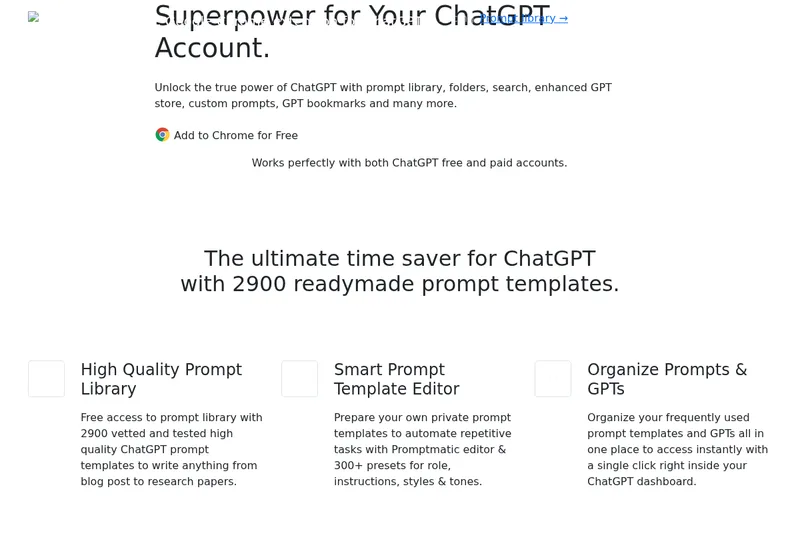
Promptmatic is a Chrome extension for ChatGPT that provides a library of 2,900 ready-made prompts, tools for creating reusable prompt templates, and bookmarks and folders for organizing prompts and GPTs. It works with ChatGPT Free, Plus, and Team accounts.
Yourstruly
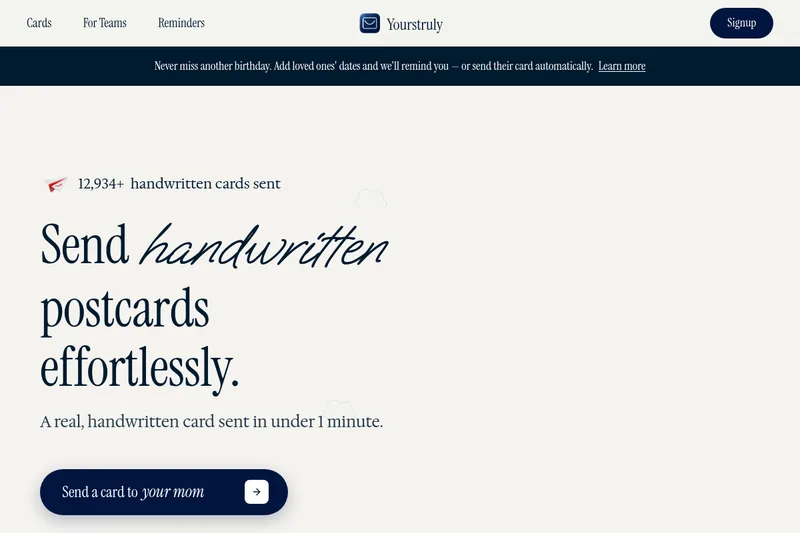
YoursTruly is a service that prints and mails real handwritten postcards and cards in the U.S., offering design templates, photo uploads, scheduling/reminders, and an AI assistant to help write personal notes.
Premium Alternatives



Webnovelai
WebNovel AI is a web-novel planning and drafting tool that guides authors through an 8-step workflow to turn a hook into a chapter-by-chapter outline and first-draft chapters, with features for worldbuilding, character sheets, pacing, and export to TXT/Markdown.