
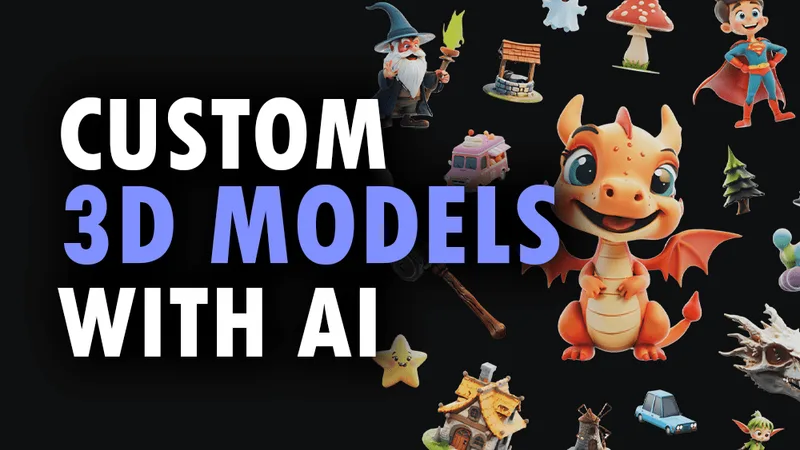
3daistudio
3D AI Studio is a web-based platform that generates production-ready 3D models, textures, and optimized meshes from text prompts or images using AI. It targets creators and teams across games, film, product design, 3D printing and AR/VR, and offers a studio UI, node-based Flow, and a REST API for integration.
3daistudio is design generators software teams evaluate for software & gaming. Use this page to review pricing, integration signals, and the best alternatives before you commit.
Profile facts come from the vendor source. AiMatch labels unknown pricing or API details instead of estimating them.
Review official source →Used in These Packs
Quick Overview
Best for: Software & Gaming
What it does
Design Generators software for decision-makers comparing workflow fit and alternatives.
Best fit
Software & Gaming
Pricing snapshot
Freemium from Free (free credits to start, no credit card required)
Next step
Compare 3daistudio with similar tools before you shortlist it.
Compare this tool before you shortlist it
Review alternatives, pricing posture, and workflow fit side by side.
3D AI Studio is a cloud studio that turns text prompts or uploaded images into textured, export-ready 3D models using AI. The platform provides Text to 3D and Image to 3D generation, AI texturing, mesh optimization (quad-remesh), and an Image Studio for image generation and editing. It is aimed at both beginners ("No experience required") and professional teams by offering production-ready exports, an organized asset library, and integrations with major 3D engines and file formats.
The product includes a visual Flow (node-based) system for chaining image, text, 3D, and video steps, a REST API for programmatic integration, and tools to prepare models for game engines, 3D printing, and AR/VR. The site highlights speed (generations in seconds to minutes), commercial usage rights for generated assets, and workflows for teams and studios.
3D AI Studio is a web-based platform that generates production-ready 3D models, textures, and optimized meshes from text prompts or images using AI. It targets creators and teams across games, film, product design, 3D printing and AR/VR, and offers a studio UI, node-based Flow, and a REST API for integration.
Own this listing?
Claim this page for a one-time $29 to add pricing, features, screenshots, verified owner details, and a clearly labeled 30-day category position after the profile is live.
Claim this listing for $29Key Features
Text to 3D
Generate full 3D models from text prompts in seconds with AI-powered generation and textured output.
Image to 3D
Convert 2D images, sketches, or illustrations into textured, export-ready 3D models by uploading a reference image.
AI Texturing
Generate PBR materials from text prompts or paint AI-generated textures directly onto models.
Quad Remeshing / Retopology
Automated retopology to optimize mesh topology for production-ready assets, reduce polygon counts, and generate LODs.
Flow (Node-based Pipelines)
Visual, node-based AI pipelines to chain image, text, 3D, video and batch steps into reusable workflows on an infinite canvas.
Image Studio
Complete AI image toolkit to generate, edit and transform images and create videos before converting to 3D.
Organized Asset Library
Store generated models in a searchable library, filter by tags, and download individual files or entire collections in bulk.
Export & Format Support
Export to FBX, GLB, OBJ, STL, 3MF, USDZ, BLEND and other industry-standard formats for direct use in Unity, Unreal Engine, Blender, web and 3D printing.
API Platform
REST API with multiple AI models, async task polling and pay-as-you-go credits to integrate 3D generation, texturing, remeshing, rendering and format conversion into applications.
Dimension & Pivot Tools
Set exact measurements in meters, cm, feet or inches and adjust pivot points for proper rotation and placement.
Pricing
Free credits to start; try selected tools with no credit card required.
Try it free
Free (free credits to start, no credit card required)- Test selected features with free credits
Basic
$12/month (billed annually at $144)- 1,000 credits per month
- Text to 3D and Image to 3D
- AI image generation and editing
- Export in all major 3D formats
Studio
$23/month (billed annually at $276)- 3,500 credits per month
- Everything in Basic
- All creative and production tools
- Multi-image to 3D generation
Pro
$139/month (billed annually at $1,668)- 18,000 credits per month
- Everything in Studio
- Team workspace and shared projects (3 team seats included)
- Highest-priority generation
Use Cases
Game Development
Accelerate asset creation for games with export-ready models and PBR textures compatible with engines like Unity and Unreal.
Film & Animation
Create concept assets and production geometry faster for film production and animation workflows.
Product Design & 3D Printing
Generate models for rapid prototyping and 3D printing, export-compatible with STL/OBJ and run remesh tools for physical printing.
VR/AR & Metaverse
Produce web/AR-ready GLB and USDZ assets and optimize models for virtual worlds and metaverse platforms.
Education & Concepting
Quickly create and iterate on concepts, enabling students and designers to explore ideas without deep 3D expertise.
Integrations
Unity / Unreal / Three.js / Blender
Export formats and optimized assets are compatible with major engines and 3D software for direct import.
3D Printing Ecosystem
Export to STL/OBJ and use remesh tools for 3D printing; mentions compatibility with Prusa Slicer, Bambu Labs, Anycubic, Elegoo, ChiTu Box, Lychee Slicer, Cults3D.
API (REST)
Programmatic integration via REST endpoints (example shown for api.3daistudio.com/v1) for generation, texturing, remeshing and rendering.
AR / Web
Export GLB and USDZ for web/AR and Apple AR workflows.
Benefits
Limitations
No verified limitations are available.
Frequently Asked Questions
How long does a generation take?
How can I generate a 3D model with AI?
What image formats work for image-to-3D conversion?
What 3D file formats can I export?
Can I use models for commercial projects?
Are models compatible with 3D printing?
How many credits does each task cost?
Do you offer refunds?
Do you have an API?
Can I integrate 3D AI Studio into my own application?
Getting Started
- 1 Sign up and claim free credits (Try selected features with free credits; no credit card required).
- 2 Choose an input method: type a text prompt (Text to 3D) or upload an image (Image to 3D) or use Image Studio to prepare images.
- 3 Generate the model, review results, apply AI texturing or remeshing as needed, then export in the desired 3D format or use the API for programmatic workflows.
Support
Contact support at [email protected] for refunds, help, and general inquiries.
Documentation
API Platform and product documentation available from the site ("View Docs", Quick Start Guide, Changelog & Release Notes).
Community
Community resources include a Discord, tutorials, and a 3D Community Library.
API
https://api.3daistudio.com/v1/
No public numeric rate limits listed; enterprise customers can request custom rate limits and volume pricing.
Compare 3daistudio with similar tools
See how it stacks up against alternatives
Related Tools
View all 168 →
Koboyo Icons
Koboyo Icons is a large library of 71,262 free hand-drawn SVG icons, organized into many thematic groups and categories and accessible via website browsing and an MCP/API integration for AI and editor workflows.
GeneratePPT
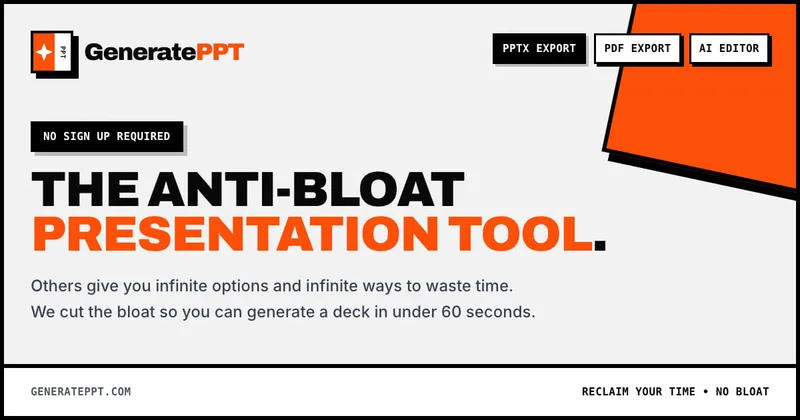
GeneratePPT is an AI-first presentation tool that converts topics, notes, URLs, PDFs, DOCX, and other inputs into clean, professional PowerPoint decks in under 60 seconds, with one-click styling, auto-sourced images, and an AI slide editor called AI Director.

Aipixelart
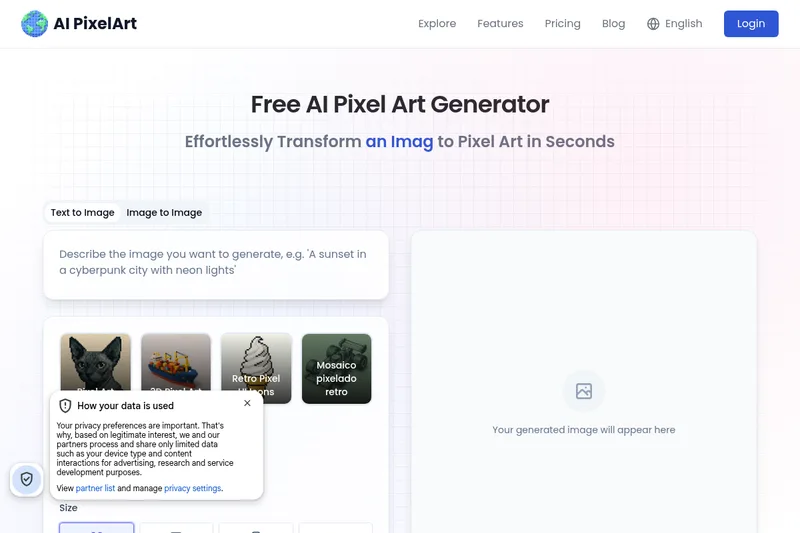
AI PixelArt is a free web-based AI pixel art generator that converts images, text, sketches, PDFs or uploads into pixel-art assets (sprites, avatars, icons, print-ready art) with presets, style controls, and an editor for refinement.
Ailogogenerator
AILogoGenerator is a web-based AI logo maker that generates customized logo designs from text descriptions in about a minute and provides an editor to customize and download high-resolution logo files.
Premium Alternatives


Handtextai
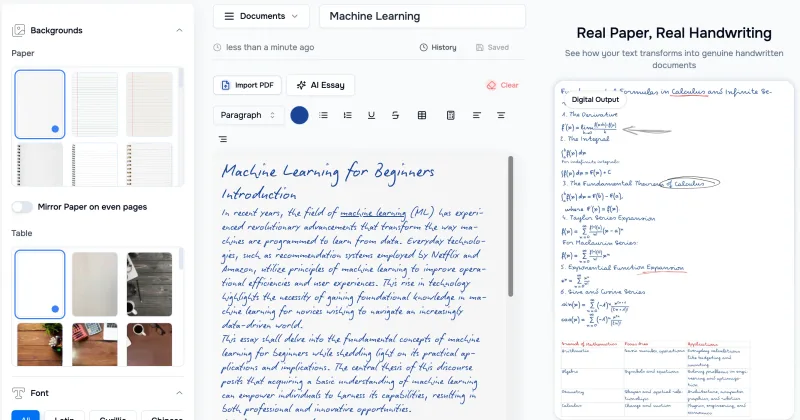
HandtextAI is a web-based handwriting generator that converts typed or imported text into realistic hand-written pages and photo-like notebook scenes, with a web editor and a separate API for print-oriented business workflows.
Stringartgenerator
String Art Generator is a web tool that transforms photos into printable string art patterns using an advanced algorithm, offering customizable complexity, high-resolution exports, and material calculations for hobbyists and professional artists.
AI QR Codes
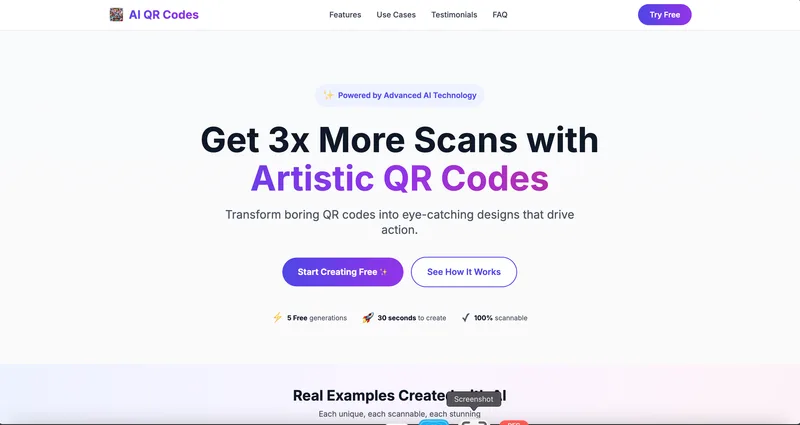
AI QR Codes is a web service that uses AI to generate artistic, brandable, and fully scannable QR codes for marketing, packaging, menus, business cards, events, education, and more.
AI App Icon Generator
AI App Icon Generator is an AI-powered web tool that creates high-quality app icons from text prompts, producing multiple variations per prompt and allowing downloads of generated images.