

AI Ultra Editing by Thumblify
ThumblifyAI is an AI-powered thumbnail generator designed to create professional, eye-catching thumbnails from text prompts, sketches, or personalized training on your face and style, helping creators produce scroll-stopping thumbnails quickly and easily.
AI Ultra Editing by Thumblify is design tools software teams evaluate for image & design. Use this page to review pricing, integration signals, and the best alternatives before you commit.
Used in These Packs
Quick Overview
Best for: Image & Design
What it does
Design Tools software for decision-makers comparing workflow fit and alternatives.
Best fit
Image & Design
Pricing snapshot
Freemium from $9/month billed monthly
Next step
Compare AI Ultra Editing by Thumblify with similar tools before you shortlist it.
Compare this tool before you shortlist it
Review alternatives, pricing posture, and workflow fit side by side.
AI Ultra Editing by Thumblify
ThumblifyAI is a cutting-edge AI thumbnail creation tool that enables content creators to generate professional and engaging thumbnails that drive clicks. It offers multiple ways to create thumbnails including from simple text prompts, sketches, or by training the AI on your face and unique design style. This tool is ideal for YouTubers, video creators, and marketers who want to save time and avoid complex design software while maintaining a consistent and branded visual presence. With features like AI Magic Editing, users can easily tweak and enhance thumbnails to perfection.
Edit Like a Pro
Own this listing?
Claim this page to add pricing, features, screenshots, and verified owner details.
Claim this listingKey Features
Text to Thumbnail
Create thumbnails instantly by typing your idea or video topic, turning simple prompts into professional thumbnails.
AI Face Training
Train the AI on your face using uploaded photos to generate thumbnails featuring you authentically.
Style Training
Train the AI on your unique design style to generate thumbnails that reflect your brand consistently.
Sketch to Thumbnail
Convert rough sketches into polished thumbnails by drawing or uploading sketches and adding prompts.
AI Magic Editing
Enhance thumbnails by tweaking specific areas, replacing objects, or improving details while keeping the rest intact.
Remix (Coming Soon)
Upload existing thumbnails and use AI to remix them into fresh, eye-catching designs with new styles or backgrounds.
StyleMatch (Coming Soon)
Match thumbnails with styles from your YouTube channel or reference thumbnails to maintain consistency.
Privacy
All thumbnail generations remain private to the user.
Pricing
No free trial is explicitly mentioned; users pay for credits or subscribe to monthly plans.
Creator
$9/month billed monthly- 40 AI credits per month
- Access to premium AI models
- AI Text to Thumbnail
- AI Magic Editing
Popular Influencer
$19/month billed monthly- 80 AI credits per month
- All Creator features
- Priority email support
Pro Studio
$39/month billed monthly- 160 AI credits per month
- All Popular Influencer features
- Priority support and live chat
AI Credits
$40 one-time purchase- Use credits anytime, no expiration
- Access all AI features and premium models
- Create thumbnails from text, sketches, or ideas
- Train AI on your face and style
Use Cases
YouTube Content Creators
Generate engaging thumbnails quickly to increase video click-through rates and grow channel audience.
Social Media Marketers
Create consistent branded thumbnails for campaigns without needing advanced design skills.
Thumbnail Designers
Save time on design iterations by using AI to produce high-quality thumbnails with detailed customization.
Influencers and Personal Brands
Train AI on your face and style to maintain a recognizable and authentic visual presence across content.
Integrations
Claim this listing to add integrations.
Benefits
Limitations
Frequently Asked Questions
What is ThumblifyAI?
How does ThumblifyAI work?
Is there a free trial?
Do I need design skills to use ThumblifyAI?
Can I customize the thumbnails?
What formats do the thumbnails come in?
How do I cancel or manage my subscription?
Can I use the thumbnails on other platforms?
Getting Started
- 1 Step 1: Create an account on ThumblifyAI via the website.
- 2 Step 2: Choose your preferred thumbnail creation method: text prompt, sketch upload, or AI training on your face/style.
- 3 Step 3: Generate thumbnails instantly and use AI Magic Editing to customize as needed.
Support
Email support is available for all plans, with priority support for higher tiers.
Live Chat
Available for Pro Studio plan users.
Documentation
FAQ and blog resources are available on the website.
API
No API documentation or mention of API availability is provided.
Not available.
Compare AI Ultra Editing by Thumblify with similar tools
See how it stacks up against alternatives
Related Tools
View all 400 →


PixiEditor
PixiEditor is a universal 2D graphics editor designed for pixel art, raster and vector editing, and frame-by-frame animations, offering a non-destructive node graph system and advanced palette management.
mappedin-com
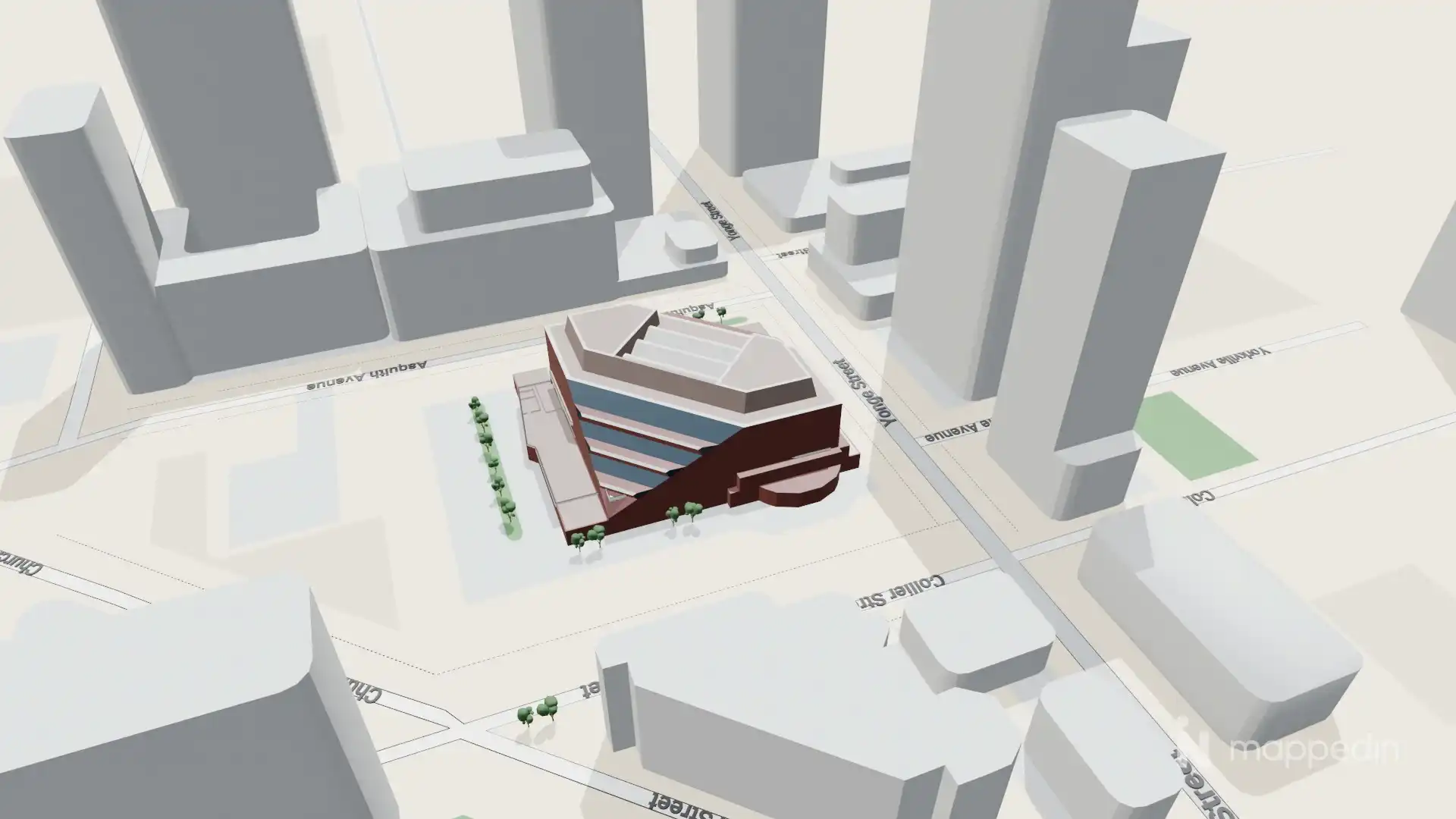
Mappedin is an all-in-one indoor mapping platform that enables users to create, edit, and publish interactive 3D indoor maps quickly using AI and real-time collaboration tools. It serves enterprises across various industries such as airports, events, workplaces, stadiums, and malls.

Snapheadshots
AI headshot generator for business professionals that creates realistic, high-resolution profile photos from a single selfie in 400+ curated styles — marketed as a fast, no-photoshoot alternative for LinkedIn, CVs, team photos, and other professional uses.

Dogtohuman
Dogtohuman is an AI web tool that transforms photos of dogs into realistic human portraits by mapping canine features (ears, eyes, fur patterns) to humanized facial characteristics and offering multiple artistic styles.

Premium Alternatives
Fantasygen
FantasyGen is an AI-powered fantasy map generator and map maker that creates D&D battlemaps, world maps, dungeon maps, city maps, and more instantly from text prompts. It's aimed at game masters, authors, worldbuilders, and game developers who need fast, high-quality maps without drawing skills.

showmemoney
ShowMeMoney is an AI-powered expense tracking app that helps users track payments across cards, accounts, and cash with smart automation and insightful visualizations for smarter spending and saving.

solidus-ai-tech
Solidus AI Tech operates Europe's first eco-friendly HPC data center powered by the deflationary AITECH token, offering scalable AI infrastructure and innovative AI solutions for developers and enterprises.

Getsendster
Sendster (GetSendster) is a self-hosted email marketing and automation platform that combines an AI email writer with deliverability tools, built-in email verification, templates, and support for Amazon SES and other SMTP providers to reduce costs and improve inboxing.

Photostudio
Blockode AI Photo Studio generates custom AI photoshoots by training a studio-specific model from your uploaded selfies, letting you create consistent, high-resolution images via prompts and image-to-image generation.
Flux-kontext
FLUX Kontext is an instruction-based AI image editor that performs targeted, surgical edits specified by natural-language instructions while preserving the rest of the image. It’s designed for creators, designers, and marketers who need precise, iterative image modifications with character consistency and commercial usage rights.
imitate-ai
Imitate AI is a creative design tool that allows users to generate copyright-free images resembling their original reference pictures using AI technology, simplifying the process of sourcing unique visuals.