

mappedin-com
Mappedin is an all-in-one indoor mapping platform that enables users to create, edit, and publish interactive 3D indoor maps quickly using AI and real-time collaboration tools. It serves enterprises across various industries such as airports, events, workplaces, stadiums, and malls.
mappedin-com is image & design software teams evaluate for image & design. Use this page to review pricing, integration signals, and the best alternatives before you commit.
Used in These Packs
Quick Overview
Best for: Image & Design
What it does
Image & Design software for decision-makers comparing workflow fit and alternatives.
Best fit
Image & Design
Pricing snapshot
Freemium from Pricing details available on website
Next step
Compare mappedin-com with similar tools before you shortlist it.
Compare this tool before you shortlist it
Review alternatives, pricing posture, and workflow fit side by side.
mappedin-com
Mappedin is a scalable indoor mapping platform designed to simplify the creation and management of interactive 3D indoor maps. Users can easily upload floor plans or images and leverage AI to build and edit maps quickly. The platform automates indoor navigation, allowing seamless wayfinding experiences. It supports flexible map content enrichment, real-time collaboration, and instant publishing across multiple devices and formats. Mappedin caters to enterprises in airports, events, workplaces, stadiums, and malls, helping optimize indoor experiences and operational efficiency.
Mappedin is an indoor mapping platform with AI tools for creating and sharing maps.
Own this listing?
Claim this page to add pricing, features, screenshots, and verified owner details.
Claim this listingKey Features
AI-Powered Map Building
Upload floor plan files or images and use AI to quickly create and edit indoor maps.
Automated Indoor Navigation
Automatically generate indoor navigation routes with every map created.
Flexible Map Content Management
Add features, labels, and other content to enrich maps and keep them updated.
Instant Map Publishing
Share interactive 3D maps instantly across various formats and devices.
Real-Time Map Collaboration
Invite teams to collaborate simultaneously on map editing (available on Plus and Pro plans).
Room Scan iOS App
Scan physical spaces to capture 3D footprints and convert them into digital floor plans.
Developer SDKs and APIs
Access SDKs, APIs, and open standards like GeoJSON to build custom indoor experiences.
Multiple Export Formats
Export maps to IMDF, PDF, Shapefile, and other formats for diverse use cases.
Pricing
Room Scan iOS app is free to download; detailed pricing for mapping plans available on the Mappedin pricing page.
Plus Plan
Pricing details available on website- Advanced mapping capabilities
- Real-time map collaboration
Pro Plan
Pricing details available on website- All Plus Plan features
- Additional advanced tools and support
Use Cases
Airports
Enhance passenger experience with interactive 3D wayfinding maps integrated with real-time flight data and security wait times.
Events
Provide attendees with easy navigation and venue information through detailed indoor maps.
Workplaces
Optimize office space usage and help employees navigate large facilities efficiently.
Stadiums
Improve visitor experience by offering clear navigation and location-based services inside stadiums.
Malls
Assist shoppers in finding stores and amenities with interactive indoor maps.
First-Response Organizations
Support safety and security needs by providing no-to-low cost indoor mapping for emergency responders and academic institutions.
Integrations
Real-Time Data Integration
Integrate real-time flight data, security wait times, and location data for airports.
Open Source Map Renderers
Compatible with MapLibre, MapBox, Deck.gl, and other open-source mapping tools.
Website Builders and Apps
Works with various website builders and third-party applications for embedding maps.
Benefits
Limitations
Frequently Asked Questions
Can I create indoor maps without existing floor plans?
Does Mappedin support real-time collaboration?
What export formats are supported?
Is there an API available for developers?
Getting Started
- 1 Step 1: Upload your floor plan files or images to the Mappedin platform.
- 2 Step 2: Use AI tools to build and edit your indoor map quickly.
- 3 Step 3: Add features, labels, and enrich your map content as needed.
- 4 Step 4: Publish your interactive 3D map across devices and formats.
- 5 Step 5: Collaborate with your team in real-time if on Plus or Pro plans.
- 6 Step 6: Optionally, use the Room Scan iOS app to scan physical spaces and generate floor plans.
Support
Contact Page
Reach out via the contact page on the Mappedin website for inquiries and support.
Documentation
Developer documentation and resources are available for SDKs and APIs.
API
API documentation and developer resources are available on the Mappedin website.
Not specified in the provided content.
Compare mappedin-com with similar tools
See how it stacks up against alternatives
Related Tools
View all 400 →
Interioraidesigns
Interior AI Designs is an AI-powered tool that instantly redesigns interior and exterior photos, performs virtual staging, and converts sketches/3D renders into photorealistic images. It targets homeowners, real estate professionals, interior designers, architects and creatives looking for fast, affordable visualizations.
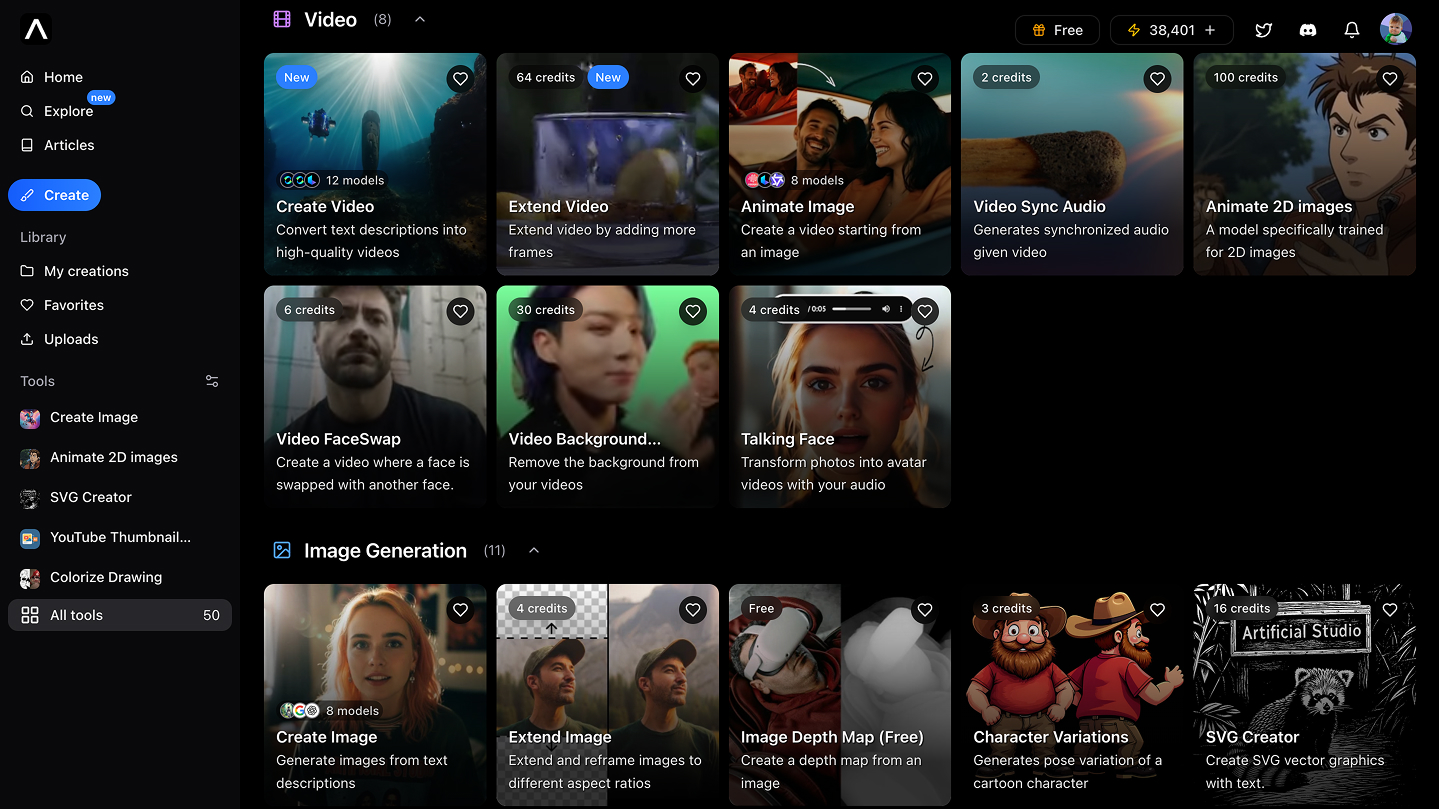
Artificial Studio
Artificial Studio is a comprehensive AI-powered platform offering a wide range of creative tools for video, image, audio, and design generation and editing, enabling users to create, enhance, and transform multimedia content using natural language and AI models.

123kanfang-com
123看房 is a leading Chinese technology provider specializing in online VR house viewing and virtual home decoration, pioneering 3D modeling from panoramic images and defining mainstream real estate viewing technology solutions in China.

Imagetoprompt
Imagetoprompt is a free online tool that analyzes uploaded images with computer vision and natural language processing to generate detailed, AI-ready text prompts and descriptions optimized for creative projects and AI art generation.

Pixexact
PixExact is an AI image generator that creates images at exact pixel dimensions (up to 4096×4096) so you can produce production-ready visuals without cropping or manual resizing. It supports multi-size generation from a single prompt and both text-to-image and image-to-image modes.

Tryonhaul
TryOnHaul AI is a web-based fashion discovery and virtual try-on platform that uses AI to surface trending try-on haul videos, aggregate product reviews, and let users virtually try on clothing by uploading a photo. It serves shoppers, content creators, and e-commerce businesses seeking better product visualization and trend insights.

Cartoonize
Cartoonize (by Colorcinch) is an AI-powered online photo-to-cartoon and image editing tool that converts photos into cartoons, sketches, paintings, and avatars with one click while offering a broader set of photo-editing features like background removal, upscaling, and overlays.

Premium Alternatives

Snapfusion
SnapFusion.AI is a subscription-based service that provides access to AI-generated art, marketed as an easy way to experience the creative power of AI.

Deepwander
Deepwander is an AI-powered companion for personal growth that guides interactive self-reflection to help users explore thoughts, emotions, and behaviors and arrive at clarity and practical next steps.


Aigardenplanner
AI Garden Planner is an AI-powered landscape visualization platform for landscapers that converts photos into client-ready garden designs, videos, and 3D walkthroughs in about 60 seconds, with plant identification and proposal-ready plant lists.

Bunnystudio
Bunny Studio is a platform for professional voice-over, audio, and video production that connects businesses with 13,000+ human creatives for fast, scalable content delivered with transparent pricing and full buyout rights.


Deep-nudes
Deep Nude AI Generator is a web-based adult-oriented suite of AI tools for creating explicit deepfake content: one-click 'undress' image generation, face swap and deep fake videos, interactive NSFW games, and paid voice/sex-call experiences via Telegram.