
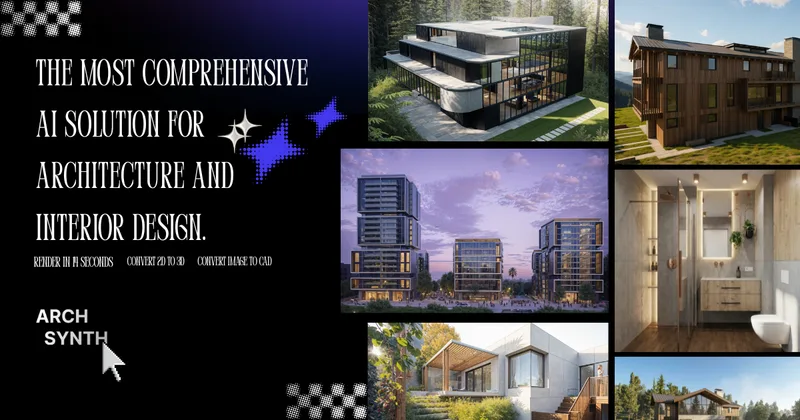
Archsynth
ArchSynth is an AI-powered platform for architecture and interior design that converts sketches and images into polished visuals, CAD files, 3D models and rendering videos in seconds, aimed at speeding design workflows and client presentations.
Archsynth is image & design software teams evaluate for creative & design. Use this page to review pricing, integration signals, and the best alternatives before you commit.
Profile facts come from the vendor source. AiMatch labels unknown pricing or API details instead of estimating them.
Review official source →Used in These Packs
Quick Overview
Best for: Creative & Design
What it does
Image & Design software for decision-makers comparing workflow fit and alternatives.
Best fit
Creative & Design
Pricing snapshot
Freemium from $10 / month
Next step
Compare Archsynth with similar tools before you shortlist it.
Compare this tool before you shortlist it
Review alternatives, pricing posture, and workflow fit side by side.
ArchSynth is presented as an AI-first platform for architecture and interior design that transforms sketches and 2D images into polished renders, CAD files, 3D models and rendering videos in seconds. The site positions the product for architects and design professionals who need faster visualization workflows and highlights claims such as cost savings and high output velocity (examples: 'Quadruple your outputs with Archsynth', 'Starts from $0.016 / generation', '15,698,726+ Renders already created'). The product advertises compatibility with common design tools (SketchUp, Rhino, Revit, 3ds Max) and includes an AI assistant for image analysis to support design decisions and client communication.
ArchSynth is an AI-powered platform for architecture and interior design that converts sketches and images into polished visuals, CAD files, 3D models and rendering videos in seconds, aimed at speeding design workflows and client presentations.
Own this listing?
Claim this page for a one-time $29 to add pricing, features, screenshots, verified owner details, and a clearly labeled 30-day category position after the profile is live.
Claim this listing for $29Key Features
Sketch to Render
Transform hand-drawn sketches and wireframes into polished and realistic digital images for presentations and concept development.
Image to 3D / Image to CAD
Create 3D models from 2D images and generate CAD-compatible outputs for use in tools like SketchUp, Rhino, Revit and 3ds Max (advertised as 'Image to 3D' and 'Image to CAD').
AI Inpainting
Automatically fill in missing or damaged parts of images using AI-powered inpainting technology.
Upscaling
Enhance the resolution and quality of images using advanced upscaling algorithms for better visual clarity.
Text to Image
Convert textual descriptions into visual representations via AI-driven text-to-image synthesis.
Edit with Words
Edit and modify images using simple textual commands and AI-driven image editing capabilities.
Fast Rendering / Image to Video
Speedy image processing and rendering, including generation of rendering videos from inputs.
Background Removal
Remove backgrounds from images using AI algorithms to isolate subjects accurately.
Generate Tileable Textures
Quickly create diverse textures and patterns suitable for materials and surface detailing.
AI Assistant (Image Analysis)
An intelligent built-in assistant that analyzes uploaded images and answers user queries about them.
Intuitive Design
An interface designed for ease of use and to accelerate common architecture and interior design tasks.
Pricing
Archsynth Student
$10 / month- Includes Sketch to Render, Text to Image, Photo enhancing, Interior design, Generative fill, Virtual Staging, AI landscaping, Image to Video, Image to CAD, Generate from moodboards, Maintain colors from Input, Image to 3D, AI assistant (as listed on the comparison table).
Archsynth Pro
$24 / month- Includes the same listed features as Student tier (Sketch to Render, Text to Image, Image to CAD, Image to 3D, AI assistant, etc.) as shown in the plan comparison.
Pay-per-generation
Starts from $0.016 / generation- Per-generation pricing option indicated on the site.
Use Cases
Create 3D models from 2D images
Convert photographs or sketches into detailed 3D architectural models usable in common CAD and 3D modeling applications.
Produce presentation-quality illustrations
Generate polished visuals from sketches to enhance client presentations and save design time.
Rapid concept rendering with style references
Use style references to produce consistent renders for concept development and client pitches.
Generate tileable textures for models
Quickly produce textures and patterns for material finishes in architectural visualizations.
Image analysis and QA
Upload images and query the AI assistant for information or feedback about design elements, materials, or composition.
Integrations
SketchUp
Outputs can be used in SketchUp as claimed on the site.
Rhino
Outputs can be used in Rhino as claimed on the site.
Revit
Outputs can be used in Revit as claimed on the site.
3ds Max
Outputs can be used in 3ds Max as claimed on the site.
Benefits
Limitations
No verified limitations are available.
Frequently Asked Questions
No verified FAQs are available.
Getting Started
- 1 Step 1: Visit the ArchSynth site and sign up for an account (Signup call-to-action present).
- 2 Step 2: Choose a pricing plan (Archsynth Student or Archsynth Pro) or start generating at the stated per-generation rate.
- 3 Step 3: Upload sketches, images or moodboards and use the platform features (Sketch to Render, Image to 3D, AI assistant) to generate outputs.
Support
Contact page
Contact Us link listed in the site footer (visit the site URL to access contact details).
Docs / Resources
Resources and Blog Posts are listed on the site for guidance and examples.
Legal / Policies
Terms and Conditions and Privacy Policy are available from the site footer.
API
Compare Archsynth with similar tools
See how it stacks up against alternatives
Related Tools
View all 386 →

fluxpicture
FluxPicture (Flux AI) is an AI image-generation product by FLUXPicture Labs / Black Forest Labs that turns text prompts into high-resolution images using transformer-based flow models, offering multiple model variants, API access, and subscription credit plans.
Imagetoimageai
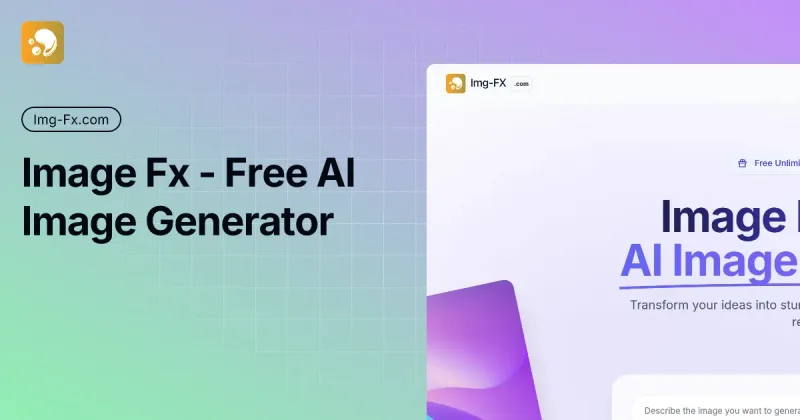
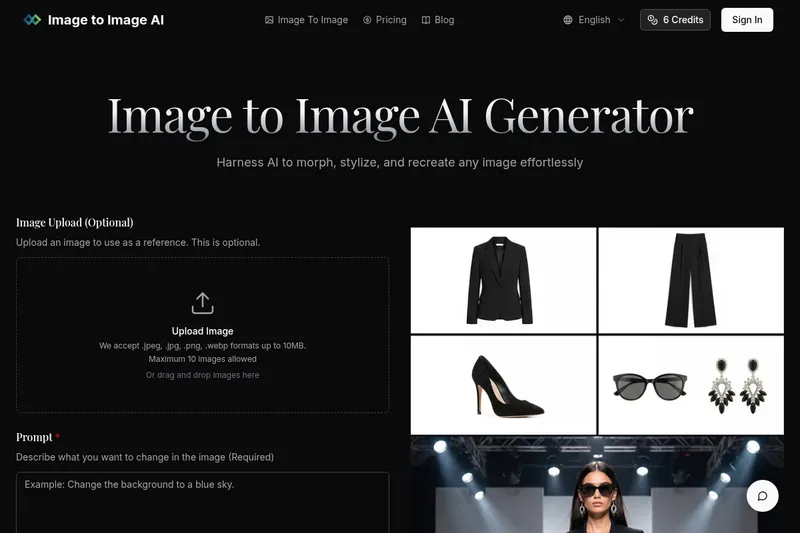
Image to Image AI is a free online image-to-image generator that lets users upload photos and transform, stylize, or recreate them using selectable AI models and adjustable settings.
Visage Technologies
Visage Technologies provides proprietary face-related computer vision SDKs and custom edge AI solutions for face tracking, analysis, recognition, and virtual try-on, serving enterprise and industrial clients with emphasis on low-latency, embedded deployments and AI/functional safety.
Photostudio
Blockode AI Photo Studio is an AI-powered photoshoot generator that trains a custom model from your uploaded selfies to produce stylized, high-resolution AI photoshoots. It targets users who want custom-generated portraits with options for commercial use.
Premium Alternatives


drawingpics
DrawingPics is a native macOS app for Apple Silicon that converts sketches into photorealistic or stylized images in real time using Core ML and the Apple Neural Engine. It runs fully offline, is available as a one-time purchase, and targets creators and small studios.

Image-AI.pro
Image-AI.pro is a professional AI image generation platform powered by the proprietary img-v2 Pro engine, offering studio-quality, multi-style image generation with instant, no-registration access and an optional VIP membership for faster, higher-resolution outputs.
Aiportraitgen
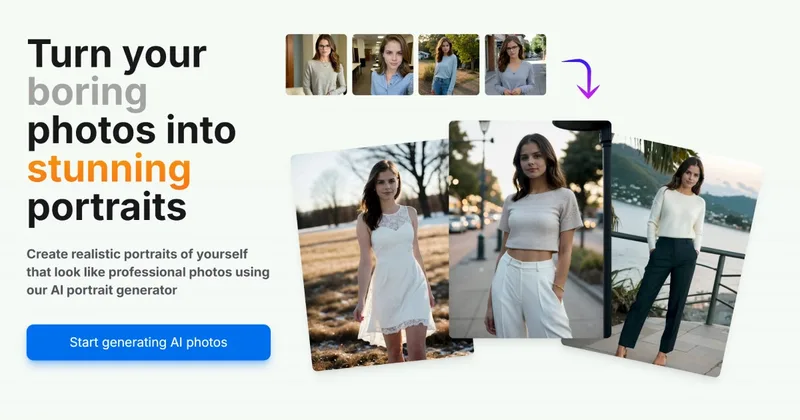
AI Portrait Gen is an online AI portrait generator that creates realistic, high-quality portrait photos from a few user-supplied photos. It offers customizable locations, outfits and styles, pay-as-you-go credits (no subscription), and privacy protections for uploaded images.



imaginebuddy
Imagine Buddy is a web-based library of professionally crafted AI product photoshoot prompts that helps creators and brands generate campaign-ready product imagery using AI image generators like Gemini, ChatGPT/DALL·E, Midjourney, and Stable Diffusion.

Aux Machina
Aux Machina is an AI-powered image creation platform that generates custom, royalty-free visuals and offers upcoming AI-assisted image-editing tools, aimed at creators, marketers, and teams who need quick, high-quality images.