

Censored AI
Censored AI is a browser-based AI image generator for anime, comic, realistic and 3D visuals that supports LoRA style control and fast, high-resolution exports for social, print and merch.
Censored AI is image & design software teams evaluate for creative & design. Use this page to review pricing, integration signals, and the best alternatives before you commit.
Profile facts come from the vendor source. AiMatch labels unknown pricing or API details instead of estimating them.
Review official source →Used in These Packs
Quick Overview
Best for: Creative & Design
What it does
Image & Design software for decision-makers comparing workflow fit and alternatives.
Best fit
Creative & Design
Pricing snapshot
Paid from $4.99
Next step
Compare Censored AI with similar tools before you shortlist it.
Compare this tool before you shortlist it
Review alternatives, pricing posture, and workflow fit side by side.
Censored AI is a browser-based AI art generator that produces anime, comic, realistic and 3D visuals within seconds. The product emphasizes fast generation, LoRA (style) control for consistent characters and styles, and the ability to export high-resolution images suitable for social, print and merchandising. Users operate in-browser with no downloads, can refine prompts, attach LoRAs and perform image-to-image edits before exporting.
AI generator for creating custom artwork in various styles.
Own this listing?
Claim this page for a one-time $29 to add pricing, features, screenshots, verified owner details, and a clearly labeled 30-day category position after the profile is live.
Claim this listing for $29Key Features
Flux text-to-image
Text-to-image generation engine (Flux) supporting all ratios; listed as the primary T2I model.
Kontext image-to-image
Image-to-image model (Kontext) for transforming or refining images.
LoRA style control
Support for attaching up to 2 LoRAs to guide style and keep characters consistent across images.
Background removal & transparent PNGs
Background removal available as an output option producing transparent PNGs.
Dress Up (inpainting)
Inpainting/editing capability (referred to as Dress Up) for targeted modifications.
High-resolution export
Export clean, high-res images optimized for social, print and merch.
Browser-based, no downloads
Service runs in the browser with no downloads required.
Credit-based payments
Pay-as-you-go credit packs for usage with stated credit costs per operation.
Pricing
Starter Pack
$4.99- One-time purchase
- Includes 260 credits
- Flux text-to-image (all ratios), Kontext i2i, LoRA support (attach up to 2), background removal & transparent PNGs
Creator Pack
$19.99- One-time purchase
- Includes 1200 credits
- Everything in Starter plus higher queue priority (good for batches & merch)
Use Cases
Anime & Comic art production
Generate bold, stylised anime and comic panels, characters and posters with distinct line and colour styles.
Realistic & 3D renders
Produce cinematic portraits, product renders and environment imagery with crisp detail.
Character concepts and backgrounds
Create character concepts and background designs for games, stories or illustration workflows.
T-shirt & merch design
Create merch-ready graphics and stylised vectors for apparel and print-on-demand merchandise.
Integrations
Google (authentication)
Option to continue with Google for account creation/login ('Continue with Google').
Payment providers / major cards
Secure payments accepted via major cards and trusted providers for purchasing credit packs.
Benefits
Limitations
Frequently Asked Questions
What styles can I generate?
Do you support LoRAs?
How quickly can I create images?
Can I use outputs commercially?
Getting Started
- 1 Step 1: Create an account or continue with Google ("Continue with Google / Start Free").
- 2 Step 2: Compose prompts, choose a style (anime, comic, realistic, 3D or toon) and attach up to 2 LoRAs to guide results.
- 3 Step 3: Generate images, refine prompts or use image-to-image/inpainting tools, then export high-resolution images; purchase credit packs when needed.
Support
Contact support at [email protected]
docs/faq
Help section and Frequently Asked Questions available on the site.
legal
Terms & Conditions and Privacy Policy pages linked from the site for policy and licensing questions.
API
Compare Censored AI with similar tools
See how it stacks up against alternatives
Related Tools
View all 379 →

Aiportraitgen
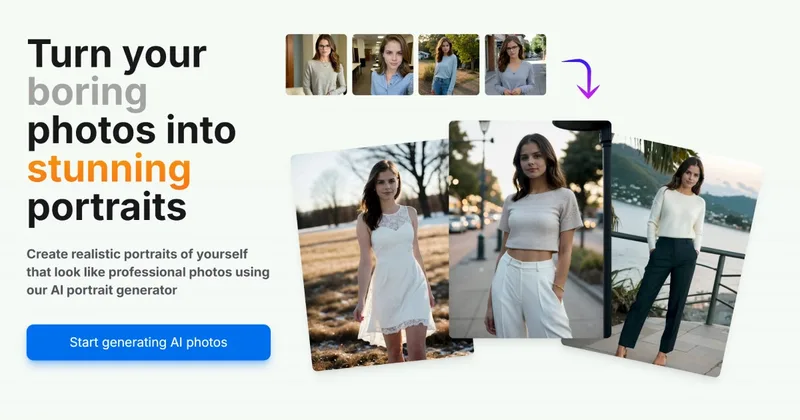
AI Portrait Gen is an online AI portrait generator that creates realistic, high-quality portrait photos from a few user-supplied photos. It offers customizable locations, outfits and styles, pay-as-you-go credits (no subscription), and privacy protections for uploaded images.
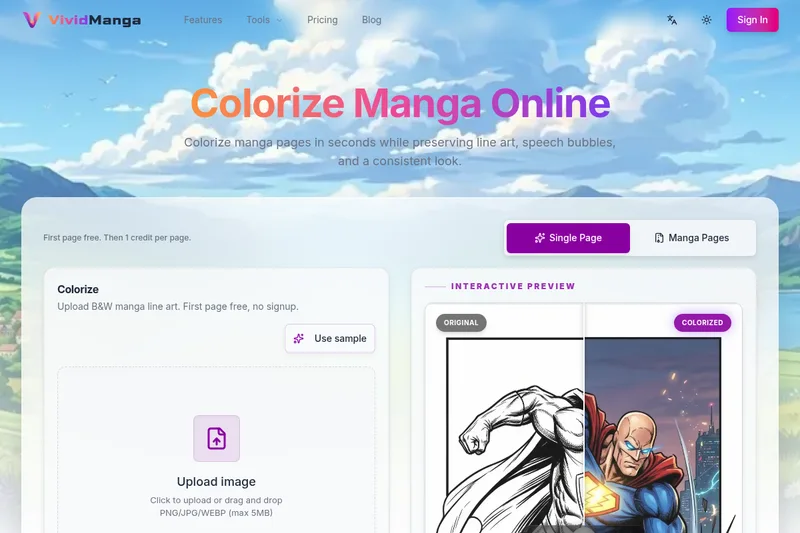
Vividmanga
VividManga is a web-based AI manga colorizer that converts black-and-white manga pages, panels, and line art into color while preserving line art, speech bubbles, and character consistency. It supports single-page tests and batch workflows (ZIP/CBZ) for creators, archivists, and content producers.
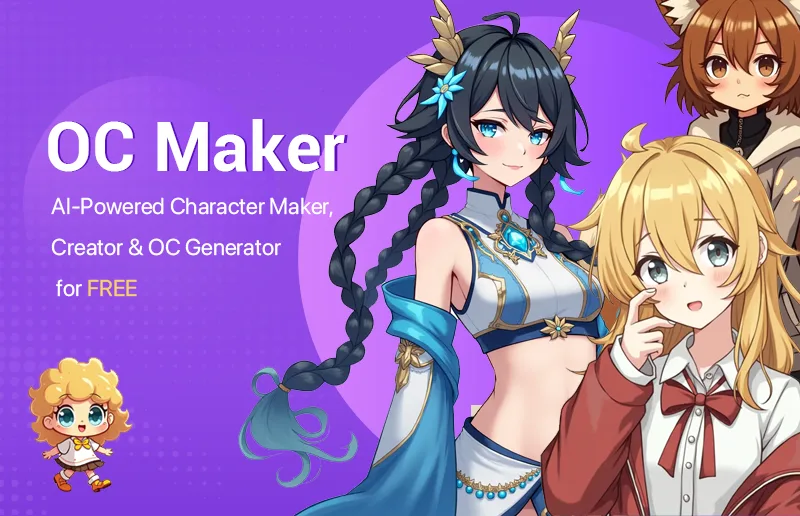
OC Maker
OC Maker is an AI-powered web app for designing, customizing, animating, and chatting with original characters (OCs). It provides text-to-image and image-to-image generation, AI animation to MP4, character chat, and several creator-focused generators and editors — available with a free tier and paid credit-based subscriptions.
Budget-Friendly Alternatives

Pixian
Pixian.AI is a web and API service that removes image backgrounds using a custom AI model, offering a free tier for small images and paid processing for high-resolution images. It targets both casual users and developers with drag-and-drop web tools, an API, and features like face stickers and multiple output options.
Scenario
Scenario is a creative AI infrastructure platform for production-grade generation of image, video, audio, and 3D assets. It provides model training on brand assets, a library of hundreds of models, visual workflow builders, reusable apps, and an API-first architecture for teams and enterprises.


grok-ai-image-generator-2-0
Grok AI Image Generator (Grok 2.0) is a web-based text-to-image AI tool that generates high-quality images using Flux.1 family models (Flux.1 Pro, Flux.1 Dev, Flux.1 Schnell) and includes an editor, download/sharing, and plans for developers and professionals.

Colorchanger
ColorChanger is an AI-powered online image color editor that lets users replace colors in photos — including hair and clothing — with professional precision via a simple upload-and-generate workflow.

ImageCombiner
ImageCombiner is a web-based AI image combiner that merges two photos into a single natural-looking image using generative AI, with ready-made templates (Couple Photo, Virtual Try-On, Product in Scene, etc.), free trial credits, and paid plans for higher-volume use.