Usepixora
Pixora is an AI product photography studio that transforms raw product photos into polished, commerce-ready visuals using curated presets and an automated vision engine designed for e-commerce brands, agencies, and photo studios.
Usepixora is image & design software teams evaluate for creative & design. Use this page to review pricing, integration signals, and the best alternatives before you commit.
Profile facts come from the vendor source. AiMatch labels unknown pricing or API details instead of estimating them.
Review official source →Used in These Packs
Quick Overview
Best for: Creative & Design
What it does
Image & Design software for decision-makers comparing workflow fit and alternatives.
Best fit
Creative & Design
Pricing snapshot
Free from Free (100 free credits to start)
Next step
Compare Usepixora with similar tools before you shortlist it.
Compare this tool before you shortlist it
Review alternatives, pricing posture, and workflow fit side by side.
Pixora is an AI Product Studio for modern brands that converts raw product shots into polished, sales-driving visuals using curated, commerce-ready presets and an automated vision engine. The service emphasizes a prompt-free workflow where users pick presets, upload product photos, and let the system analyze material, geometry, and context to generate editorial-quality images. Pixora is positioned for e-commerce founders, agencies, and photo studios seeking to replace costly photoshoots with rapid, scalable image generation.
Pixora is an AI product photography studio that transforms raw product photos into polished, commerce-ready visuals using curated presets and an automated vision engine designed for e-commerce brands, agencies, and photo studios.
Own this listing?
Claim this page for a one-time $29 to add pricing, features, screenshots, verified owner details, and a clearly labeled 30-day category position after the profile is live.
Claim this listing for $29Key Features
Intelligent Analysis (Vision Engine)
The vision engine analyzes product photos and acts like a creative director to build a physically accurate environment around the product.
Material & Geometry Awareness
AI identifies materials (e.g., matte leather, refractive glass, brushed metal) and simulates realistic light interactions and shadows.
Adaptive Studio Lighting
Constructs a bespoke lighting setup that respects the product's original contours and elevates mood to editorial quality.
Contextual Relevance
Suggests and generates surroundings appropriate to the product (e.g., placing a rugged boot on gravel rather than silk) to reinforce storytelling.
Curated Preset Library
Browse curated presets for apparel, cosmetics, collectibles, and more — no prompt writing required.
Fast Workflow
Three-step workflow: pick a preset, upload & customize, then generate & download campaign-ready visuals in seconds.
Before/After Previews
Preset gallery and before/after examples to preview how uploaded images will be transformed by selected presets.
Pricing
Start creating with 100 free credits — no card required.
Free
Free (100 free credits to start)- 100 free credits to test presets
- Instant signup without a card
Pixora Pro
$9.90 / month- 2000 fresh credits every month
- Full access to all current and future presets
Use Cases
E-commerce product imagery
Generate consistent, commercial-grade product photos to boost conversions and reduce returns with accurate product representation.
Agency creative campaigns
Produce endless variations for A/B testing and ad creative without reshooting, enabling agencies to scale creative output.
Photo studio upsell and extension
Photo studios can extend services by providing AI-generated background variations and additional deliverables to clients.
Integrations
No verified integration details are available.
Benefits
Limitations
Frequently Asked Questions
What is Pixora?
Is there a support team if I get stuck?
Do I need an account to try it?
How do Pixora credits work?
How do I cancel my subscription?
Can I get a refund?
Getting Started
- 1 Create a free account (signup is instant and doesn’t require a card).
- 2 Pick a preset from the curated library for your product category.
- 3 Upload your product photos and adjust optional fields to guide the AI.
- 4 Generate, review, download, and share your ready-to-use visuals.
Support
Email [email protected] for support; the Pixora team responds as soon as possible.
docs
Resource library and guides available on the site (Resource library, guides, and decision/consideration content listed in the footer).
customer portal
Billing and subscription management via the customer portal provided by the payment provider.
API
Compare Usepixora with similar tools
See how it stacks up against alternatives
Related Tools
View all 386 →

GPT Image 2.5
GPT Image 2.5 is a prompt-based image generation and editing workspace offering two model modes—Flare for fast creative exploration and Sunburst for detail-focused edits—designed for product visuals, portraits, campaigns, and other content creation workflows.
Prophotos
ProPhotos is a commercial AI-powered headshot generator that creates photorealistic, industry-specific professional headshots from user-uploaded photos, aimed at individuals and enterprises wanting quick, production-ready portraits for LinkedIn, resumes, and corporate use.

Aiheadshotmasters
AI Headshot Masters provides AI-generated, studio-quality professional headshots for individuals and teams, producing dozens of polished portraits from user-supplied selfies in minutes without a traditional photoshoot.

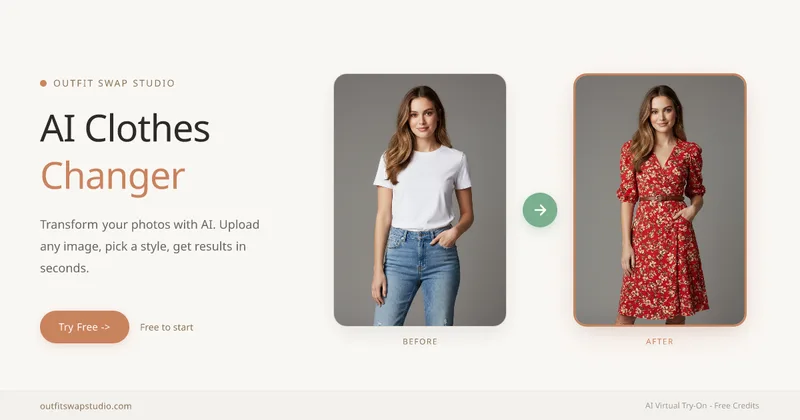
OutfitSwapStudio
OutfitSwapStudio is a browser-based suite of four AI clothing tools for restyling photos, previewing garments, copying looks from reference images, and changing garment colors. Users can start with 10 free credits and pay only for successful results.

Actionfiguregenerator
Action Figure Generator is a web-based AI tool that transforms user photos into collectible-style action figure images with custom packaging, accessories, and themes using generative AI.
Premium Alternatives

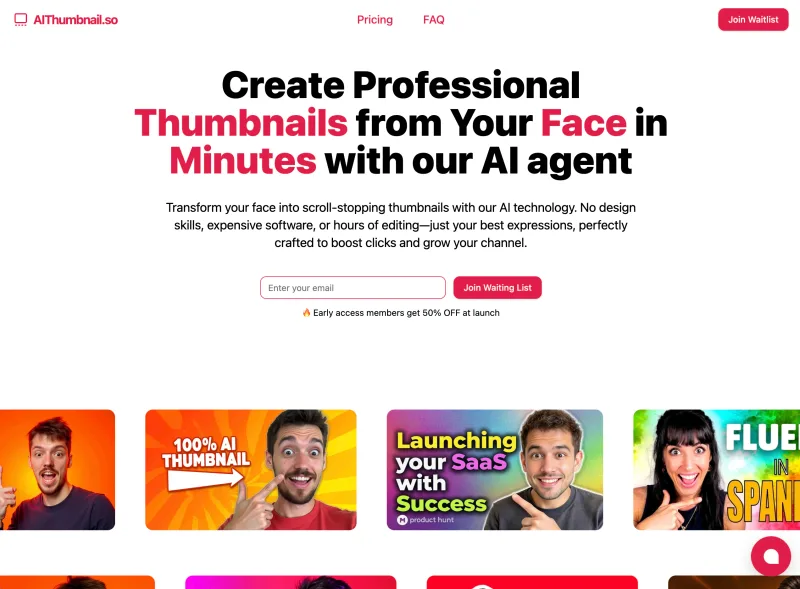
Aithumbnail
AIThumbnail.so is an AI-powered thumbnail maker for YouTube and creators that generates high-converting thumbnails in under a minute, offering features like Replica Mode, one-photo face integration, and AI smart suggestions to boost CTR and views.
Photostudio
Blockode AI Photo Studio is an AI-powered photoshoot generator that trains a custom model from your uploaded selfies to produce stylized, high-resolution AI photoshoots. It targets users who want custom-generated portraits with options for commercial use.
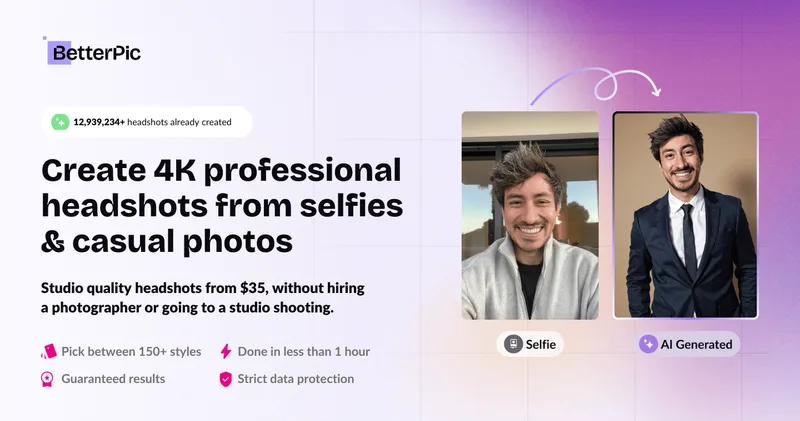
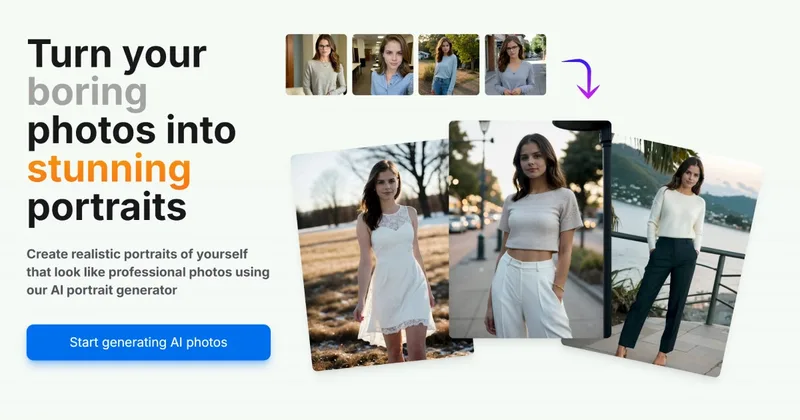
Aiportraitgen
AI Portrait Gen is an online AI portrait generator that creates realistic, high-quality portrait photos from a few user-supplied photos. It offers customizable locations, outfits and styles, pay-as-you-go credits (no subscription), and privacy protections for uploaded images.